RAM Timings Explained
CL16 vs CL18, 3600 vs 3200 — RAM listings read like algebra, and shoppers either overpay for numbers that do not matter or bottleneck a fast CPU with slow memory. This guide explains what timings actually measure and which numbers deserve your money.
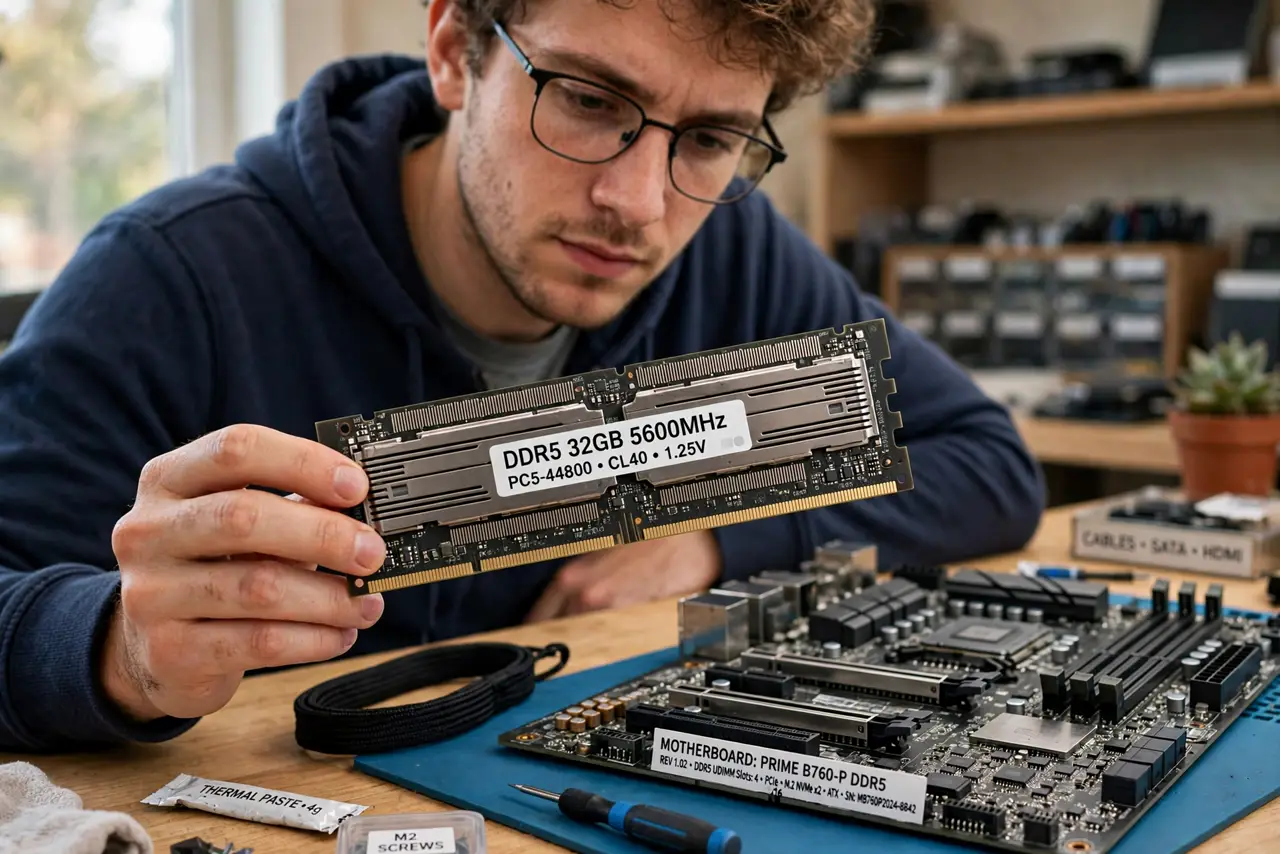
TL;DR / Quick Fix
Quick fix: RAM timings like CL16 measure delay in clock cycles — lower is faster, but only compared at the same speed. DDR4-3600 CL16 beats DDR4-3200 CL16, while CL16 vs CL18 at the same speed is a tiny real-world difference. Buy the speed first, then the tighter timing.
Follow these steps
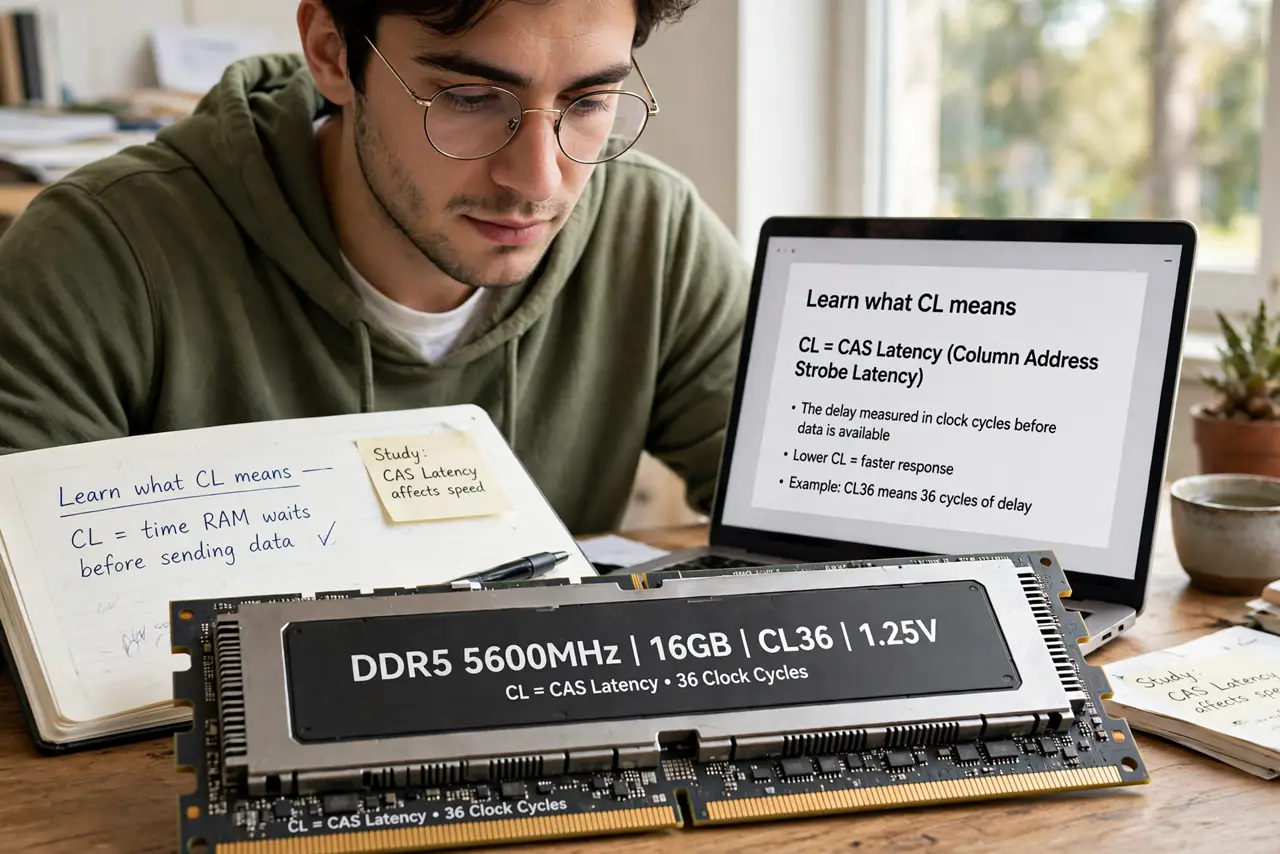
- Learn what CL means. CAS Latency (CL) is the delay, in clock cycles, before RAM delivers data. Lower CL means snappier response — but only meaningful at the same clock speed.
- Speed first, timings second. DDR4-3600 CL18 usually beats DDR4-3200 CL16 in real work — the higher clock moves more data per second. Shop by speed first, then pick tighter timings within that speed.
- Know when timings matter most. CPU-bound tasks and some games (especially Ryzen builds) respond to tighter timings. GPU-bound gaming and office work barely notice CL16 vs CL18.
- Read the full timing string. Beyond CL, the string (16-18-18-38) lists sub-timings. For most buyers CL alone suffices — enthusiasts tune the rest for the last few percent.
- Match your motherboard's support. Check the board's QVL (qualified vendor list) for tested speeds. RAM faster than the board supports downclocks — paying for speed you cannot use.
- Do not mix wildly different sticks. Mixed speeds run at the slowest stick's pace, and mixed timings can cause instability. Matched kits exist for a reason — and the same 'matched matters' logic applies to SSD cache choices for storage speed.
What NOT to do
- Do not pay double for CL14 over CL16 at the same speed. The real-world gain is tiny outside benchmarks.
- Do not ignore the speed entirely to chase timings. Slow RAM with tight timings still loses to fast RAM with loose ones.
- Do not enable XMP and forget to verify. Check that the BIOS actually applied the rated speed — some boards need a manual nudge.
- Do not mix old and new RAM casually. Instability from mismatched sticks wastes more time than the upgrade saves.
Frequently asked questions
Is DDR5 worth it over DDR4?
For new builds, usually yes — the platform is the future. For existing DDR4 systems, the upgrade rarely justifies a new motherboard.
How much RAM do I need?
16GB for general use and gaming, 32GB for heavy creative work. Timings matter less than having enough capacity.
What is XMP/EXPO?
Factory overclock profiles stored on the RAM. Enable the profile in BIOS to actually run at the advertised speed.