Enable XMP for Full RAM Speed
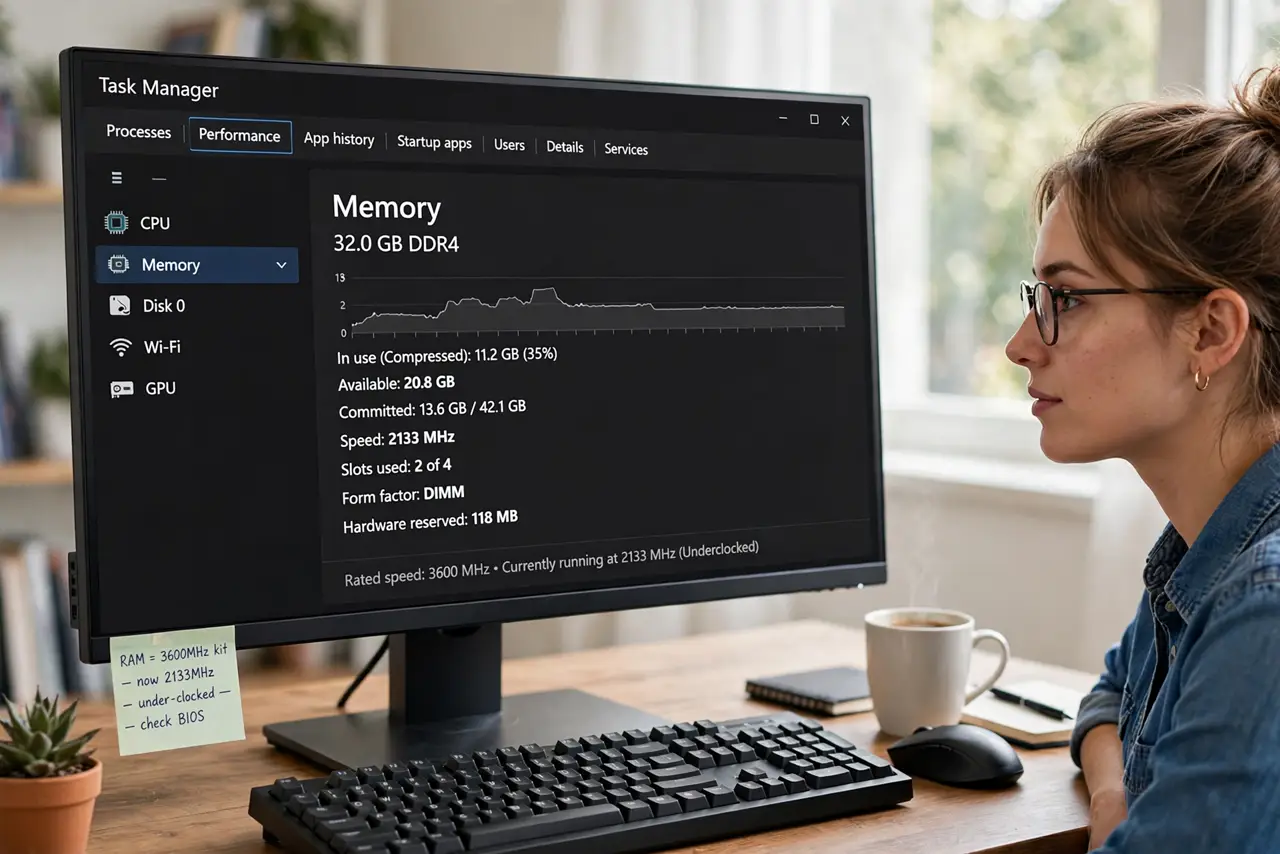
You bought fast 3600 MHz RAM, but the system reports 2133 MHz — the RAM is napping. Memory ships at a safe slow speed; the advertised speed hides behind a one-click profile called XMP (or EXPO on AMD). Enabling it takes a minute in the BIOS and is the most overlooked free performance on any PC.
TL;DR / Quick Fix
Quick fix: enter BIOS, find the memory overclocking section, and enable the XMP (Intel) or EXPO (AMD) profile — click sets the advertised speed. Save and exit, then confirm the speed in Task Manager. If the PC will not boot after, the kit and board disagree — disable it again.
Follow these steps
- Confirm the RAM is underclocked. Task Manager > Performance > Memory shows the current speed. If it reads far below the kit's rating, XMP/EXPO is off.
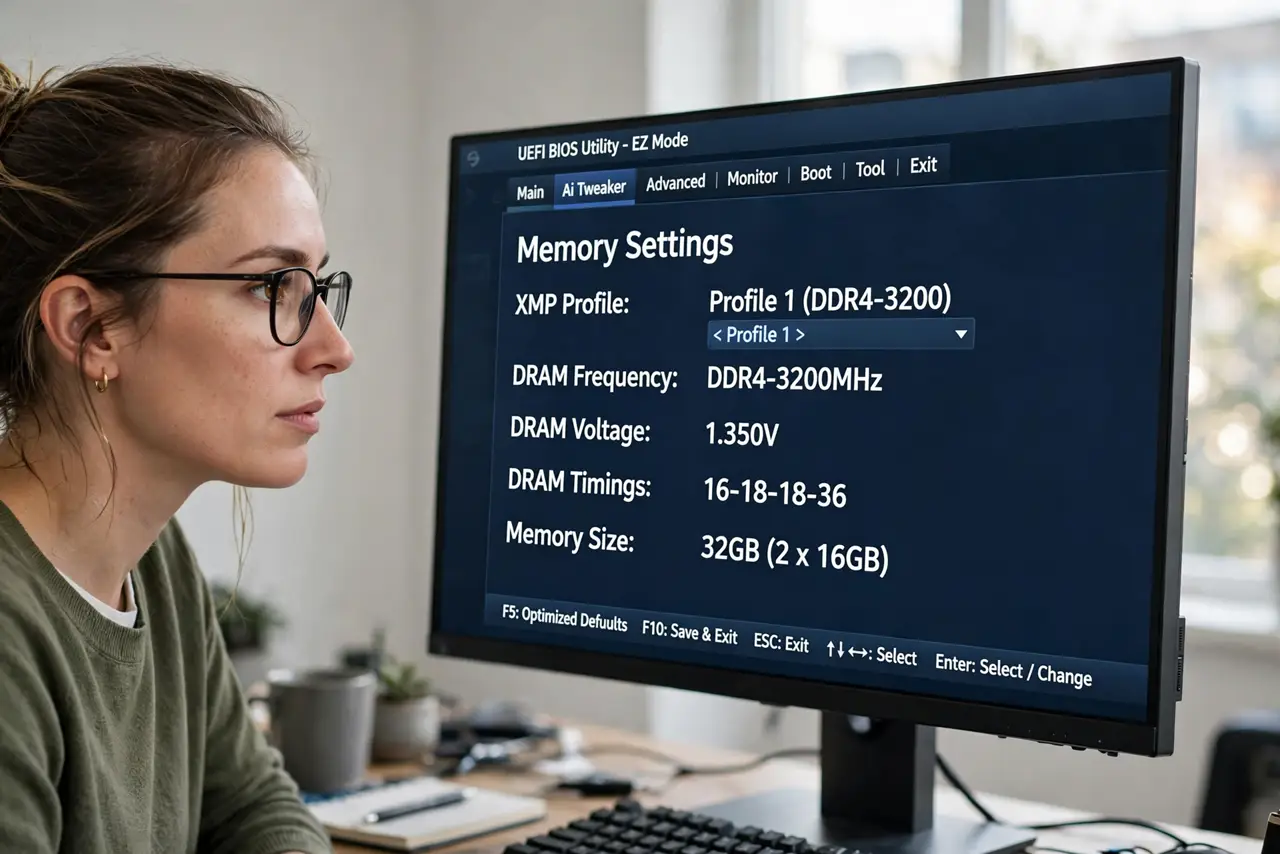
- Enter BIOS and find the profile. Look for XMP (Intel) or EXPO (AMD) under overclocking, AI Tweaker, or memory settings. It is usually one prominent toggle.
- Enable the profile. Select Profile 1. The BIOS fills in speed, timings, and voltage automatically — that is the entire point of the profile.
- Save and boot. Save & Exit, let Windows load, and recheck Task Manager. The speed should now match the kit's rating.
- Stress-test briefly. Run the PC normally for a day. Rare kit/board combos are unstable at XMP — crashes mean this kit needs manual tuning or stock speeds.
- Know it is technically overclocking. XMP runs the RAM beyond the official spec — which is why it is off by default. For nearly all kits it is perfectly safe.
What NOT to do
- Do not enable XMP and blame the RAM if the PC was already unstable. Fix instability first at stock speeds.
- Do not mix RAM kits and expect XMP to work. Mixed kits often refuse the profile — matched kits only.
- Do not manually type in timings from forums. The profile knows your kit; random numbers cause no-boot scares.
- Do not fear XMP over warranty worries. It is standard practice; enable without guilt.
Frequently asked questions
Is XMP safe?
Yes for all practical purposes — it is the manufacturer's own tested profile for your kit. Instability is rare and fixed by disabling it.
Why is XMP off by default?
Because the official memory spec is the slow speed; anything faster is technically overclocking, so boards default to guaranteed-stable.
XMP vs EXPO — which do I use?
XMP on Intel boards, EXPO on AMD boards. Some boards show both; pick the one matching your platform.