Ransomware Basics
Ransomware headlines sound like movie plots — hackers locking entire hospitals and demanding millions. For regular people the mechanics are simpler and the defense is too: it is malicious software that encrypts your files and demands payment for the key. Understanding the basics takes the fear out and leaves the useful habits. Here is the plain version.
TL;DR / Quick Fix
Quick fix: ransomware encrypts your files and demands payment — never pay, since payment rarely restores files and marks you as a payer. Your defense is backups kept disconnected from the computer, plus updated software and caution with email attachments. Backups make ransomware an annoyance instead of a disaster.
Follow these steps
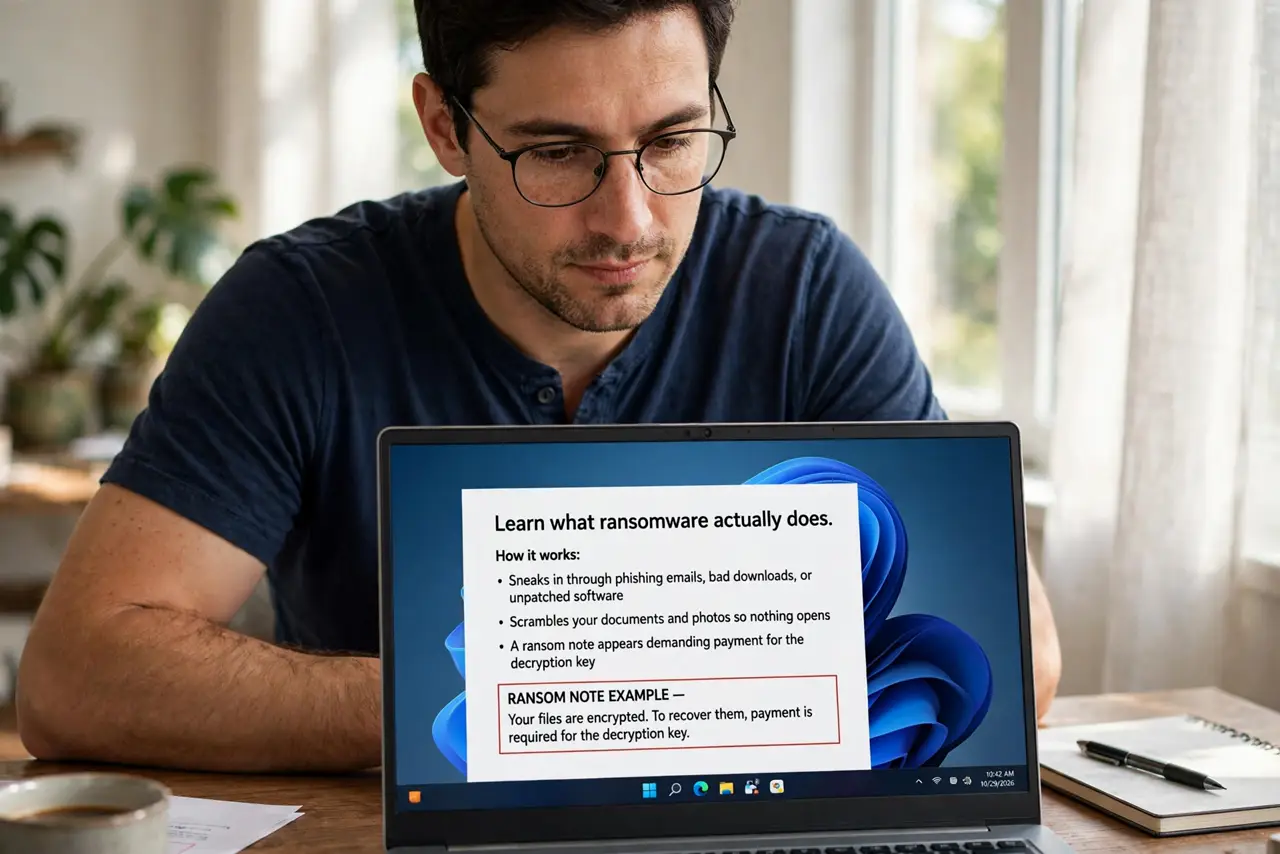
- Learn what ransomware actually does. It sneaks in through phishing emails, bad downloads, or unpatched software, then scrambles your documents and photos so nothing opens. A ransom note appears demanding payment for the decryption key.
- Never pay the ransom. Payment funds criminals, rarely returns all your files, and can paint a target on you for a second attack. Law enforcement and every security expert agree on this one — see the honest pay or not debate.
- Keep backups that ransomware cannot reach. An external drive that stays unplugged, or cloud backups with version history, survive an attack. A backup that is always connected gets encrypted too — disconnected is the whole point.
- Update your software promptly. Many ransomware strains exploit known holes that patches already closed. Automatic updates on your operating system and browser are free protection.
- Treat unexpected attachments as hostile. The classic entry is a booby-trapped email attachment or link. If you were not expecting the file, do not open it — verify with the sender through another channel first.
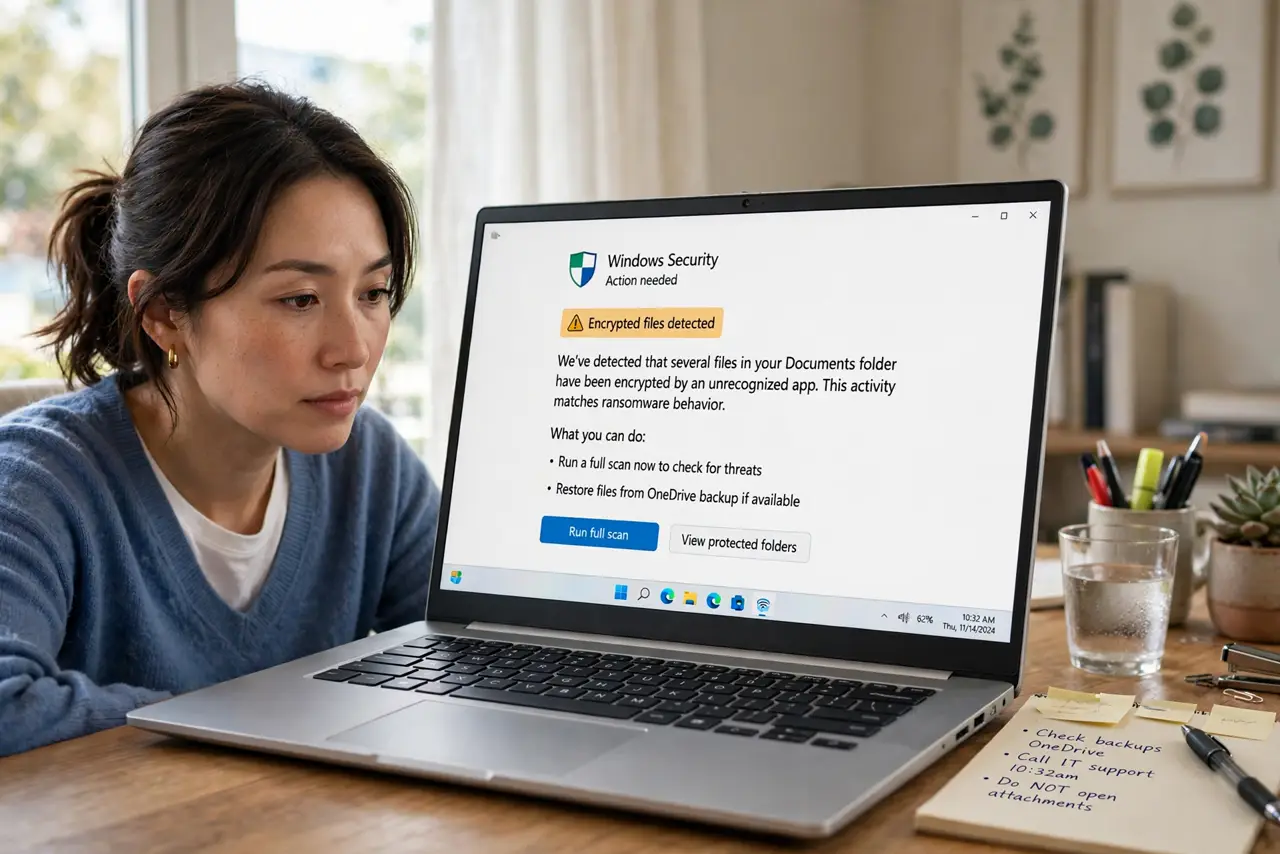
- Learn the early warning signs. Files suddenly not opening, renamed extensions everywhere, or a ransom note on the desktop are the early warning signs: disconnect from the internet before it spreads to shared drives.
What NOT to do
- Do not pay the ransom hoping for the best. Decryption keys often fail or never arrive, and you fund the next attack.
- Do not keep your only backup plugged in. Ransomware encrypts connected drives first — an always-attached backup is not a backup.
- Do not open unexpected attachments, even from people you know. Compromised accounts send malware to their whole contact list.
- Do not assume antivirus alone saves you. It helps, but backups and updates are the defenses that actually survive a real attack.
Frequently asked questions
Can ransomware infect phones?
Rarely in this file-encrypting form — it mostly targets computers. Phone threats are usually lock-screen scams, which a restart and update fix.
How do I know if I have ransomware?
Documents that will not open, strange new file extensions, and a ransom note are the classic trio. Disconnect from Wi-Fi immediately if you see them.
Is it safe to turn the computer back on?
If files are encrypted, power it down and get help before reconnecting it to the network — it can spread to other devices on your Wi-Fi.