Spot Ransomware Early
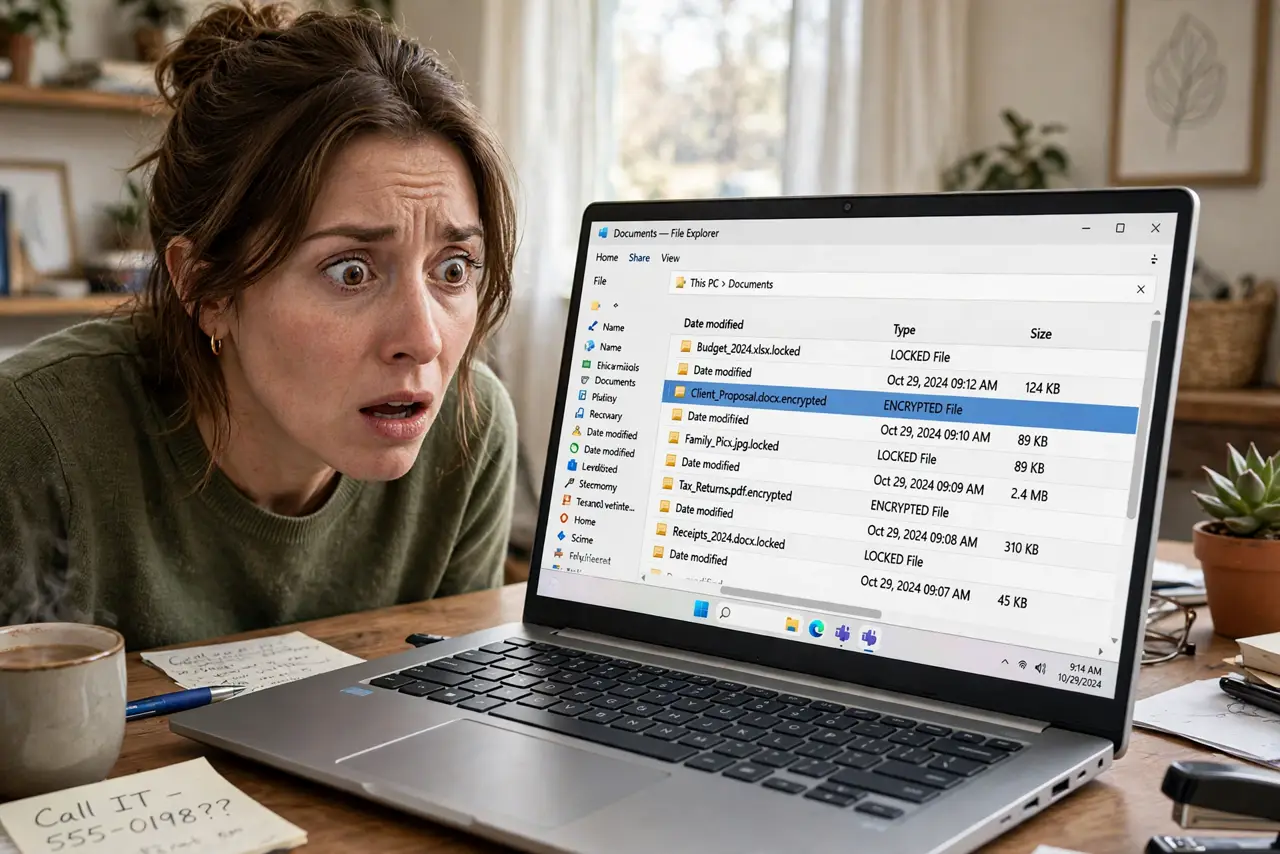
Your documents suddenly have strange extensions, a text file demanding payment appeared on the desktop, and programs won't open. That's ransomware encrypting your files — and the first hour decides how bad it gets. Disconnect fast, don't pay in panic, and check your backups before anything else.
TL;DR / Quick Fix
Quick fix: if files suddenly have strange extensions and ransom notes appear, disconnect the computer from the network immediately — unplug Ethernet or turn off Wi-Fi. Don't pay yet: check whether you have clean backups first. Then scan with reputable security software and get professional help before reconnecting.
Follow these steps
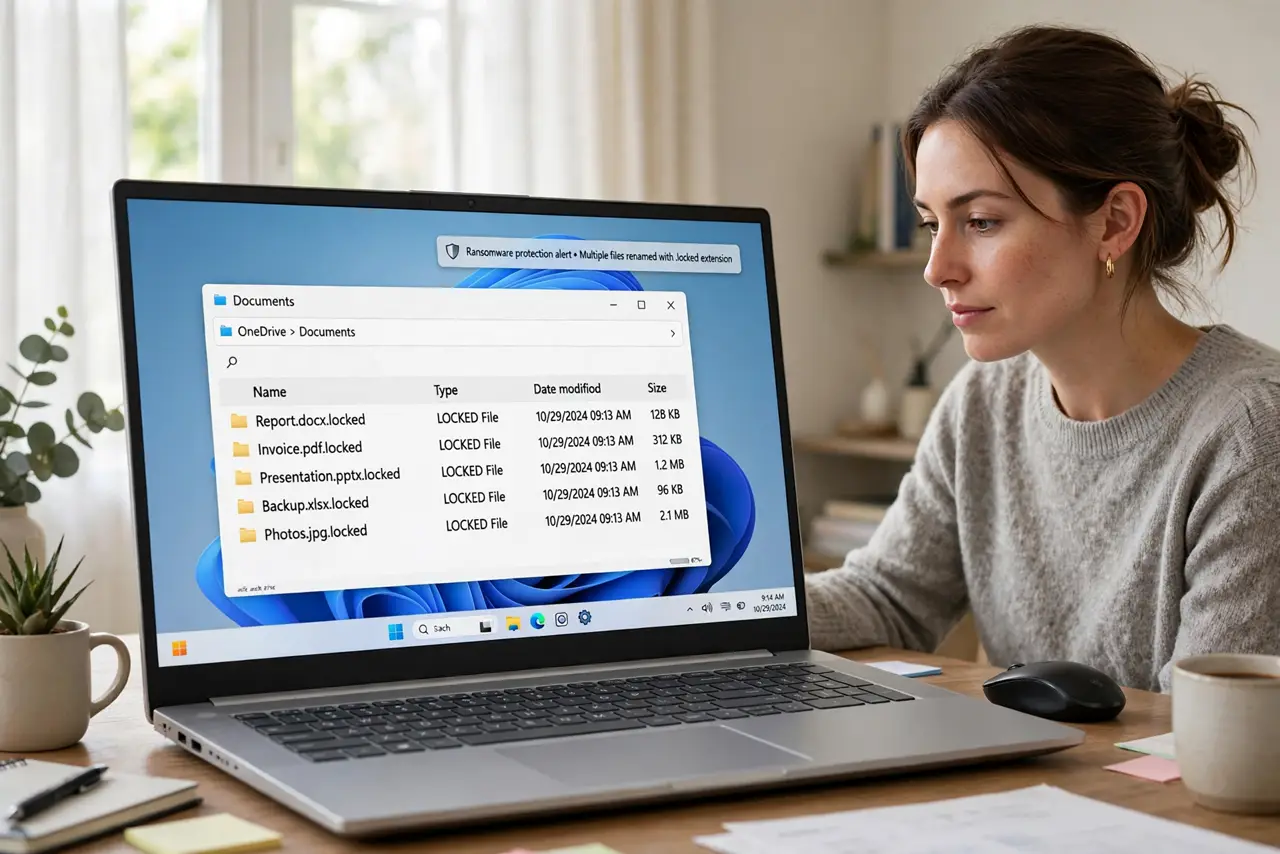
- Recognize the signs immediately. Files renamed with odd extensions, ransom notes on the desktop, and apps refusing to open their own files — together, that's ransomware, not a glitch. Speed of recognition is everything.
- Disconnect from the network right now. Unplug Ethernet or turn off Wi-Fi instantly. Ransomware spreads to other devices on your network — isolating the machine protects everything else you own.
- Don't pay in panic — check backups first. Paying is a gamble with criminals, and it doesn't always return your files — see the pay-or-not breakdown. Check whether you have clean, disconnected backups before even considering it.
- Photograph the ransom note, then power down. Snap a photo of the note for identification — security folks use it to name the strain. Then shut the machine down to stop further encryption.
- Scan from clean media with reputable tools. Use a known-good rescue disk or a second clean machine with reputable security software to scan. Don't trust the infected system's own antivirus to judge itself — check the scan types to pick the right one.
- Restore from backup and rebuild carefully. Wipe and restore from a backup made before the infection. Then patch everything, change passwords from a clean device, and set up automatic backups so next time is a nuisance, not a disaster.
What NOT to do
- Do not pay the ransom as a first move. Payment funds criminals, often fails to return files, and marks you as someone who pays.
- Do not keep the infected machine on the network while you think. Every minute connected risks your other devices and shared drives.
- Do not delete the ransom note immediately. It's evidence that identifies the strain — some strains have free decryptors, and the note is how experts tell.
- Do not download 'decryptor tools' from forums. Fake decryptors are themselves malware — only use tools from established security organizations.
Frequently asked questions
Can my files be recovered without paying?
Sometimes — from clean backups, or with free decryptors for known strains. Without either, recovery is unlikely, which is why backups matter more than anything.
How did ransomware get in?
Usually phishing emails, malicious downloads, or unpatched software. The entry point matters less right now than containment — investigate after you're safe.
Will antivirus have stopped it?
Good antivirus stops many strains, but not all. No single tool is perfect — backups are the real safety net.
What to read next
- Should You Pay Ransomware?
- Windows Defender Scan Types