'Refund Department' Calls? Fake
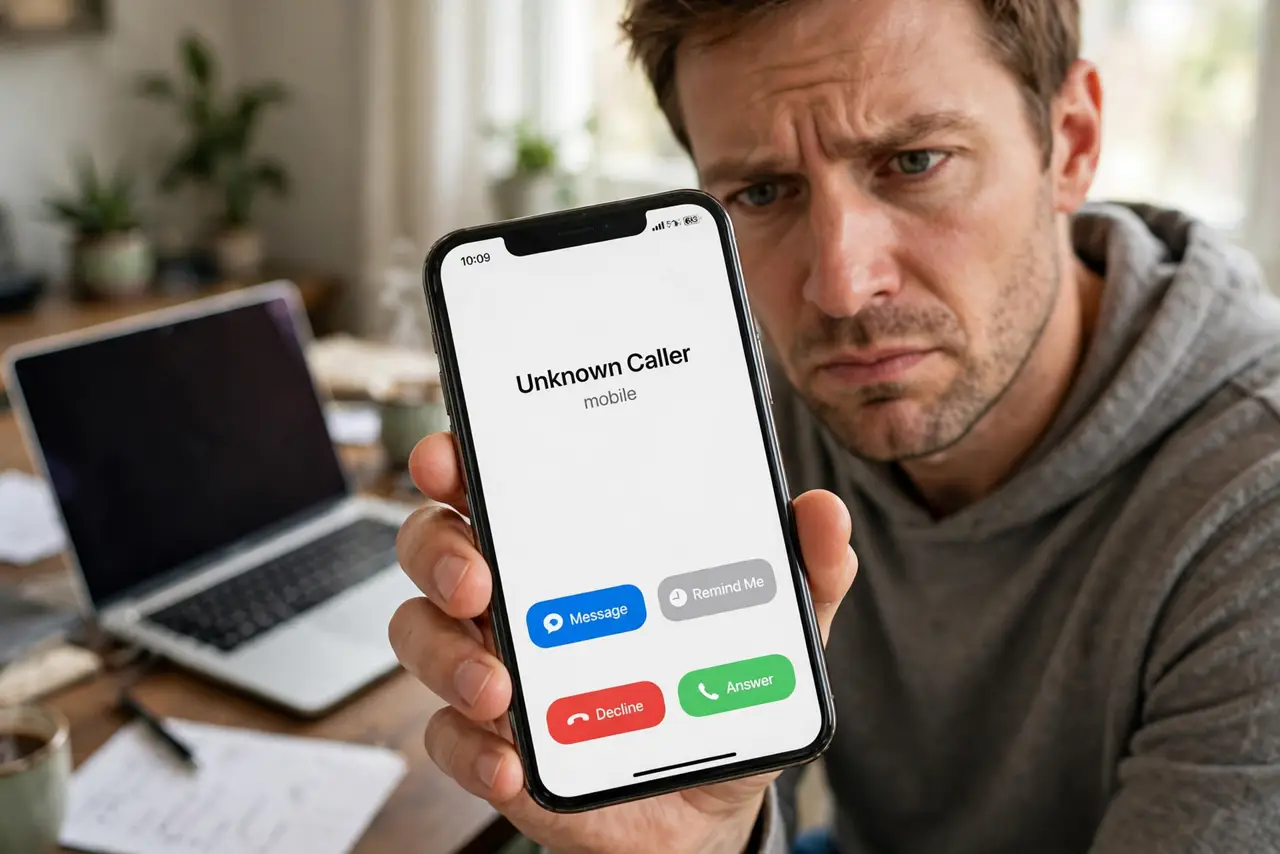
'This is the refund department — you're owed $400, we just need access to process it.' The caller is courteous, professional, and entirely fake. Refund scams either harvest your banking details or trick you into 'returning' an accidental overpayment. Real refunds never begin with a cold call asking for access.
TL;DR / Quick Fix
Callers claiming you are owed a refund and asking for bank access or a 'verification' payment are scammers — real refunds never require you to grant remote access. Hang up and contact the company directly through its official number. Never install remote-access software for a stranger.
Follow these steps
- Hang up on refund cold calls. No legitimate company processes refunds via unsolicited calls. The call itself is the scam — politeness is part of the script.
- Never grant remote access. 'Let me connect to process your refund' means installing control software — see tech support scams for the identical playbook.
- Contact the company directly. Look up the official number yourself and ask about the refund. If it's real, they'll confirm without any cold call.
- Watch the overpayment twist. Some scammers 'accidentally refund too much' on screen and ask you to return the difference — the overpayment classic in digital form.
- Never pay to receive a refund. 'Verification fees' or 'processing charges' to release your own refund are pure invention. Real refunds subtract fees or charge nothing.
- Report the number. Report to the FTC and your carrier's spam tools. Each report trains the filters protecting everyone.
What NOT to do
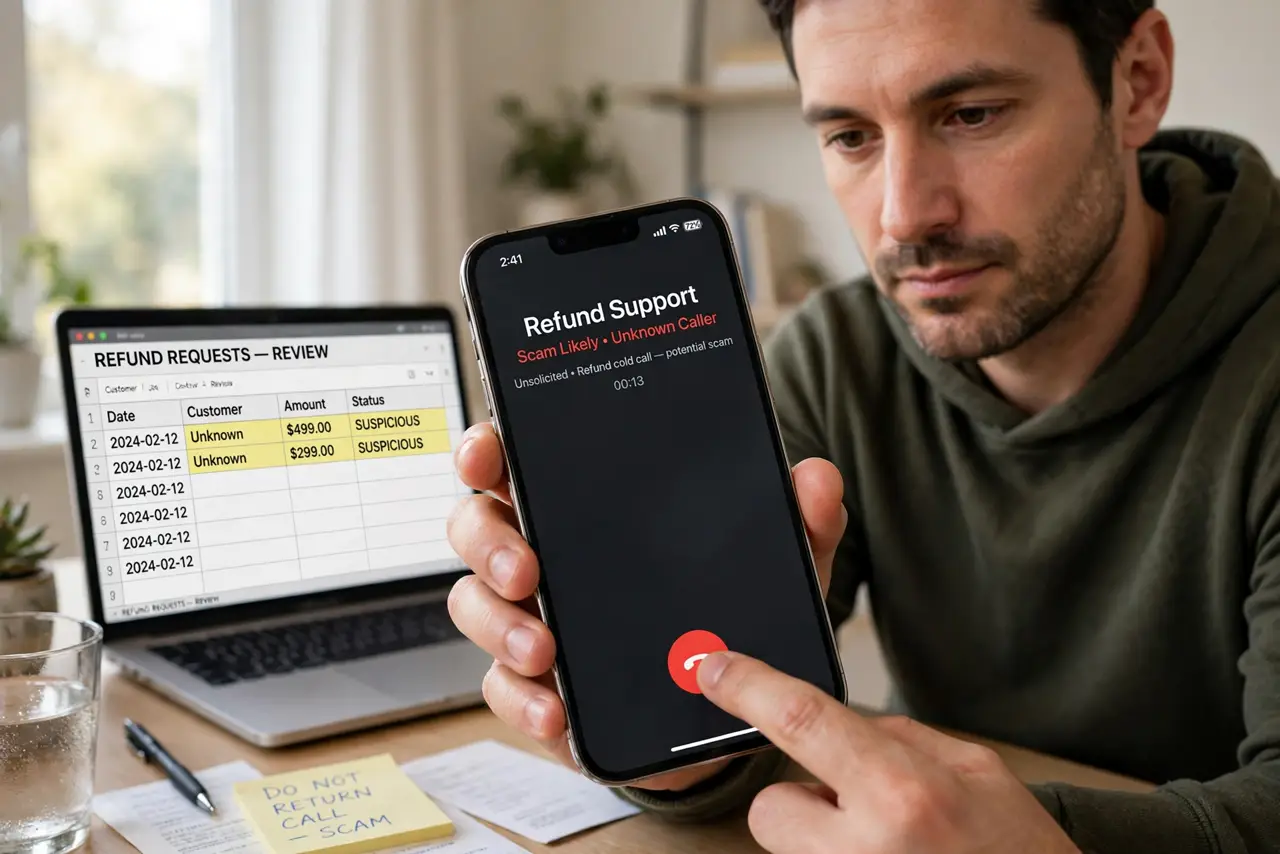
- Do not install AnyDesk, TeamViewer, or similar at a caller's request. Remote access hands them your banking session directly.
- Do not log into your bank while they 'guide' you. The fake refund screen is theater to make the overpayment trick believable.
- Do not return an 'accidental overpayment.' The refund was fake; the money you send back is real — that's the entire mechanism.
- Do not call back the number they gave you. It routes to the scam operation's 'verification department' — more scammers, better scripted.
Frequently asked questions
What if I'm actually expecting a refund?
Then it arrives without a cold call — by mail, email receipt, or statement credit. Verify through the company's official channels, never the caller's.
They knew my name and order details — how?
Data breaches and order confirmations leak constantly. Personal details prove research, not legitimacy.
Can they really show a refund on my screen?
Yes — with remote access they edit what you see. The 'overpayment' is HTML trickery, not money movement.
What to read next
- Tech Support Pop-Up Scams
- Tech Support Popup Scam Calls