'Tech Support' Pop-Up? It's Fake
A pop-up screams that your computer is infected and you must call 'Microsoft support' immediately. It is not Microsoft, your computer is almost certainly fine, and the number connects to scammers. This guide shows how to escape safely.
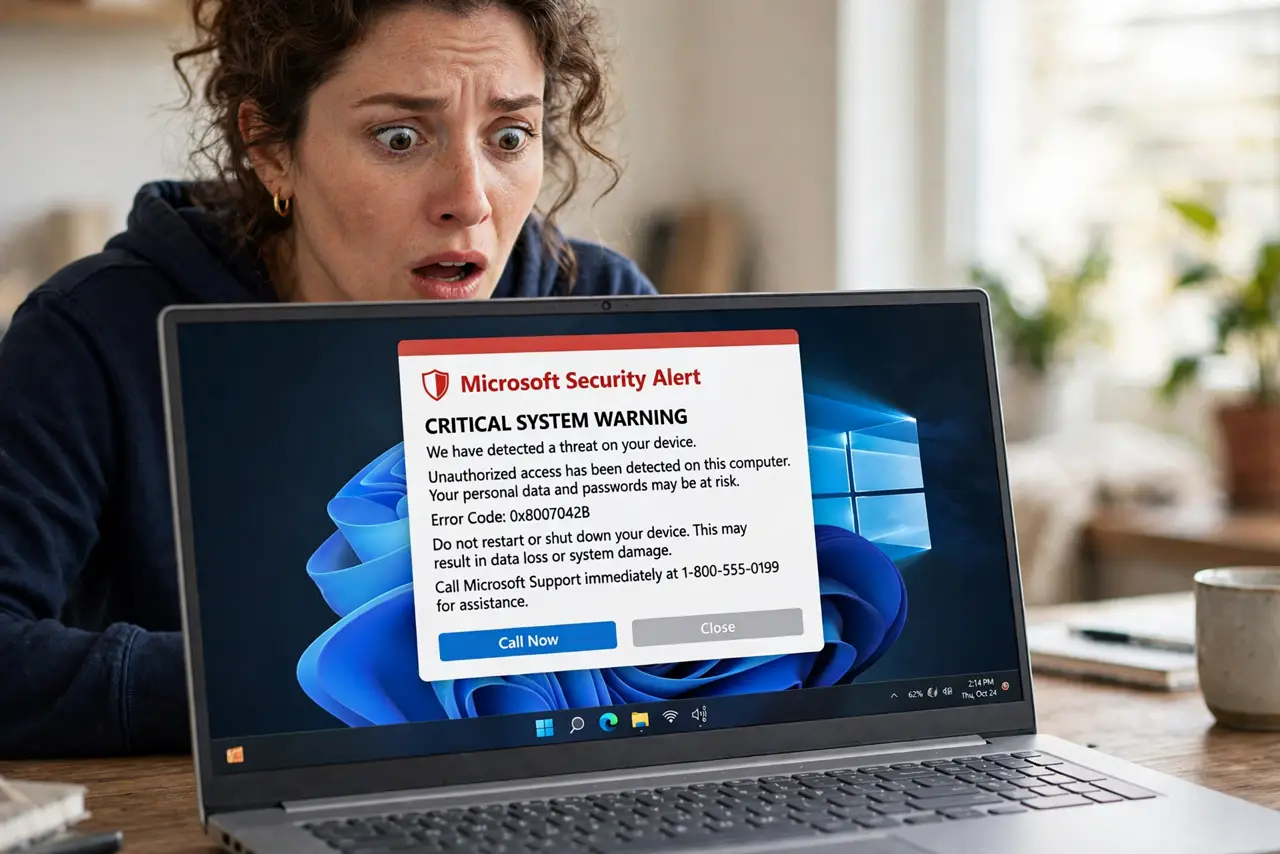
TL;DR / Quick Fix
Quick fix: don't call the number — close the pop-up by quitting the browser entirely, then reopen it without restoring tabs. Real Microsoft, Apple, and Google never show pop-ups demanding you call them. If you already called and paid, contact your bank immediately.
Follow these steps
- Do not call the number. That is the entire trap. The pop-up's only job is to get you on the phone with a scammer who will demand payment or remote access.
- Do not click anything inside the pop-up. The close button is often fake and triggers a download. Leave every button in the pop-up alone.
- Quit the browser completely. Use Alt+F4 on Windows or Cmd+Q on Mac, or force-quit from the task manager. Killing the browser kills the pop-up with it.
- Reopen without restoring tabs. When the browser asks to restore your session, say no. Restoring brings the malicious page right back.
- Run a real scan for peace of mind. Use Windows Security or your Mac's built-in protections to run a quick scan. The pop-up was lying, but a scan confirms it.
- Clear the bad site's data. In browser settings, clear data for the site that showed the pop-up. This stops it from reappearing from cached tricks.
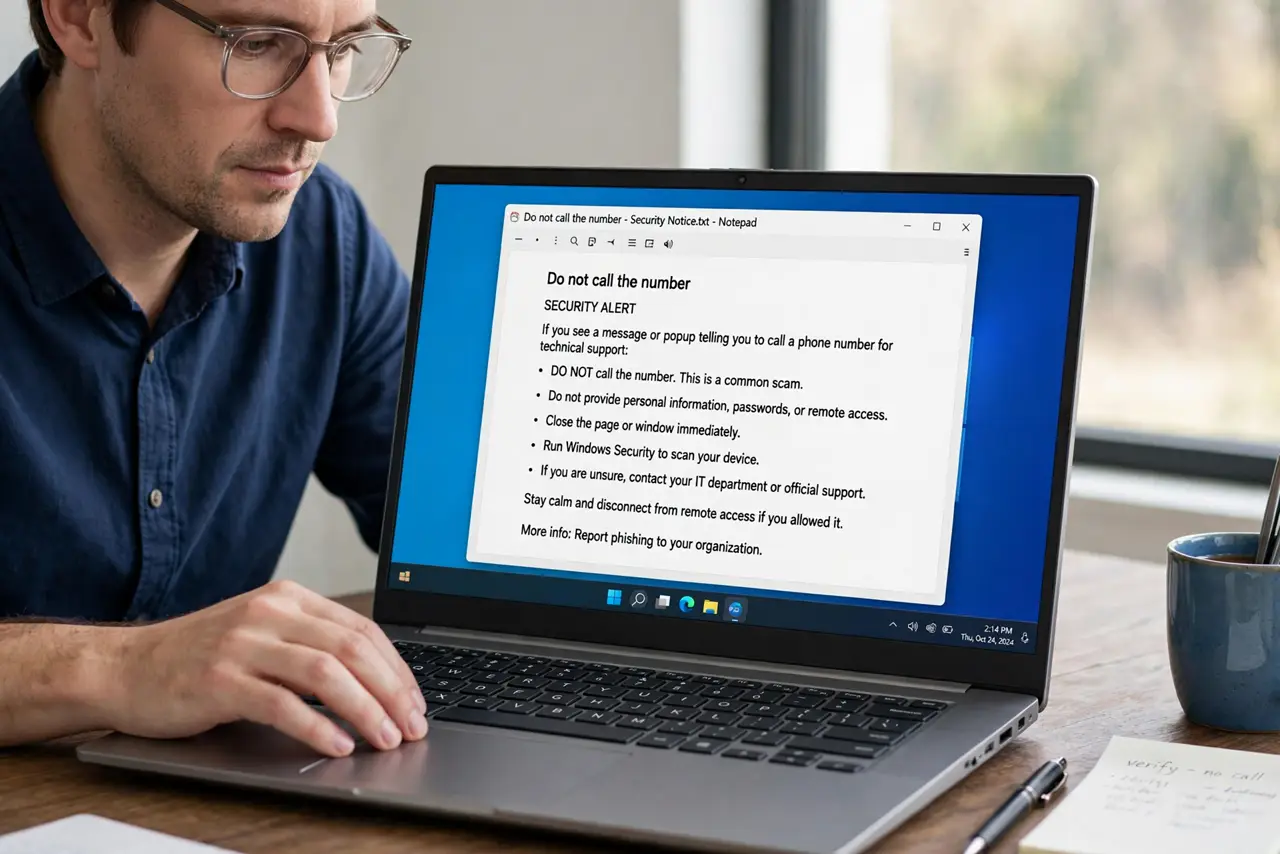
What NOT to do
- Do not let them connect to your computer. Remote access lets scammers plant real malware and steal files — never grant it to a cold caller.
- Do not pay with gift cards. Demands for gift cards, crypto, or wire transfers are the universal signature of this scam.
- Do not believe the 'technician' because they sound professional. These are call centers trained to sound exactly like real support.
- Do not keep browsing the shady site that triggered it. Close it and stay away — free streaming and download sites are the usual source.
Frequently asked questions
Is my computer actually infected?
Almost certainly not. These pop-ups appear on healthy computers via malicious ads. A real scan will confirm you are clean.
I called and gave them access — now what?
Disconnect from the internet, have a trusted person help remove their remote-access tool, change your important passwords from a clean device, and call your bank if you paid.
Why does the pop-up lock my browser?
It uses a script loop, not a real lock. Force-quitting the browser breaks the loop instantly — your computer was never actually frozen.