Spot Refund Scams
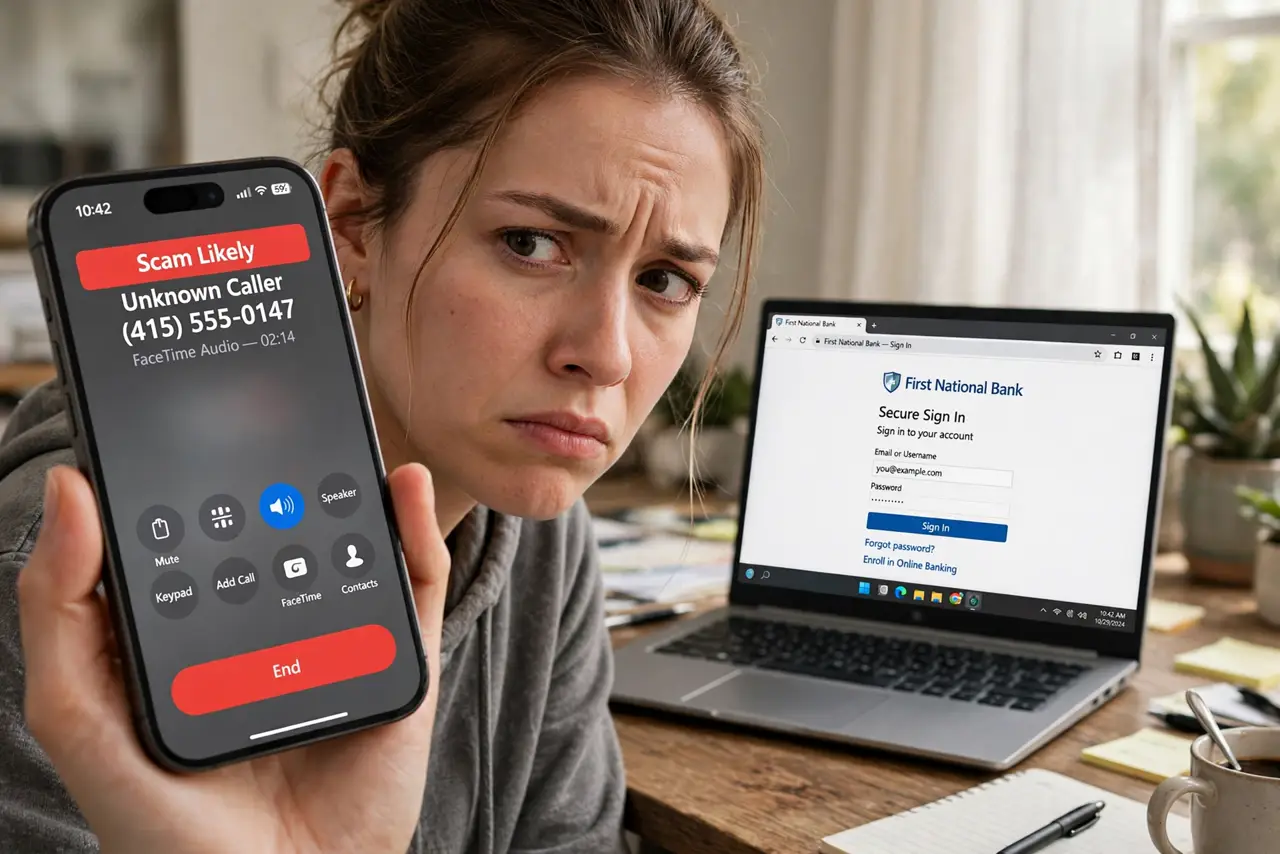
You get a call or email: a company owes you a refund, and to 'process' it they need remote access to your computer or your bank login. Real refunds never work this way — money owed to you flows to you, never requires your passwords, and never involves gift cards. The refund is bait; your bank account is the target.
TL;DR / Quick Fix
Quick fix: real companies issue refunds to your original payment method automatically — they never call, never need remote access, and never ask for gift cards. Hang up on refund callers and check your real account directly. Never install remote-access software for a stranger.
Follow these steps
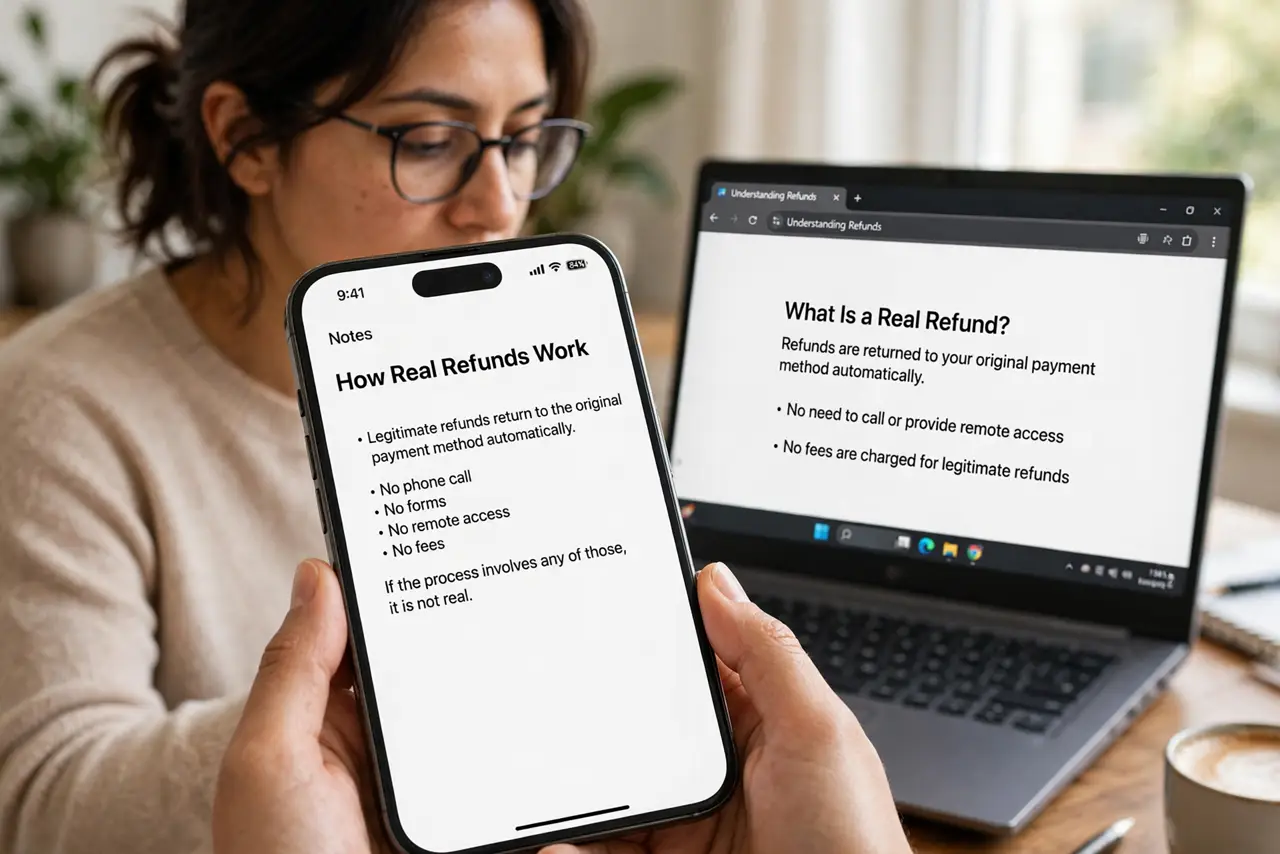
- Learn how real refunds work. Legitimate refunds return to the original payment method automatically. No phone call, no forms, no remote access, no fees — if the process involves any of those, it is not real.
- Hang up on refund callers. Whether they claim to be Amazon, your bank, or tech support, unsolicited refund calls are scams. Hang up without engaging — politeness is the vulnerability they exploit.
- Never grant remote access. The classic move: they 'need' to connect to your computer to process the refund, then open your banking while you watch. No refund in history has ever required this.
- Ignore the overpayment trick. They 'accidentally' refund too much and ask you to return the difference via gift cards or wire. The original transfer was fake; your return payment is real money leaving.
- Verify through official channels. Log into your account directly — not via links they send — and check for the refund. If it is not there, it does not exist.
- Know the recovery steps. If you already engaged, disconnect, uninstall any remote software, change banking passwords from a clean device, and alert your bank. The remote-access scam guide walks through full recovery.
What NOT to do
- Do not 'return' an overpayment. The overpayment is fake numbers on a screen; the money you send back is real and unrecoverable.
- Do not log into your bank while they watch. That is the entire point of the remote access — credentials harvested live.
- Do not trust caller ID. Scammers spoof real company numbers effortlessly — the display proves nothing.
- Do not pay a 'processing fee' for a refund. Real refunds have no fees, ever — a fee demand is the confession.
Frequently asked questions
What if the refund email looks exactly like the company?
Logos and formatting are trivially copied. Only trust what you see when you log in directly through the official site or app — never through email links.
They knew my order details — how?
Data breaches leak order histories cheaply. Knowing your recent purchase proves data access, not legitimacy.
I let them connect. What now?
Disconnect from the internet, uninstall the remote tool, scan for malware, change all financial passwords from another device, and call your bank's fraud line immediately.