Refund Scam Wants Remote Access? No
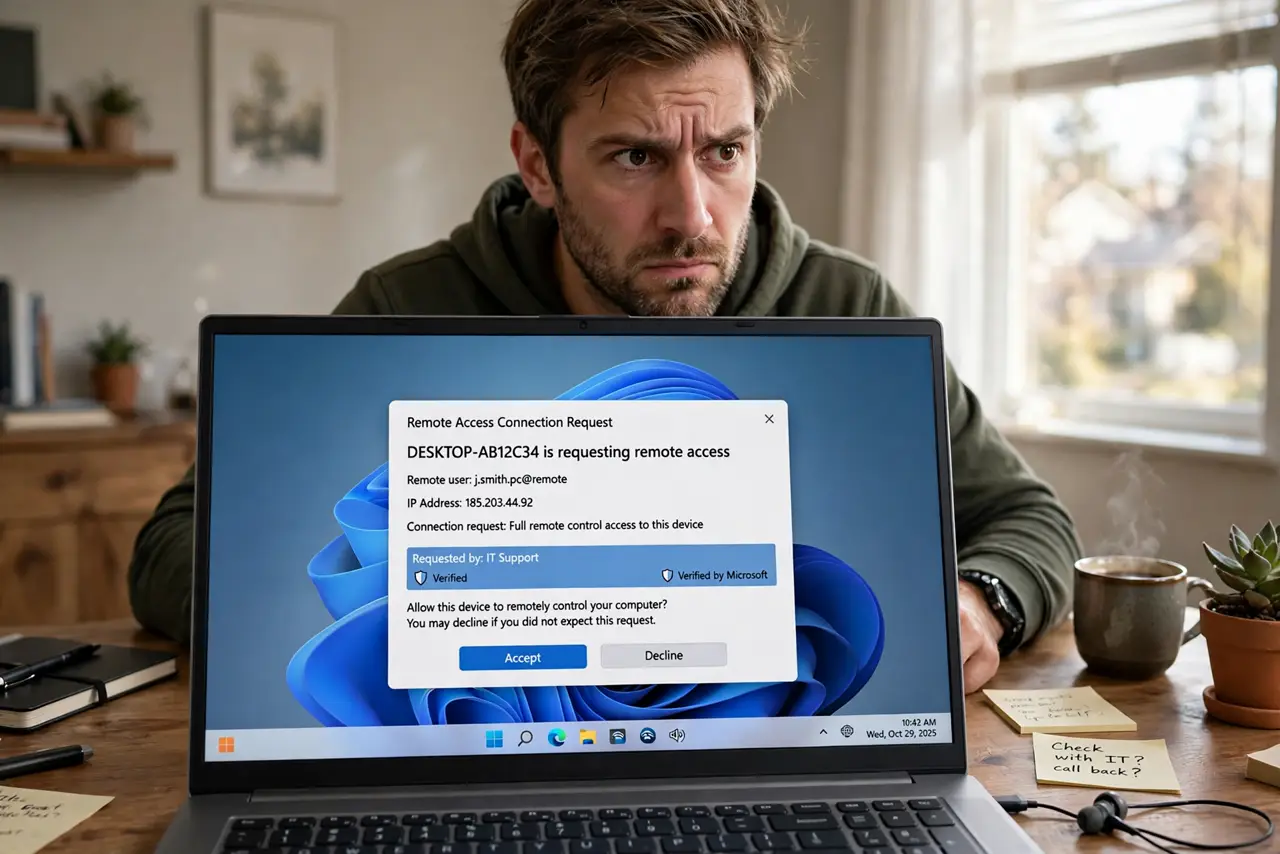
'Your antivirus subscription is expiring — we owe you a refund.' The caller sounds official, the refund sounds generous, and then comes the ask: install remote-access software so they can 'process' it. That is the whole scam. No legitimate company refunds you via remote control of your computer.
TL;DR / Quick Fix
Quick fix: hang up. No real company issues refunds through remote-access software; the 'refund' is bait to reach your banking. If you already granted access, disconnect from the internet, uninstall the remote tool, and call your bank from a clean device. Never call back numbers from refund emails or pop-ups.
Follow these steps
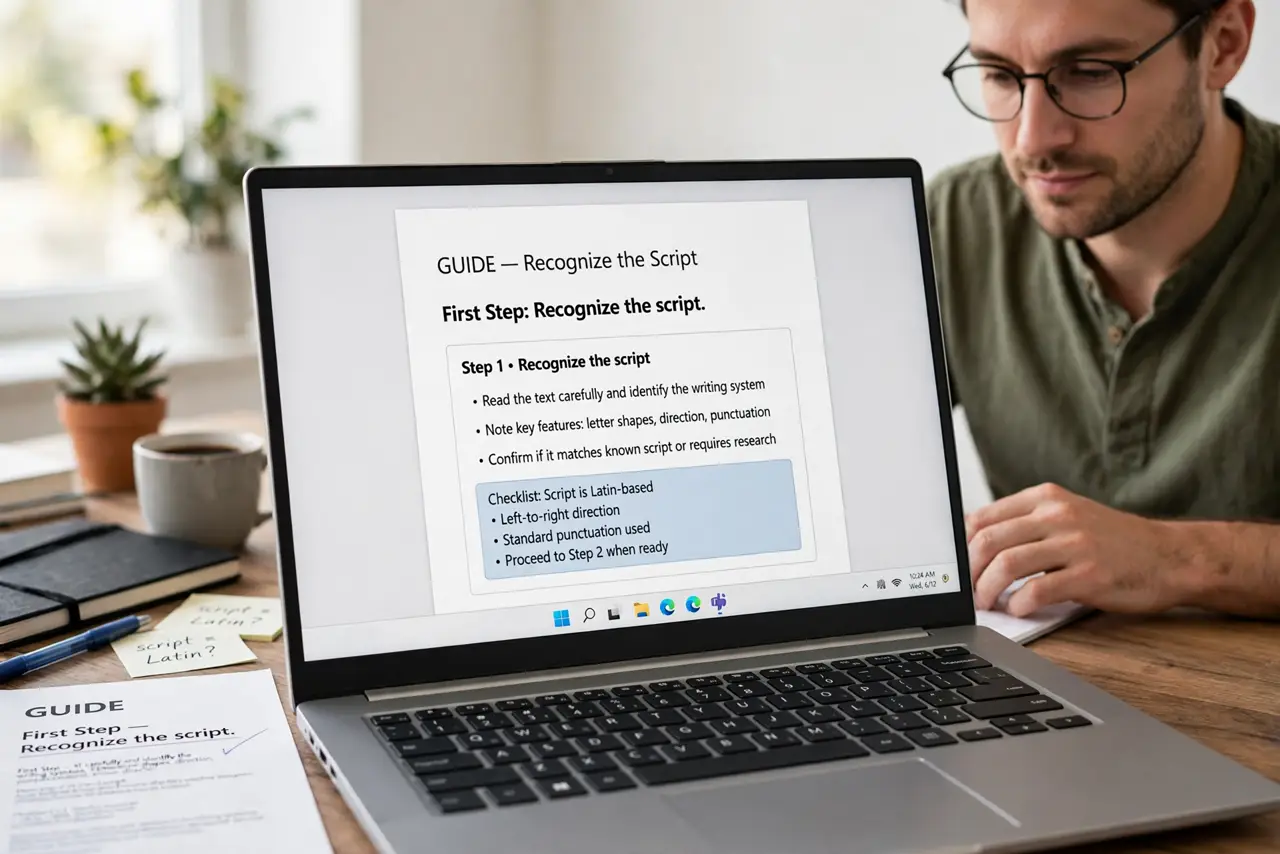
- Recognize the script. An unsolicited call or pop-up claims you are owed a refund — antivirus, tech support, a subscription. The refund is always the hook; the goal is always access. See refund scam calls.
- Hang up immediately. Do not argue, do not 'play along to waste their time.' Every extra minute is a chance to slip. Hang up and block the number.
- Never install their software. The ask is always a remote-access tool. Legitimate refunds go to your card or account — never through your screen. See fake support calls.
- Do not call back their number. Refund emails and pop-ups list callback numbers that reach the scammers. If you want to check, find the company's real number yourself.
- If you granted access, disconnect now. Pull the network cable or turn off Wi-Fi, then uninstall the remote tool. From a clean device, call your bank and change passwords — start with post-breach steps.
- Report it. Report the number to your carrier and the fraud agency in your country. Reports feed the blocklists that protect the next target.
What NOT to do
- Do not believe a refund requires your help to process. Real refunds are automatic — anyone needing your computer for one is lying.
- Do not let them 'show you the refund' on your bank site. The fake transfer screen is theater; the real move is the access.
- Do not pay a 'fee' to receive the refund. Fees-to-get-money is the oldest tell in the book.
- Do not assume hanging up ends it. They will call back from new numbers — block each and keep hanging up.
Frequently asked questions
Can a real company ask for remote access?
For tech support you requested, sometimes. For a refund you did not request, never. Unsolicited refund plus remote access equals scam, every time.
I let them connect — what now?
Disconnect from the internet, remove the software, and from a clean device change your banking and email passwords and call your bank. Treat it as a compromise, because it is.
Why do they offer such large refunds?
Bigger bait, bigger hook. An outsized refund makes you stop thinking and start cooperating — that is the entire psychology.