RGB Software Conflicts? Fix It
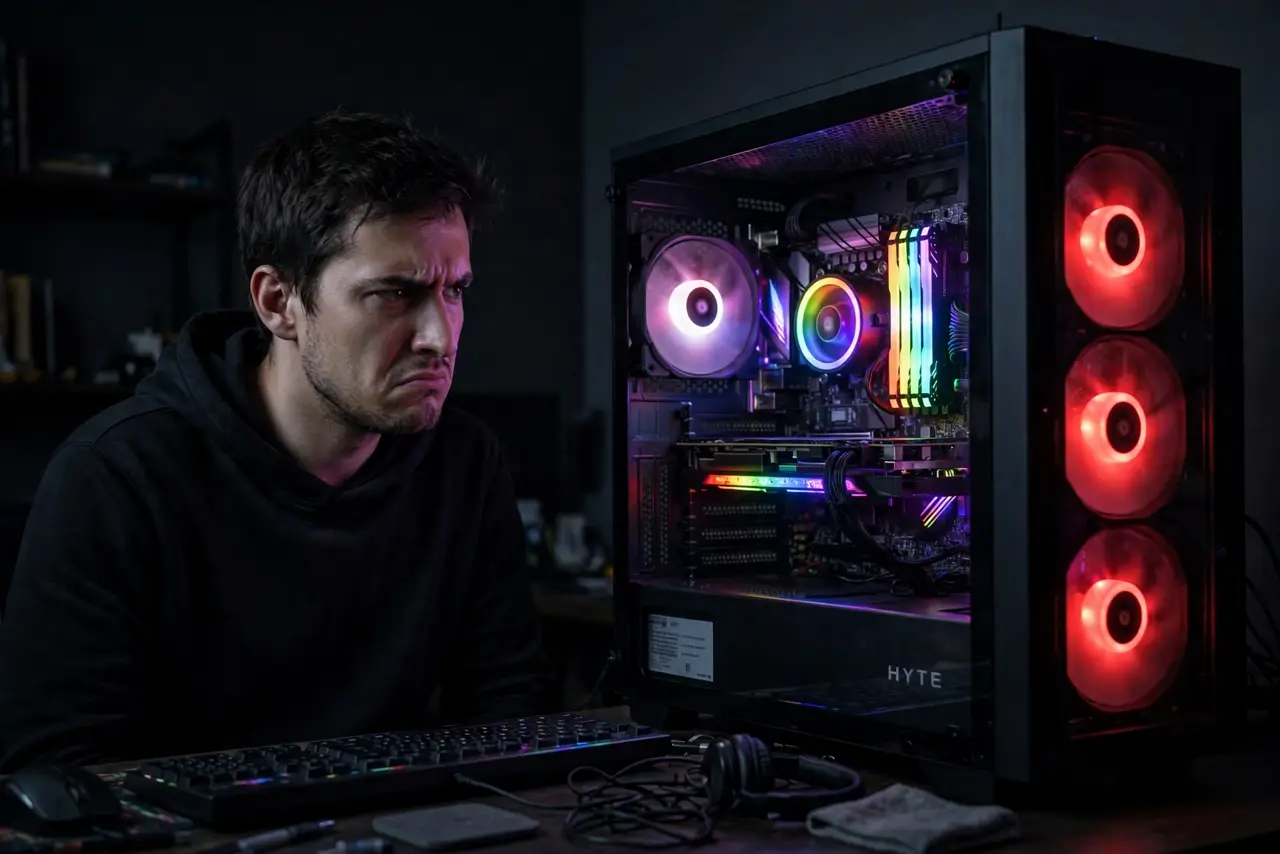
Your RAM glows rainbow, the fans pulse red, and the motherboard software insists everything is off — three RGB programs fighting over the same lights. RGB conflicts happen because every maker wants to own your lighting. Here is how to get one program in charge and the light show stable.
TL;DR / Quick Fix
Quick fix: pick ONE RGB control program — usually the motherboard maker's — and disable or uninstall the others. Conflicts come from multiple programs writing to the same controllers. If lights freeze, close all RGB software and restart just the chosen one.
Follow these steps
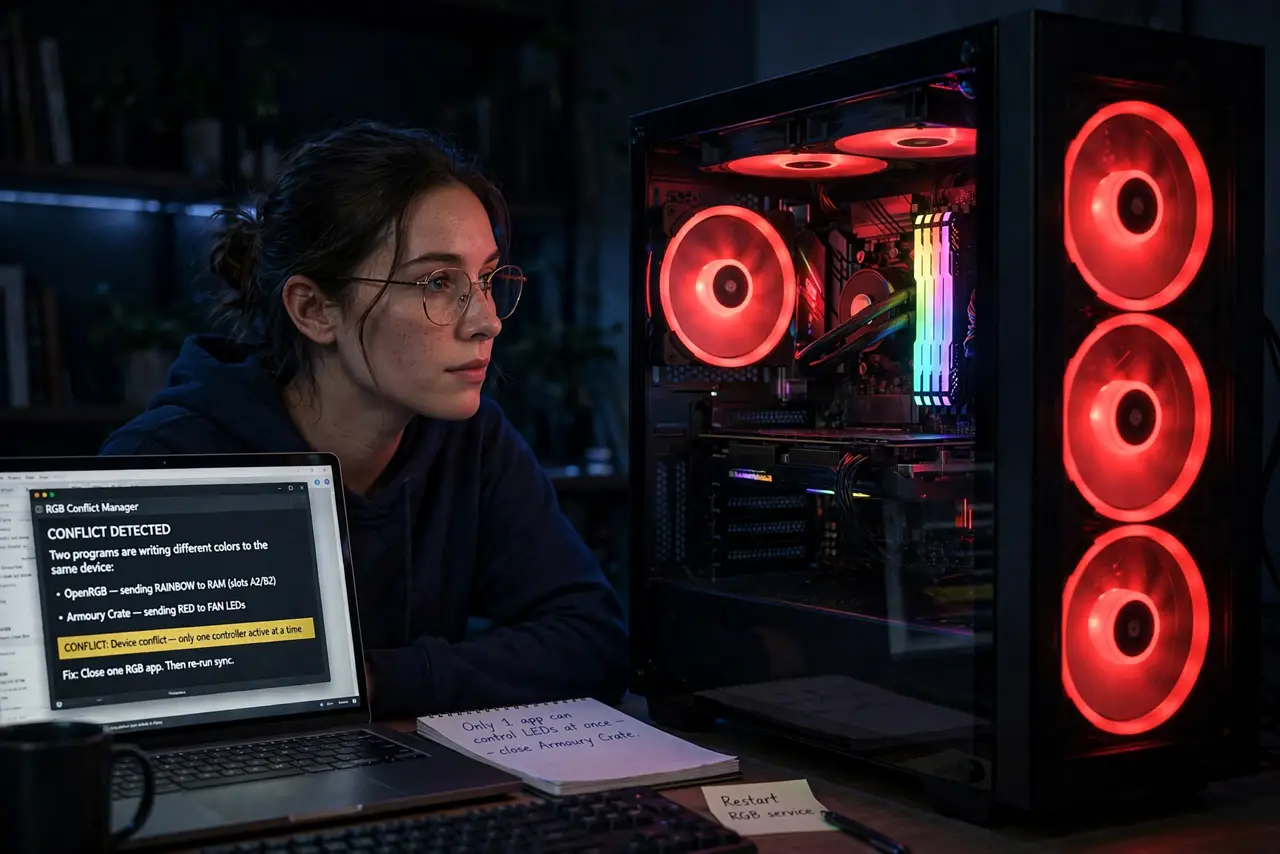
- Understand the fight. RAM, fans, GPU, and motherboard each expose lighting controls. Two programs writing different colors to the same device means flicker, freezes, or wrong colors.
- Choose one boss. The motherboard maker's utility usually controls the most devices. GPU and RAM makers' tools are the common rivals — pick one, sideline the rest.
- Disable the losers properly. Do not just close them — disable their startup entries and background services. A 'closed' RGB app often keeps a service running and fighting.
- Check for plugin bridges. Some motherboard tools offer plugins to control rival RAM or fans. One bridge beats two warring programs.
- Update the survivor. RGB protocols change with new hardware. An updated single controller fixes many 'worked last month' mysteries.
- Test with a static color. Set everything to one static color. Stable means the conflict is resolved; flicker means another program is still writing.
What NOT to do
- Do not run three RGB suites 'for the features.' Every extra controller is another combatant.
- Do not disable RGB in BIOS as a first fix. That kills the lights instead of resolving the software fight.
- Do not reinstall Windows over lighting. This is always a software conflict — reinstalling is surrender, not diagnosis.
- Do not mix 5V addressable and 12V analog headers. Wrong voltage on the wrong header can kill the LEDs — check the manual before plugging.
Frequently asked questions
Why do my RGB lights freeze?
Two programs writing to the same controller, or a crashed background service. One controller, clean startup, usually fixes it.
Can I sync all brands together?
Sometimes via the motherboard utility's plugins. Full cross-brand sync is never guaranteed — makers prefer their own ecosystems.
Does RGB software slow my PC?
Barely — but multiple suites with background services add up. One suite is tidy; three is clutter.