Make Roblox Safer
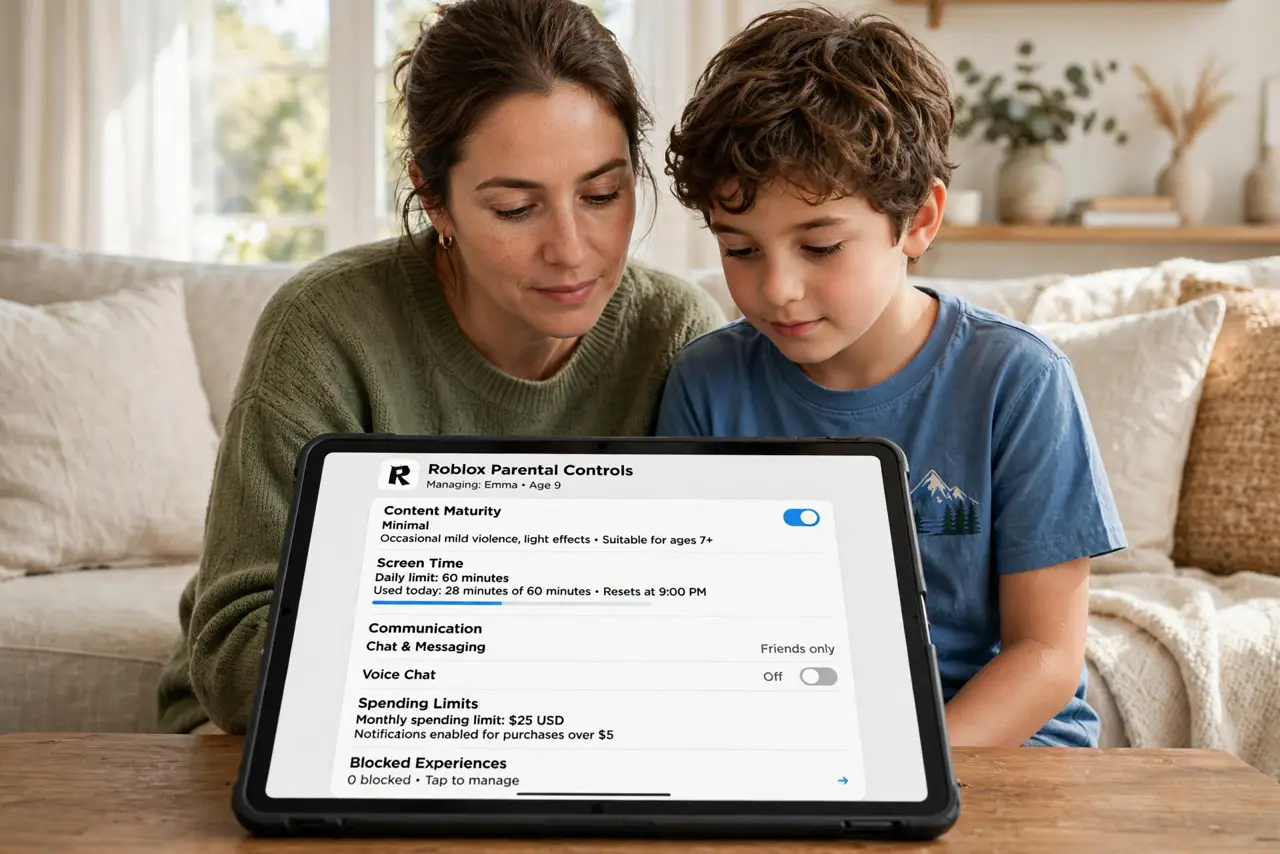
Roblox is where your kid hangs out with friends — and where strangers hang out hoping to befriend kids. The platform has real parental controls: account restrictions, chat filters, and PIN-locked settings. Ten minutes of setup plus one honest conversation makes the blocky world dramatically safer.
TL;DR / Quick Fix
Quick fix: enable Account Restrictions for under-13s, set a parent PIN on settings, restrict chat to friends only, and turn on the parental controls for monthly activity reports. Play together once so you know the world. Talk about never sharing personal info or moving chats elsewhere.
Follow these steps
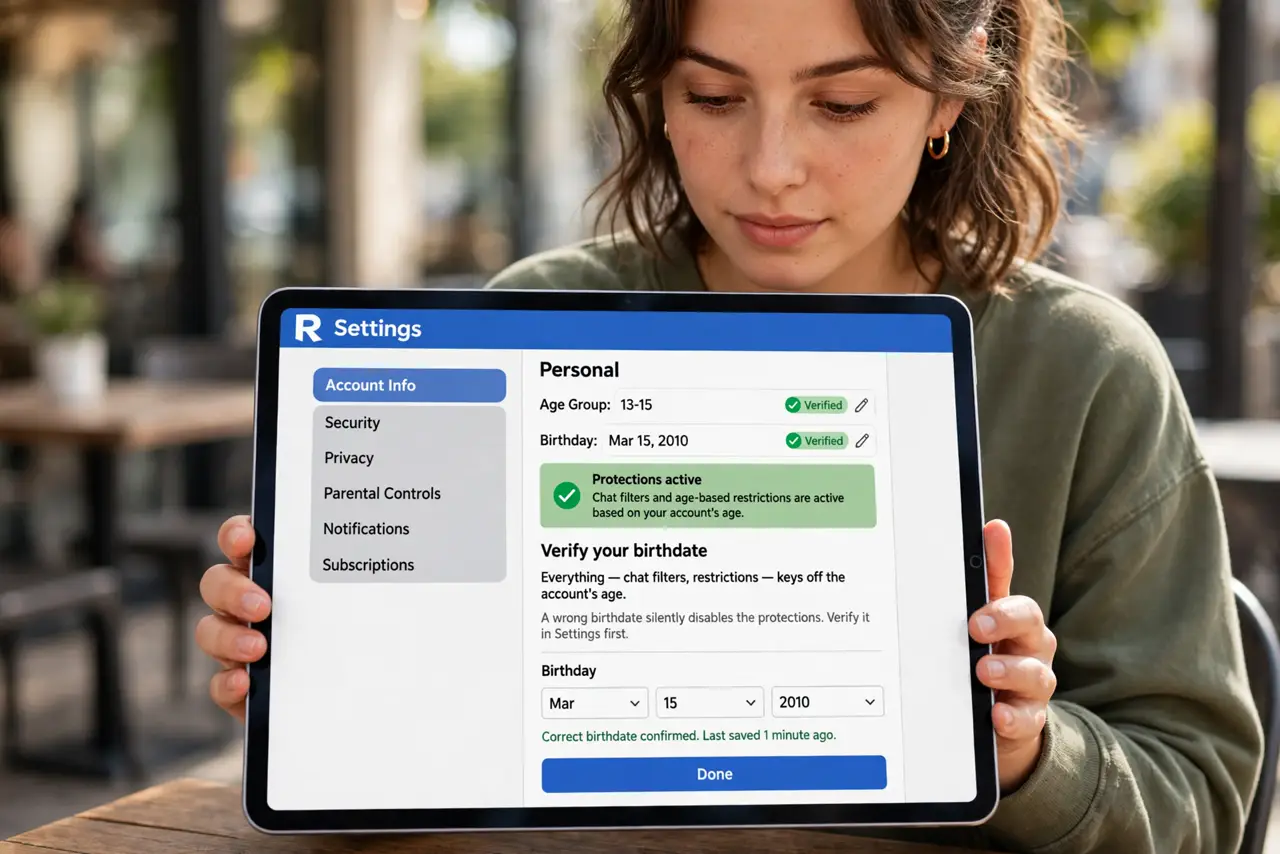
- Set the correct birthdate. Everything — chat filters, restrictions — keys off the accounts age. A wrong birthdate silently disables the protections; verify it in settings first.
- Enable Account Restrictions. For under-13 accounts, this locks content to a curated list and tightens chat. It is the single biggest safety lever — see the parental control details for the full panel.
- PIN-lock the settings. Set an account PIN so the kid cannot quietly loosen everything. Without the PIN, every setting is a suggestion.
- Restrict chat to friends. Strangers befriend kids through open chat. Friends-only chat plus approved friend requests closes the main grooming channel.
- Disable or supervise spending. Robux purchases need a gate — monthly limits or approval per purchase. Surprise bills are the classic Roblox parent story.
- Play together once. Join their world for thirty minutes. You will understand the chat, the games, and the culture — and your kid will actually tell you things afterward.
What NOT to do
- Do not let kids use an adult-aged account. The protections key off age — an adult account has none of them.
- Do not allow chat with everyone. Open chat is the stranger pipeline; friends-only is the fence.
- Do not ignore friend requests from strangers. Review them together — unknown friends are the red flag.
- Do not let conversations move to other apps. Anyone pushing chat off Roblox is dodging its filters — teach kids this rule cold.
Frequently asked questions
Is Roblox safe for kids?
With proper settings and supervision, reasonably — the risks are strangers and spending, both manageable. Without settings, no.
What age is Roblox for?
Rated for 7+ with supervision; the under-13 restrictions exist for a reason. Maturity varies more than birthdays.
Can I see what my kid does on Roblox?
Activity reports and history show play patterns. Combine with the occasional co-play session for the full picture.