Lock Down Discord Privacy
Discord defaults to open: strangers can friend you, DM you, and see what game you are playing. For most people — and all kids — that is too exposed. A few minutes in User Settings, Privacy and Safety locks the doors: friend-request filters, DM controls, and explicit content filters. Private by default is the goal.
TL;DR / Quick Fix
Quick fix: open Discord User Settings, Privacy and Safety — turn off friend requests from everyone, limit DMs to friends, and enable the explicit content filter. Review which servers can see your activity. For teens, pair these with the teen safety basics and a conversation about stranger contact.
Follow these steps
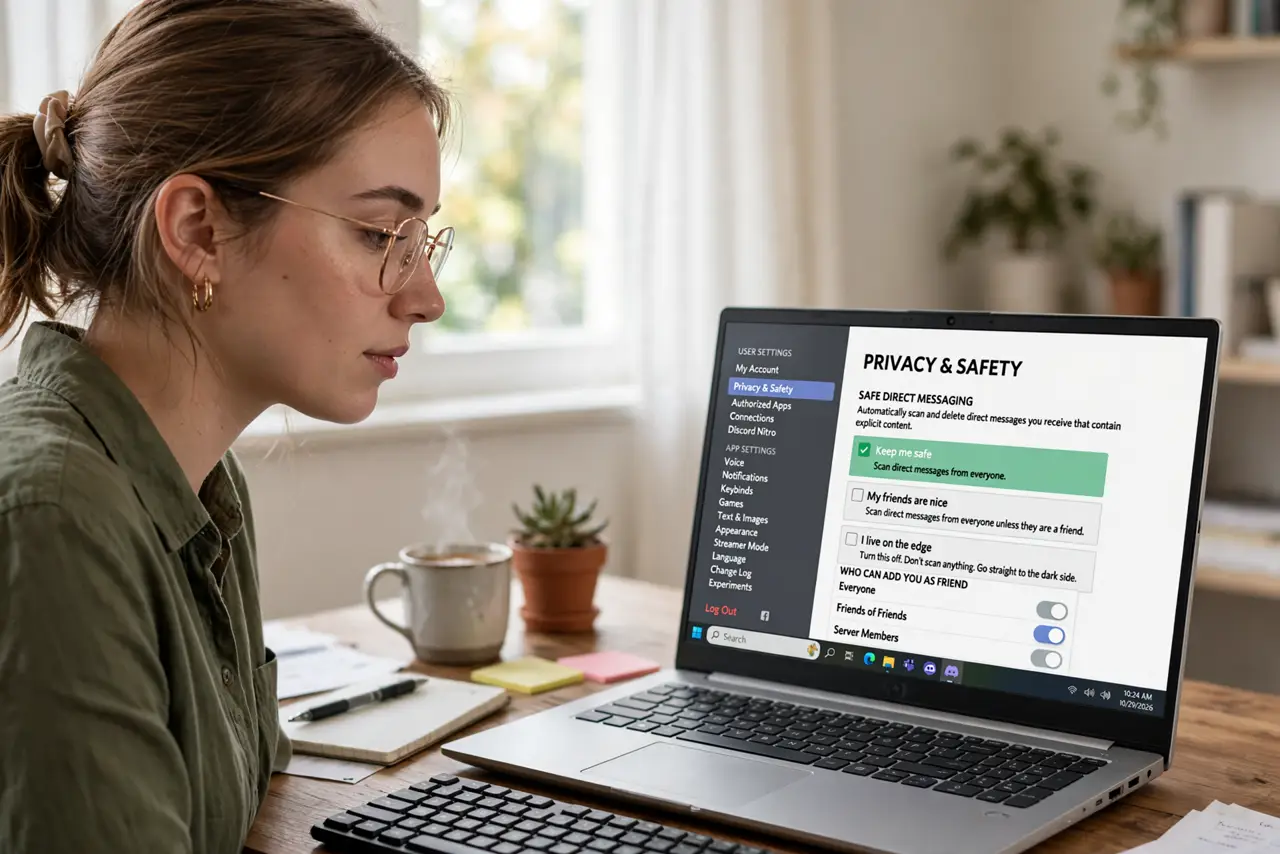
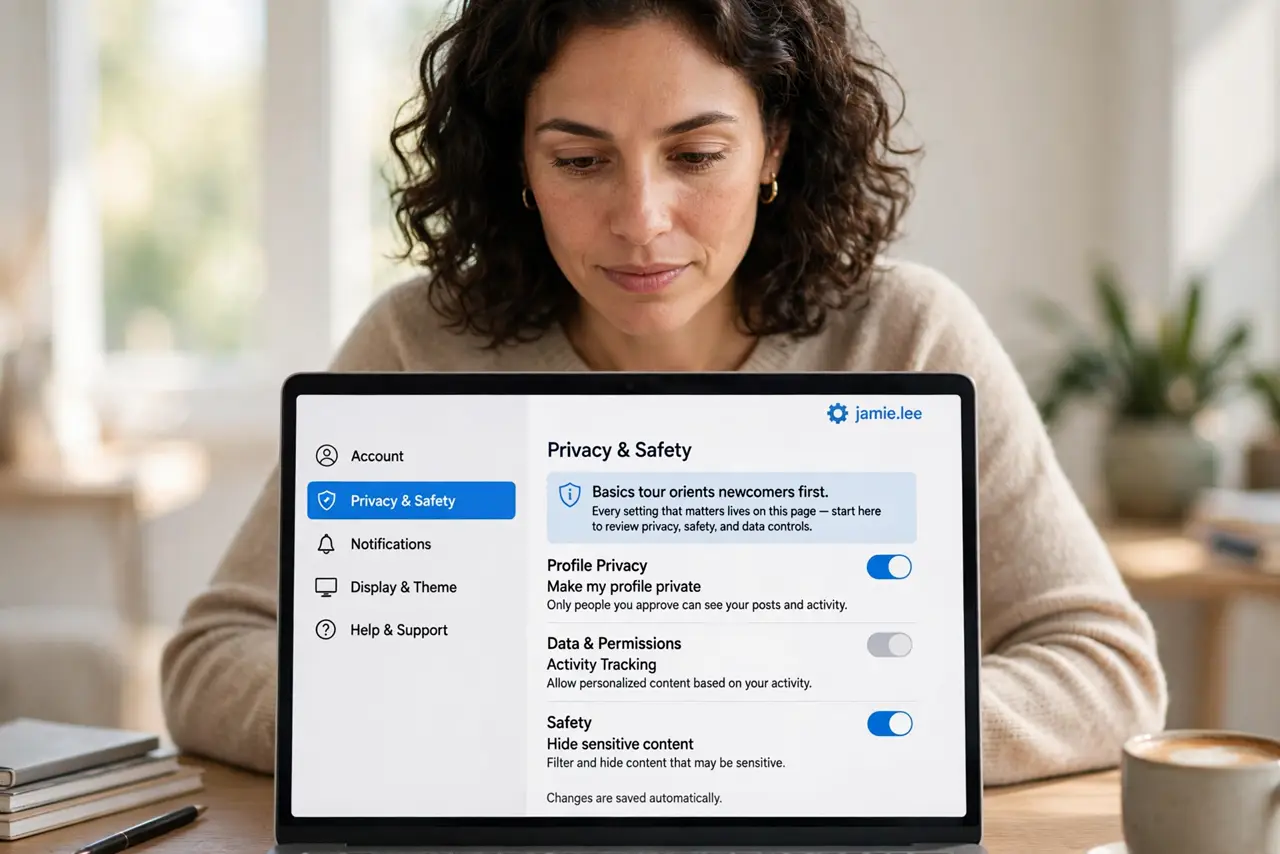
- Open Privacy and Safety. Click the gear by your username, then Privacy and Safety. Every setting that matters lives on this page — the basics tour orients newcomers first.
- Restrict friend requests. Change Who can send you friend requests from Everyone to Friends of Friends or Server Members — or off entirely. Stranger friend requests are the number one unwanted-contact vector.
- Lock down DMs. Set Allow direct messages from server members to off, or per-server for servers you trust. Open DMs from giant public servers are the fast lane for spam and scams.
- Filter explicit content. Set Keep me safe to scan and delete explicit images in all DMs. It is not perfect, but it catches the obvious.
- Hide your activity. Turn off Display current activity as a status message if you do not want everyone knowing what you play and when. Privacy includes your schedule.
- Audit per-server settings. Big public servers deserve stricter DM settings than the small friend group. Right-click each server, Privacy Settings, and tune individually.
What NOT to do
- Do not accept friend requests from strangers. Unknown requests are the pipeline for scams, spam, and worse — friends of friends only.
- Do not leave DMs open in huge public servers. That is where the spam bots hunt; lock it per-server.
- Do not share your screen with personal info visible. The black screen share issue aside, always check what is visible before sharing.
- Do not assume a teen account is safe by default. Walk through every setting together — defaults favor openness.
Frequently asked questions
Can strangers message my kid on Discord?
By default, yes — which is why the DM and friend-request settings above matter. Lock them before handing over the account.
What is the explicit content filter?
An automatic scan that deletes explicit images from DMs. Enable the strictest level; it is free and quiet.
Should I use a real name on Discord?
No — a username with no real-world identifiers is the safer default for everyone, especially kids.