Your Router Admin Password Is Still Default
Most routers ship with an admin password like admin or password — and everyone, including attackers, knows it. Anyone on your network can open the router's settings and change your DNS, Wi-Fi password, or firmware.
TL;DR / Quick Fix
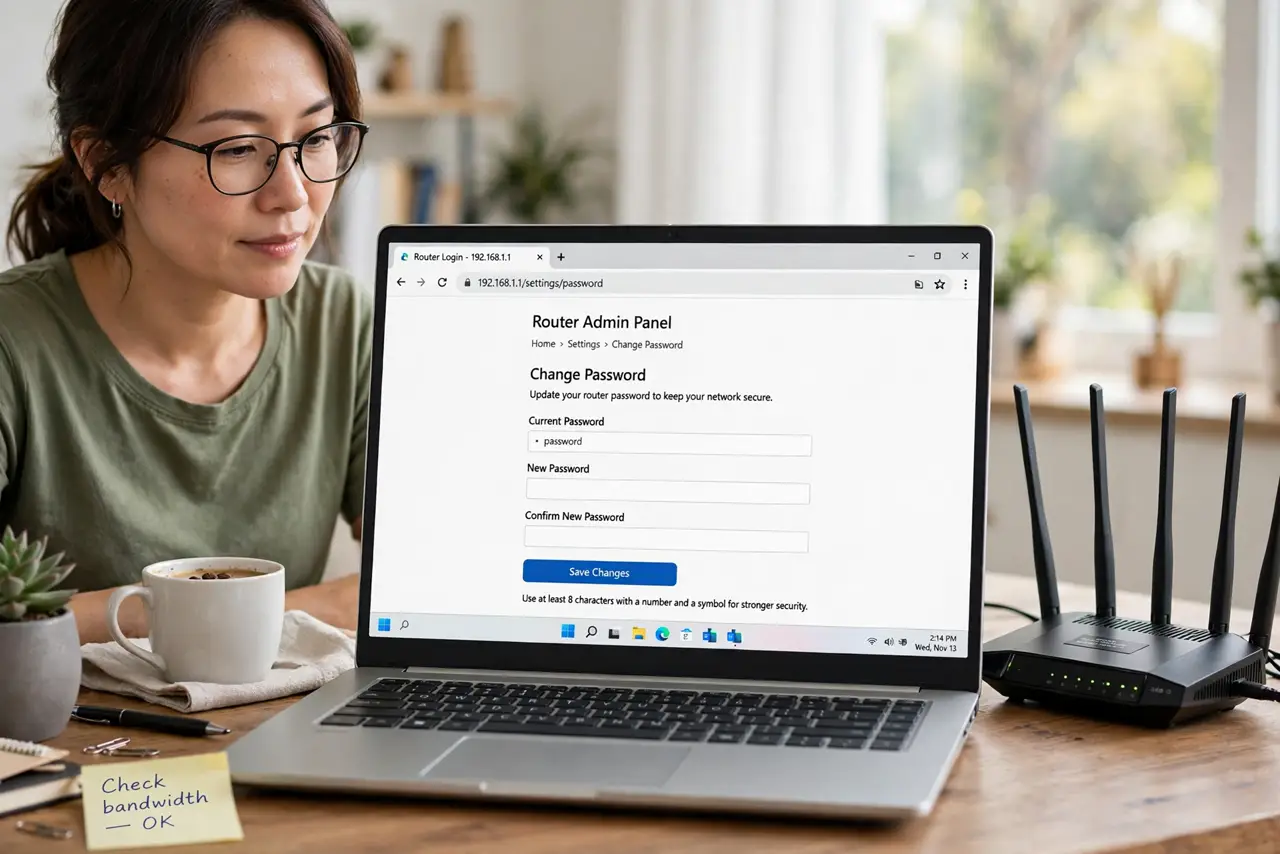
Quick fix: log into your router's admin page today, change the admin password to a strong unique one, and save it in your password manager. Then update the firmware, check for unknown devices, and change the default Wi-Fi password too.
Follow these steps
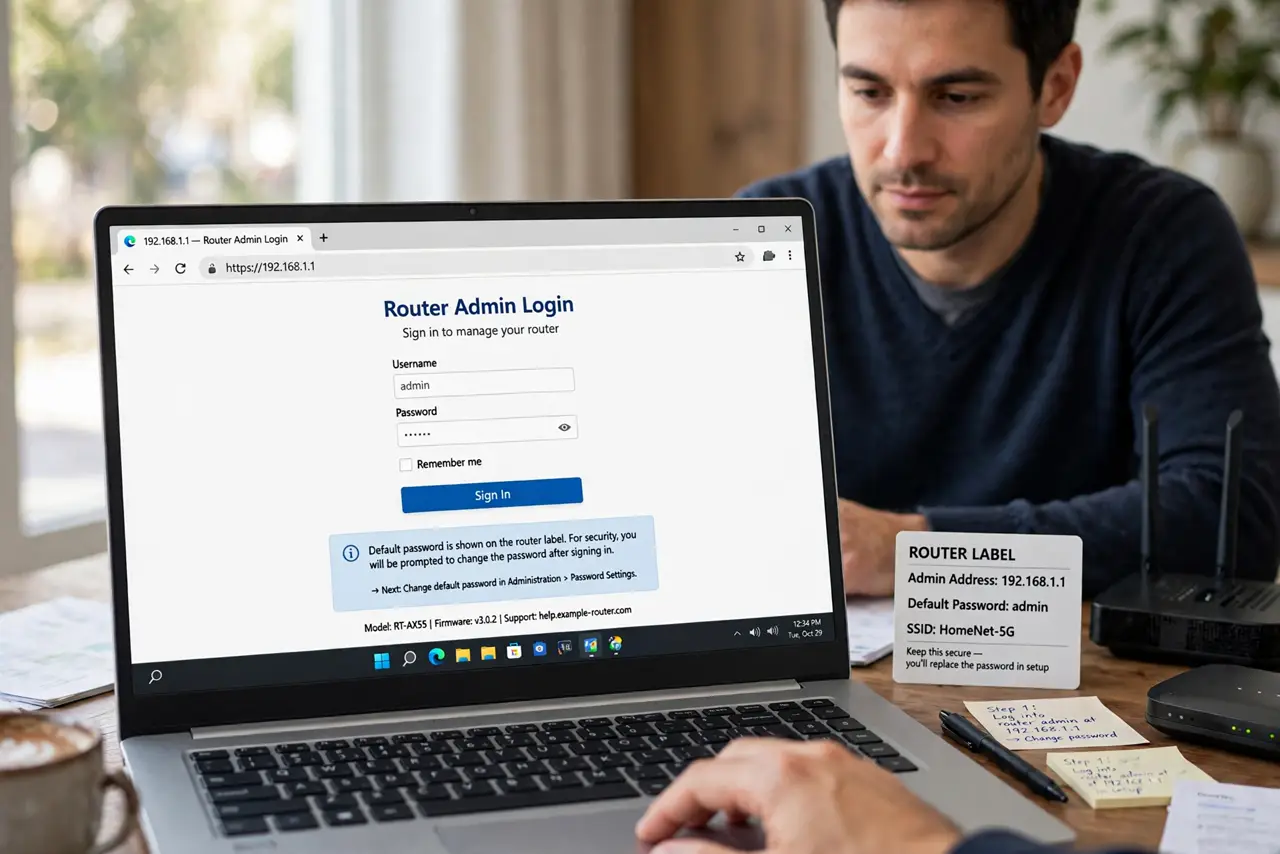
- Log into the router admin page. Open the address on the router's label, usually something like 192.168.1.1, and sign in with the current admin credentials. The label also shows the default password you are about to replace.
- Change the admin password now. Set a strong unique admin password and save it in your password manager. This one password guards every setting in the router, so make it count.
- Update the router firmware. Install any pending firmware update while you are in the settings. Old firmware has known holes that a strong password alone cannot close.
- Check the connected devices list. Review every device on the network and remove anything you do not recognize. A default admin password may already have had visitors.
- Change the default Wi-Fi password too. If the Wi-Fi still uses the password on the router's label, change that as well. The label password is public to anyone who has seen the router.
- Note the new password where you will find it. Save both passwords in your manager and, if you must write one down, keep it with the router, not on a sticky note on the monitor. If you ever forget the Wi-Fi password, the manager has it.
What NOT to do
- Do not leave the admin password as admin. Automated attacks try the defaults first, and they succeed depressingly often.
- Do not use the same password for admin and Wi-Fi. Separate credentials mean one leak does not hand over the whole router.
- Do not skip the firmware update. Default credentials plus old firmware is the combination attackers scan the internet for.
- Do not manage the router over public Wi-Fi. Change admin settings only from your home network, never from a cafe.
Frequently asked questions
What is the router admin password?
The password for the router's settings page, separate from the Wi-Fi password. Defaults like admin are printed on the router's label.
Can someone really attack my router?
Yes. With default credentials, anyone on your network — or exposed admin pages online — can change your settings.
What if I get locked out?
Use the router's physical reset button to restore defaults, then set everything up fresh with strong passwords.