Change the Router Admin Password
Your router still uses the default admin login — admin and password, printed on a sticker and identical on millions of routers. Anyone on your network who guesses it owns your internet: they can change DNS, open ports, and lock you out. Changing it takes two minutes and is the single highest-value security task on your home network. Do it before you touch UPnP or WPS settings.
TL;DR / Quick Fix
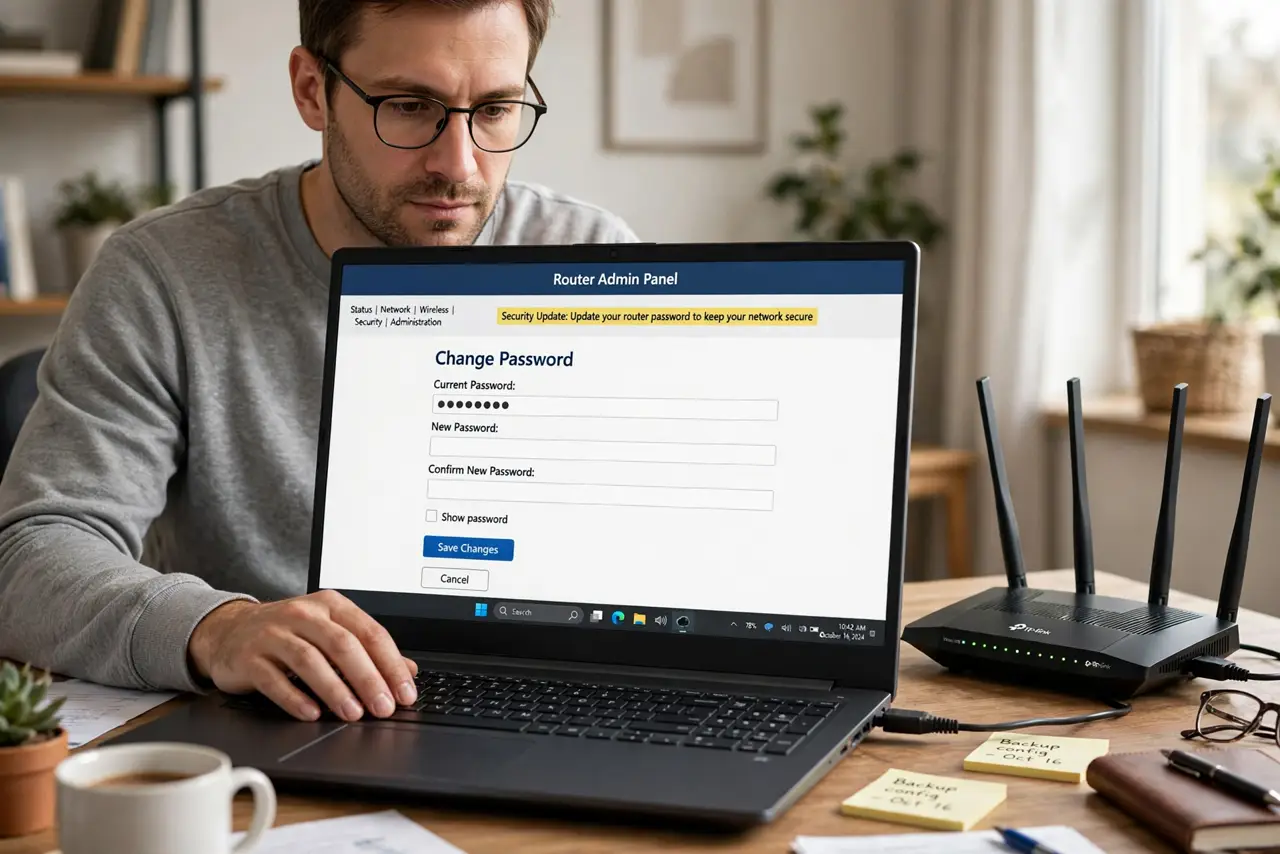
Quick fix: log into your router with the default credentials, find the administration or management section, and change the admin password to something long and unique. Write it down somewhere safe — if you forget it, the only reset is a factory reset. Never reuse your Wi-Fi password for this.
Follow these steps
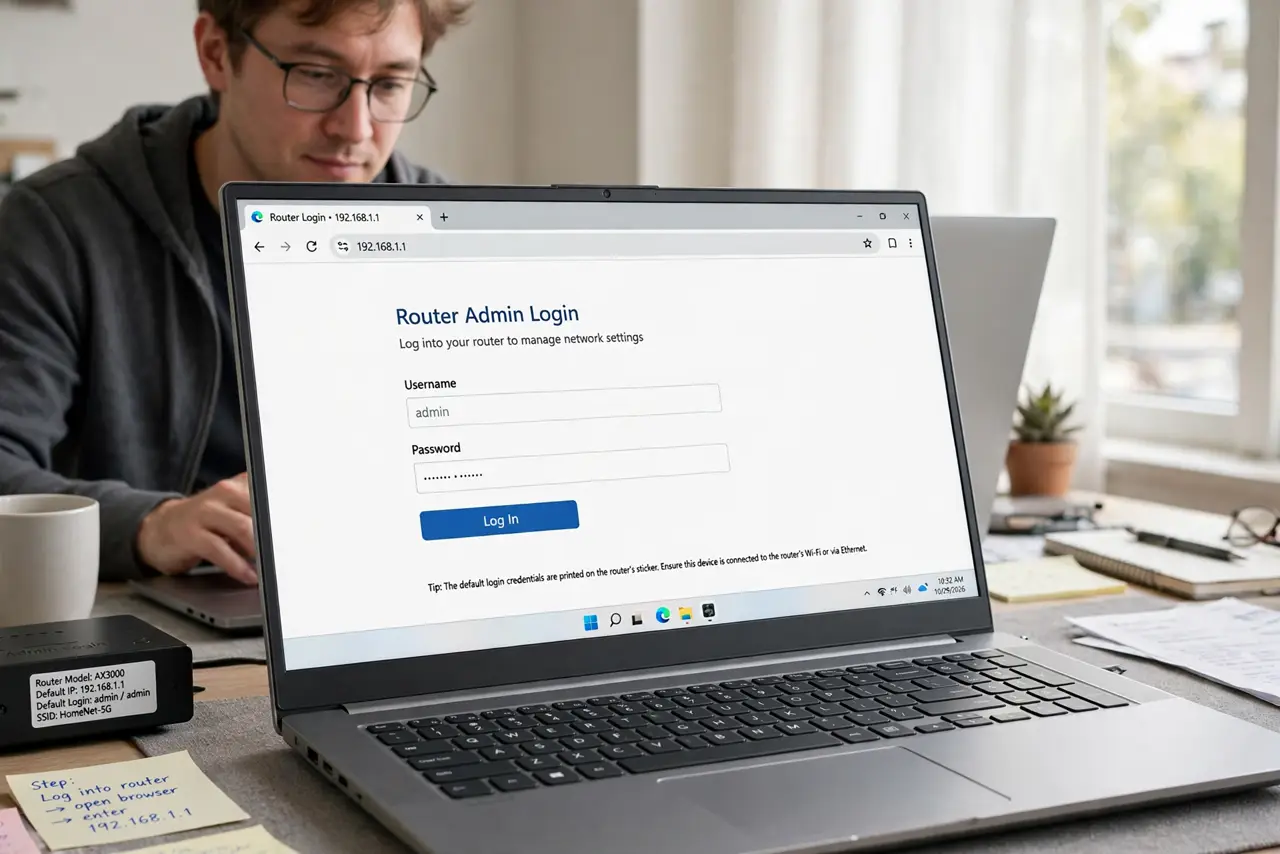
- Log into the router. Open a browser and enter the router's address — usually printed on the sticker along with the default login. Use a device connected to your network.
- Find the admin settings. Look for Administration, Management, or System — not the Wi-Fi password section. The admin password guards the settings; the Wi-Fi password guards the network. Different jobs.
- Change it to something strong. Pick a long, unique password you do not use anywhere else. This password is typed rarely, so length beats memorability — a password manager entry is ideal.
- Save it where you will find it. Write it down or store it in your password manager now. Forgetting the admin password means a factory reset to get back in — annoying and avoidable.
- Log back in to confirm. Sign out and sign back in with the new password to prove it works. A changed password you cannot reproduce is worse than the default.
- Check who else could know it. If a previous owner, roommate, or technician set the router up, assume they know the old credentials. Changing it now closes that chapter.
What NOT to do
- Do not leave the default admin login. It is public knowledge — the sticker password protects nothing against anyone who has seen a router before.
- Do not reuse your Wi-Fi password as the admin password. Separate credentials mean one leak does not hand over everything.
- Do not store it only in your head. Rarely-typed passwords get forgotten; a written record beats a factory reset.
- Do not change it over public Wi-Fi. Do router admin from home — you are handling the keys to your network.
Frequently asked questions
What is the difference from the Wi-Fi password?
The Wi-Fi password lets devices join the network. The admin password controls the router's settings — DNS, firewall, ports. Both matter, separately.
I forgot the admin password. Now what?
A factory reset restores the default login — then set it properly this time and save it. The reset also wipes your Wi-Fi settings, so expect setup work.
How often should I change it?
Once, to something strong, is enough for most homes. Change it again if anyone untrusted may have learned it.