Router Antennas vs Mesh Nodes for Coverage
Weak Wi-Fi in the back rooms leaves you choosing between adjusting the router you have and buying mesh nodes. Antenna position is free to try and sometimes enough — mesh is the bigger fix when the house itself blocks the signal.
TL;DR / Quick Fix
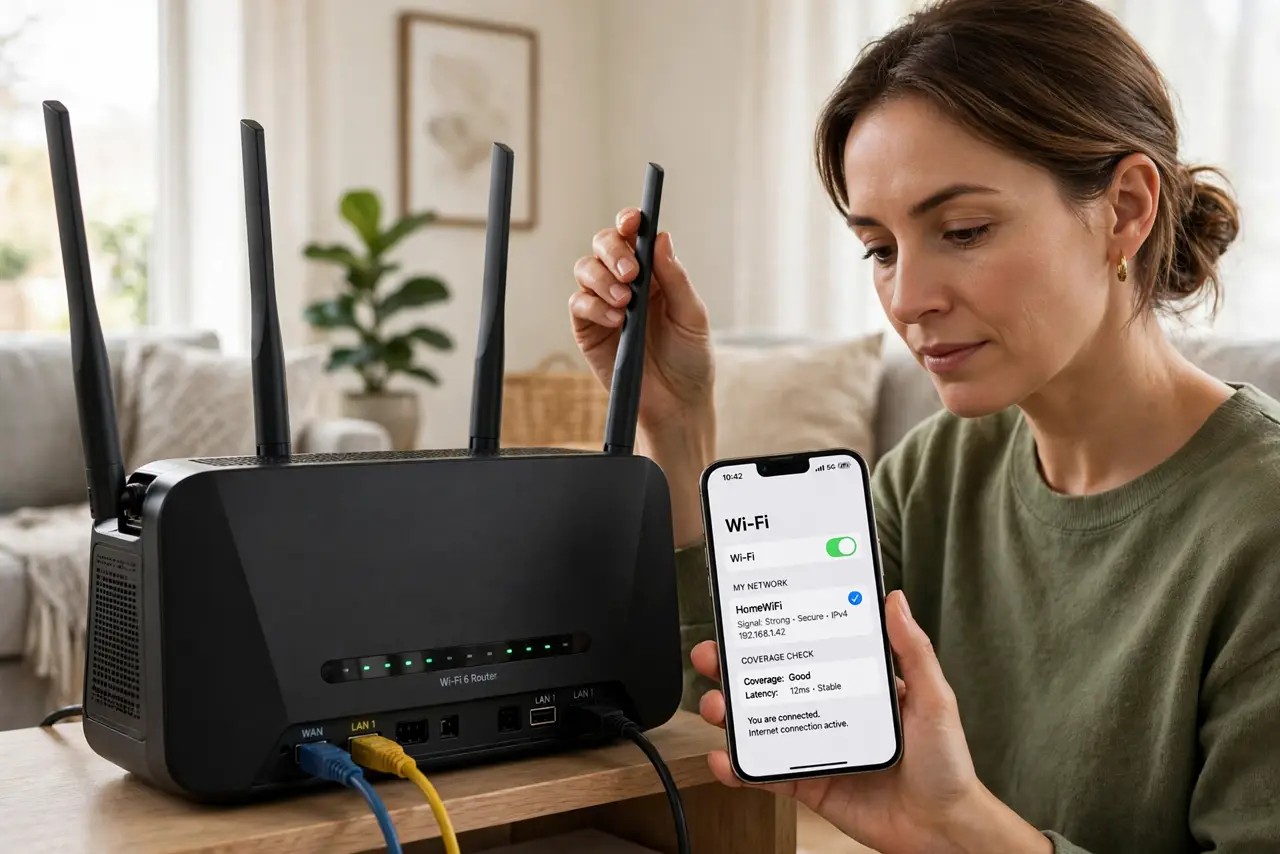
Quick fix: stand the router centrally and elevated, point its antennas in different directions, and test the weak rooms. If dead zones remain after good placement, add one mesh node halfway between the router and the dead zone, keeping the node out in the open.
Follow these steps
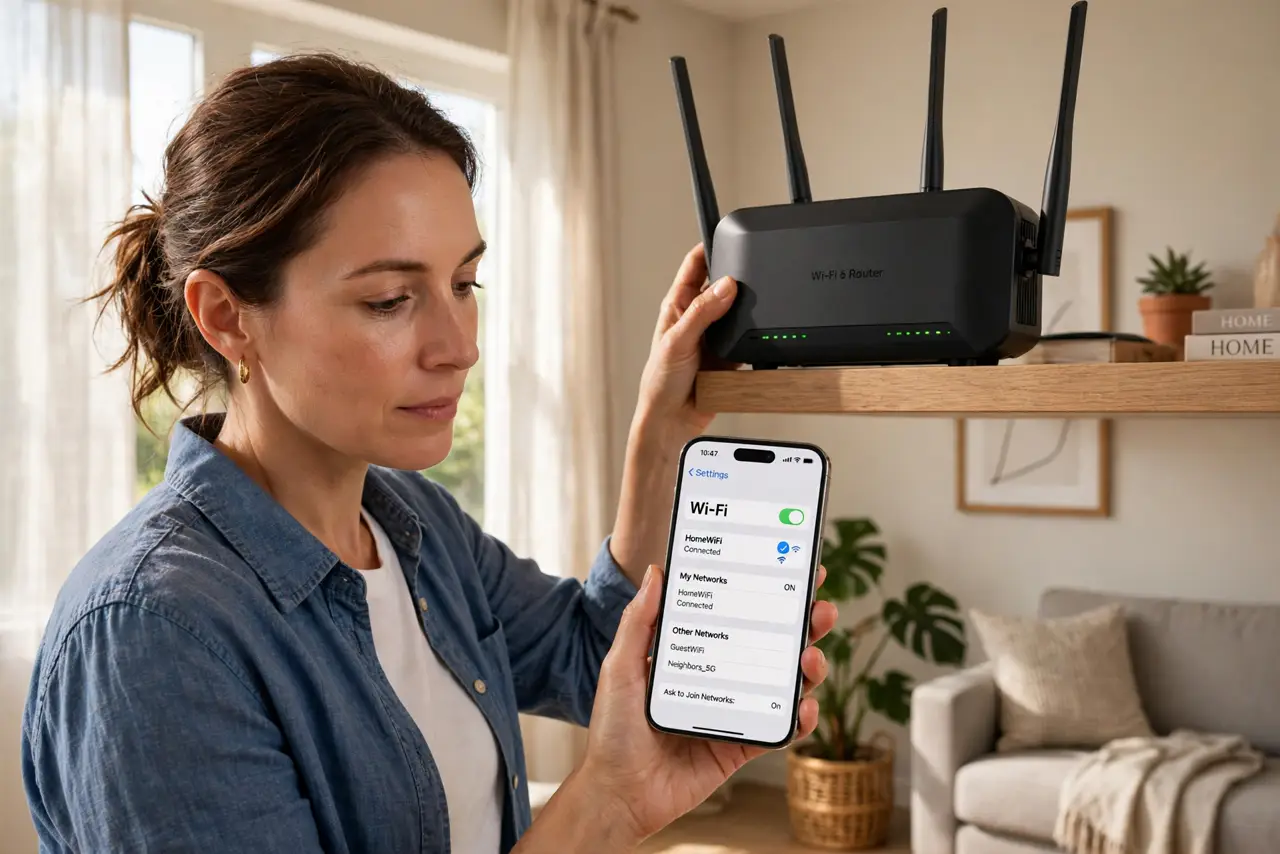
- Move the router central and high. Place the router near the middle of the home, on a shelf rather than the floor. Wi-Fi spreads outward and downward best, so a corner floor spot wastes half its range.
- Point antennas in different directions. Angle one antenna vertical, one horizontal, and one diagonal if there are three. Different angles cover devices at different heights and orientations.
- Test the weak rooms before buying. Walk to the dead zones with a phone and check the signal. Note exactly where it drops — that map tells you whether placement or new hardware is the fix.
- Add one mesh node halfway to the dead zone. If placement is already good, put a mesh node about halfway between the router and the dead room. A node too far from the router just repeats a weak signal.
- Keep nodes in the open. Place mesh nodes on shelves in open rooms, not inside cabinets or behind TVs. A hidden node performs like a weak one, wasting the purchase.
- Recheck for dropping Wi-Fi after changes. After moving the router or adding a node, use the network normally for a day and watch for dropping Wi-Fi. Placement fixes should show up as stable connections, not just stronger signal bars.
What NOT to do
- Do not buy mesh before trying placement. Free antenna and position changes fix a surprising share of dead zones.
- Do not hide the router in a cabinet for looks. Enclosed routers overheat and their signal dies in the box, so looks cost you coverage.
- Do not place a mesh node in the dead zone itself. A node needs a decent signal from the router to repeat, so halfway is the sweet spot.
- Do not mix very old extenders with new mesh. Old extenders halve speed and confuse roaming, so retire them when mesh arrives.
Frequently asked questions
Do router antennas really matter?
Yes, somewhat. Position and angle change coverage meaningfully, though they cannot punch through thick concrete.
Is mesh better than a stronger router?
For spread-out homes with dead zones, usually yes. One strong router cannot bend signal around the obstacles mesh hops over.
How many mesh nodes do I need?
Start with one added to the router. Most homes need only two or three total; more nodes can actually slow roaming.