Set Up a Galaxy Watch
A Galaxy Watch fresh out of the box does almost nothing until it is paired — and the pairing dance between watch, phone app, and Bluetooth trips up plenty of first-timers. Ten careful minutes of setup buys you notifications, health tracking, and payments on your wrist. Here is the clean path through it.
TL;DR / Quick Fix
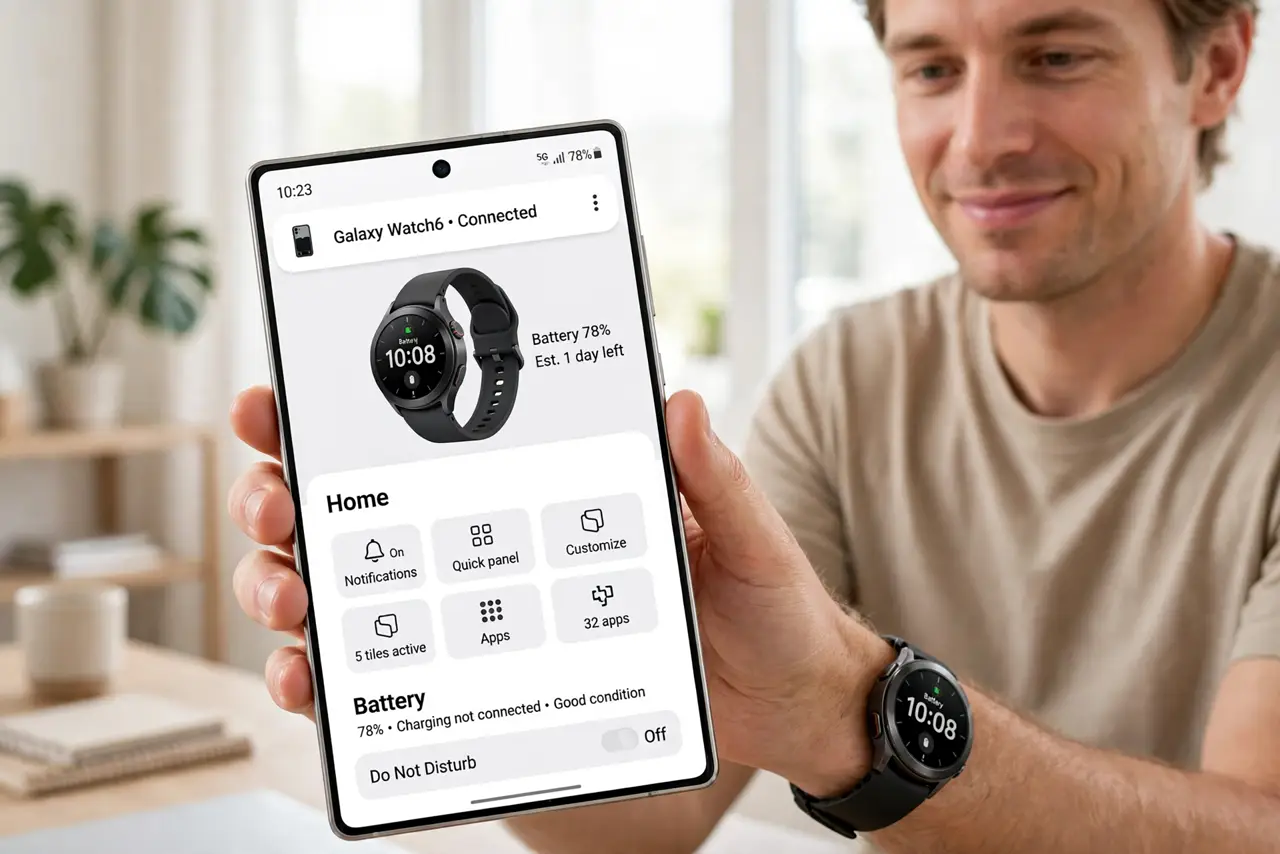
Quick fix: charge the watch, install the Galaxy Wearable app, and follow the pairing prompts with Bluetooth on — keep the phone and watch close. Grant notification and health permissions when asked, then set up Samsung Health or Google Fit for tracking. Update the watch software before judging battery life.
Follow these steps
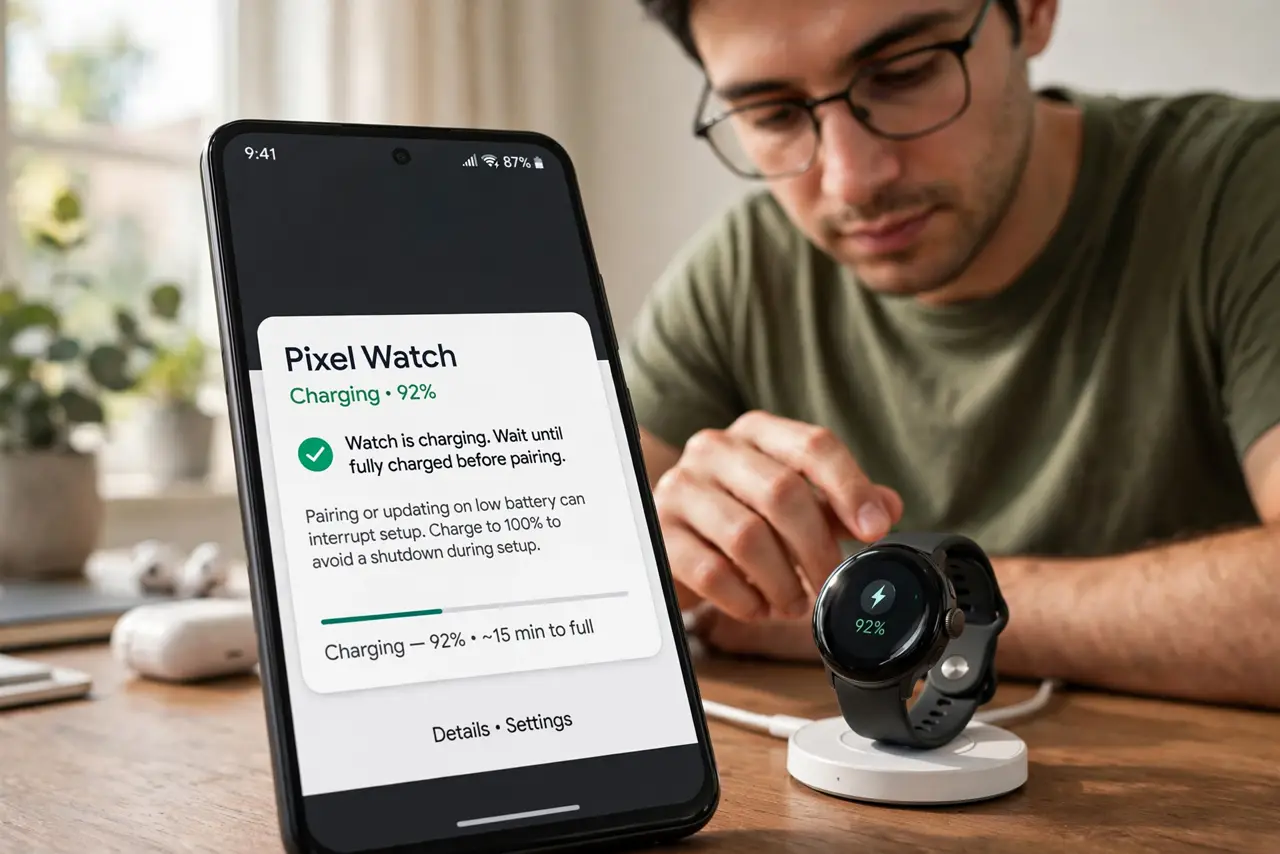
- Charge it first. Put the watch on its charger until it has a solid charge — pairing and updating on a low battery causes mid-setup shutdowns, the most annoying possible failure.
- Install the Galaxy Wearable app. On your phone, install Galaxy Wearable from the app store and open it. This app — not the Bluetooth settings — runs the pairing; going through system Bluetooth first is the classic wrong turn.
- Pair with the watch nearby. With Bluetooth on, the app finds the watch; confirm the matching code on both screens. Keep them inches apart during pairing — distance is the top cause of ‘cannot find device’.
- Grant the permissions it asks for. Notifications, calls, health data — say yes to what you want the watch to do. Denying notification access then wondering why nothing buzzes is the most common post-setup complaint.
- Set up health tracking. Open Samsung Health (or your preferred fitness app) and enter your basic stats so calorie and heart-rate zones are personal, not generic. See heart-rate accuracy to read the numbers sensibly.
- Update the software, then judge battery. Install any pending watch update before deciding battery life is bad — launch software is often unoptimized. Give it two full charge cycles after updating for a fair verdict.
What NOT to do
- Do not pair through the phone’s Bluetooth settings. Use the Galaxy Wearable app — system-level pairing skips the setup the watch needs.
- Do not judge battery on day one. Setup, updates, and syncing hammer the battery; real life starts on day three.
- Do not wear it loosely for workouts. A sliding watch gives garbage heart-rate data — snug (not tight) during exercise, relaxed otherwise.
- Do not skip the software update. Launch-day firmware is routinely buggy; the first update fixes the complaints you see in early reviews.
Frequently asked questions
Does it work with iPhone?
Partially — basic pairing works, but features are limited compared to Android. A Galaxy Watch is really an Android companion; iPhone users are happier with an Apple Watch.
Can I take calls on it?
Yes, over Bluetooth through your phone nearby. LTE models can call independently, but need their own mobile plan.
How do I add music for runs?
Sync playlists to the watch over Wi-Fi for phone-free listening with Bluetooth earbuds — download before the run, not during.