Scan a Business Card Straight to Contacts
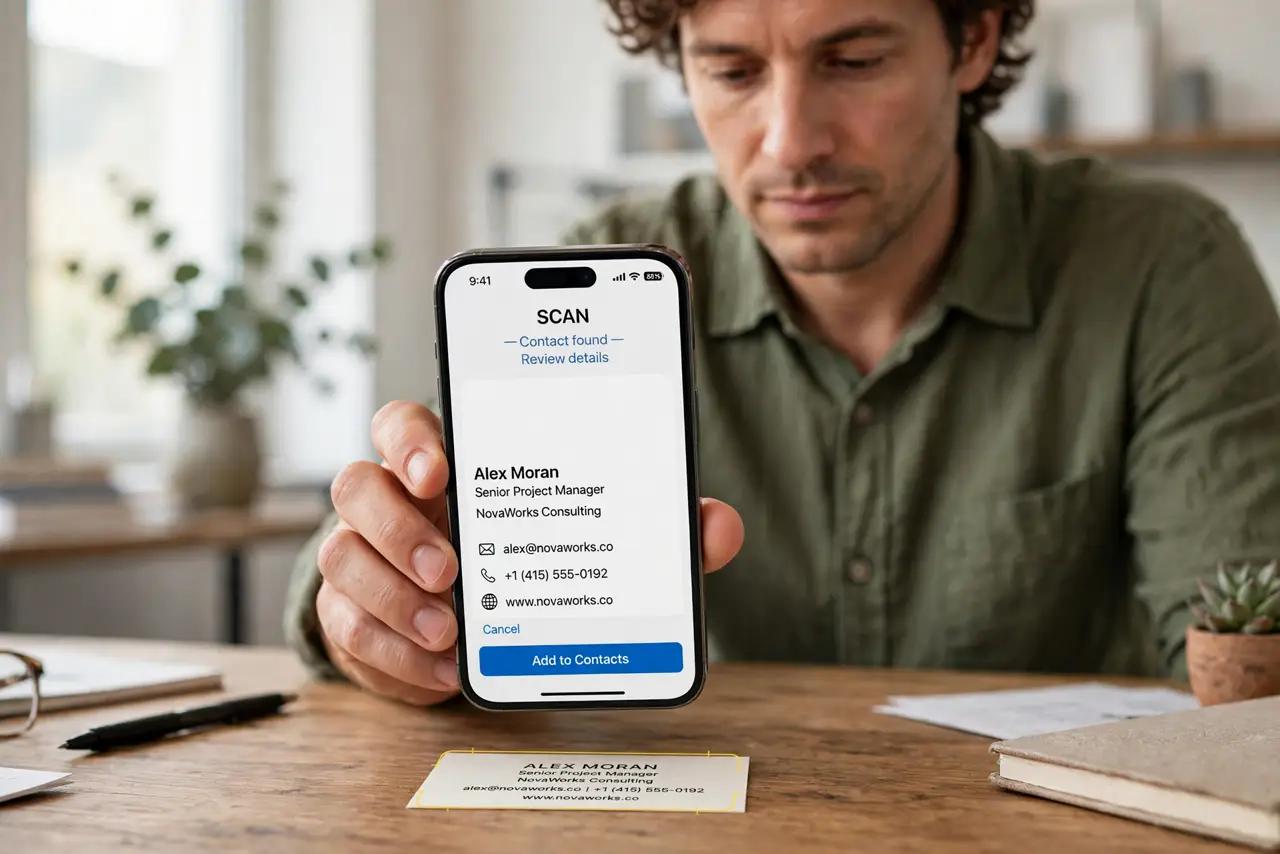
Business cards pile up in wallets and drawers, and the contact you need is always on the one card you cannot find. Your phone's camera can read the card and file the details as a real contact in under a minute.
TL;DR / Quick Fix
Quick fix: use your phone camera's built-in text scan on the card, copy the name and number into a new contact, and double-check every digit. Add a note with where you met, so the contact still makes sense in six months.
Follow these steps
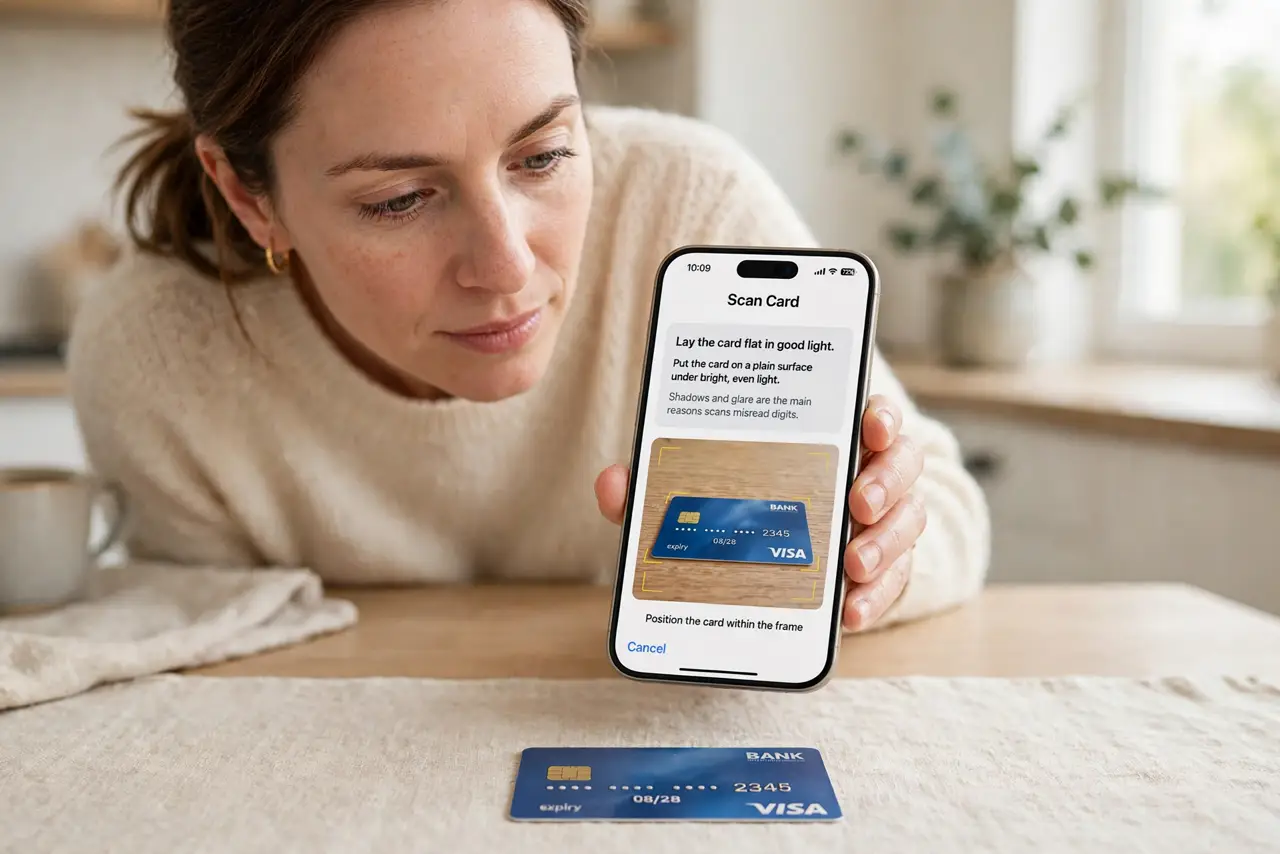
- Lay the card flat in good light. Put the card on a plain surface under bright, even light. Shadows and glare are the main reasons scans misread digits.
- Scan with the built-in text reader. Use the camera's live text or scan feature and point it at the card. The phone highlights the detected text when it locks on.
- Create the contact from the scan. Copy the name, number, and email into a new contact. Let the phone suggest the fields, but check each one before saving.
- Verify every digit of the number. Read the scanned number back against the card, digit by digit. One wrong digit sends your follow-up to a stranger.
- Add a context note. Write where you met and what you discussed in the contact's notes field. Six months later, that note is the difference between a contact and a mystery name.
- File the card or recycle it. Once the contact is verified, store the card in one place or recycle it. A scanned card kept in the wallet just rejoins the pile, and a duplicate entry later is easy to merge.
What NOT to do
- Do not trust the scan without checking. Text recognition misreads digits often enough that every number deserves a human look.
- Do not save the contact with no context. A bare name and number is nearly useless months later, while one note line revives the whole meeting.
- Do not keep the physical card and the scan in chaos. Decide one system, digital or a single card box, and stop maintaining both badly.
- Do not scan a stack of cards in bad light to save time. Rushed scans produce wrong numbers, and wrong numbers waste more time than careful scanning.
Frequently asked questions
Can my phone really read a business card?
Yes. The built-in camera text reader handles clean, well-lit cards reliably, though you should still verify the digits.
What if the scan misreads the number?
Fix it by hand against the card before saving. The scan is a starting point, not a finished contact.
Should I keep the physical card?
Only until the digital contact is verified. After that, one system is enough, and the pile can go.