Screen Goes Black for Seconds Randomly? Fix It
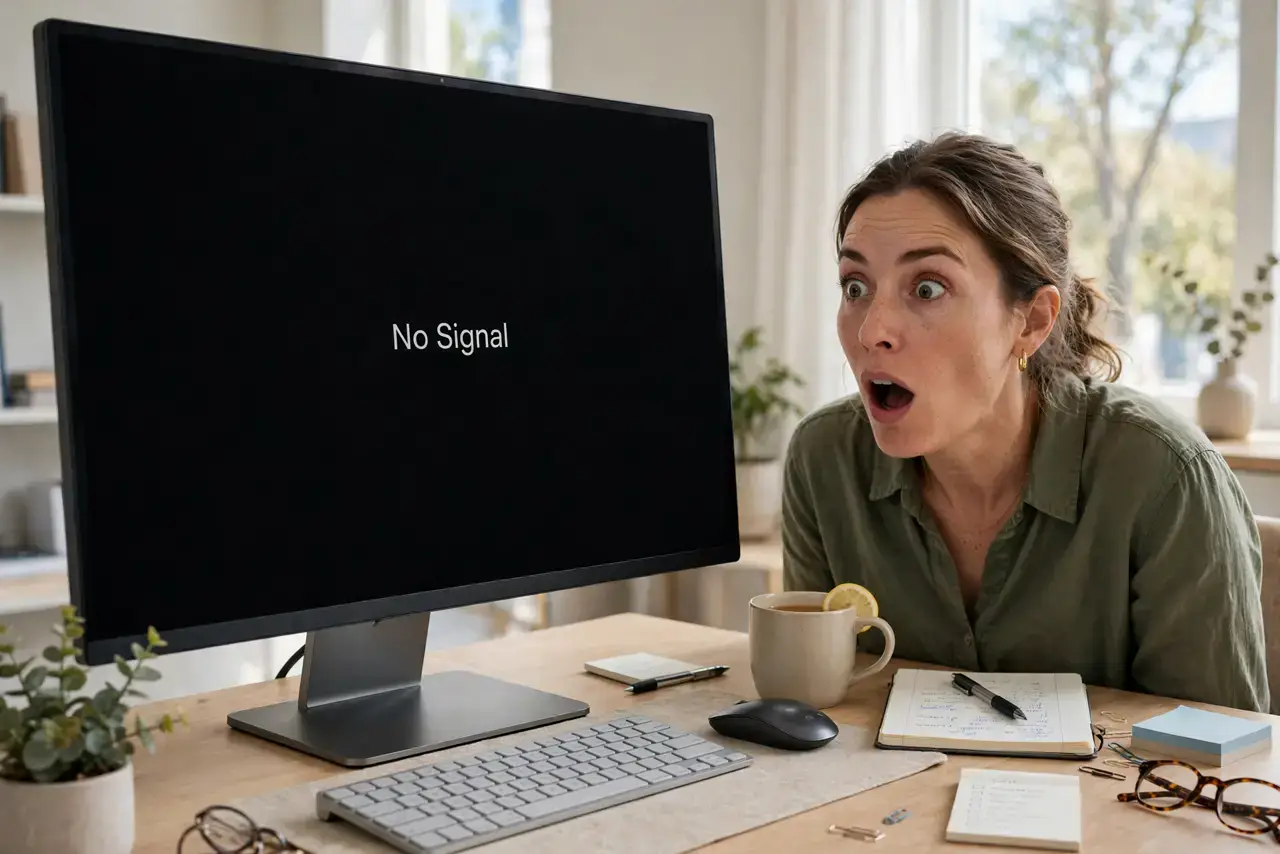
Your screen randomly goes black for a few seconds, then comes back as if nothing happened. The computer keeps running — music plays on, downloads continue — so it is a display-chain hiccup, not a crash. The usual suspects are the cable, the port, or the graphics driver. This guide hunts them down in order.
TL;DR / Quick Fix
Quick fix: reseat both ends of your display cable — unplug and firmly replug them. If blackouts continue, try a different cable and a different port on your graphics card. Update the graphics driver as well, since driver hiccups cause exactly these brief blackouts, much like sleep-wake glitches.
Follow these steps
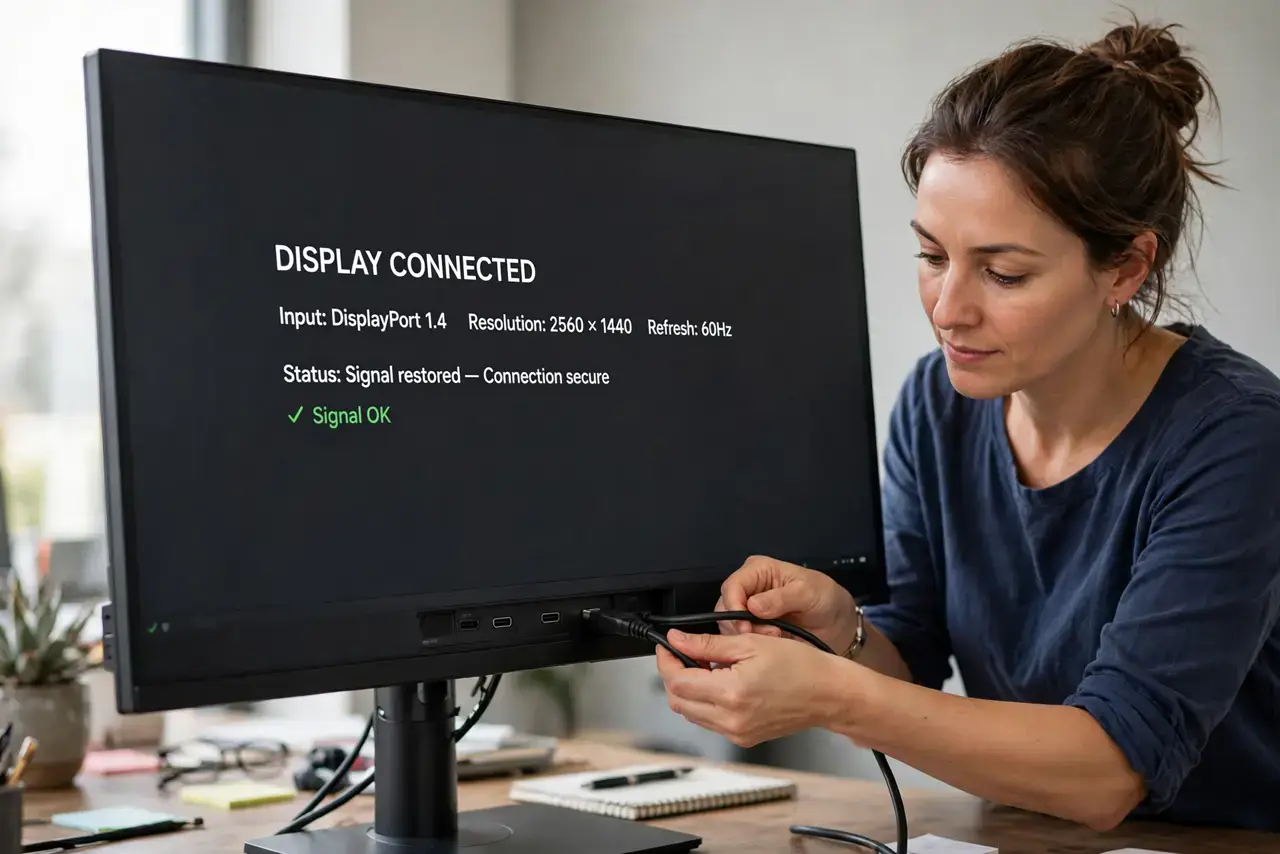
- Reseat the cable. Unplug the display cable at both ends and plug it back in firmly. Loose connections cause intermittent blackouts that look mysterious but fix in seconds.
- Try a different cable. Swap in another HDMI or DisplayPort cable. Internal wire breaks cause exactly this on-and-off behavior, and cables are cheap to rule out.
- Try a different port. Move the cable to another port on your graphics card or motherboard. A flaky port behaves identically to a flaky cable.
- Update the graphics driver. Get the latest driver from the GPU maker's website. Driver-level display resets cause brief blackouts with the computer otherwise running fine.
- Check the power cable too. A loose monitor power cord causes the same symptom. Reseat it and make sure the monitor's power LED stays solid during a blackout.
- Test another monitor if you can. Borrow a display for ten minutes. If the second monitor never blacks out, your monitor's input board is the suspect.
What NOT to do
- Do not replace the graphics card first. Cables, ports, and drivers cause the vast majority of brief blackouts — the GPU is far down the list.
- Do not use an overlong cheap cable for high resolutions. Long, thin cables struggle with 4K signals and drop out intermittently.
- Do not ignore blackouts that lengthen over time. Seconds becoming minutes suggests a degrading component — usually the monitor's power supply.
- Do not daisy-chain adapters unnecessarily. Each adapter in the chain is another failure point; use the most direct cable your ports allow.
Frequently asked questions
Why does the sound keep playing during the blackout?
Because the computer never crashed — only the display signal dropped. Audio runs on a separate path, which is why it continues uninterrupted.
Could this damage my monitor?
The blackouts themselves are harmless, but the underlying cause (like a failing power supply) deserves attention before it worsens.
It only happens in games — why?
Games push higher refresh rates and resolutions that stress marginal cables. A cable fine for the desktop can fail under gaming loads.