Record Screen Tutorials
Teaching something on screen — a software trick, a workflow, a fix — is one of the most useful videos you can make. But rambling recordings with tiny cursors and no plan put viewers to sleep. A little structure before you hit record turns a chore into a tutorial people actually finish.
TL;DR / Quick Fix
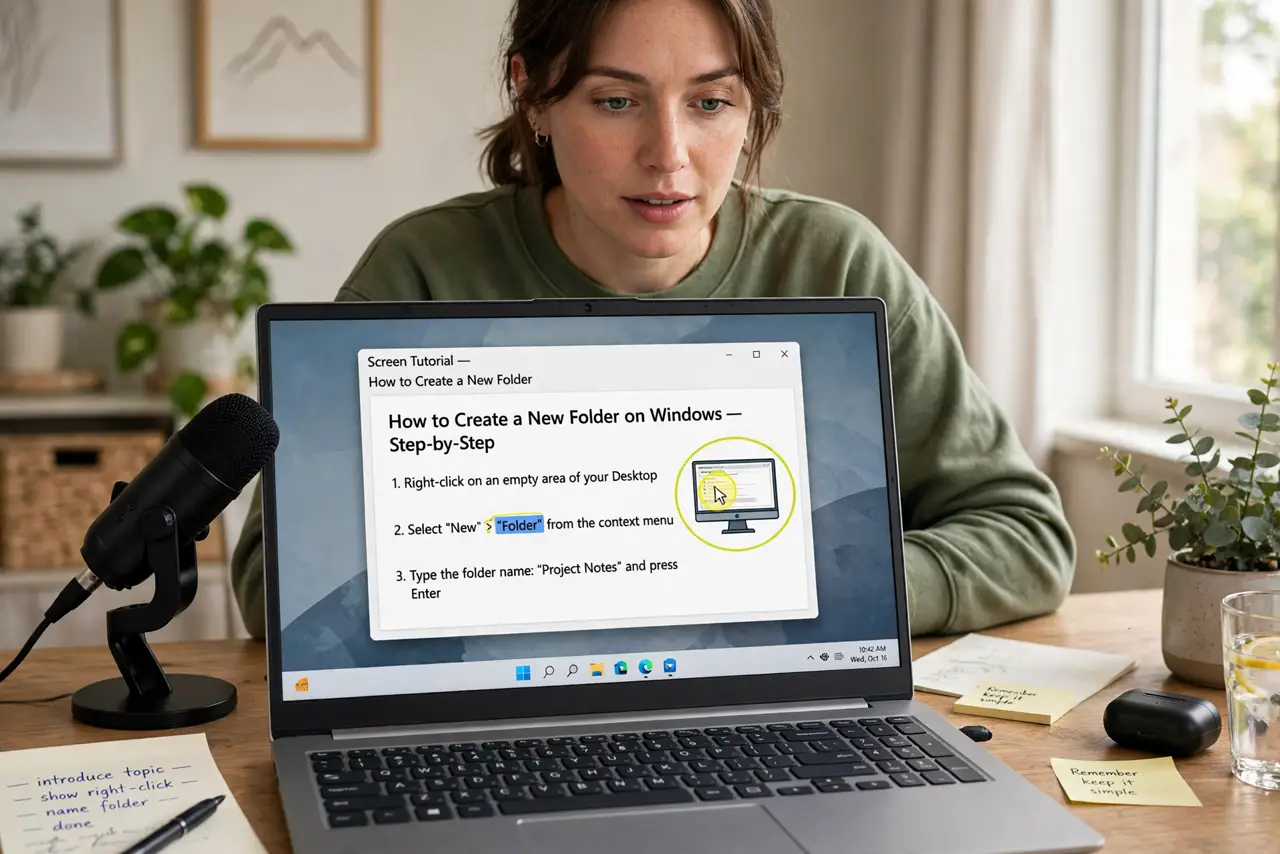
Quick fix: decide the tutorial’s single takeaway, script bullet points (not a word-for-word script), and record in short segments — mistakes get re-recorded, not edited out painfully. Speak slowly, zoom on clicks, and keep videos under ten minutes. Edit out the pauses; viewers forgive cuts, not rambling.
Follow these steps
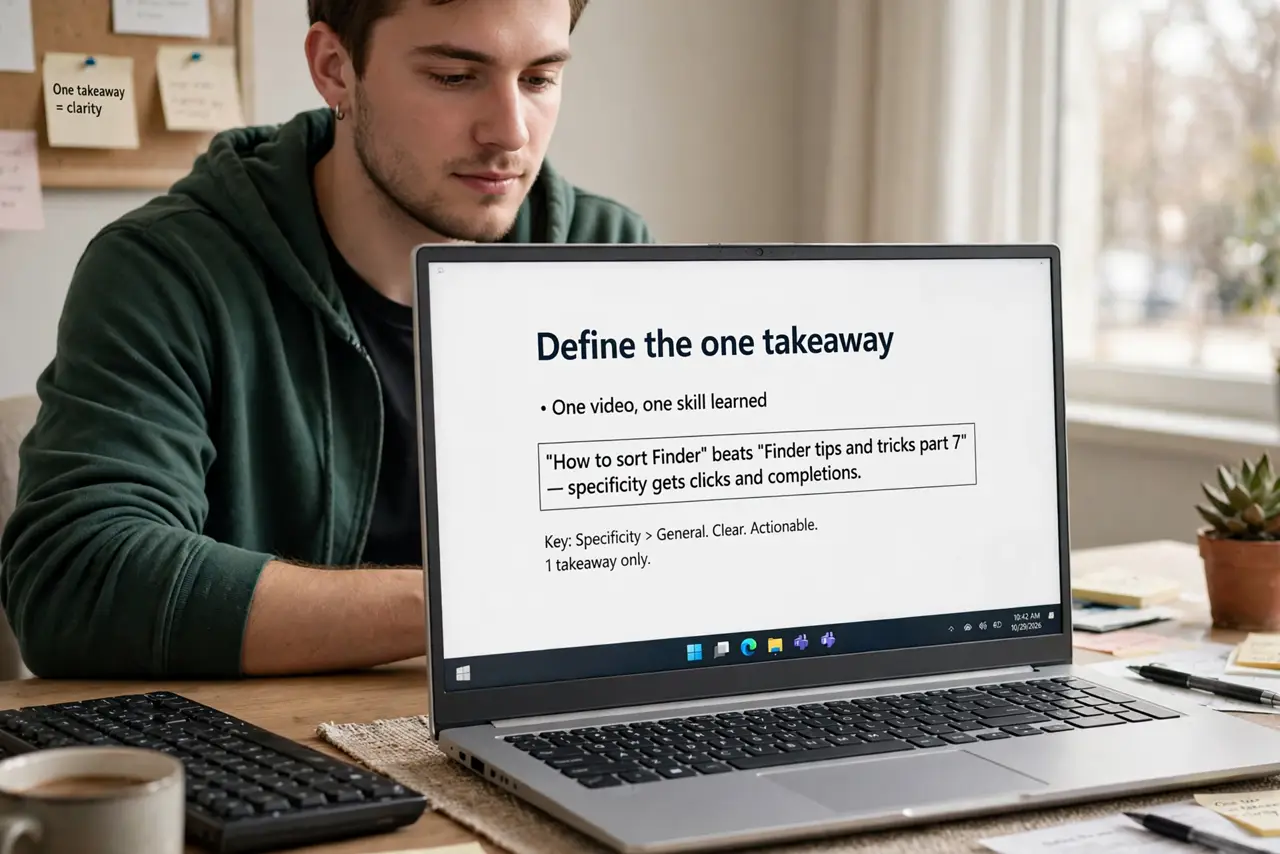
- Define the one takeaway. One video, one skill learned. ‘How to sort Finder’ beats ‘Finder tips and tricks part 7’ — specificity gets clicks and completions.
- Write bullet points, not a script. Bullets keep you natural; full scripts sound read. List the steps in order, glance, talk — the slight imperfection feels human and keeps you moving.
- Set up the screen first. Close extra tabs, bump the text size up, hide personal bookmarks and notifications. Your recording is a stage — set it before the audience arrives. Check recording permissions on Mac first.
- Record in short segments. One segment per step. Flub a step? Re-record that segment, not the whole video — editing becomes assembly, not surgery.
- Make the cursor impossible to miss. Enable cursor highlighting or zoom on clicks in your recorder. Viewers on phones cannot follow a tiny arrow — and enable the microphone so narration is crisp, not tinny.
- Edit lightly, publish quickly. Cut pauses and mistakes, add a title card, export. Then trim and tighten — and see video editing basics when you want more polish.
What NOT to do
- Do not record without a plan. Rambling ‘let me just show you’ videos lose viewers by minute two — bullets first, record second.
- Do not record at tiny text sizes. What is readable on your monitor is illegible on a phone — zoom the UI before recording.
- Do not leave notifications on. One personal message popping up mid-tutorial is embarrassing at best — Do Not Disturb on, always.
- Do not aim for perfect in one take. Segments and editing exist so you do not have to be flawless — record, fix, assemble.
Frequently asked questions
What’s the best free screen recorder?
Your OS ships one good enough for tutorials — learn it before shopping. Paid tools add polish, not clarity.
How long should a tutorial be?
As short as the skill allows — under ten minutes is the sweet spot. Split bigger topics into a series.
Do I need to show my face?
No — voice plus screen is the classic tutorial format. A facecam adds connection but also editing work; skip it until the channel earns it.