Pick an SD Card for Cameras
All SD cards look alike, but put the wrong one in your camera and 4K video stutters, burst mode chokes, or the card dies mid-shoot. The alphabet soup — UHS-I, U3, V30, A2 — actually encodes the speed you need, and matching it to your camera is simpler than it looks. This guide decodes the labels, sizes the card to your shooting, and covers the care that keeps cards alive. For moving up to bigger storage builds, see how to build your own external drive.
TL;DR / Quick Fix
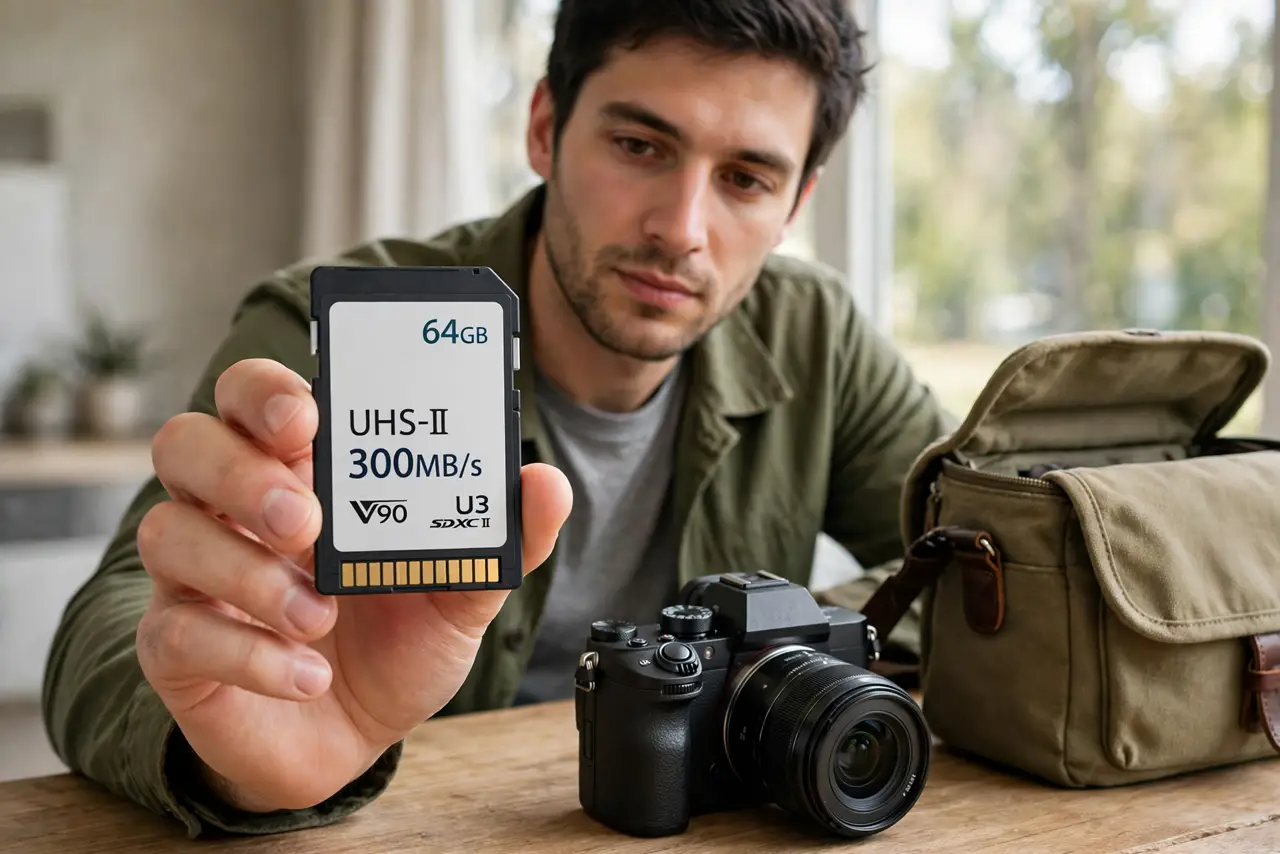
Quick fix: match the card's speed class to your camera — V30 for 4K, V60 or V90 for high-bitrate video — and buy reputable brands to avoid fakes. Size it to a day of shooting so one failure cannot ruin a whole trip. Format in the camera, not the computer.
Follow these steps
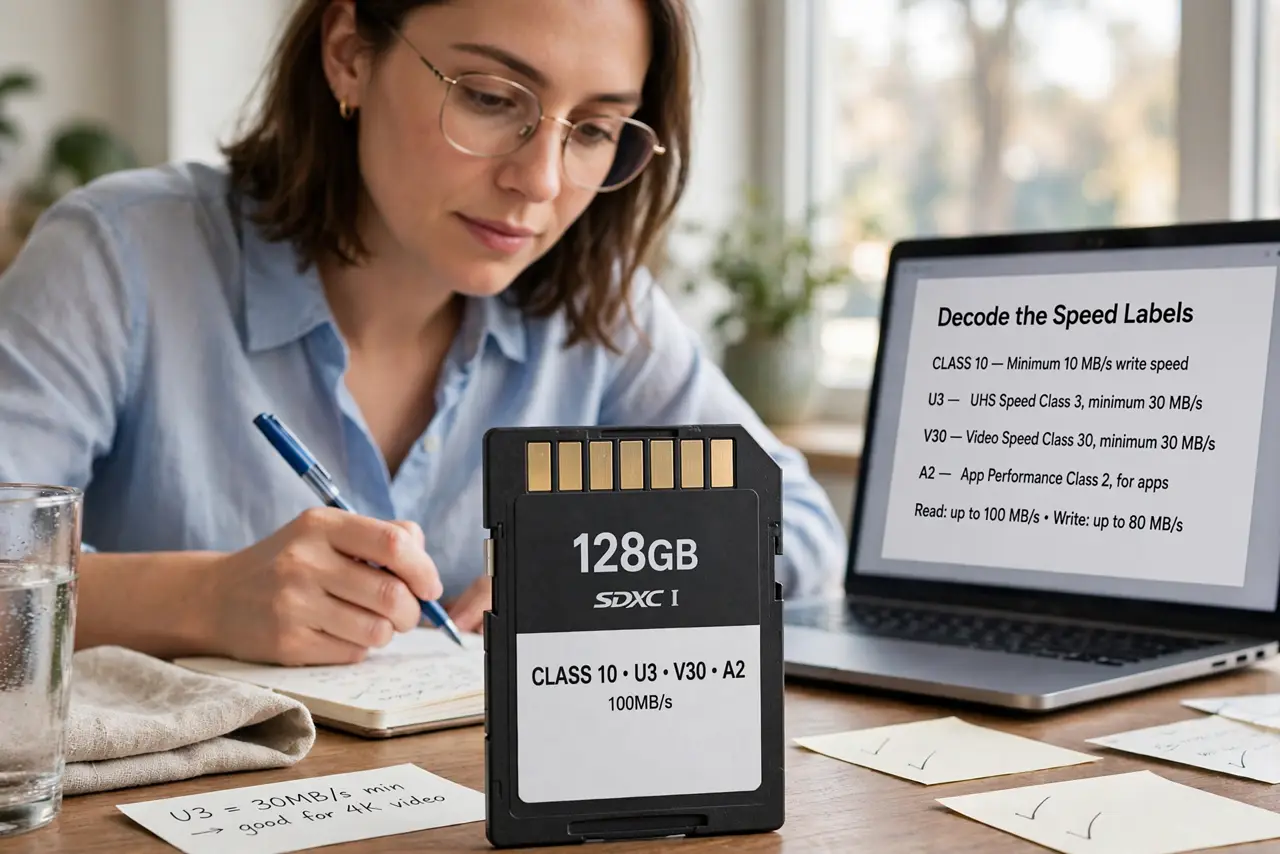
- Decode the speed labels. V30 means 30 MB/s sustained — enough for 4K on most cameras. V60/V90 suit high-bitrate video. U3 is the older equivalent of V30. A2/V ratings matter for phones and drones more than cameras.
- Match the card to the camera. Check your camera manual's recommended card spec — it names the exact class. Buying far above the recommendation wastes money; below it causes dropped frames.
- Size for a day, not a trip. One giant card holding a whole vacation is a single point of failure. Several medium cards — a day's shooting each — contain any failure to one day.
- Buy reputable, avoid fakes. Counterfeit cards with fake capacity ratings are rampant on marketplaces. Buy from authorized retailers, and test new cards with a capacity-check tool before trusting them.
- Format in the camera. Always format new cards in the camera you will use, not the computer. The camera lays down the exact file system it expects — computer formats cause subtle incompatibilities.
- Handle and store properly. Keep cards in a case, away from heat and magnets. Eject properly from readers — yanking mid-write corrupts the file table.
What NOT to do
- Do not buy the cheapest card for 4K video. Dropped frames and corrupted clips are the tax on under-spec cards.
- Do not trust marketplace sellers with impossible prices. A 1TB card at a quarter of retail is counterfeit — guaranteed.
- Do not delete photos in-camera to 'make space.' In-camera deletes fragment the card; offload properly and format fresh.
- Do not use one card for everything forever. Flash wears out — retire heavily used cards on a schedule, not after a failure.
Frequently asked questions
What is the difference between SD, SDHC, and SDXC?
Capacity generations: SD up to 2GB, SDHC to 32GB, SDXC beyond. Modern cameras want SDXC — check the manual for the max supported size.
How long do SD cards last?
Years of normal use, but every card has a finite write life. Heavy video shooters should rotate cards yearly.
Can I recover deleted photos?
Often yes, if you stop using the card immediately. Recovery software scans the raw flash — but every new write overwrites more.