Airport Charging? Risks
Your phone is dying at the gate and the airport has free USB charging stations everywhere. It is tempting to plug straight in — but those public USB ports carry data as well as power, and a tampered port can try to talk to your phone while it charges. This is the 'juice jacking' risk you hear about. The actual danger is low but real, and the fixes are simple. Here is how to charge safely on the road.
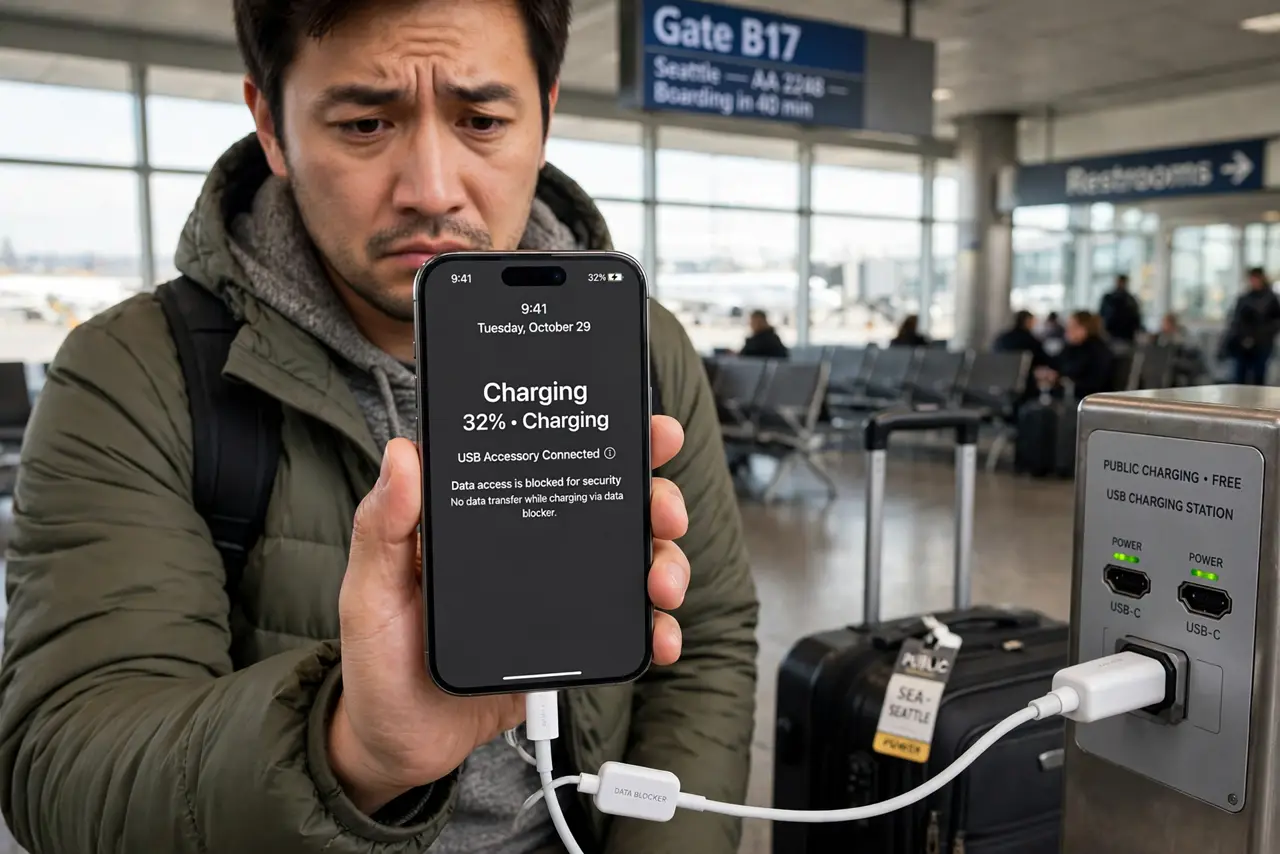
TL;DR / Quick Fix
Quick fix: do not plug your phone directly into a public USB port — use your own wall charger in an AC outlet, or a USB data blocker that passes power only. If you must use the port, keep the phone locked. A portable battery pack is the simplest protection.
Follow these steps
- Understand the real risk. Public USB ports carry data lines, not just power. A compromised station could attempt to access data or install malware — dubbed 'juice jacking.' The risk is low and rarely seen in the wild, but it is cheap to protect against, so do it.
- Prefer your own charger in a wall outlet. An AC power outlet carries no data at all, so your own wall charger plus cable is completely safe. Airports are full of outlets — this is the simplest and most reliable option.
- Carry a USB data blocker. A data blocker is a tiny adapter that passes only power, blocking the data pins. Plug it between the public port and your cable and even a tampered station can only charge. The same caution applies to borrowed chargers from strangers.
- Keep the phone locked if you plug into USB. A locked phone refuses most data connections by default. If you must use a public USB port directly, lock the phone and do not enter your passcode or tap 'Trust' on any prompt that appears.
- Decline any 'Trust this computer' prompt. That prompt means the port is trying a data handshake. Tap 'Don't Trust' and unplug — a real charging port never needs your trust. This is your early warning system.
- Use a portable battery as your buffer. Charge a power bank from the public port, then charge your phone from the power bank. The bank cannot pass a data attack through to your phone, and you stay charged while walking around.
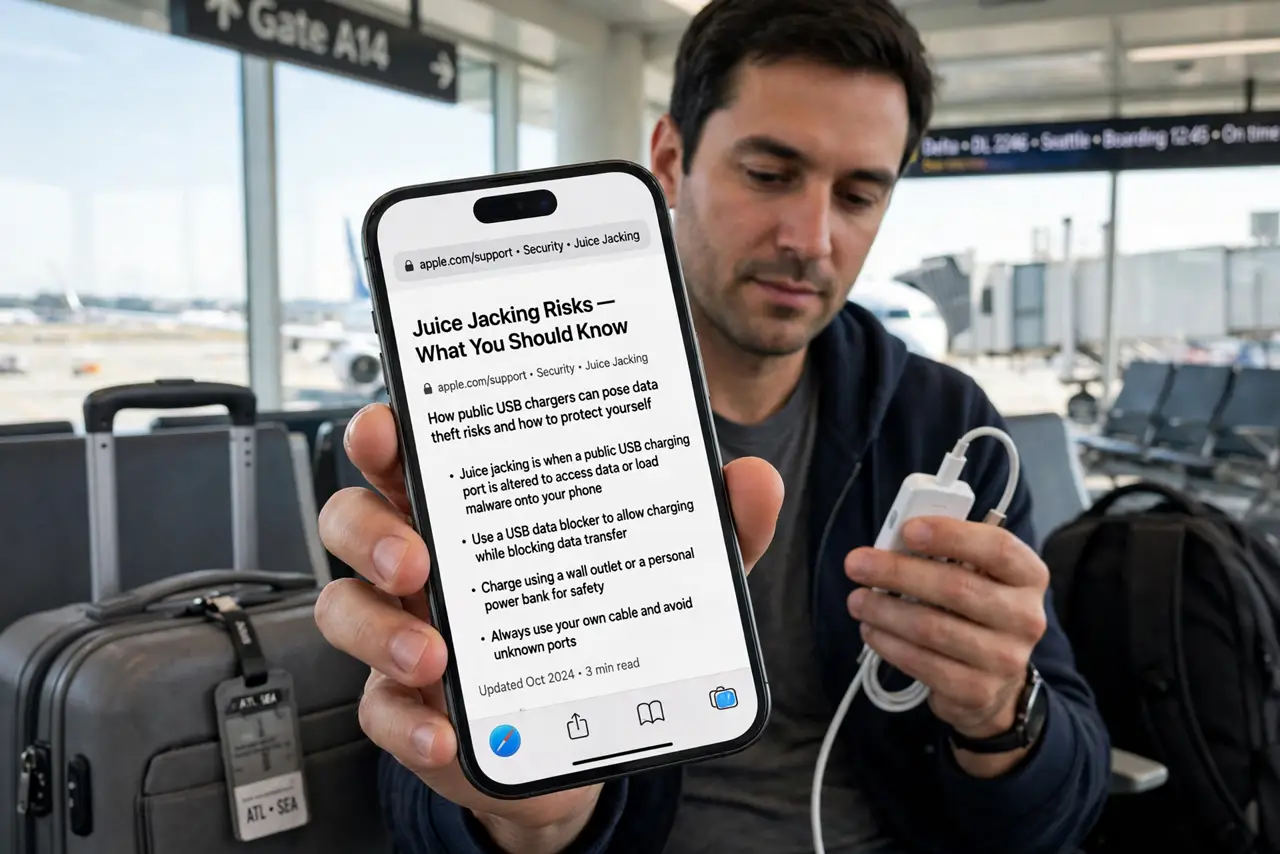
What NOT to do
- Do not tap 'Trust' on any prompt at a public station. A charging port has no business asking for your trust — treat the prompt as a red flag.
- Do not unlock the phone while plugged into a public USB port. Unlocking opens the door to data access; charge with the screen locked.
- Do not assume hotel lobby or café USB ports are safe either. Any public port you did not install carries the same risk.
- Do not panic about juice jacking to the point of never charging. The fix is a two-dollar data blocker or your own charger — low effort, full protection.
Frequently asked questions
Has juice jacking actually happened?
Confirmed real-world cases are rare — most reports are warnings from security researchers and agencies. The risk is considered low but plausible, which is why the cheap precautions are worth it.
Is a cable with only power wires a good alternative?
Yes — charge-only cables have no data wires and work like a data blocker. Just make sure it is genuinely charge-only before relying on it.
Does this apply to wireless charging pads too?
No — wireless charging has no data connection at all, so public Qi pads are safe from juice jacking by design.