Borrowed Chargers? Risks
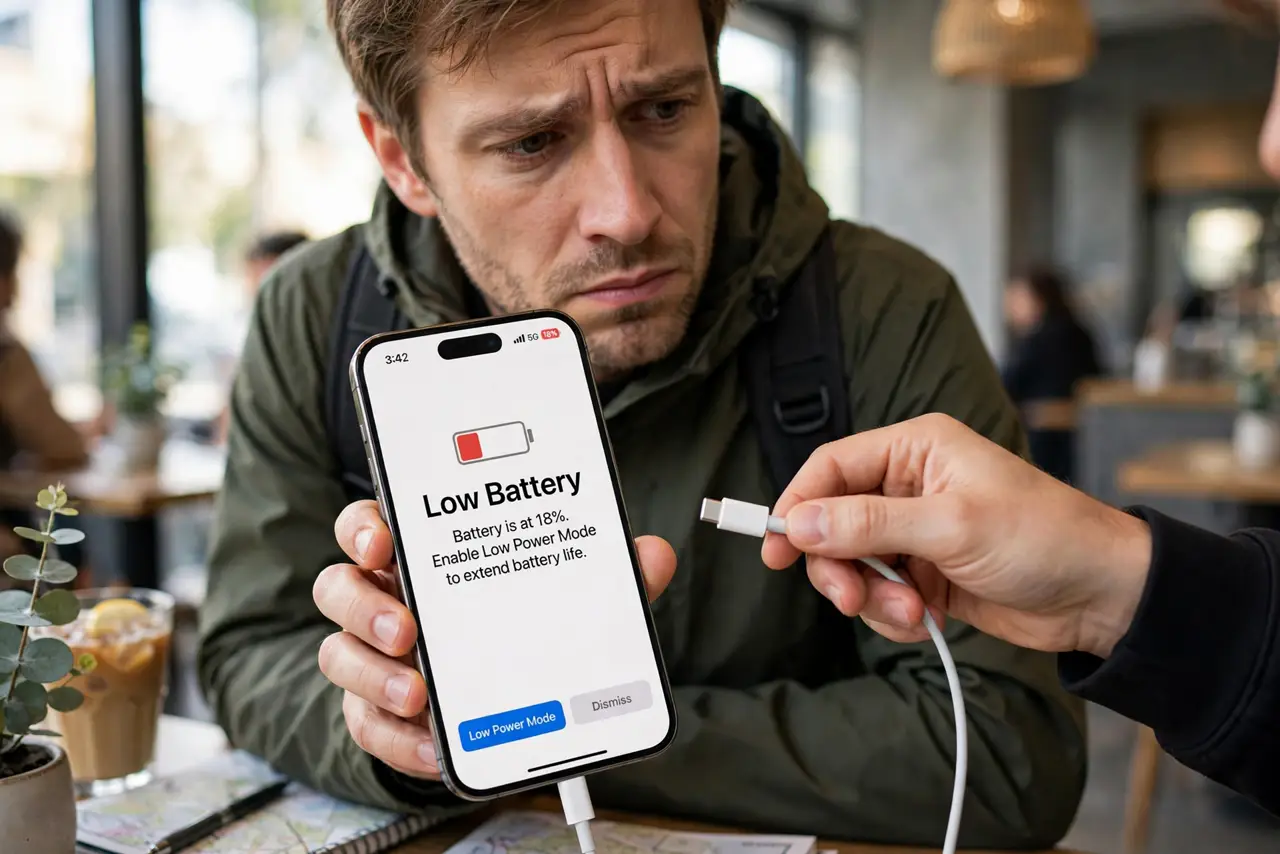
Your phone is dying and a stranger offers their charger and cable — problem solved, right? Almost. A charger you did not bring yourself is a small trust decision: the cable could be a disguised data-grabbing device, and even an innocent cable plus a compromised wall wart is a risk. The odds of an attack are low, but the precautions cost nothing. Here is how to borrow power safely.
TL;DR / Quick Fix
Quick fix: the safest borrow is the wall charger only — plug YOUR cable into THEIR charger, never their cable into your phone. Keep the phone locked while charging, and decline any 'Trust' prompt. Better yet, carry your own cable; a data blocker in your bag ends the debate entirely.
Follow these steps
- Understand the two risks. Risk one: a malicious cable with a hidden chip that acts like a keyboard or storage device when plugged in. Risk two: a compromised charger or port attempting a data handshake. Both are rare; both are defeated by the same habits.
- Borrow the brick, not the cable. If you must borrow, take only their wall charger and use your own cable. Your cable has no surprises in it — the unknown part was always the cable, not the power brick.
- Keep the phone locked while it charges. A locked phone refuses data connections by default. Do not unlock it, do not enter your passcode, and treat any prompt as a stop sign while borrowed gear is attached.
- Decline every 'Trust' prompt. A charger has no legitimate reason to ask for your trust. Tap 'Don't Trust,' unplug, and find another power source — the prompt is the attack announcing itself.
- Prefer AC outlets over USB ports. A plain wall outlet carries no data, period. The same logic behind avoiding public USB charging stations applies here: the dumber the power source, the safer it is.
- Carry your own cable and a data blocker. Your own cable plus a two-dollar USB data blocker makes you borrow-proof: even a hostile port or cable can only deliver power. It lives in your bag and weighs nothing.
What NOT to do
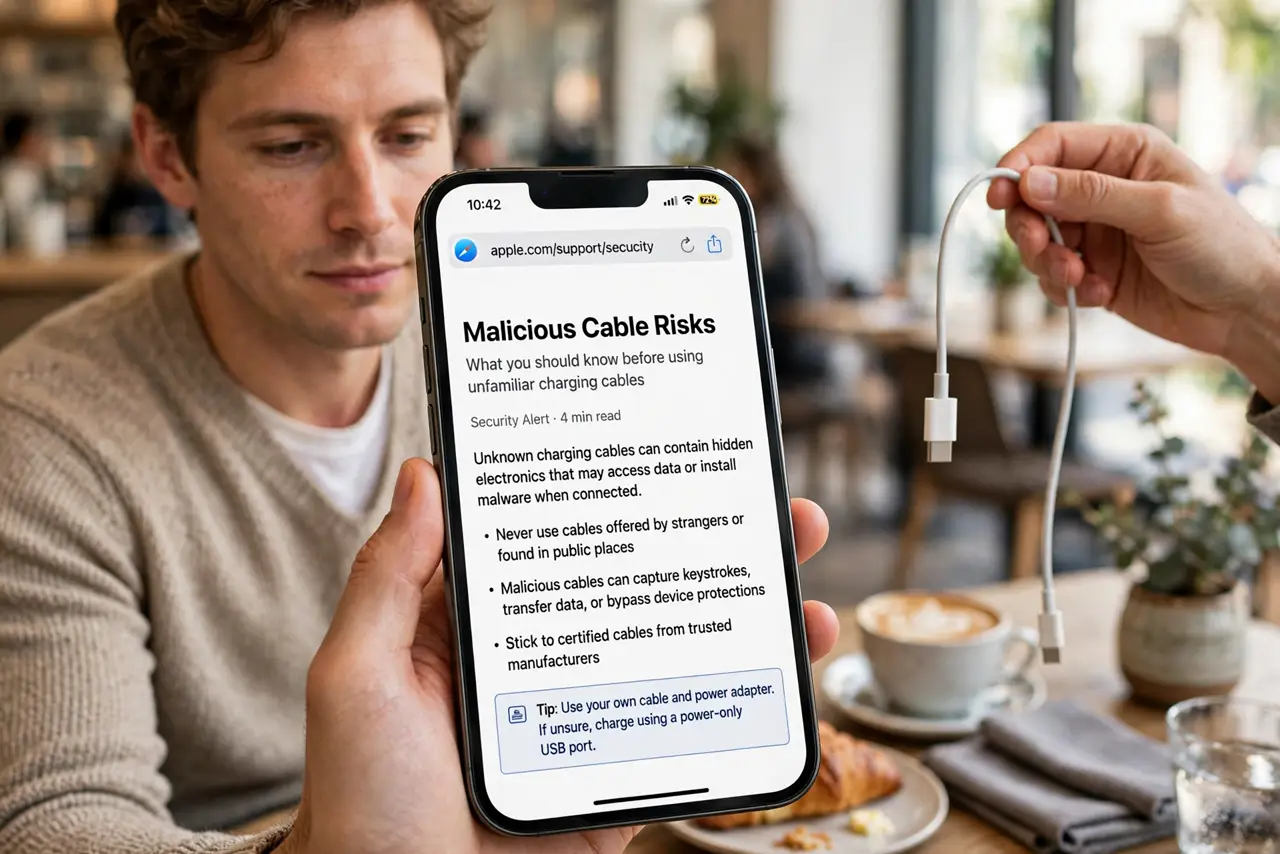
- Do not plug a stranger's cable into your phone. The cable is the classic attack vector — a doctored cable looks identical to a normal one.
- Do not tap 'Trust this computer' for a charger. No charger ever needs your trust; the prompt means something is attempting data access.
- Do not unlock your phone while on borrowed gear. Unlocking is what opens the data door — charge locked or not at all.
- Do not assume a friend's cable is automatically safe. Friends buy bargain cables too — the rule is about the cable's origin, not the person's intentions.
Frequently asked questions
Are malicious charging cables actually real?
Yes — security researchers have demonstrated cables with hidden chips that can act as keyboards or exfiltrate data. They are not common in the wild, but they exist, which is why the 'your cable only' rule matters.
Is a borrowed wall charger alone safe?
With your own cable, yes for all practical purposes — a plain charger brick cannot initiate a data attack through your trusted cable.
What about borrowing a power bank?
Same rule: use your own cable between the power bank and your phone. The bank itself is just a battery; the cable is what you trust.