Lockdown Mode on iPhone?
Lockdown Mode is Apple's extreme-protection switch: it hardens your iPhone against sophisticated spyware by disabling risky features — message attachments, link previews, FaceTime from strangers, and more. It is designed for people targeted by mercenary spyware: journalists, activists, dissidents. For everyone else it is instructive — and mostly unnecessary.
TL;DR / Quick Fix
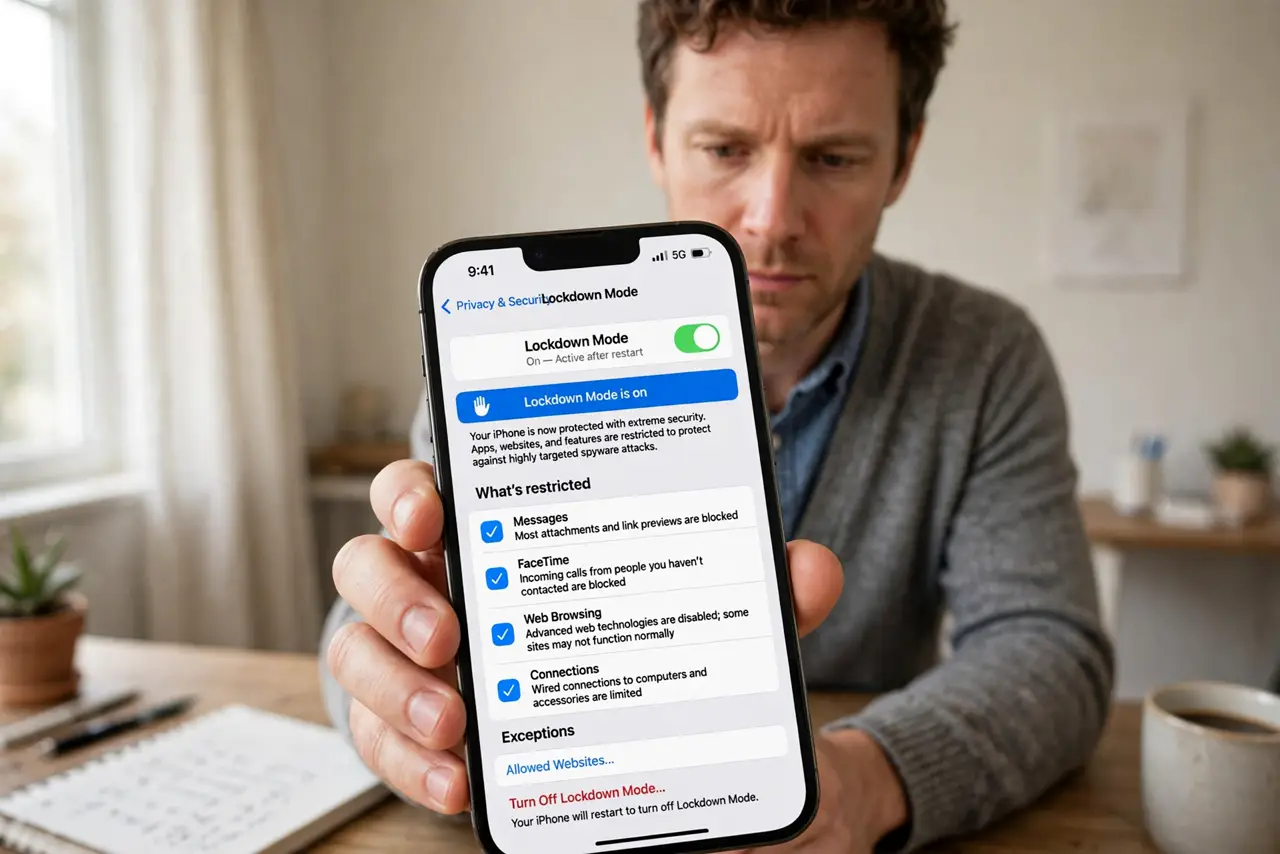
Quick fix: Lockdown Mode is Apple's optional extreme hardening against targeted spyware — it disables message attachments, link previews, and other risky features. Turn it on in Settings, Privacy & Security if you face targeted threats. Most people do not need it; standard iPhone security plus updates is enough.
Follow these steps
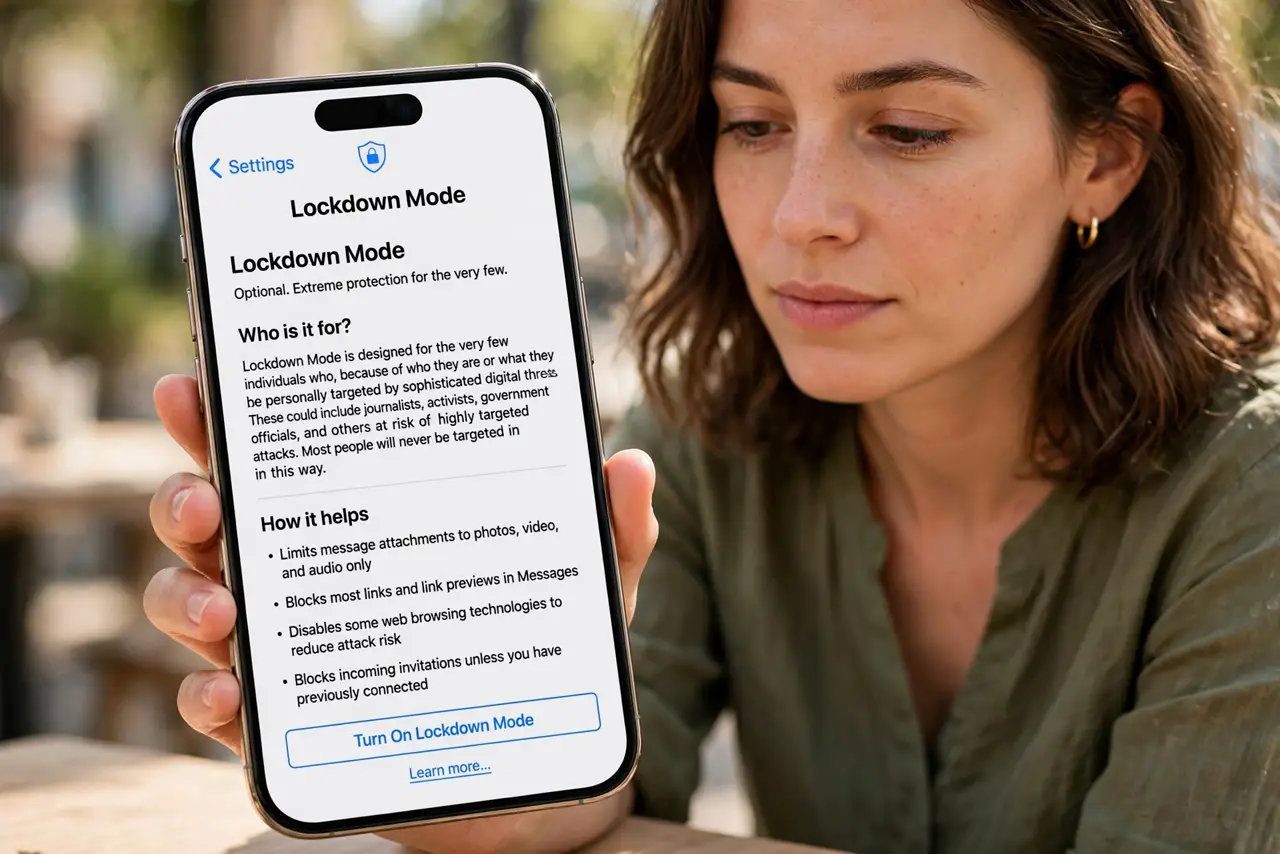
- Understand who it is for. Journalists, activists, politicians, and dissidents — people who might be targeted by state-level spyware. If that is not you, this is a 'know it exists' feature, not a daily driver. macOS has its own Lockdown Mode with the same philosophy.
- Know what it disables. Most message attachment types, link previews, incoming FaceTime from unknown contacts, shared albums, and some web technologies. Your phone gets safer and noticeably less convenient — that is the trade.
- Turn it on deliberately. Settings, Privacy & Security, Lockdown Mode, Turn On. It requires a restart and shows a clear confirmation — Apple does not want this enabled by accident.
- Expect breakage. Websites may behave oddly, shared albums stop working, and some calls will not come through. Every limitation is documented on Apple's support page — read it before committing.
- Pair it with update discipline. Lockdown Mode plus prompt iOS updates is the strongest consumer phone posture available. The mode hardens; the updates patch — you need both.
- Know how to turn it off. Same path, Turn Off, restart. If you enabled it experimentally and hate the tradeoffs, reversal is clean — nothing is permanently changed.
What NOT to do
- Do not enable it 'just to be extra safe.' The usability cost is real and the threat model does not match most lives — matched defenses beat maximum defenses.
- Do not assume it makes you invincible. It raises the bar enormously against spyware, but no mode defeats every attack — phishing still works on anyone.
- Do not enable it without telling your family. Missed FaceTimes and broken shared albums will confuse people who share your digital life.
- Do not confuse it with a VPN or antivirus. It hardens the device against exploitation; it does not encrypt traffic or scan for malware.
Frequently asked questions
Will Lockdown Mode slow down my iPhone?
No — it disables features rather than adding scanning. If anything the phone does less, not more.
Can apps detect that Lockdown Mode is on?
Websites can infer some of it from disabled web features. Apps generally cannot tell — they just see the resulting limitations.
Is there an Android equivalent?
Not a single switch — Android's Advanced Protection Program plus Play Protect and updates is the closest comparable posture.