Baby Monitor Safety?
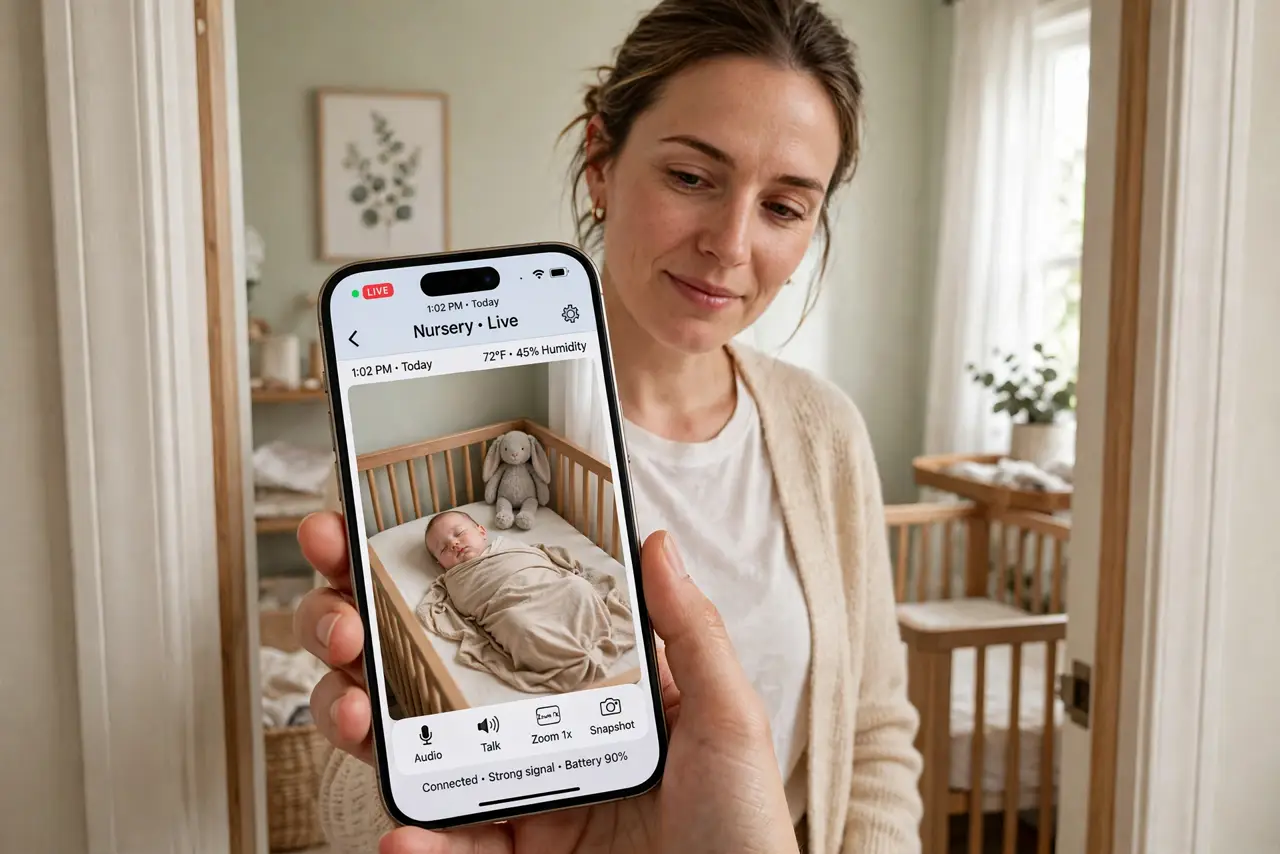
A baby monitor is a camera and microphone in your child's room, connected to your phone and possibly the internet — which makes its security more important than any other gadget in the house. Cheap monitors with default passwords have been hijacked in real, documented cases. This guide covers the settings that keep the feed for your eyes only.
TL;DR / Quick Fix
Quick fix: change the monitor's default password immediately and turn on two-factor authentication if offered. Keep its firmware updated. Prefer models that work over your local Wi-Fi without mandatory cloud accounts. Never share the feed link publicly, and check who has shared access.
Follow these steps
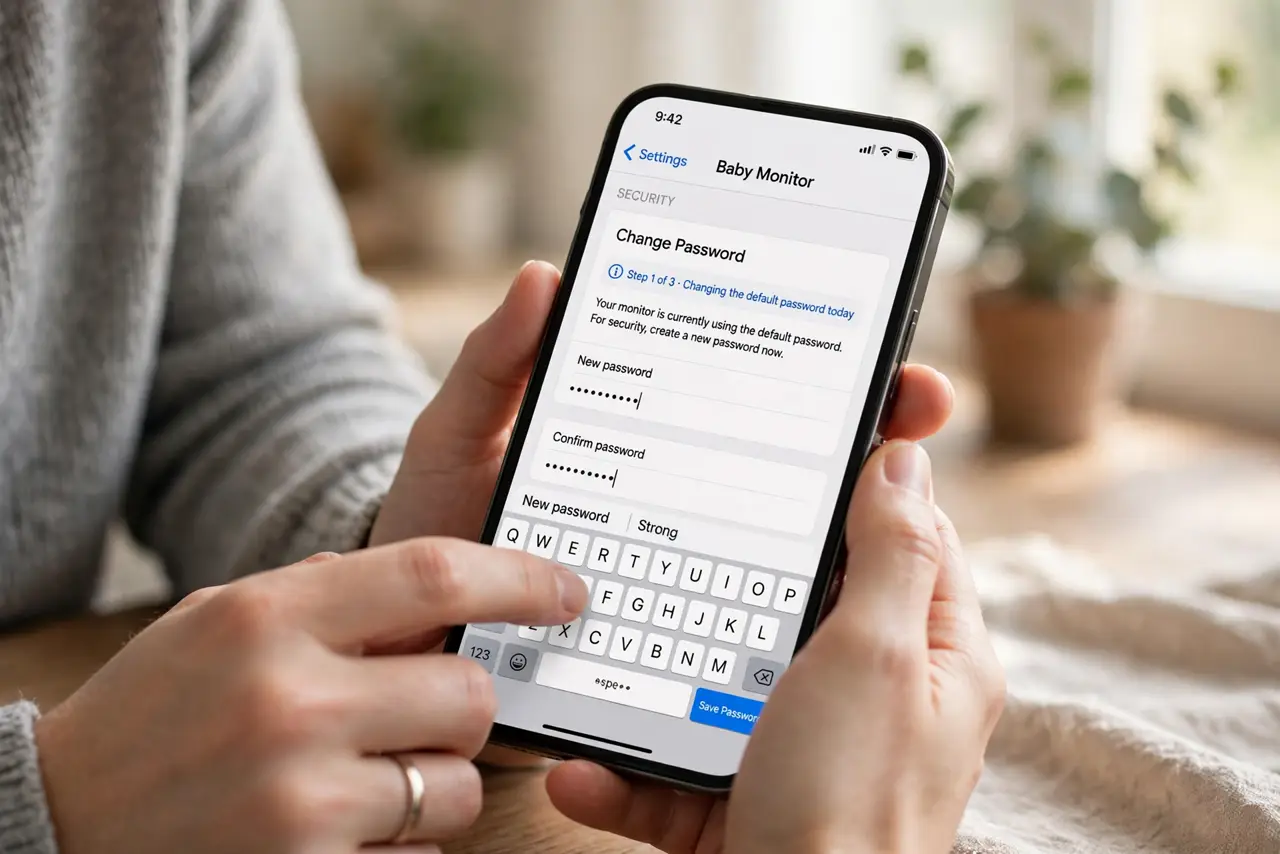
- Change the default password today. Many monitors ship with admin/admin or no password at all, and attackers scan for exactly that. Set a long unique password in the monitor's app before the camera watches a single nap.
- Update the firmware. Makers patch security holes through firmware updates. Check the app for updates monthly — an unpatched monitor is the one that ends up in breach reports.
- Prefer local over cloud when possible. Monitors that stream directly to your phone on home Wi-Fi expose far less than ones requiring a cloud account. If yours needs cloud, at least enable every security option it offers.
- Audit who can view the feed. Shared access for grandparents is lovely until it is forgotten. Review the shared-users list quarterly and remove anyone who no longer needs it.
- Watch for Wi-Fi interference too. Video monitors can clash with your wireless network — see the interference notes if your Wi-Fi stutters when the monitor is on.
- Cover or unplug when not in use. A monitor that is off cannot be watched. For audio-only naps, consider whether the camera needs to be on at all.
What NOT to do
- Do not keep the factory default password. It is printed in the manual that everyone, including attackers, can download.
- Do not share the live feed link in family group chats. Links get forwarded — use the app's proper shared-user feature instead.
- Do not buy a no-name monitor with no update history. If the maker never ships firmware updates, security holes stay open forever.
- Do not place the camera where it sees passwords or screens. Angle it at the crib, not at your desk with the banking tab open.
Frequently asked questions
Can someone really hack a baby monitor?
Yes — documented cases involve monitors with default passwords or unpatched flaws. Strong passwords and updates prevent virtually all of them.
Are audio-only monitors safer?
Somewhat — no video to leak, and many use local radio instead of Wi-Fi. They still deserve a password change if they have an app.
Should I worry about the monitor interfering with Wi-Fi?
Older analog and some digital monitors can. If video calls stutter near the nursery, try changing your router's Wi-Fi channel.