'We Have Your Password' Email? Fake
An email arrives with one of your real passwords in the subject line: 'We have your password. Pay in bitcoin or we leak your browsing history.' Terrifying — and fake. The password came from an old breach, and there is no malware, no webcam footage, nothing. Here is how to be sure and what to do.
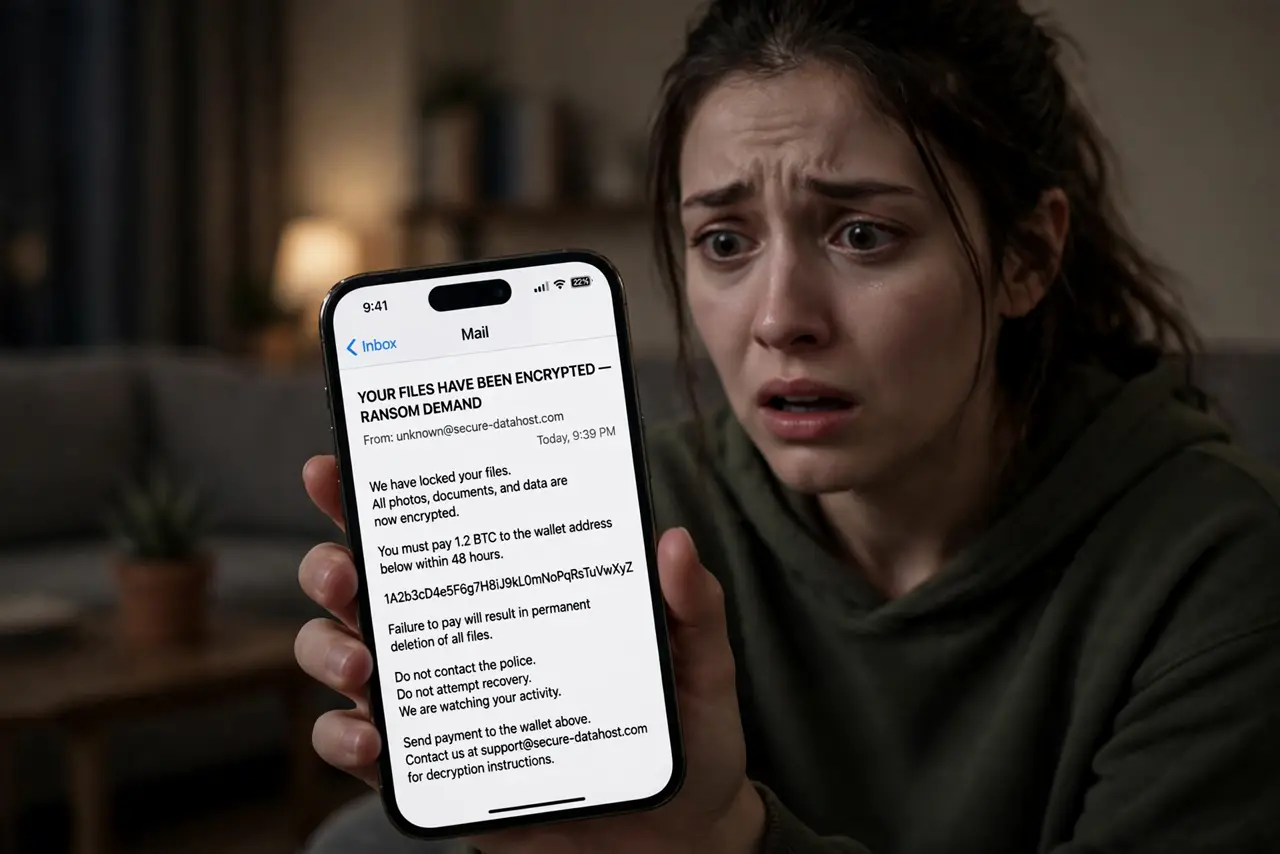
TL;DR / Quick Fix
Quick fix: do not pay and do not reply. It is a mass-mailed bluff: the password came from an old breach. Change it anywhere reused, and check whether your email appears in known breaches. No malware was installed and no video exists. Mark the email as phishing and delete it.
Follow these steps
- Do not pay. Do not reply. Payment marks you as a payer and invites more extortion. Replying confirms your address is live. Both make it worse; neither makes it stop.
- Understand where the password came from. Old breaches leak passwords by the billions. The scammer never hacked you — they bought a list. See checking for breaches to find which breach exposed it.
- Change that password everywhere reused. If the exposed password is still in use anywhere, change it now — that is the one real risk in the email. See the reuse risk.
- Scan for malware if it worries you. The email claims an infection, but a quick scan with your built-in antivirus settles the nerves. Expect it to find nothing — because there is nothing.
- Cover the webcam if it helps you sleep. The 'we recorded you' claim is empty, but a cheap slider ends the anxiety. Peace of mind has value even when the threat does not.
- Report as phishing and delete. Mark it in your email app and delete it. These go out by the millions; your report trains the filters that catch the next wave.
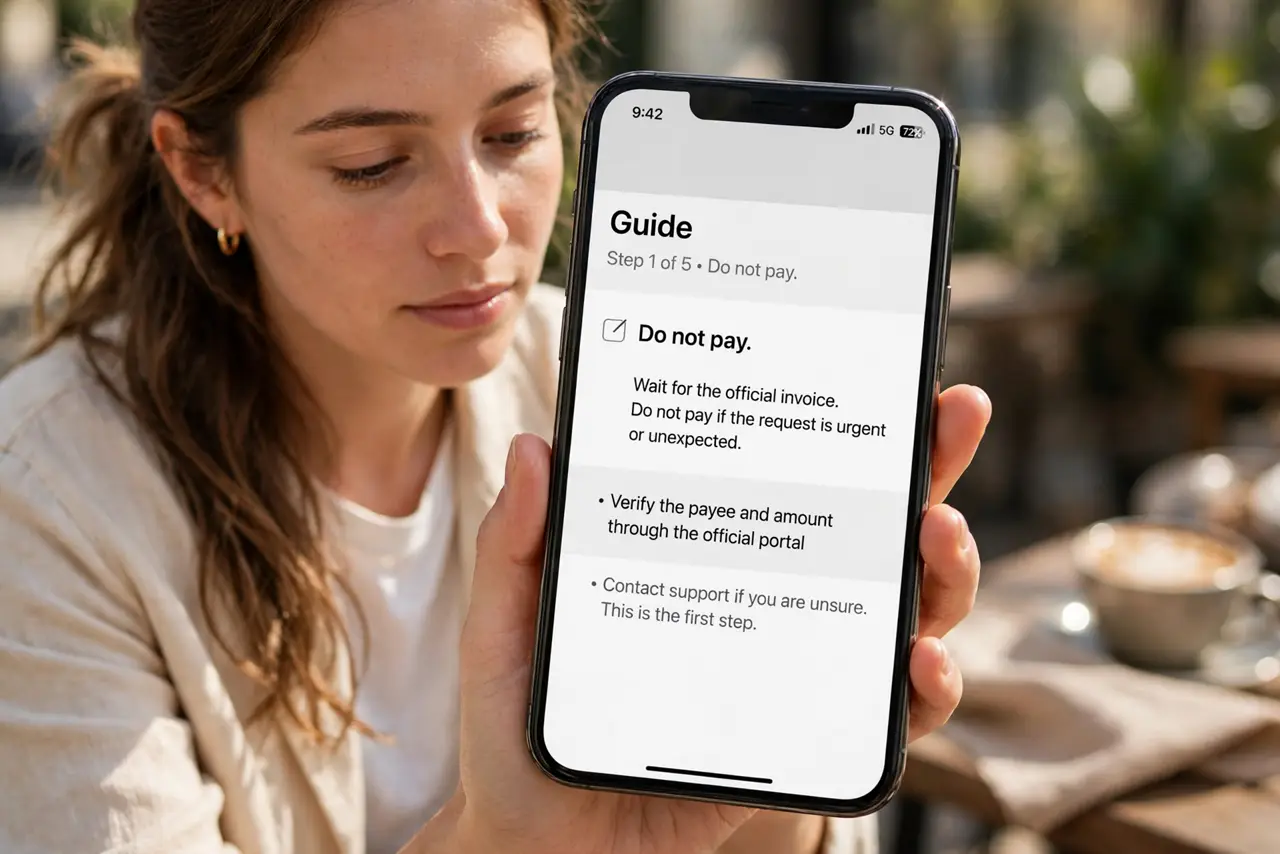
What NOT to do
- Do not pay the bitcoin demand. Payment never buys silence — it buys a follow-up demand.
- Do not click any link in the email. Some versions carry real malware behind the bluff — the text alone is the whole message.
- Do not assume the password proves they hacked you. A breached password proves a site you used was breached — nothing more.
- Do not forward it to friends in a panic. Tell them the pattern calmly instead — forwarding spreads the fear the scammer wants.
Frequently asked questions
They knew my real password — how?
From an old data breach, bought in bulk. Check your email on a breach-lookup service; you will likely find the breach it came from.
Is there really a video of me?
No. This is sent to millions of people; nobody recorded anyone. It is a numbers game, and the password is just the hook.
Should I report it to the police?
You can file a report, but these are mass operations abroad — the practical steps are: do not pay, change the password, report as phishing.
What to read next
- Sextortion Email? Don't Pay
- Check If Your Email Was Breached