Bluetooth Risks? Basics
Bluetooth is wonderfully convenient — and quietly promiscuous. Your phone constantly announces itself to nearby devices, and old Bluetooth versions have real vulnerabilities. The practical risks are smaller than the scary headlines suggest, but a few habits close them: keep Bluetooth off when unused, unpair forgotten devices, and update your gear. Here is the calm, factual version.
TL;DR / Quick Fix
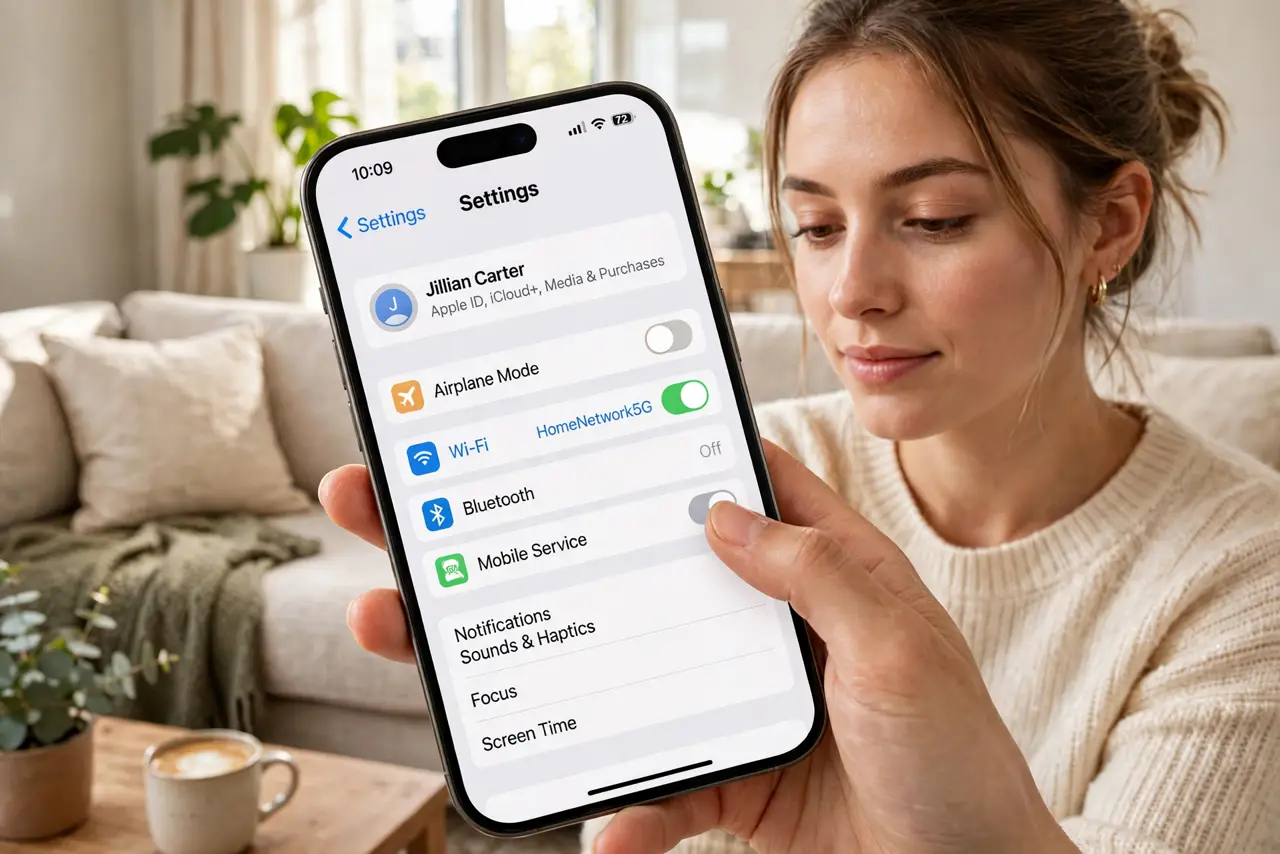
Quick fix: turn Bluetooth off when you are not using it — the quickest win. Unpair old devices you no longer own in Bluetooth settings. Keep your phone and accessories updated, since patches fix Bluetooth flaws. Never accept pairing requests you did not initiate.
Follow these steps
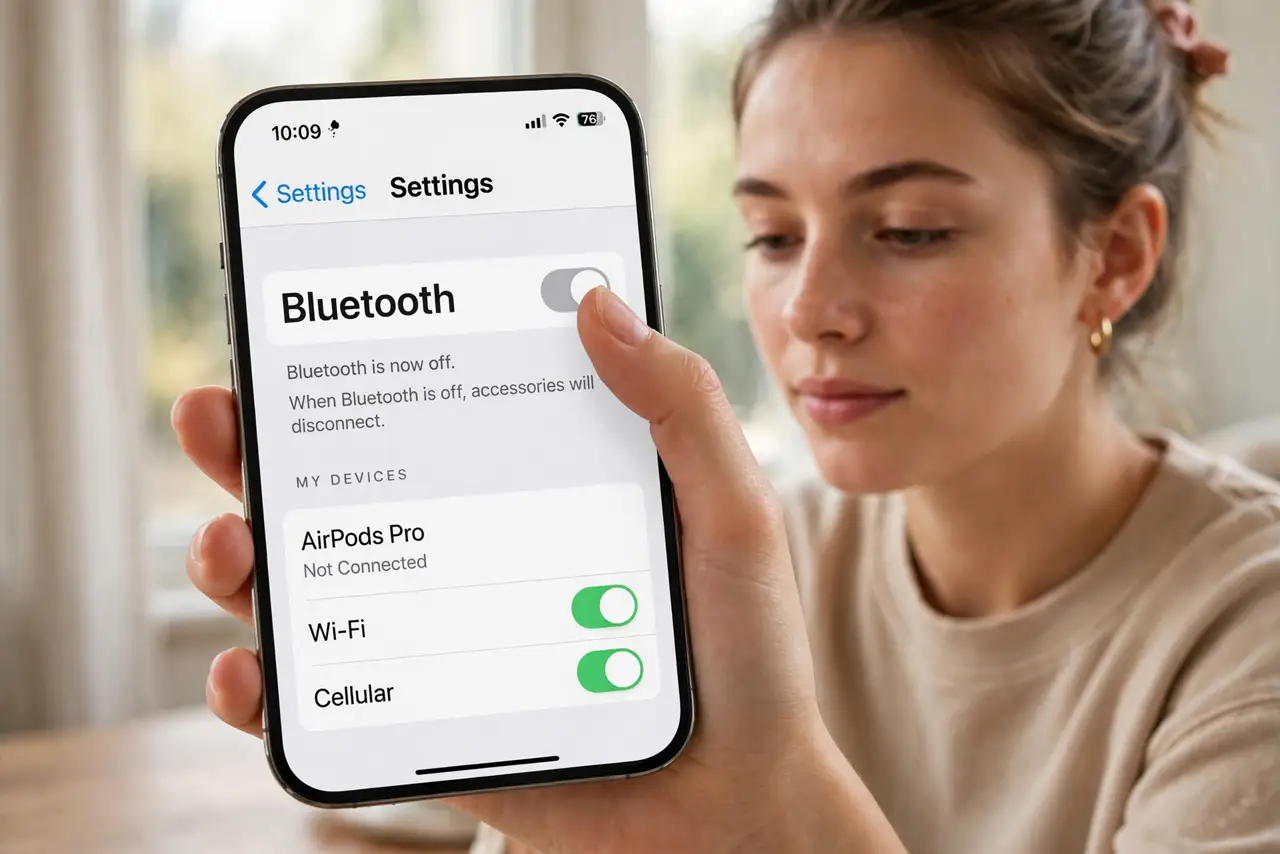
- Turn it off when not in use. An idle Bluetooth radio still broadcasts your presence. Toggle it off from Settings when you are done with headphones or the car — it also saves battery. This one habit kills most theoretical attacks.
- Unpair forgotten devices. Open Bluetooth settings and look at the paired list — old rental cars, hotel speakers, a friend's speaker from 2022. Remove them all. A forgotten pairing is a trusted device an attacker can impersonate.
- Keep everything updated. Real Bluetooth vulnerabilities get patched in phone and OS updates. Install updates promptly — the scary headlines are about flaws that patches already fixed on updated devices.
- Reject surprise pairing requests. A pairing prompt you did not initiate is a red flag — decline it. Legitimate pairing always starts with you putting your own device in pairing mode first.
- Stay non-discoverable in crowds. Modern phones are only discoverable during pairing, which is good. Avoid manually making your device discoverable in airports and stations any longer than the pairing takes.
- Prefer updated accessories. Ancient Bluetooth 2.x headsets lack modern security features. If a headset predates 2015, its replacement is a security upgrade as well as a sound upgrade — and watch for interference issues as a sign of aging gear.
What NOT to do
- Do not panic about BlueBorne-style headlines. Named vulnerabilities sound scary, but patched, updated devices are protected — update instead of worrying.
- Do not accept random pairing requests. Any prompt you did not start is suspicious — decline it.
- Do not leave Bluetooth discoverable. Pair, then let the phone go quiet — lingering discoverability invites trouble.
- Do not keep decade-old accessories paired. Old Bluetooth versions lack modern protections; retire ancient gear.
Frequently asked questions
Can someone hack my phone through Bluetooth?
On a fully updated phone, realistically no — known attacks target old unpatched versions. Keep updates current and Bluetooth off when idle, and the risk is minimal.
Is it safe to use Bluetooth in public?
Yes, with normal habits: pair only your own devices, decline surprise prompts, and turn Bluetooth off when done. Millions do it daily without issue.
Should I worry about Bluetooth trackers?
Unwanted tracking via tags is a real concern. Both iPhone and Android now alert you to unknown trackers traveling with you — keep those alerts enabled.