Spot a Fake Login Page?
A fake login page looks exactly like your bank, your email, or your work portal — same logo, same layout — but every keystroke goes to a criminal. It is the engine behind most account theft, arriving via phishing emails, texts, and QR codes. The good news: fakes always leave tells. Learn the five-second check that defeats them.
TL;DR / Quick Fix
Quick fix: fake login pages steal credentials by mimicking real sites. Before typing anything, check the address bar — the domain must be exactly right, not close. Never reach login pages through email or text links; type the address yourself or use a bookmark.
Follow these steps
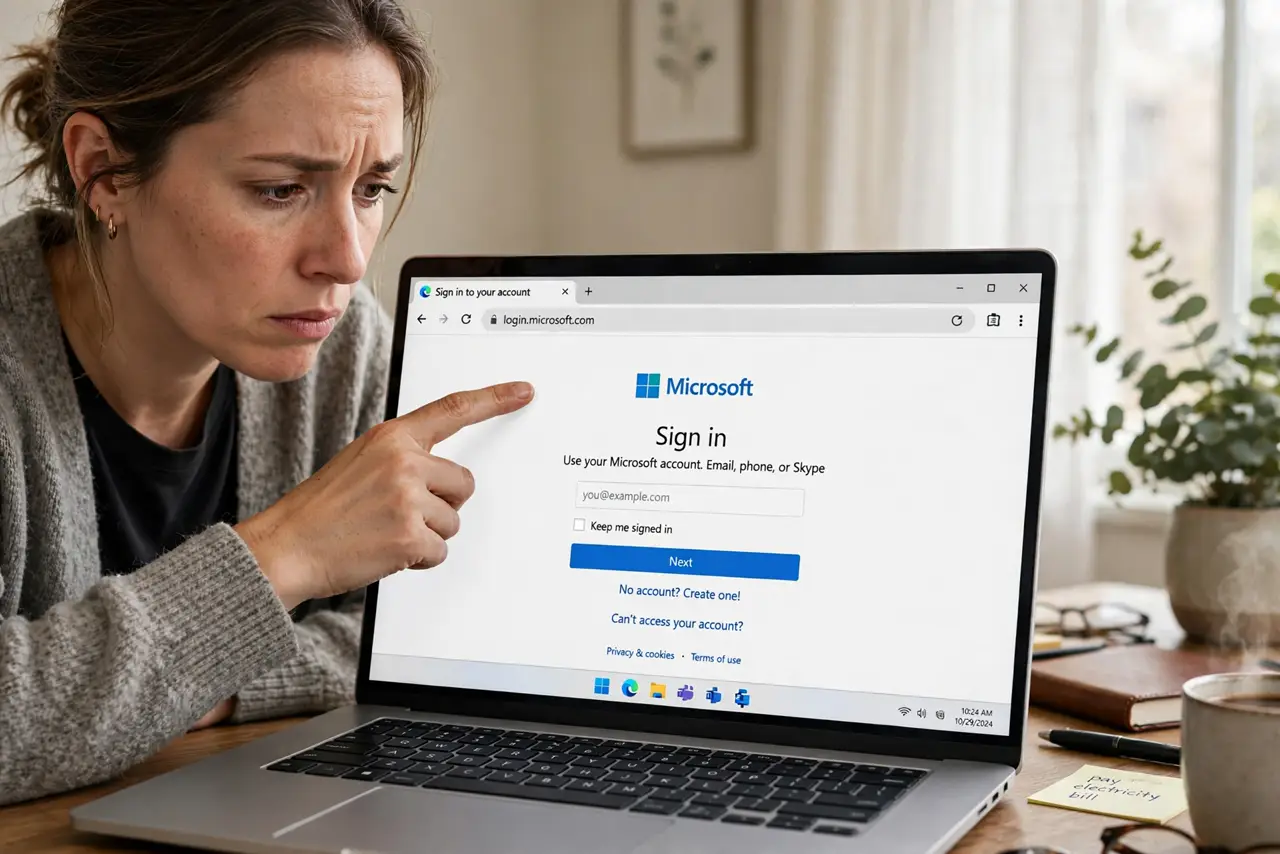
- Read the address bar, not the page. The page can be pixel-perfect; the domain cannot lie. 'bankofarnerica.com' or 'micorsoft-login.com' are fakes — the spot-the-phish guide trains this eye. Check every character before typing.
- Never arrive via email or text links. Phishing delivers fakes through links. Type the address yourself or use a saved bookmark — if you did not navigate there yourself, do not log in there.
- Watch for QR-delivered logins. A QR code that lands on a login page deserves maximum suspicion — the QR login warning explains why. Legitimate services rarely ask you to log in via a scanned code.
- Check for the pressure tactics. Fake pages love urgency: 'account suspended,' 'verify now,' countdown timers. Real login pages do not threaten you — pressure is the tell.
- Use a password manager as a detector. If your password manager does not offer to fill the login, the domain does not match the real site — that silence is a warning. Managers only fill on exact domains.
- Act fast if you typed credentials. Change the password immediately from the real site, enable two-factor, and check for unfamiliar activity. Speed limits the damage — the clicked-link recovery has the full sequence.
What NOT to do
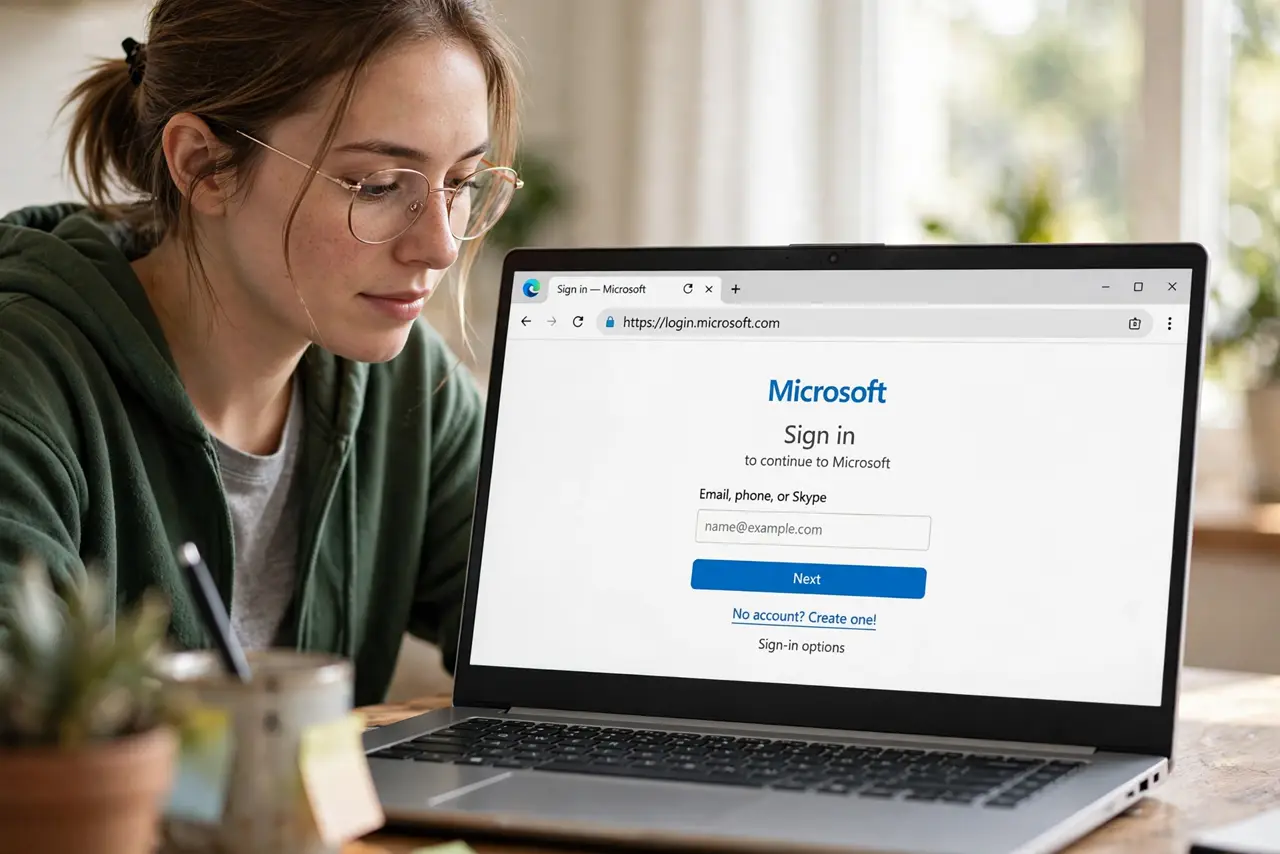
- Do not trust the logo and layout. Fakes copy design perfectly — visuals prove nothing, only the domain matters.
- Do not log in through links in messages. Even expected messages can be spoofed — navigate yourself, every time.
- Do not ignore the password manager's silence. If it will not fill, something is wrong with the site — listen to it.
- Do not 'just check quickly' on a suspicious page. Typing credentials to 'see what happens' hands them over — there is no safe peek.
Frequently asked questions
The page looks identical to my bank. How can I be sure?
Check the domain character by character, and navigate to the bank yourself via bookmark. If the suspicious page's domain differs by even one letter, it is fake.
Can fake pages steal my two-factor code too?
Yes — real-time phishing relays your code to the real site instantly. This is why passkeys and security keys, which cannot be relayed, are the stronger defense.
I entered my password on a fake page. Am I doomed?
No — act fast. Change the password on the real site now, turn on two-factor, and review recent activity. Quick action usually contains it.