Update Router Firmware?
Your router runs software too — firmware — and outdated firmware is the most exploited weakness in home networks. Makers patch security holes regularly, but most routers never get updated because nobody thinks to check. Here is how to update safely, how often to check, and what to do when updates stop coming.
TL;DR / Quick Fix
Quick fix: log into your router's admin page and check for firmware updates every few months — or enable automatic updates if offered. Updates patch security holes that attackers actively exploit. Never interrupt an update in progress; a failed flash can brick the router.
Follow these steps
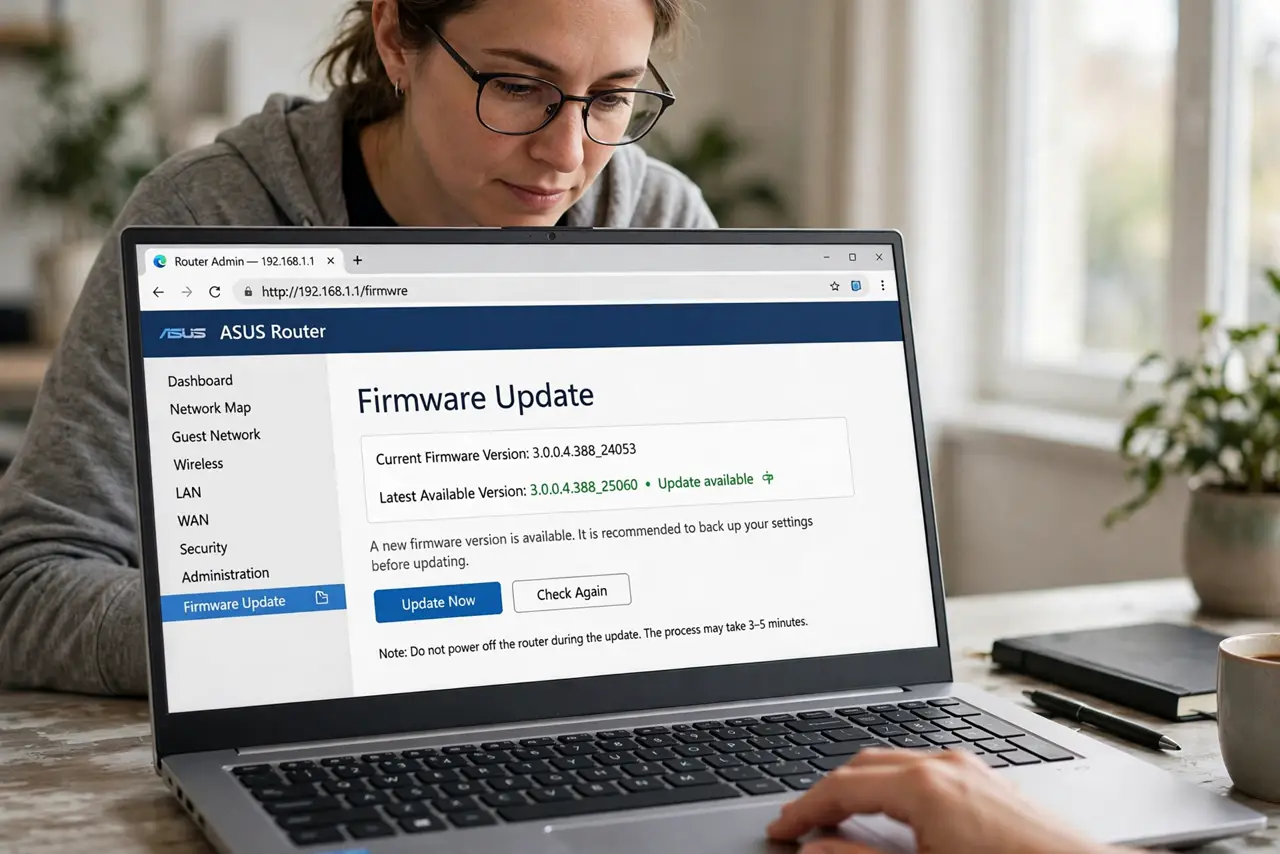
- Find the update section. Log into the admin page and look for Administration, Advanced, or System — the firmware update option lives there. Note your current version before touching anything.
- Check for updates manually. Click Check for Updates and let the router query the maker. If an update appears, read the release notes — security fixes are the ones that matter most.
- Update over a wired connection. If possible, connect a laptop to the router with an Ethernet cable during the update. A Wi-Fi drop mid-flash is the classic way to brick a router.
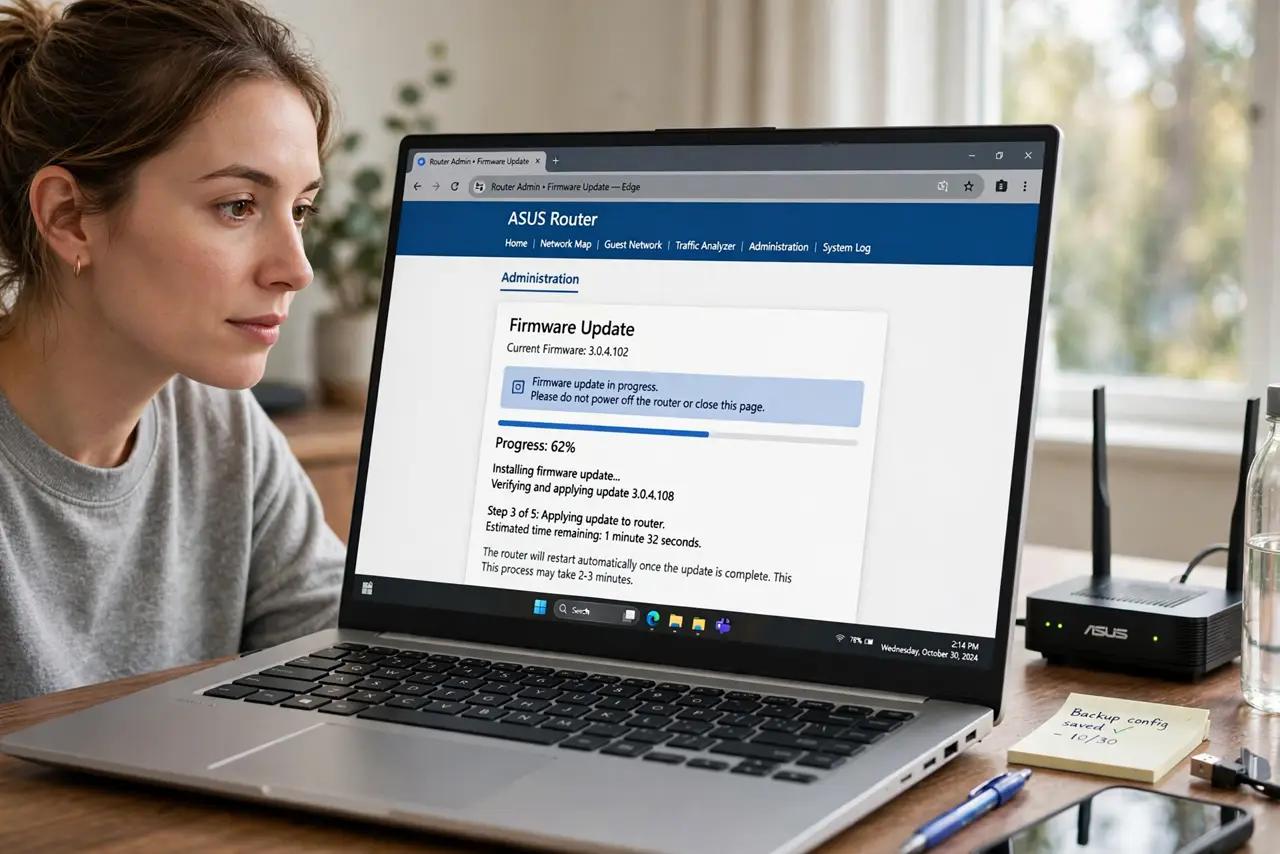
- Never interrupt the process. The router will reboot itself — lights flashing, minutes of silence. Do not unplug it, do not close the tab in panic. Walk away and come back in ten minutes.
- Enable automatic updates if offered. Modern routers from good makers update themselves overnight. Turn it on — it is the single best defense against the outdated-router problem most homes have.
- Know when updates stop. Makers abandon old models after a few years. If no updates have appeared in 18+ months, the router is a security liability — budget a replacement rather than nursing it.
What NOT to do
- Do not update over shaky Wi-Fi if you can avoid it. A dropped connection mid-flash can corrupt the firmware.
- Do not unplug the router during an update. Interrupting a flash is the number-one way to brick it.
- Do not install firmware from random forums. Use only the maker's official site or the router's built-in updater.
- Do not keep a router that no longer gets updates. Unpatched and internet-facing is exactly what attackers scan for.
Frequently asked questions
How often should I check for updates?
Every few months, or enable automatic updates and forget it. After major security news about routers, check immediately.
Will updating reset my settings?
Normally no — settings survive updates. But screenshot your key settings first; failed updates sometimes force a factory reset.
What if my router has no updates available?
If the model is current, you are fine. If it is years old with nothing new, the maker has likely abandoned it — plan a replacement.