Google Privacy Checkup?
Google knows a lot about you — your searches, locations, and YouTube history — and its Privacy Checkup is the official tour of those settings. It walks you through ad personalization, history controls, and who can see your info, in plain language. Five minutes once a year keeps the defaults from quietly drifting against you.
TL;DR / Quick Fix
Quick fix: Google's Privacy Checkup is a guided review at myaccount.google.com covering ad personalization, Web history, and profile visibility. Run it once a year and turn off what you do not use. It takes five minutes. Check third-party app access while you are there.
Follow these steps
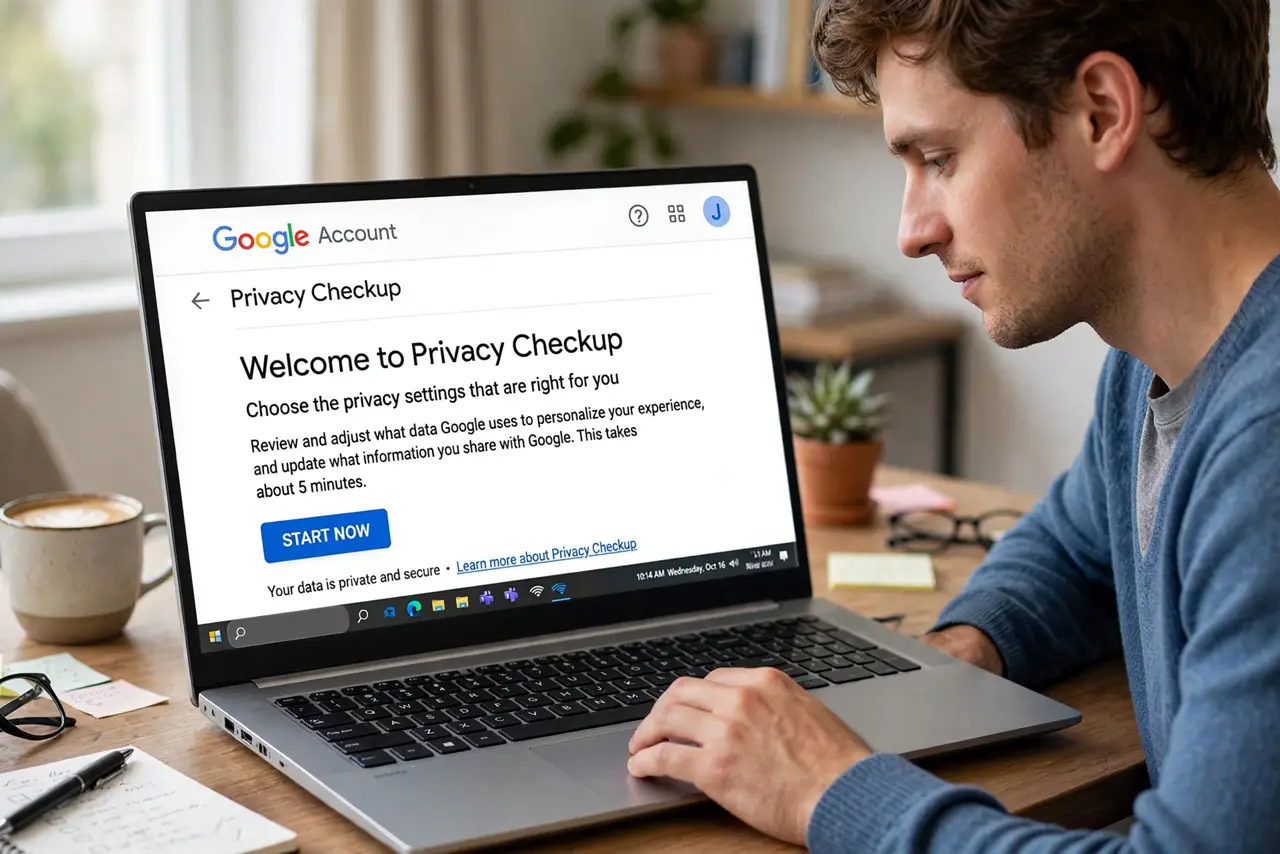
- Open Privacy Checkup. Go to myaccount.google.com, then Privacy Checkup (under Privacy and personalization). Google walks you through each section one screen at a time — no hunting through menus.
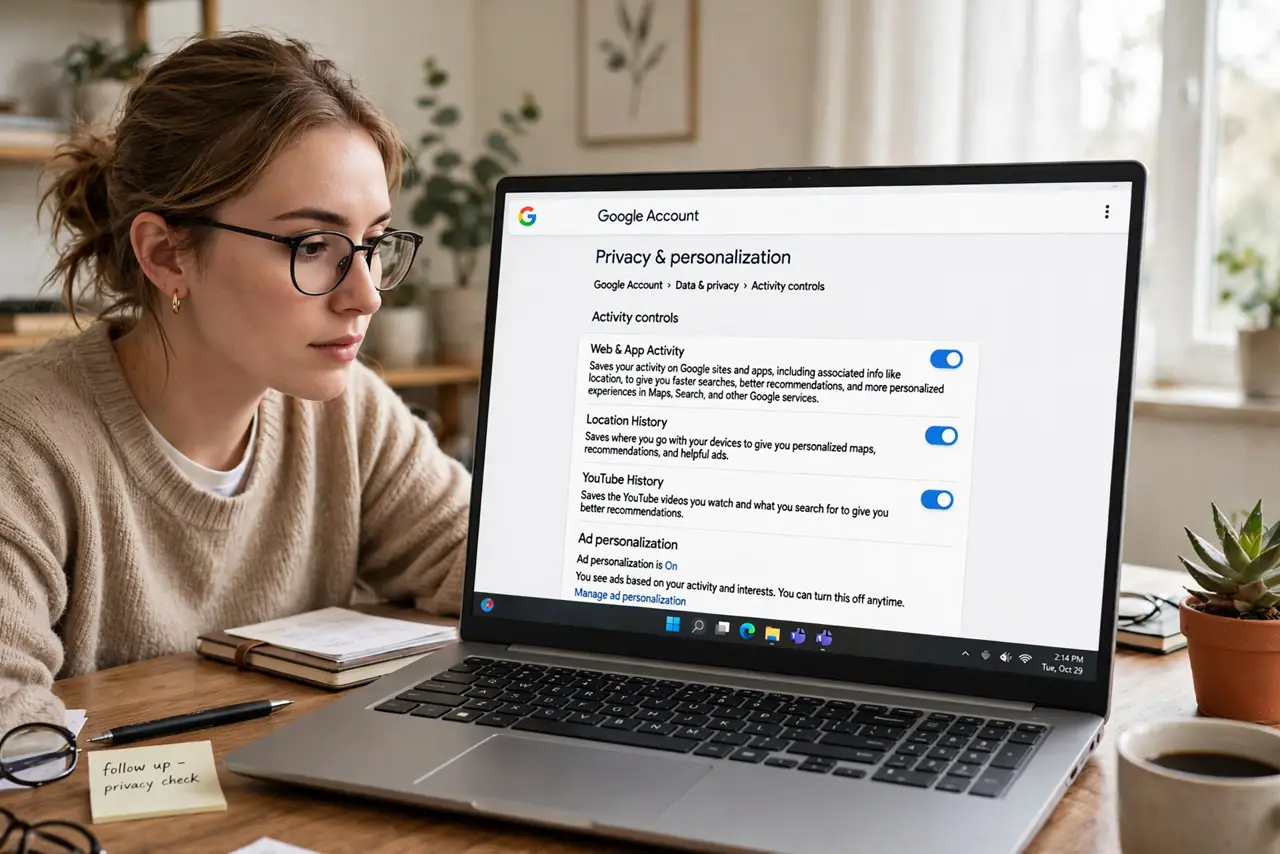
- Review Web and App Activity. This is the big one: it controls whether Google saves your searches, browsing, and app use. Pause it or set auto-delete to 3 or 18 months — your call on the convenience tradeoff.
- Tune ad personalization. Decide whether Google may use your activity to personalize ads. Turning it off does not reduce the number of ads — it just makes them less targeted.
- Check who sees your info. Review what parts of your profile — name, photo, birthday — are visible to others. Trim anything you would not put on a business card.
- Audit third-party access. See which apps and sites can reach your Google account, and remove the ones you no longer use. Old quiz apps with full account access are the classic find here.
- Set a yearly reminder. Google adds settings over time and defaults drift. Put a yearly calendar reminder — and pair the habit with checking login alerts on the same day.
What NOT to do
- Do not rush through clicking Next. The Checkup is only useful if you actually read each screen — the defaults are chosen for Google, not for you.
- Do not confuse pausing history with deleting it. Pausing stops future collection; past data stays until you delete it or set auto-delete.
- Do not expect fewer ads. Turning off personalization changes ad targeting, not ad volume — anyone promising fewer ads is selling something.
- Do not skip third-party access. It is the section people neglect and the one most likely to surprise you — old apps keep permissions for years.
Frequently asked questions
How often should I run Privacy Checkup?
Once a year is plenty for most people. Run it sooner if you get a new phone, since setup flows love to re-enable data collection.
Does turning off history break Google services?
No, but some conveniences fade — less personalized Maps suggestions and search completions. Core search, Gmail, and Drive work exactly the same.
Is Privacy Checkup the same as Security Checkup?
No. Privacy Checkup covers data collection and ad settings; Security Checkup covers passwords, devices, and recovery. Run both — they live side by side in your Google account.