Incognito: What It Actually Hides
Incognito mode promises privacy, and delivers — a very narrow slice of it. It hides your browsing from other people who use the same device, and that is essentially all it does. Your internet provider, your employer, and the websites themselves still see everything. Knowing the boundary keeps you from relying on it for things it was never built to do.
TL;DR / Quick Fix
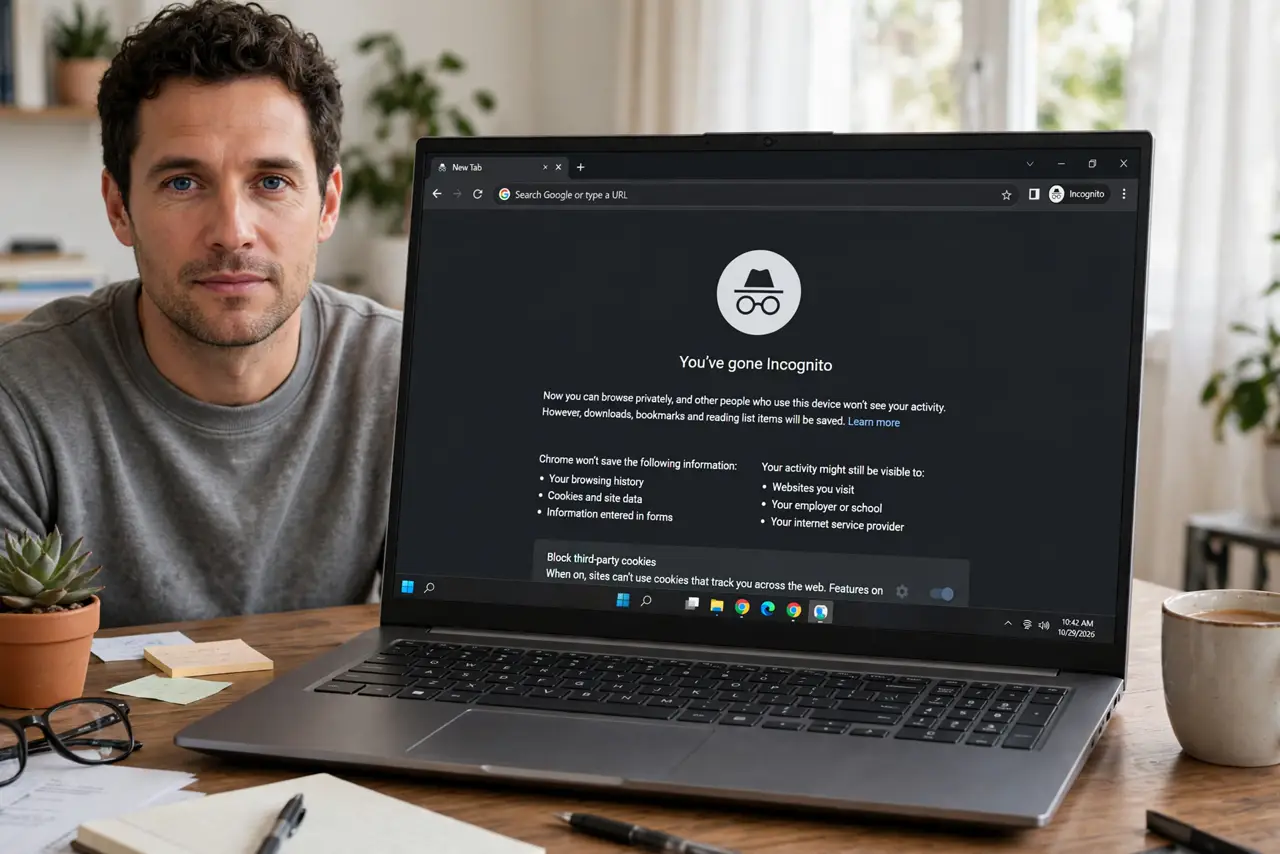
Quick fix: incognito only hides browsing history from other people using the same device — it deletes local history and cookies when you close the window. Your internet provider, employer, and the websites you visit still see your activity. For real privacy from networks, you need different tools.
Follow these steps
- Understand the actual promise. Incognito deletes history, cookies, and form data from your device when the window closes. Someone picking up your laptop afterward finds nothing — that is the whole feature.
- Know who still sees everything. Your internet provider, your employer's network, the websites you visit, and anyone monitoring the network see your traffic normally. Incognito encrypts nothing and hides nothing from them.
- Use it for its real jobs. Logging into a second account, hiding gift shopping from family, or testing a site logged-out — these are perfect incognito use cases, because the threat is the device's other users.
- Do not use it for anonymity. Journalists, activists, and anyone needing real anonymity need stronger tools. Incognito against a network observer is a curtain against a searchlight.
- Remember downloads and bookmarks persist. Files you download and bookmarks you save stay on the device. Incognito forgets the browsing, not everything you did while browsing.
- Close all incognito windows to finish. The private session — and its cookies — lives until the last incognito window closes. One forgotten window keeps you logged in everywhere you logged in.

What NOT to do
- Do not assume incognito hides you from your employer or school. Network-level monitoring sees incognito traffic exactly like normal traffic.
- Do not log into sensitive accounts on shared networks thinking incognito protects you. It does not — the network still sees the destination.
- Do not confuse it with a VPN. A VPN hides your traffic's destination from your provider; incognito hides your history from your roommate. Different threats, different tools.
- Do not rely on it to hide activity from your Google account. Signed-in activity can still be logged at the account level — manage web activity separately.
Frequently asked questions
Does incognito hide my IP address?
No. Your IP address is visible to websites and your provider exactly as in a normal window. Hiding your IP requires a VPN or similar tool.
Can my parents or partner see incognito history?
Not on the device itself — that is what it is for. But router-level logging or monitoring software installed on the device can still record it.
Is there any privacy benefit at all?
Yes, a real one: no persistent cookies means less cross-site tracking on shared or public computers, and no local history. It is device privacy, done well.