Set Up a Hardware Security Key
A hardware security key is a small USB or NFC device that makes phishing nearly impossible — you tap it to prove you are really there. Setup takes minutes per account: register the key in the site's security settings, touch it when prompted, and it becomes your strongest second factor. Email first, then banking.
TL;DR / Quick Fix
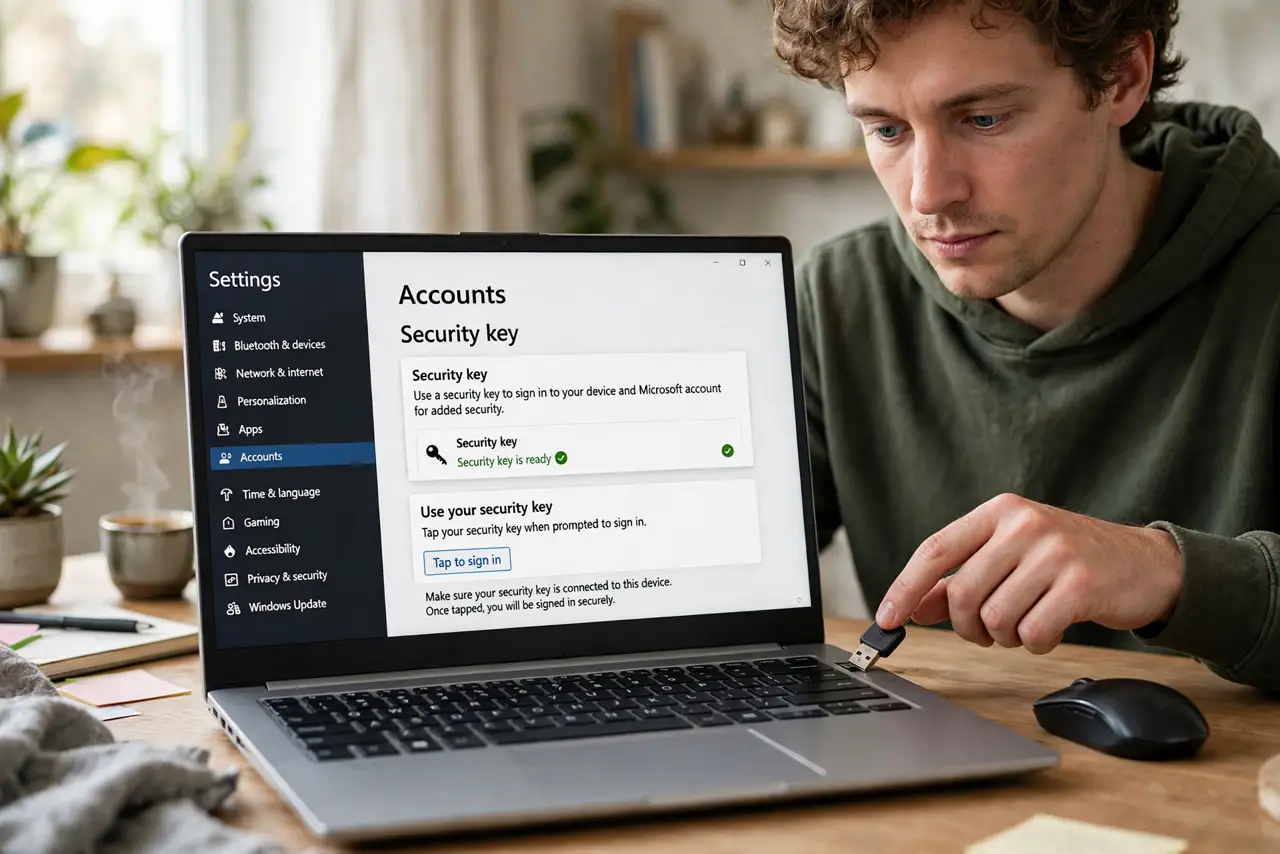
Plug in or tap your FIDO2 security key, then open the site's security settings and choose Add security key. Touch the key when prompted to register it — that touch proves you are present. Register the key on every important account, and keep a second key as backup.
Follow these steps
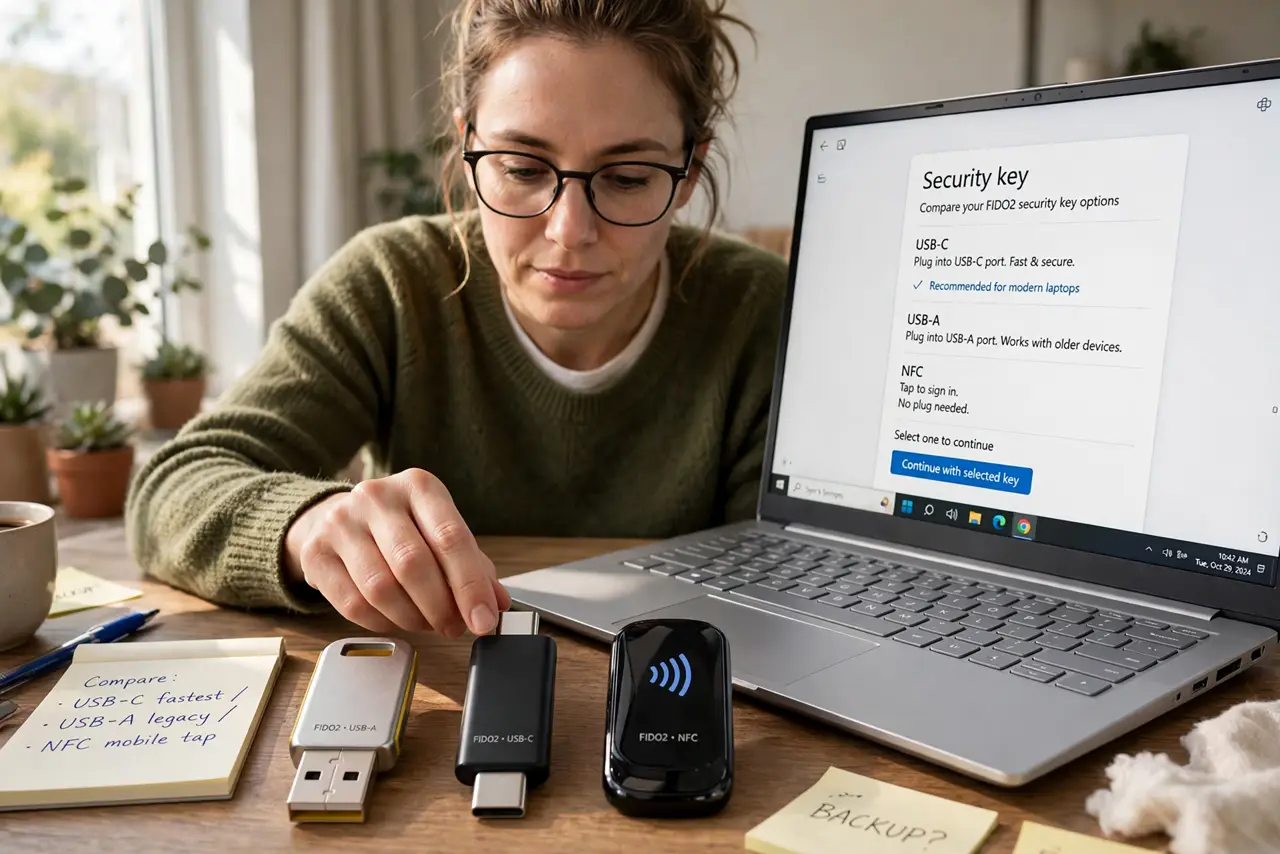
- Get a FIDO2-compatible key. Look for FIDO2/WebAuthn support — USB-C, USB-A, or NFC models all work. One key can serve hundreds of sites; buy two so a lost key never locks you out.
- Start with your email account. Email resets everything else, so it gets the key first. Open the account's security settings and find the two-factor or passkey section.
- Choose Add security key. The site shows a registration prompt. Insert the key (or hold it to the NFC spot) and touch the metal contact when it blinks.
- Give the key a name. Label it 'Main key' or 'Blue key' — when you add the second key later, names prevent confusion about which is which.
- Register it on banking and password manager next. Work down your important accounts: banking, password manager, cloud storage. Ten minutes per site, once.
- Store the backup key separately. Keep the second key somewhere safe but reachable — a drawer at home, not the same bag as the first key.
What NOT to do
- Do not register only one key. A single key is a single point of failure — losing it without a backup means account recovery purgatory.
- Do not buy no-name keys from random sellers. Counterfeit keys can harbor malware; buy from the maker's site or a reputable retailer.
- Do not skip the touch. The physical touch is the anti-phishing proof — a 'key' that works without touch is not giving you the real protection.
- Do not leave the key plugged in permanently. An always-inserted key on an unlocked computer can be used by anyone who sits down.
Frequently asked questions
What is the difference between a security key and a passkey?
A passkey is software credentials synced by your platform; a security key is the physical hardware. Many sites let a key act as a passkey — see key vs app.
Can one key work for many sites?
Yes — a single FIDO2 key registers separately with each site, hundreds of them. The sites cannot link you through the key.
What if I lose both keys?
Then it is each site's account recovery — slow by design. This is why the backup key lives somewhere separate and safe.