A Strong Master Password?
Your password manager's master password is the one password you actually memorize — it guards every other password you own. Make it weak and the whole vault is at risk; make it impossible and you'll lock yourself out. The sweet spot is long, memorable, and unique. Here's how to craft one you'll actually remember.
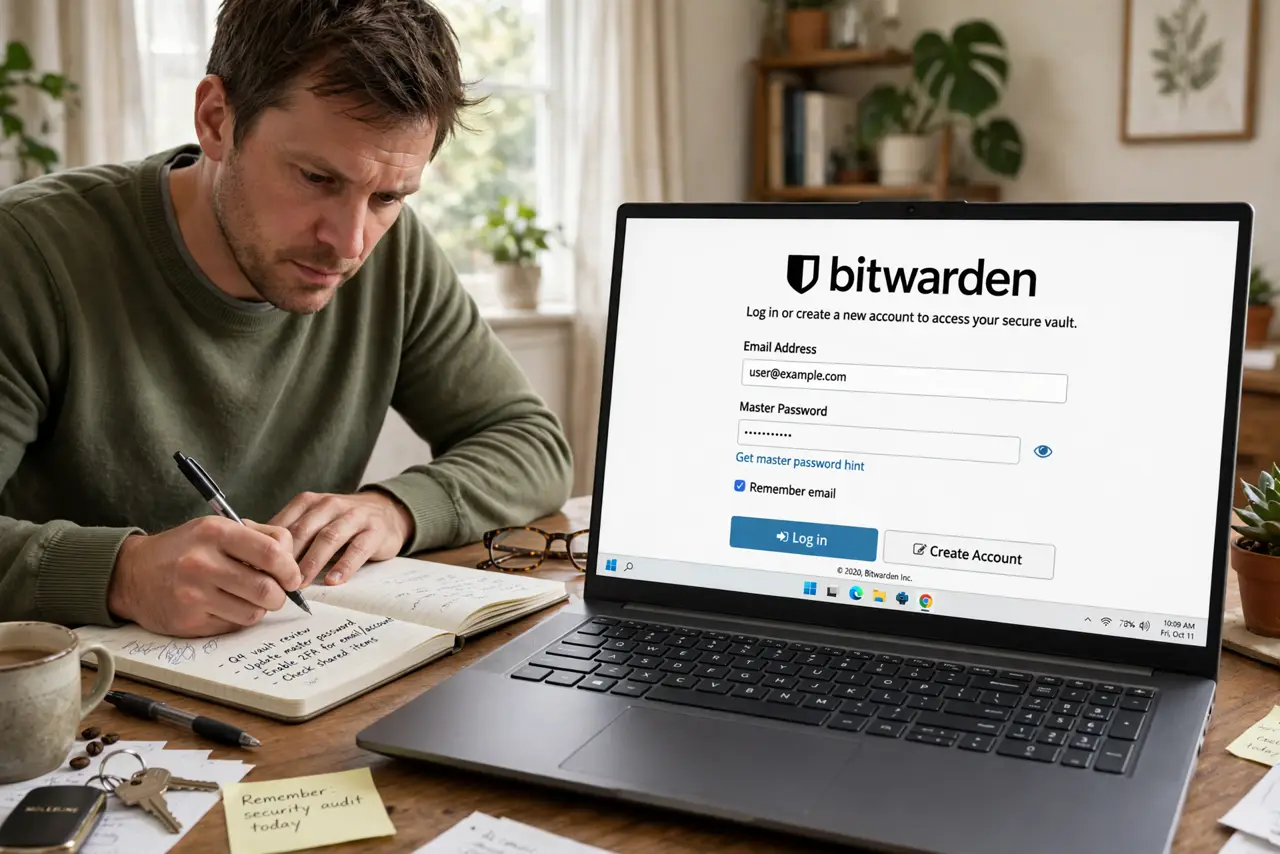
TL;DR / Quick Fix
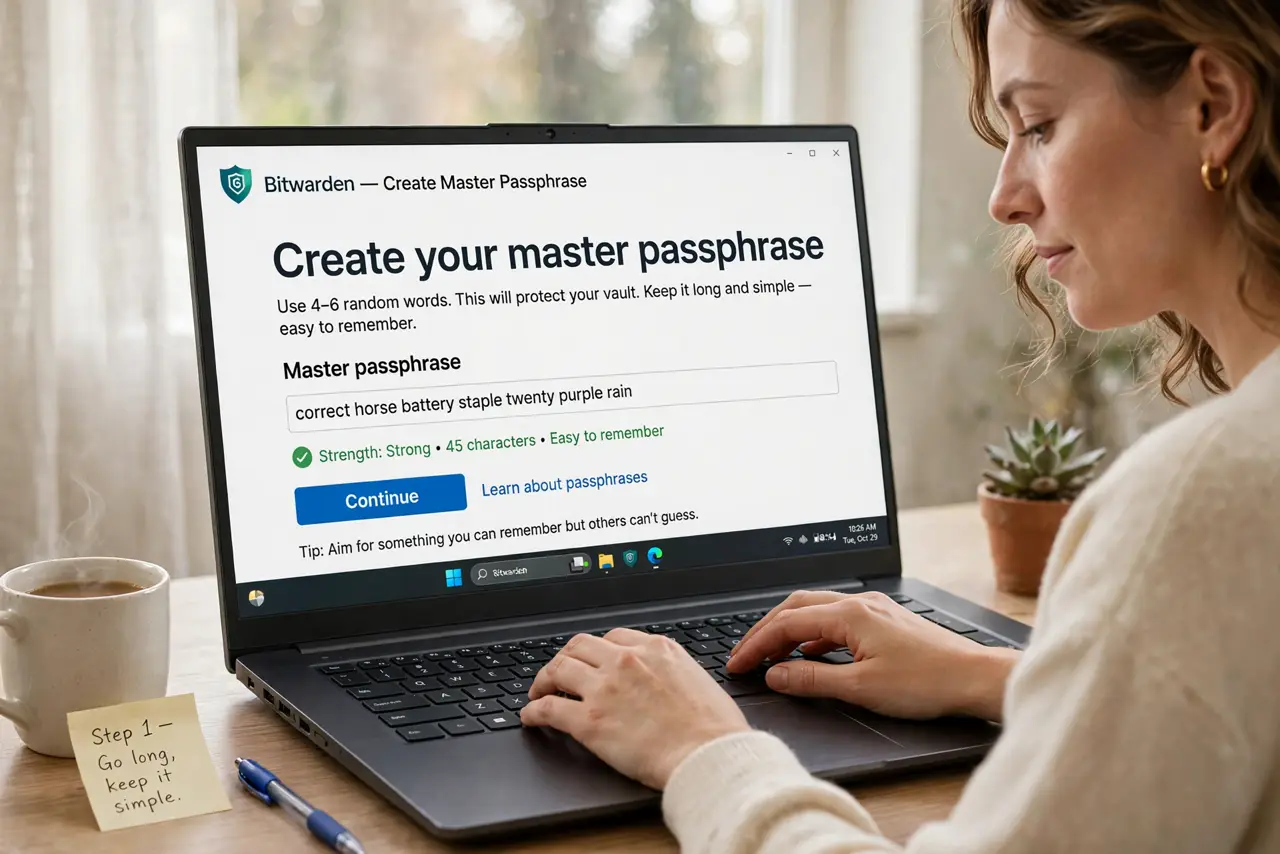
Quick fix: pick four or five random words strung together — like correct-horse-battery-staple style — and add one twist (a number or symbol). It's long enough to resist cracking but memorable enough to type daily. Never reuse it anywhere else, ever.
Follow these steps
- Go long, not complex. Length beats complexity: four random words outwit eight random characters and are far easier to remember. Aim for 20+ characters of plain words — attackers crack short complex passwords faster than long simple ones.
- Make it truly random words. Don't use a song lyric or quote — pick genuinely random words. Dice-based word lists work; your 'random' brain picks predictable words. Randomness is the security.
- Add one personal twist. A number, a symbol, a capitalization pattern — one twist defeats dictionary attacks on the word list. Keep the twist consistent so you don't forget which one you used.
- Never reuse it anywhere. This password exists in exactly one place: your manager's login. If it leaks elsewhere, the vault falls — see forgotten master password for why recovery is so hard.
- Write it down — once, safely. A paper copy in a locked drawer beats a forgotten password. This is the one password where paper backup is recommended — just keep it physically secure, not photographed or cloud-synced.
- Practice it for a week. Type it several times a day for the first week until it's muscle memory. Daily use cements it; infrequent use is how master passwords get forgotten.
What NOT to do
- Do not use personal info in it. Pet names, birthdays, and addresses are the first things attackers guess — random words beat meaningful ones.
- Do not store it in your notes app or email. A digital copy syncs to the cloud, where breaches happen — paper in a locked drawer is safer for this one password.
- Do not share it with anyone, ever. Not family, not IT support — use your manager's emergency access feature instead of sharing the master password.
- Do not change it constantly. Unlike regular passwords, a strong master password doesn't need rotation — changing it risks forgetting it for zero security gain.
Frequently asked questions
How long should it really be?
Four to five random words (20+ characters) resists modern cracking for centuries in practice. Longer is fine if you can type it reliably — usability matters too.
Can I use a passphrase in another language?
Yes — and it slightly helps, since most cracking dictionaries are English-first. Just make sure you can type it consistently on your keyboard layout.
What if I forget it?
Most managers cannot recover it — that's the security design. Your paper backup and emergency access are the recovery plan; set both up on day one.