Give Apps Limited Photo Access
When an app asks for your photos, it used to be all or nothing — your entire camera roll or no upload at all. Now both iPhone and Android let you grant limited access: just the specific photos you pick. Most people still tap Full Access out of habit, handing every app their entire photo history. Stop doing that.
TL;DR / Quick Fix
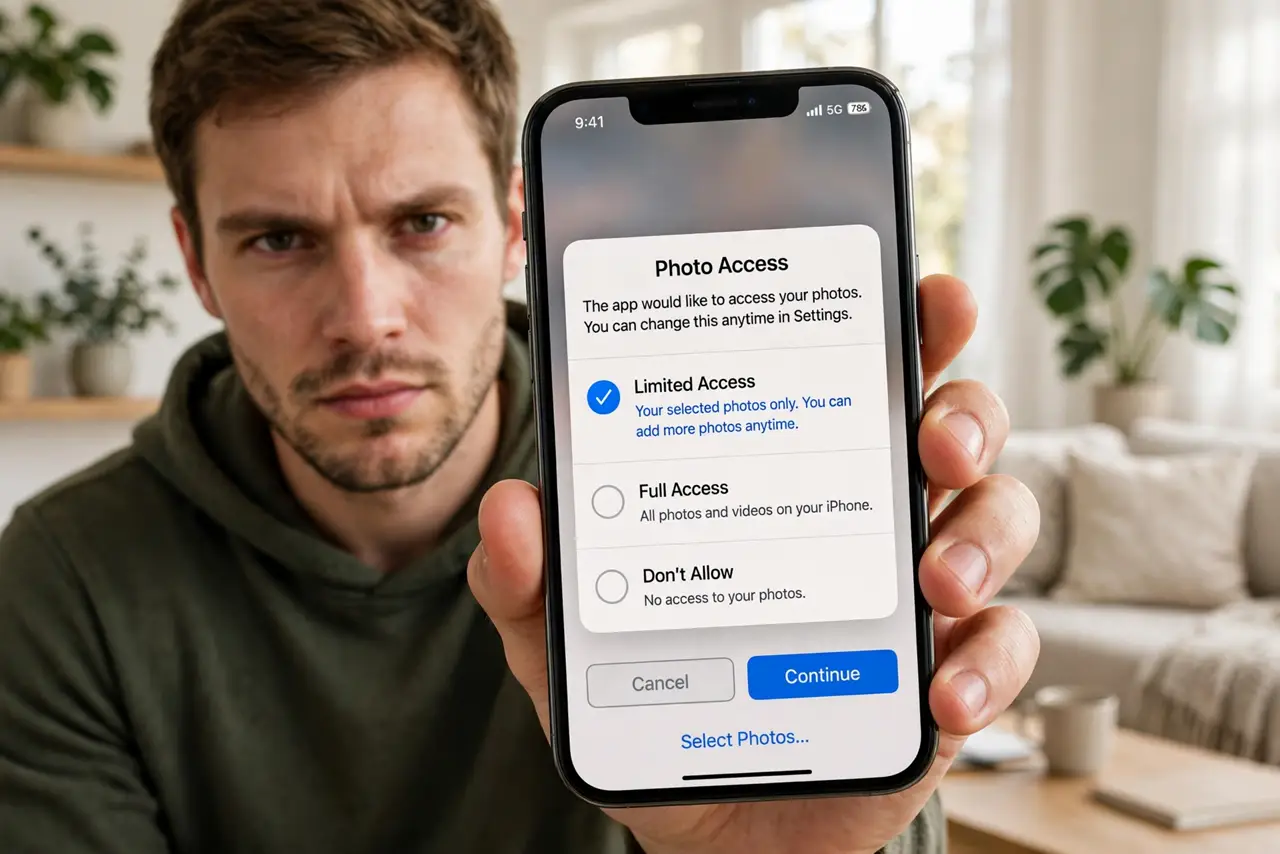
Quick fix: when an app asks for photo access, choose Limited or Selected Photos instead of Full Access — then pick only the pictures it needs. You can change it later in the app's settings. Full access hands over your entire camera roll, including screenshots with passwords and personal moments.
Follow these steps
- Choose Limited at the prompt. The permission popup offers Full, Limited, or None. Limited is the correct default for nearly every app — social, shopping, and messaging apps all work fine with it.
- Pick only the photos it needs. After choosing Limited, select the specific images for the task at hand. Uploading one meme does not require access to five years of family photos.
- Audit the apps you already approved. Go through Settings and switch past Full Access grants to Limited. Photo apps and editors may genuinely need more; everything else gets demoted.
- Re-select when the task changes. Limited access is per-selection, not forever. Sharing new photos later just means picking them again — a small tap-tax for real privacy.
- Understand what Full Access exposes. Your entire roll: location-tagged photos, screenshots of documents and codes, whiteboard photos, kids' pictures. Apps with full access can scan all of it in the background.
- Use None for apps that do not need photos. Many apps request photo access speculatively. If you never upload anything in it, deny outright — the app will ask again the one time it matters.
What NOT to do
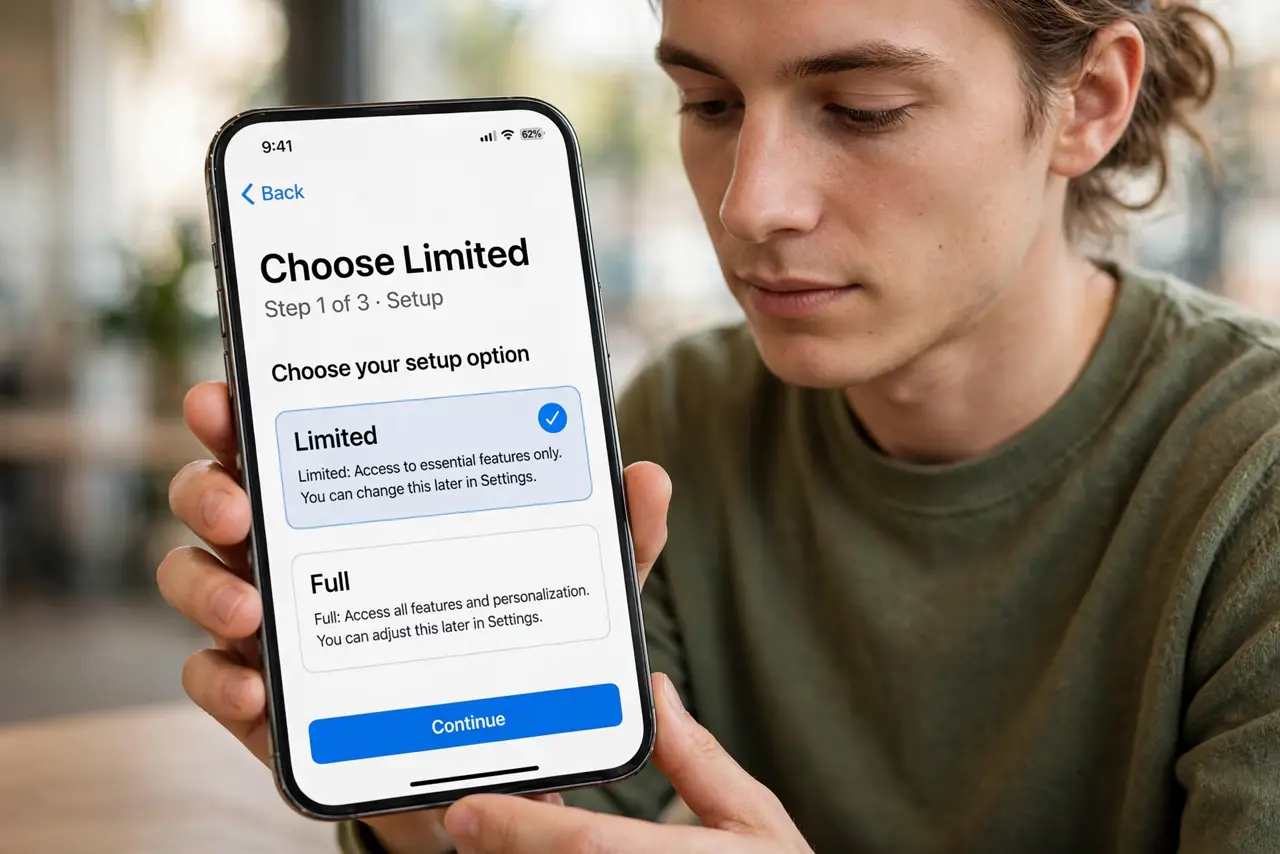
- Do not grant Full Access to social apps. They do not need your camera roll to function — they need one photo at a time, which Limited covers.
- Do not assume cloud backup equals permission. Your photos backing up to the cloud is separate from which apps can read them — both need attention, independently.
- Do not forget screenshots are photos too. Password resets, boarding passes, and ID photos live in the roll — full-access apps can see all of them.
- Do not leave old grants in place after deleting the app. Removing the app revokes access, but audit anyway — it takes a minute and catches stragglers.
Frequently asked questions
Will Limited Access break photo uploads?
No. The app sees exactly the photos you selected and uploads normally. The only difference is it cannot browse the rest.
What about apps that need the whole library?
Genuine photo managers, backup apps, and editors may need full access. Grant it deliberately to those few — not by default to everything.
Does this exist on Android too?
Yes — Android's photo picker lets you grant access to selected photos only, and newer versions expanded the controls further. Same principle, slightly different names.