Why Does It Want Your Contacts?
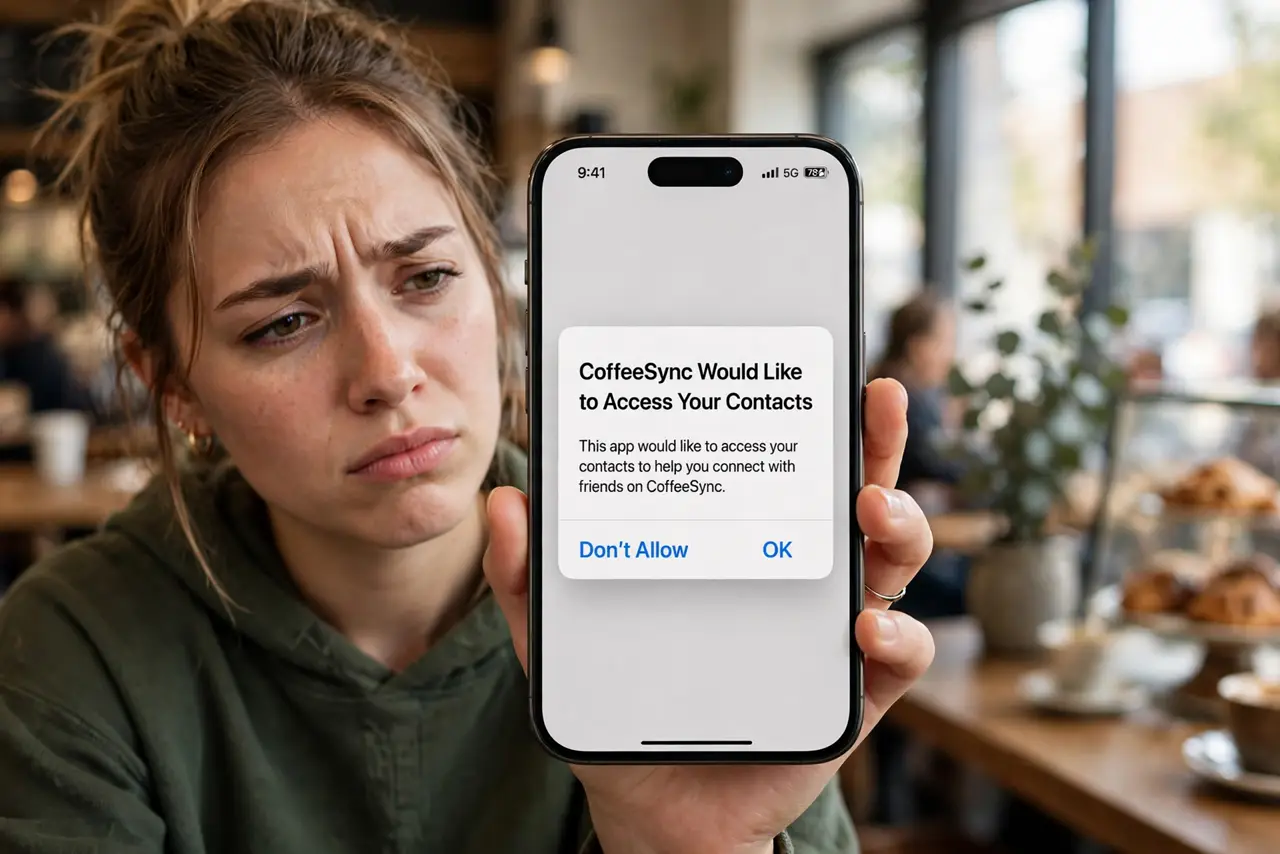
A flashlight app wants your contacts. A game wants your contacts. Everything wants your contacts — and your contacts did not agree to that. When you grant contacts permission, you hand over your friends' names, numbers, and emails to a company they never chose. It is the permission with the most collateral damage, and it deserves the most skepticism.
TL;DR / Quick Fix
Quick fix: almost no app genuinely needs your full contacts — deny the request by default and type the one number you need manually. Grant it only to messaging and phone apps where finding friends is the core feature. Your contacts' privacy is yours to protect.
Follow these steps
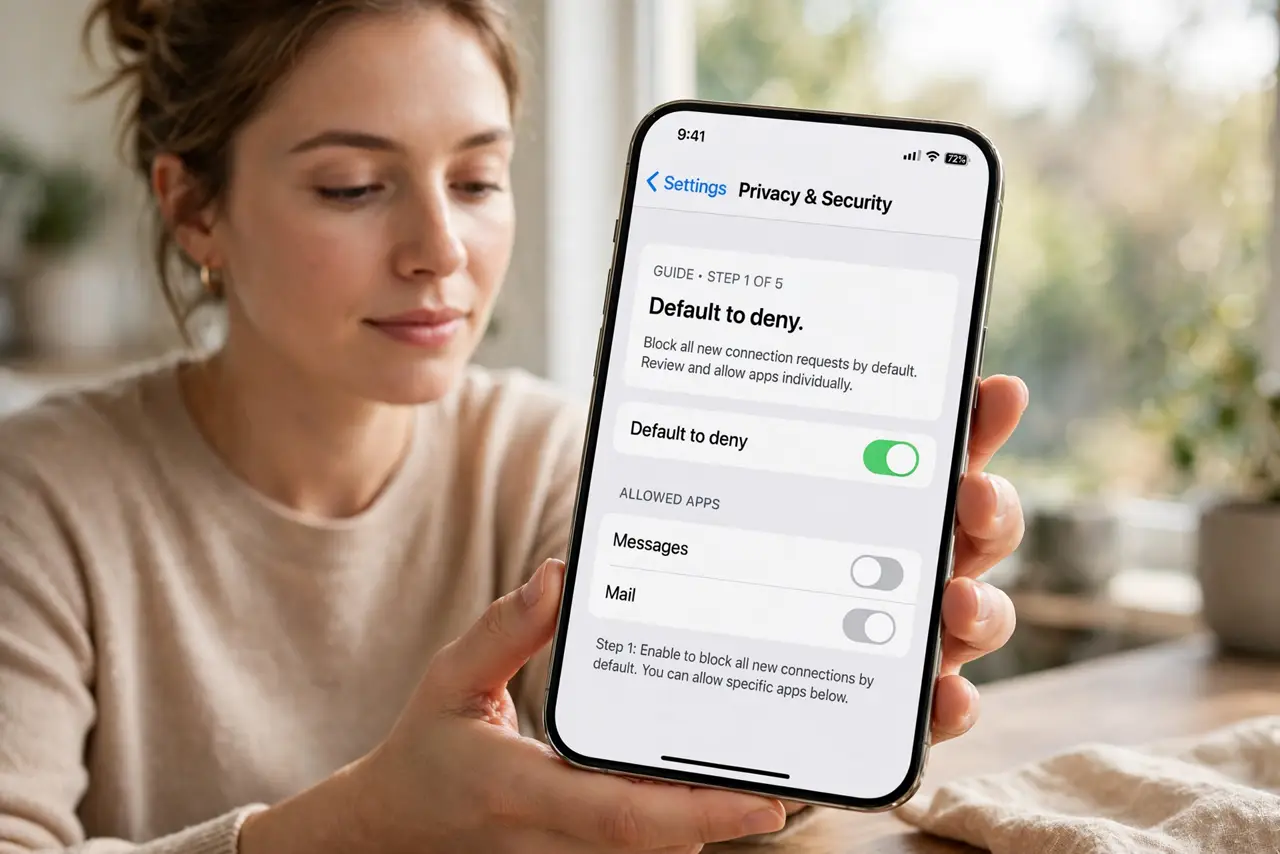
- Default to deny. The correct answer to a contacts request is no, unless the app's entire purpose is communicating with your people. Games, shopping, and utility apps never qualify.
- Ask what it is for. A legitimate request explains itself: a messaging app finds your friends. If the app cannot articulate why in one sentence, the reason is data harvesting.
- Remember it is not just your data. Your contacts include people who never consented — their numbers, emails, birthdays, and notes. Granting access spends other people's privacy.
- Use the manual alternative. Need to message one friend from a new app? Type their number. Sharing a file with a colleague? Enter their email. The manual path takes ten seconds and exposes one person, not hundreds.
- Audit past grants. Check which apps currently hold contacts permission and revoke the ones that do not need it. Revoking stops future access — assume what was already taken is taken.
- Watch for the re-ask. Some apps re-prompt after updates or reinstalls. A permission you denied last year may be requested again — stay in the habit of saying no.
What NOT to do
- Do not grant contacts to find friends you will never message. The find-friends feature is the bait; the uploaded address book is the product.
- Do not assume big companies are safe recipients. Breaches hit giants too — and your friends' data in a breach is a breach they never signed up for.
- Do not confuse contacts with sharing one contact. Sending a single vCard is fine; granting the whole address book is a different universe.
- Do not grant it 'just to get past the screen.' Skipping or finding the Not Now option is always available — the app is designed to make denying feel harder than allowing.
Frequently asked questions
What do apps actually do with my contacts?
They upload them to build social graphs, suggest connections, and enrich advertising profiles. Some also use them for spammy invite-your-friends growth loops.
Can I take back access after granting it?
You can revoke it, which stops future uploads. Assume anything already uploaded is kept — which is why denying up front matters most.
Are messaging apps an exception?
Mostly yes — finding your friends is their core job. Even then, prefer apps that hash contacts or offer username-based adding as an alternative.