Private Browsing? Basics
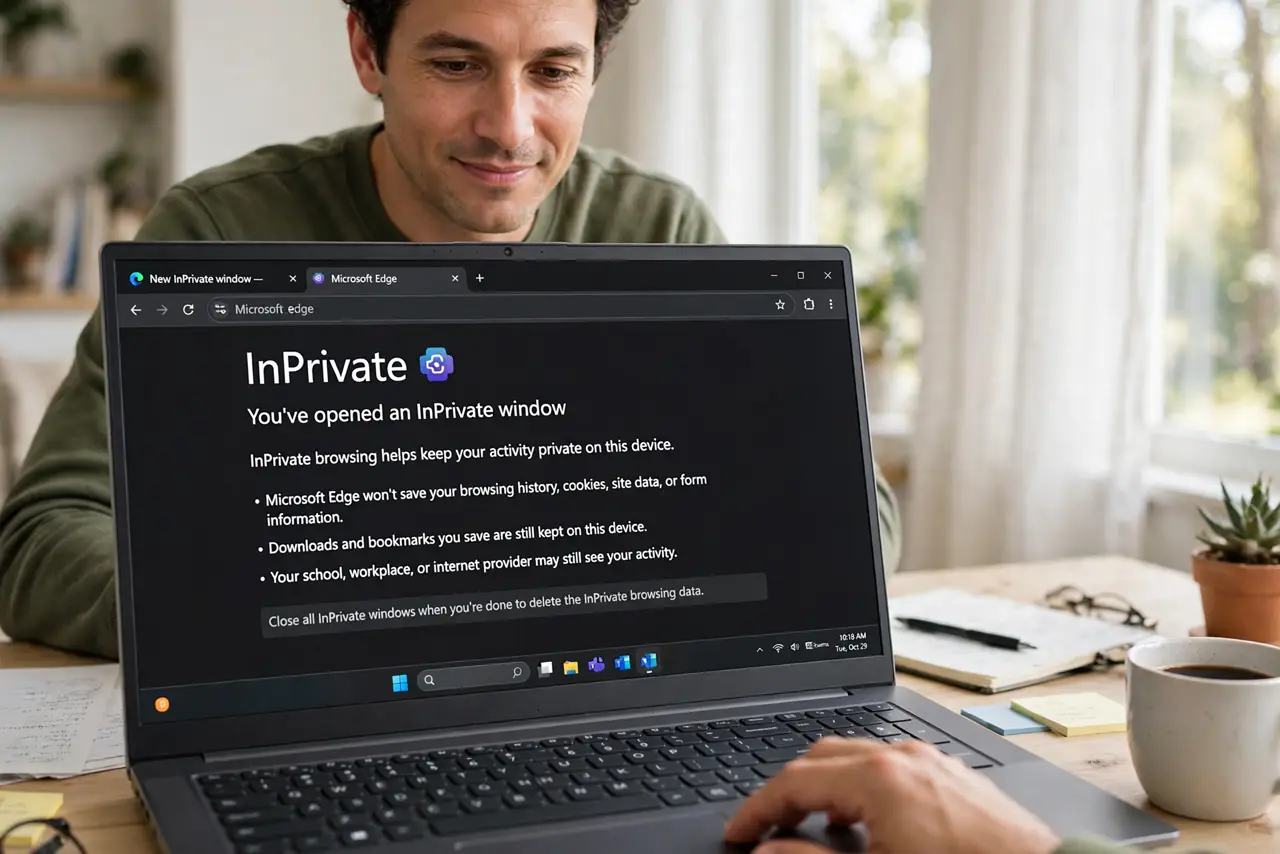
Incognito mode feels like an invisibility cloak — but it is really just a promise not to remember. Private browsing stops YOUR browser from saving history, cookies, and form data; it does nothing about your internet provider, your employer, or the websites you visit. Knowing the boundary is the whole skill. Here is the honest version.
TL;DR / Quick Fix
Quick fix: private browsing (Incognito) stops your browser from saving history, cookies, and logins on YOUR device — nothing more. Your internet provider, employer, and the sites you visit still see you. Use it for shared computers and surprise gifts, not for anonymity.
Follow these steps
- Understand the actual promise. Private mode deletes local traces when the window closes — history, cookies, cached files, form entries. That is the entire guarantee. It is about the device, not the network.
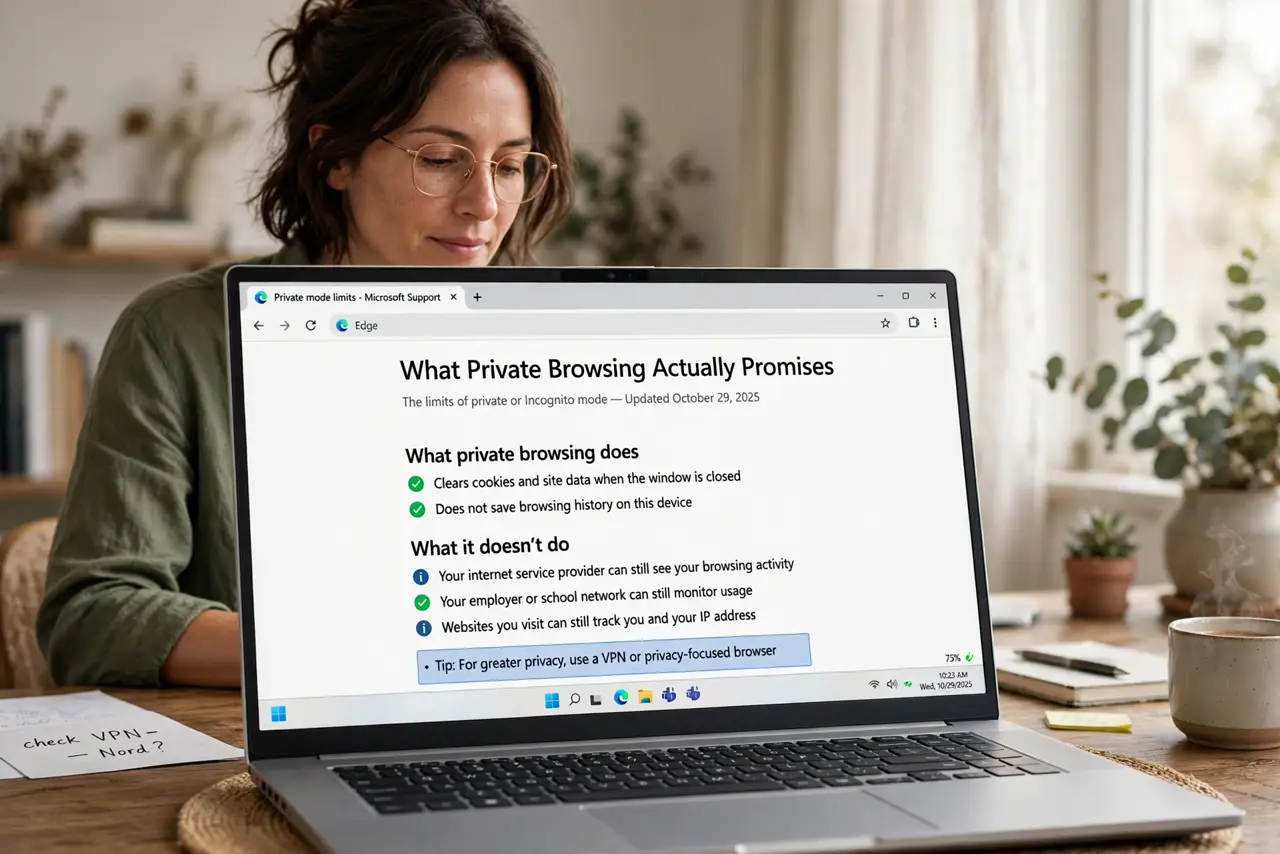
- Know who still sees you. Your internet provider, your employer's network, and every site you visit see your activity normally. Private mode hides nothing from them — for network-level privacy you need a VPN, for anonymity you need Tor.
- Use it on shared computers. This is private mode's true job: library PCs, hotel business centers, a friend's laptop. Log into your accounts, do your business, close the window — no traces left for the next user.
- Use it for clean sessions. Shopping for a surprise gift without ruining recommendations, checking flight prices without cookie-inflated fares, logging into a second account — private windows give you a fresh, cookieless session.
- Close the window when done. The protection only completes when every private window closes — that is when the data is wiped. Leaving one private window open overnight keeps the session (and its cookies) alive.
- Do not confuse it with security. Private mode does not block malware, phishing, or trackers while you browse — it just forgets afterward. A private window on a malicious site is still a malicious site. See public Wi-Fi private browsing for the network angle.
What NOT to do
- Do not use Incognito for anonymity. Your provider, employer, and the sites themselves see everything — it only hides local history.
- Do not do banking on a shared PC even in private mode. Keyloggers and malware do not care about your browsing mode.
- Do not assume trackers are blocked. Private mode forgets cookies after; trackers still work during the session.
- Do not leave the private window open. The wipe happens on close — an open window is an un-wiped session.
Frequently asked questions
Does Incognito hide me from my employer?
No — employer networks see your traffic regardless of browsing mode. Private mode only clears the local browser afterward.
Why do sites still know me in Incognito?
If you log in, the site knows you — private mode never promised otherwise. It also does not hide your IP address.
Private browsing vs VPN — which?
Different jobs: private mode cleans local traces; a VPN hides traffic from the network. They complement each other; neither replaces the other.