VPNs? Plain Basics
VPN is three letters everyone nods at and few can explain. A virtual private network creates an encrypted tunnel between your device and a server run by the VPN company — hiding your traffic from your internet provider, your café's Wi-Fi, and anyone snooping the local network. But it is not magic invisibility. Here is what a VPN actually does and does not do.
TL;DR / Quick Fix
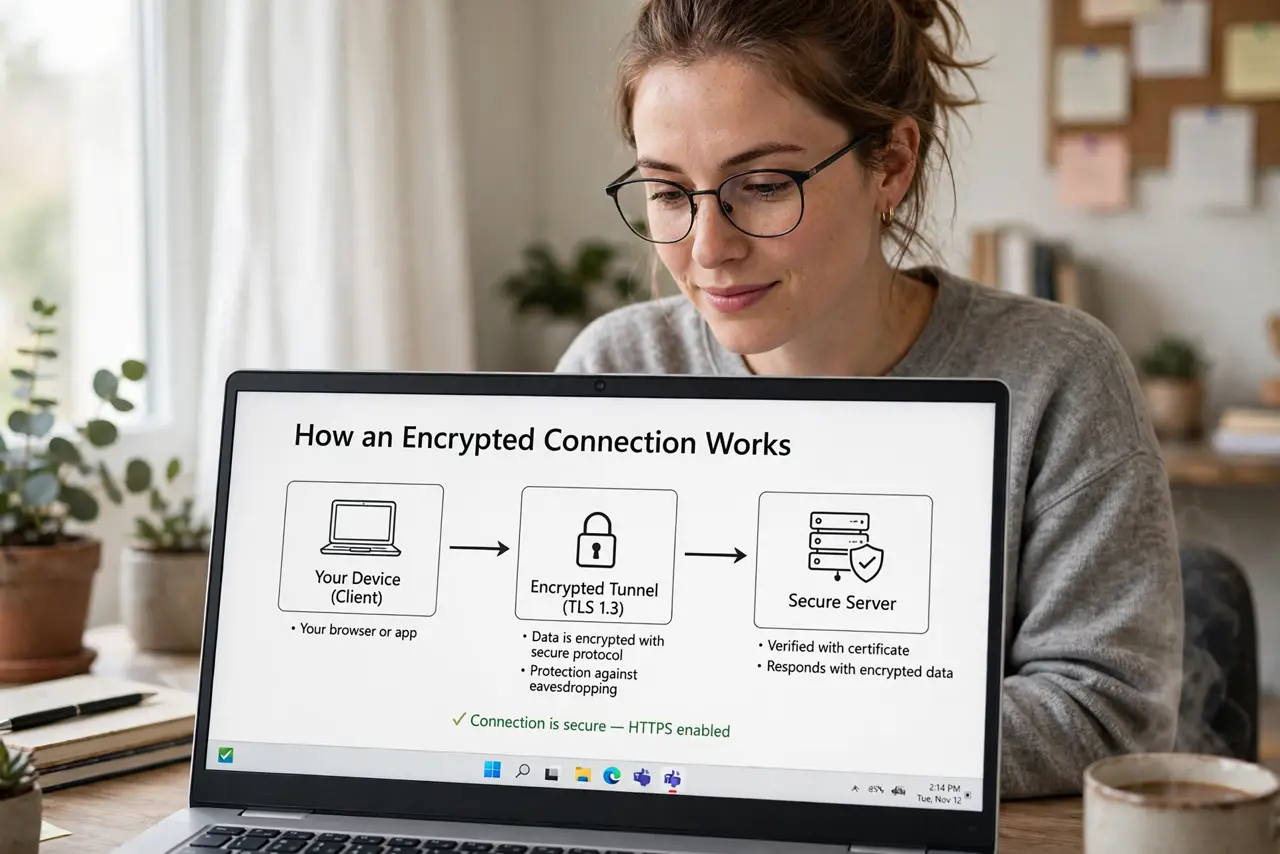
Quick fix: a VPN encrypts your internet traffic and routes it through the provider's server, hiding your browsing from your provider and local networks. It does not anonymize you to sites you log into, and it does not block malware. Use one on public Wi-Fi; at home it is optional.
Follow these steps
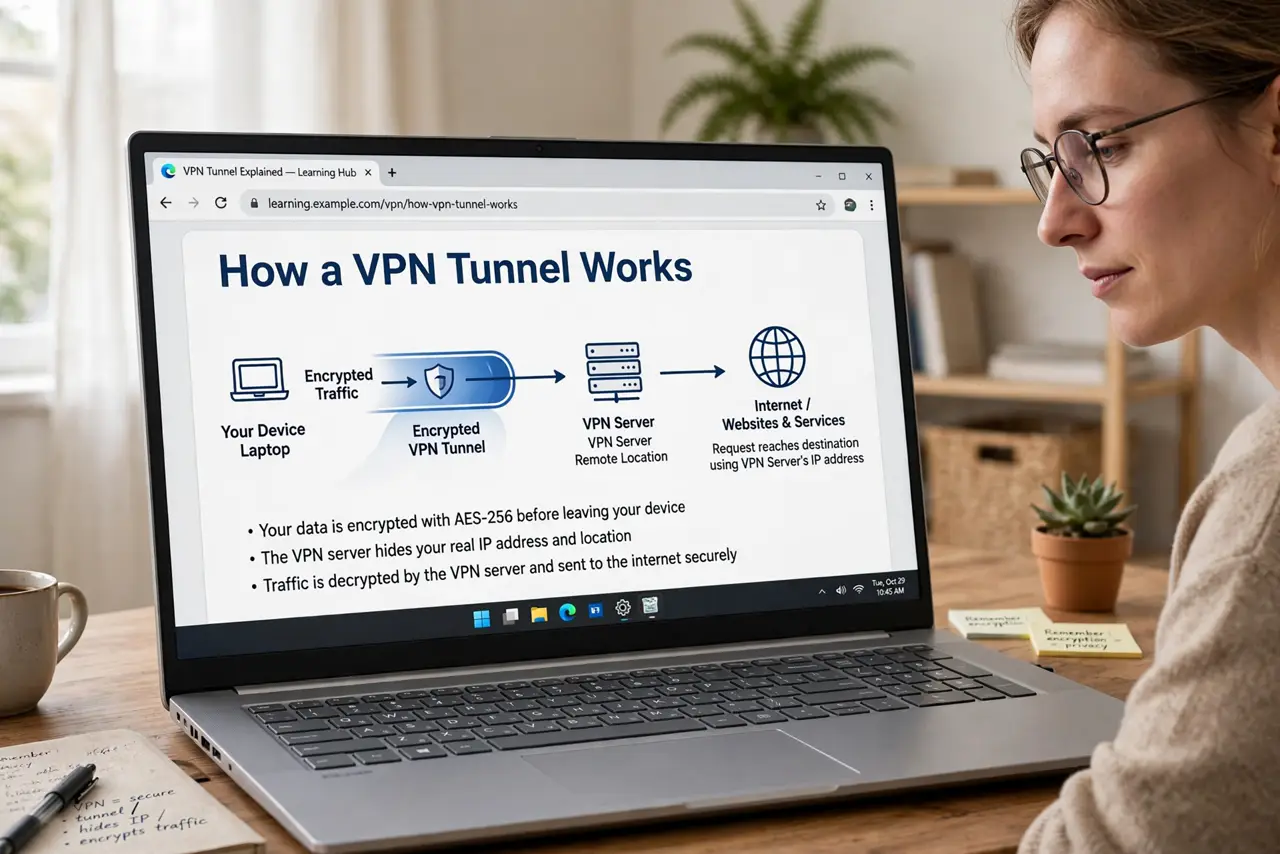
- Understand the tunnel. Normally your internet provider sees every site you visit. A VPN wraps all your traffic in encryption and sends it to the VPN's server first — your provider sees only one encrypted connection. That is the core trick, and it is genuinely effective.
- Know what it hides — and from whom. It hides your activity from your internet provider, your employer (on their network), and café Wi-Fi snoopers. It does NOT hide you from Google or Facebook when you are logged in — they know exactly who you are. See HTTPS vs VPN for how the two protections differ.
- Use one on public Wi-Fi. This is the VPN's home turf. Open networks expose your traffic to anyone nearby; a VPN neutralizes that. Turn it on before you browse — see the public Wi-Fi routine for the full habit.
- Pick paid over free. Running VPN servers costs real money, so free VPNs monetize somehow — often by logging and selling the very data you wanted hidden. A reputable paid VPN costs less than a coffee a month; free VPNs have a catch worth knowing.
- Expect a small speed cost. Encryption and the extra hop slow you slightly. Nearby servers minimize it, and on most connections you will not notice. If everything crawls, try a different server before blaming the VPN concept.
- Do not expect anonymity. A VPN shifts who can see your traffic — from your provider to the VPN company. You are trusting them instead. That is a reasonable trade on hostile networks, but it is not invisibility.
What NOT to do
- Do not trust free VPNs with your data. If the product is free, your browsing history is often what pays for it.
- Do not assume a VPN blocks viruses or phishing. It encrypts traffic — it does not judge whether a site is malicious.
- Do not use a VPN to break the law or terms of service. It is a privacy tool, not a permission slip, and providers do cooperate with legal orders.
- Do not leave the kill switch off. If the VPN drops silently, your traffic leaks unprotected — the kill switch prevents that.
Frequently asked questions
VPN vs Tor — which is better?
Different tools: a VPN is fast and practical for daily privacy; Tor gives stronger anonymity but is much slower. Tor vs VPN covers the tradeoff in detail.
Will a VPN let me watch other countries' shows?
Sometimes — streaming services actively block VPN servers, so it is a cat-and-mouse game. Do not buy a VPN solely for this; it may stop working tomorrow.
Does a VPN protect me from hackers?
From network snoopers, yes. From phishing emails, malicious downloads, and fake sites, no — those attack you, not your connection.