Used a Public Computer? Do This
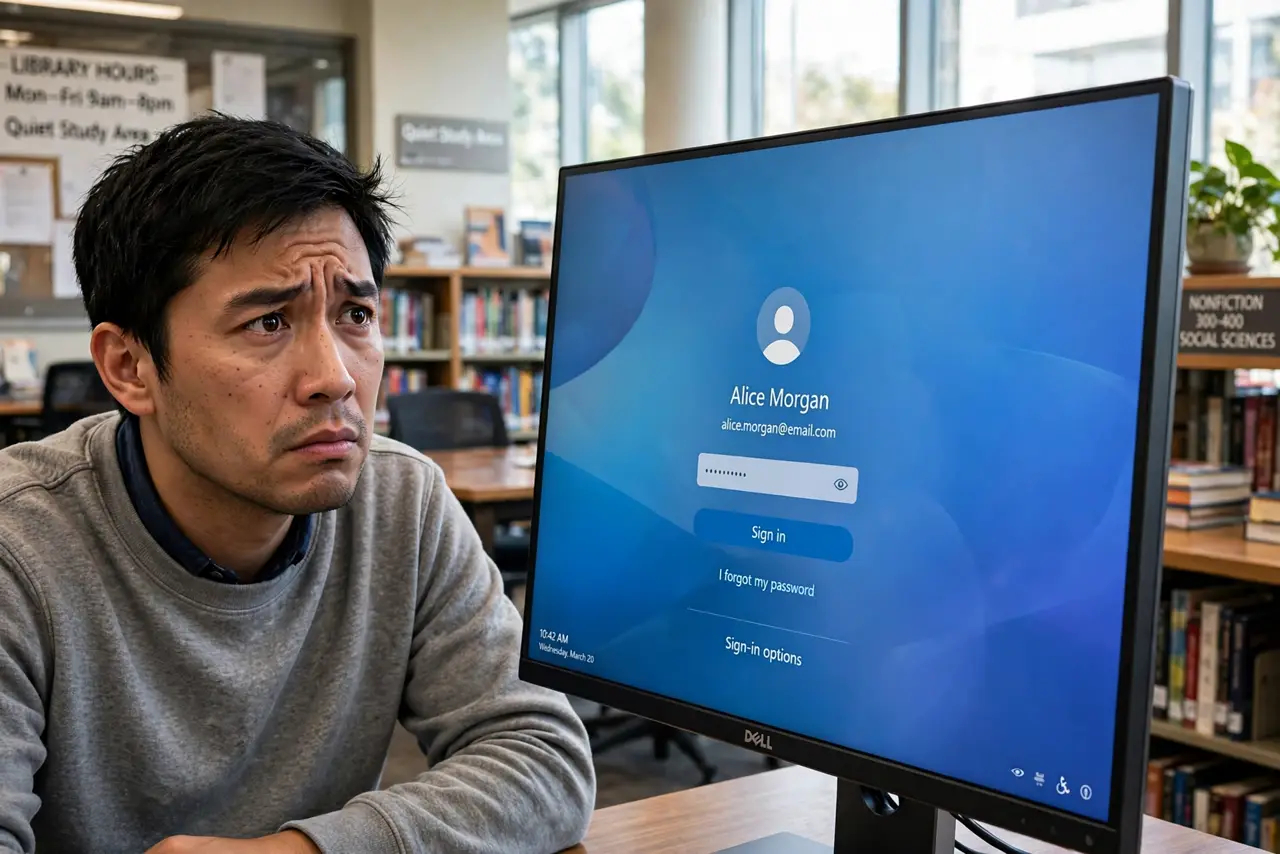
Library, hotel lobby, print shop — you logged into email on a computer you do not own, and now your session may still be alive there. Public machines can also carry keyloggers you will never see. You cannot undo the login, but you can contain it in the next ten minutes.
TL;DR / Quick Fix
Quick fix: on your own device, change the passwords of every account you touched on the public machine, then sign out all sessions remotely. Enable two-factor where it was off. Watch those accounts for odd activity for a few weeks, in case a keylogger captured the old passwords.
Follow these steps
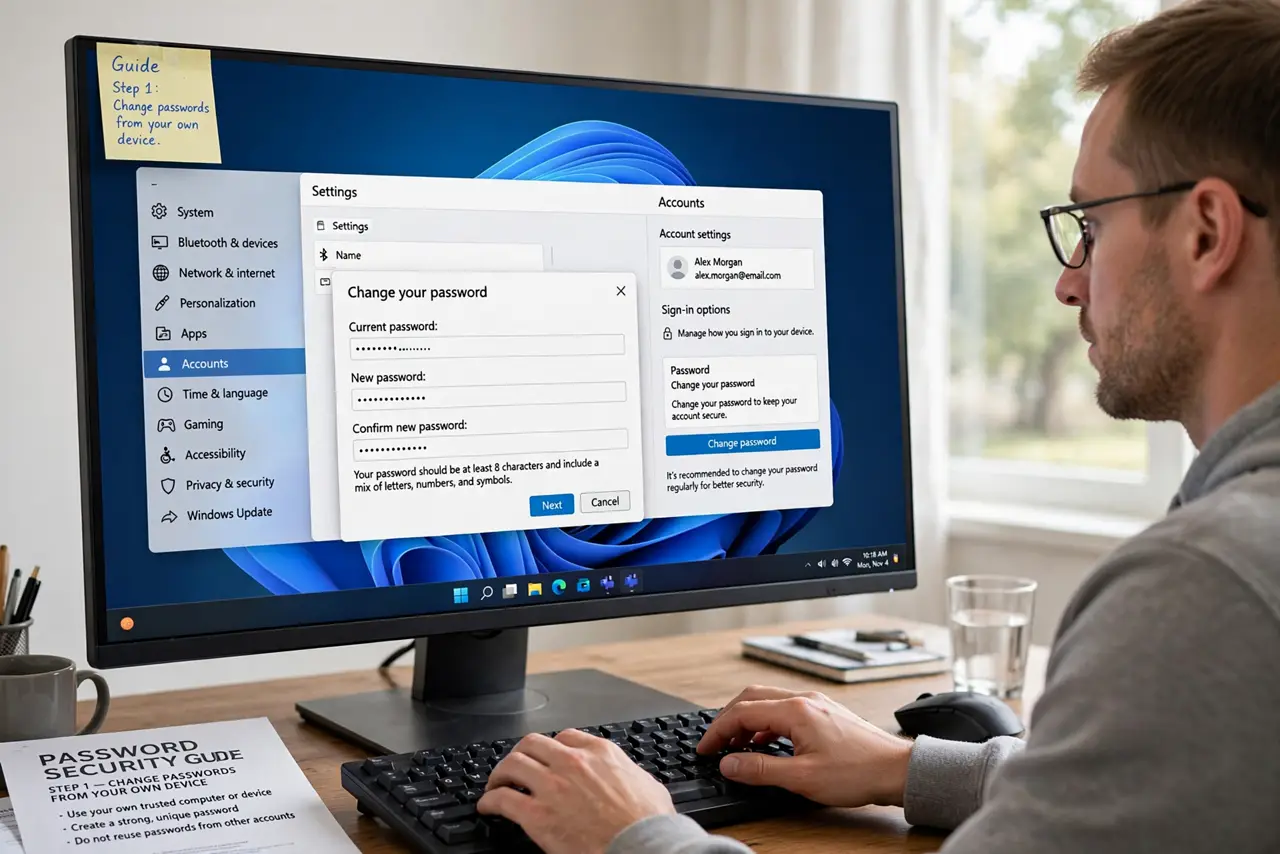
- Change passwords from your own device. Every account you opened on the public machine gets a fresh, unique password — changed from your phone or home computer, never from the public one again.
- Sign out all sessions remotely. Use each account's 'sign out of all devices' option to kill the public machine's session. See signing out old devices for where those controls live.
- Enable two-factor where it was missing. A captured password is useless without the second factor. Turn it on for email and banking right now — see app vs SMS.
- Check for changes you did not make. Skim recent activity: forwarding rules in email, new recovery addresses, unfamiliar logins. Attackers who grabbed a session move fast — also see signing out fully.
- Avoid banking next time. If you must use a public machine, stick to low-stakes browsing. Banking and primary email deserve your own device or, at minimum, a private window plus immediate password changes after.
- Watch for a few weeks. Keep an eye on login alerts and statements. Most misuse shows up quickly; a quiet month means you contained it.
What NOT to do
- Do not just close the browser and walk away. Sessions persist — closing the window does not sign you out.
- Do not change the passwords on the public machine itself. If it has a keylogger, you are handing over the new ones too.
- Do not check 'remember me' on a public computer — ever. That checkbox is a standing invitation — see the 'remember me' risk.
- Do not assume private browsing protects you. It hides history from the next user, not from keyloggers or the machine's owner.
Frequently asked questions
I forgot to sign out of a public computer — what now?
Change those passwords from your own device and use 'sign out of all sessions' in each account's security settings. Do it as soon as you can.
Is private/incognito mode safe on public computers?
Safer for the next user seeing your history, but it does nothing against keyloggers or malicious software on the machine. Still change passwords after.
Should I avoid public computers entirely?
For banking and primary email, yes when possible. For printing a boarding pass, the risk is minimal — just sign out and avoid saving anything.