Ditch Security Questions
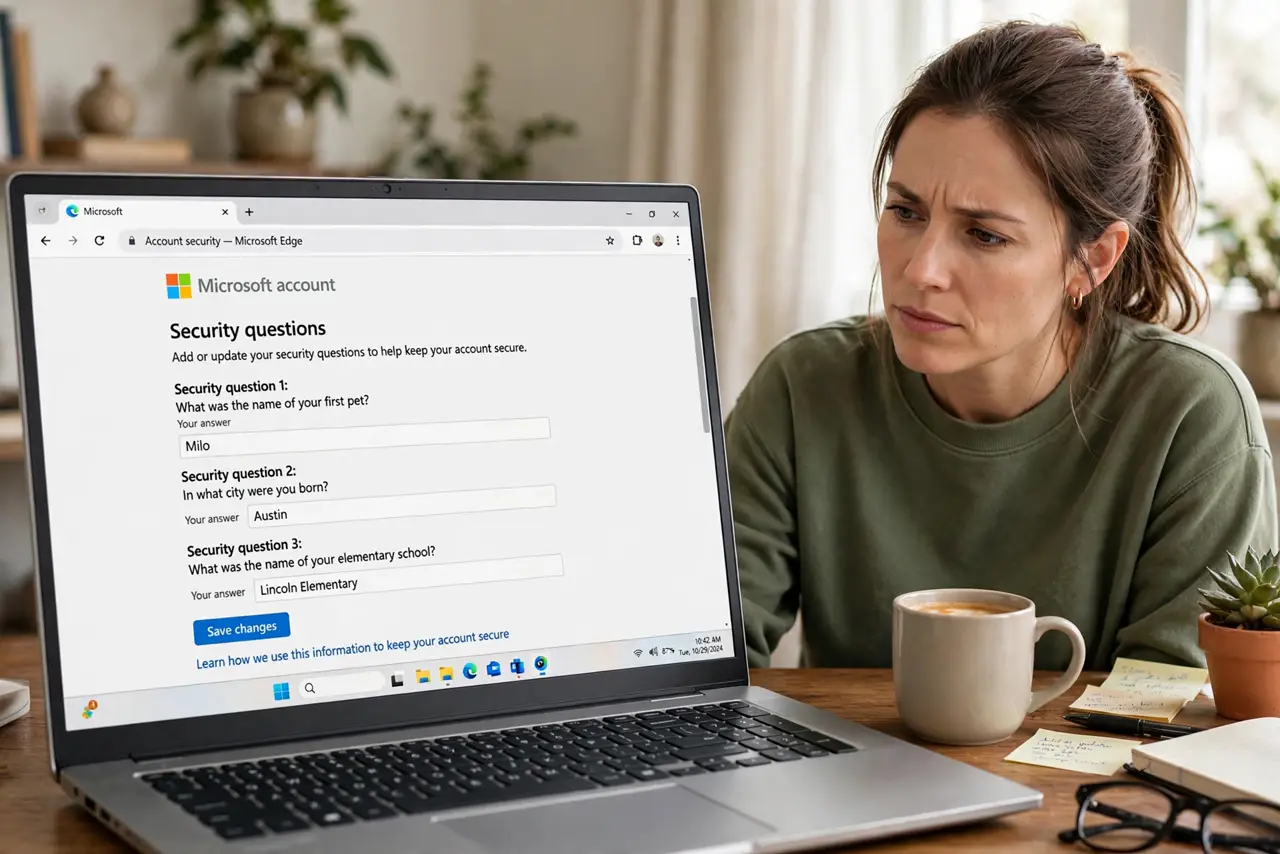
What was your first pet's name? — a question anyone who has seen your social media can answer. Security questions were designed for a pre-internet world, and today they are often the weakest link in account security. The fix is simple: stop answering them truthfully.
TL;DR / Quick Fix
Quick fix: treat security questions like extra passwords — answer them with random words stored in your password manager, not real facts. Your mother's maiden name is public record; a random string is not. Better yet, use two-factor authentication and skip the questions entirely.
Follow these steps
- Understand why they are weak. Real answers are guessable or findable — social media, public records, data breaches. See why these answers fail so consistently.
- Generate random answers. Use your password manager's generator to create random strings for each question. A random string is a fine childhood street.
- Store them like passwords. Save each random answer in the password manager notes for that account. You will never remember them — that is the point.
- Enable two-factor instead. Wherever a site offers real two-factor authentication, use it and treat security questions as the backup, not the lock.
- Update your important accounts. Email, bank, and cloud accounts first. These are the accounts where a guessed answer does real damage.
- Know the truly bad ones. Some sites still force the old questions with no alternative — learn which question setups to avoid and give those accounts random answers plus 2FA.

What NOT to do
- Do not answer truthfully. Every true answer is a fact someone can discover.
- Do not reuse the same fake answer everywhere. One leaked answer should not unlock every account.
- Do not use answers from social media. If you have posted about it, it is not secret.
- Do not rely on questions as your only recovery. Pair every account with a recovery email and two-factor.
Frequently asked questions
Are security questions really that bad?
Yes — they combine the worst of both worlds: hard to keep secret, easy to guess. The industry has been moving away from them for years.
What if a site requires them?
Give random answers stored in your password manager. You comply with the form without creating a weakness.
Is two-factor really better?
Dramatically. A code from your phone beats a guessable fact in every scenario.
What to read next
- Guessable Security Answers
- Why Security Questions Fail