Security Questions? Why They're Weak
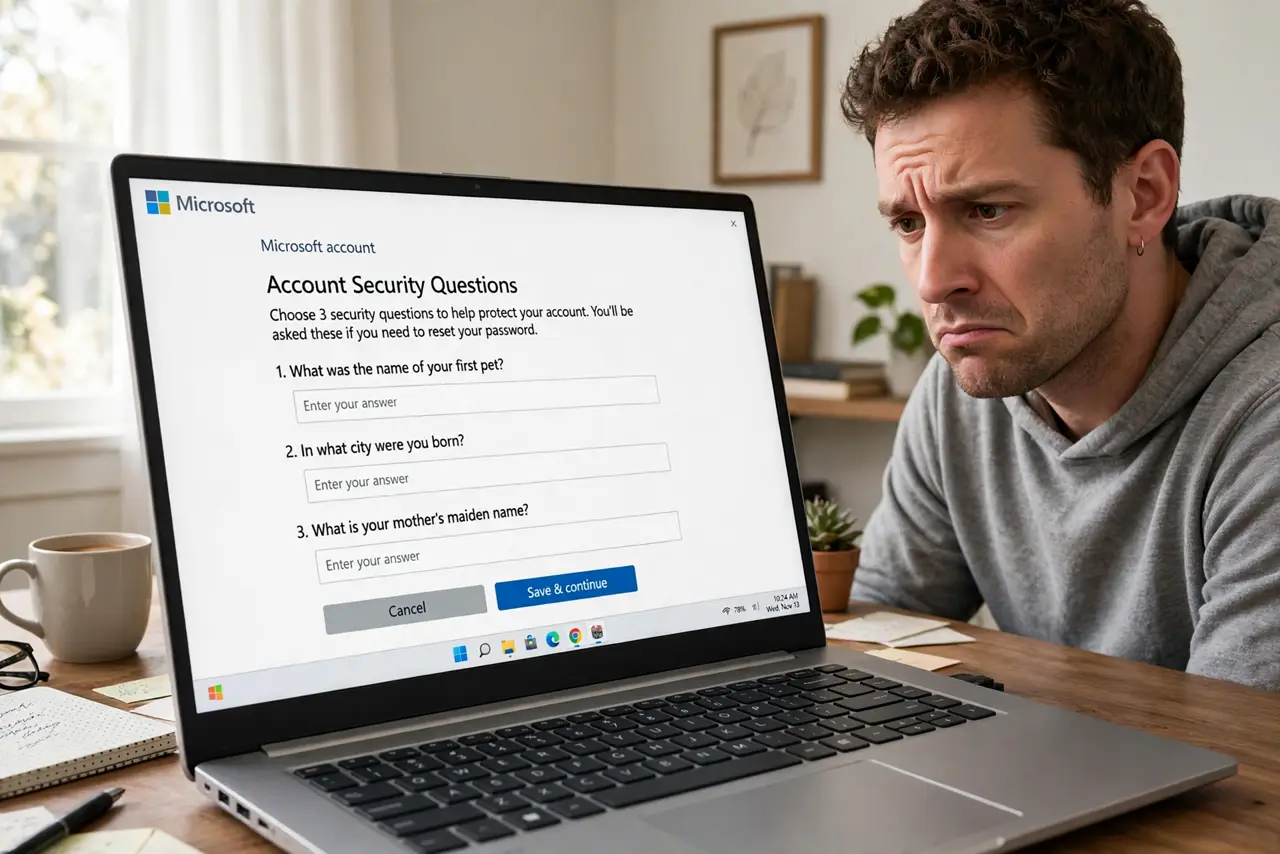
'What was your first pet's name?' It feels like security, but your answers are often public — on social media, in public records, in breached databases. Security questions are the weakest link in account recovery, and attackers know it. Here is why they fail and what to do instead.
TL;DR / Quick Fix
Quick fix: treat security questions as extra passwords, not trivia — answer with random strings stored in your password manager. Never use real, guessable facts like pet names or birthplaces. Where a site lets you, replace questions with an authenticator app or backup codes, which cannot be researched.
Follow these steps
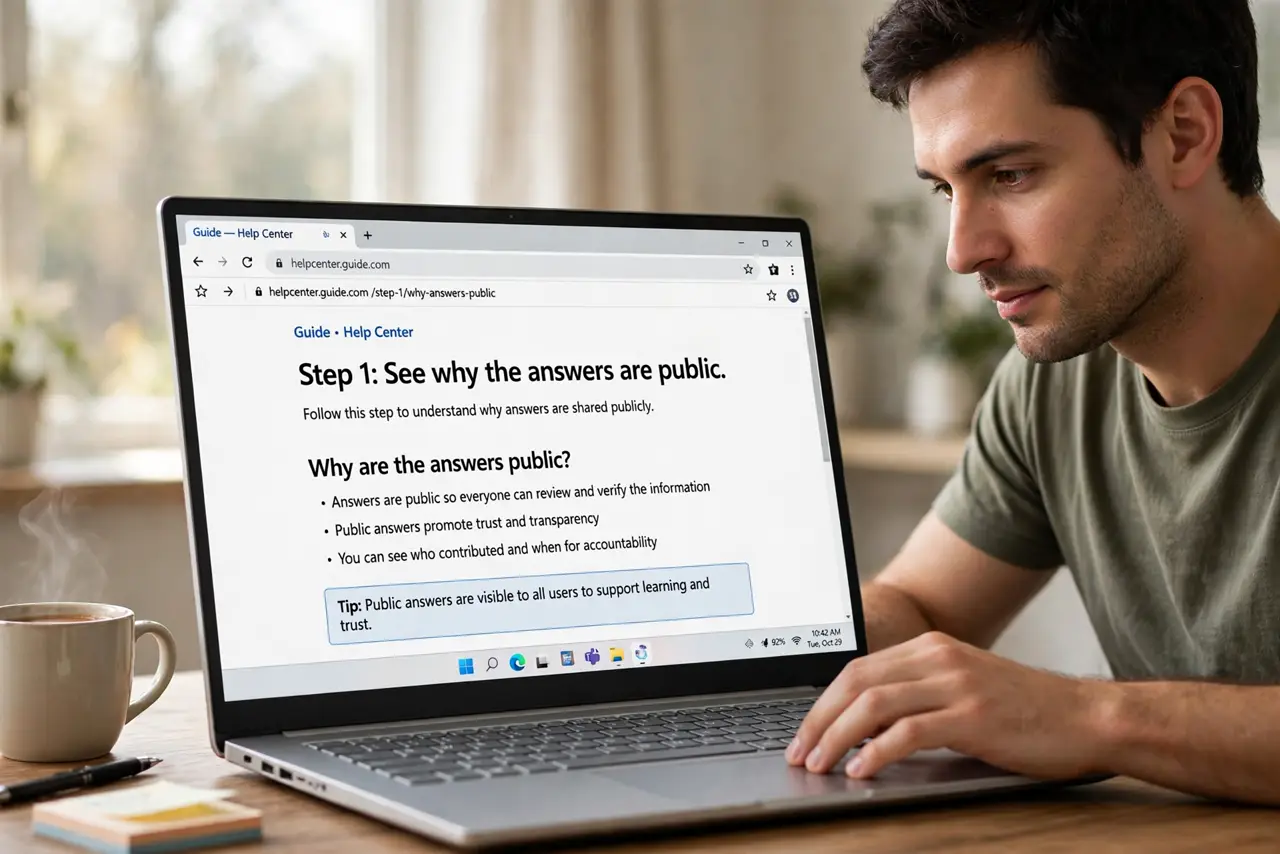
- See why the answers are public. Pet names, schools, and birthplaces live on social media and public records. Attackers research answers the way you would — see guessable answers.
- Answer with random strings. Treat each question as a password field: generate a random answer in your password manager. 'First pet?' gets a random string — unguessable and unresearchable.
- Never reuse answers across sites. One breached answer set compromises every site sharing it. Unique random answers per site, stored in the manager.
- Prefer stronger recovery where offered. If the site offers authenticator-based recovery or backup codes instead of questions, take it. Questions are the fallback of last resort.
- Audit your existing answers. Revisit important accounts and replace real answers with random ones. Email and banking first — they are the accounts attackers target.
- Keep the manager as the source of truth. Store each random answer in the login's notes field. Future-you recovering the account needs the exact string, not the memory.
What NOT to do
- Do not answer truthfully. Honest answers are researchable answers — the whole weakness in one habit.
- Do not use the same answer everywhere. One favorite color on ten sites is a master key.
- Do not assume obscure questions are safe. A first car appears in old photos; a childhood street is in public records.
- Do not skip them when they are optional-but-default. If a site pre-fills recovery with questions, replace them or disable them.
Frequently asked questions
Why are security questions considered weak?
Because the answers are often public or guessable — social media, public records, and breaches hand them to attackers. They are trivia, not secrets.
What should I put instead of real answers?
Random strings from your password manager. The site does not care that 'first pet' is gibberish — it only checks that it matches.
Should I just avoid sites that require them?
No need — random answers neutralize the weakness. But prefer sites offering authenticator or passkey recovery when you have the choice.
What to read next
- Are Your Security Answers Guessable?
- Store Your 2FA Backup Codes