Security Questions? The Truth
What's your mother's maiden name? Your first pet? These security questions guard password resets on countless accounts — and the answers are often public record, on your Facebook, or guessable in five tries. Security questions are the weakest link in account security, and treating them like real security is a mistake. Here's the honest truth.
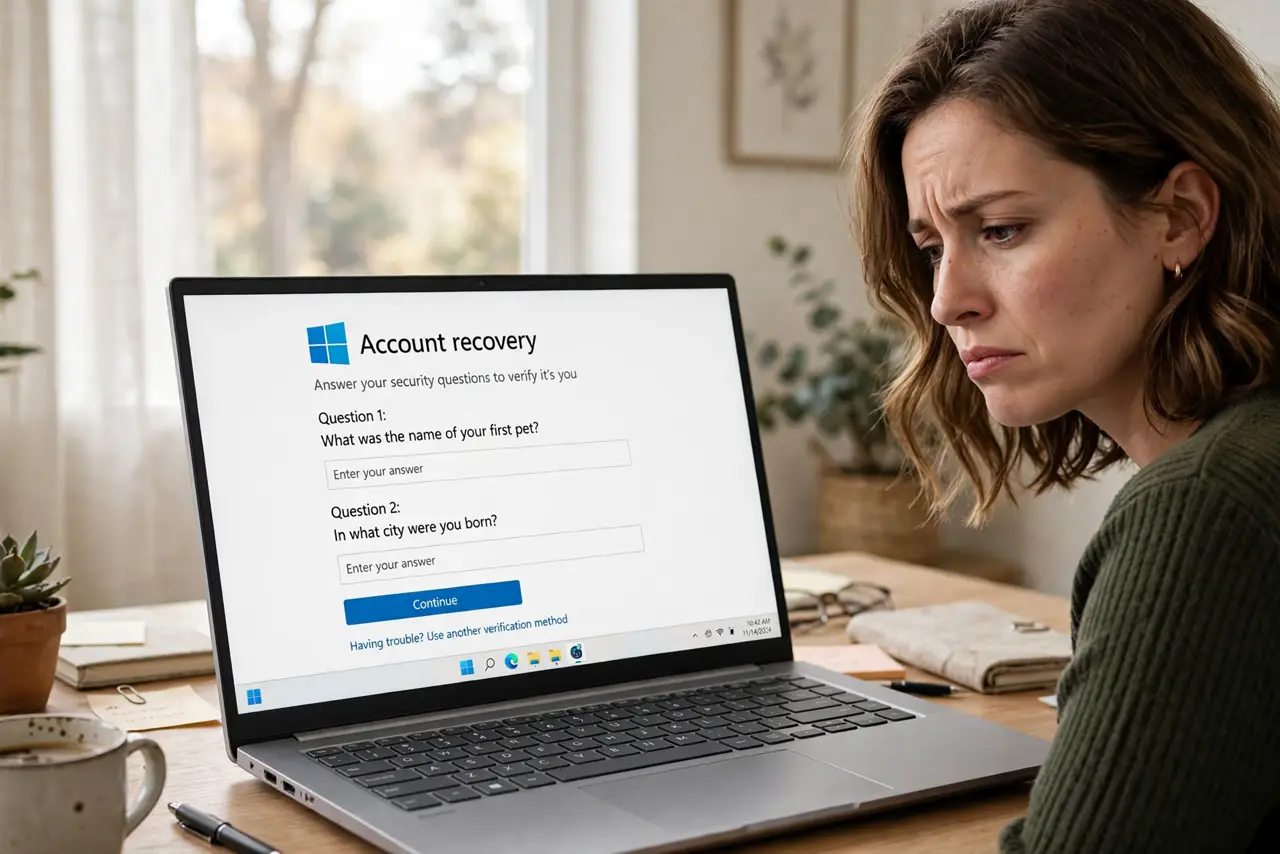
TL;DR / Quick Fix
Quick fix: treat security answers like passwords — generate random nonsense answers and store them in your password manager. Never use real, guessable facts anyone could research. Better yet, replace security questions with two-factor authentication wherever the site allows it.
Follow these steps
- Understand why they're weak. The answers are often public (social media), guessable (common pets), or findable (genealogy sites). Attackers research targets — see guessable answers for how trivially these fall.
- Never answer truthfully. Your real mother's maiden name is discoverable; 'xQ9#blue-tiger' is not. Lie consistently — the site doesn't care if it's true, only that it matches what you entered.
- Store answers in your manager. Random answers must be stored or they're unrecoverable. Save each site's fake answers in your password manager's notes — see why they're bad for the full case against them.
- Prefer 2FA instead. Where a site offers two-factor authentication, enable it and treat questions as the backup they are. 2FA on your authenticator app beats any question-and-answer scheme.
- Audit your important accounts. Email, banking, and social accounts with weak questions are the priority. Log in now, check the recovery settings, and replace real answers with random ones.
- Watch for questions on new signups. Some sites still require them at signup. Give fake answers from the start — entering real ones 'temporarily' means they'll stay real forever.
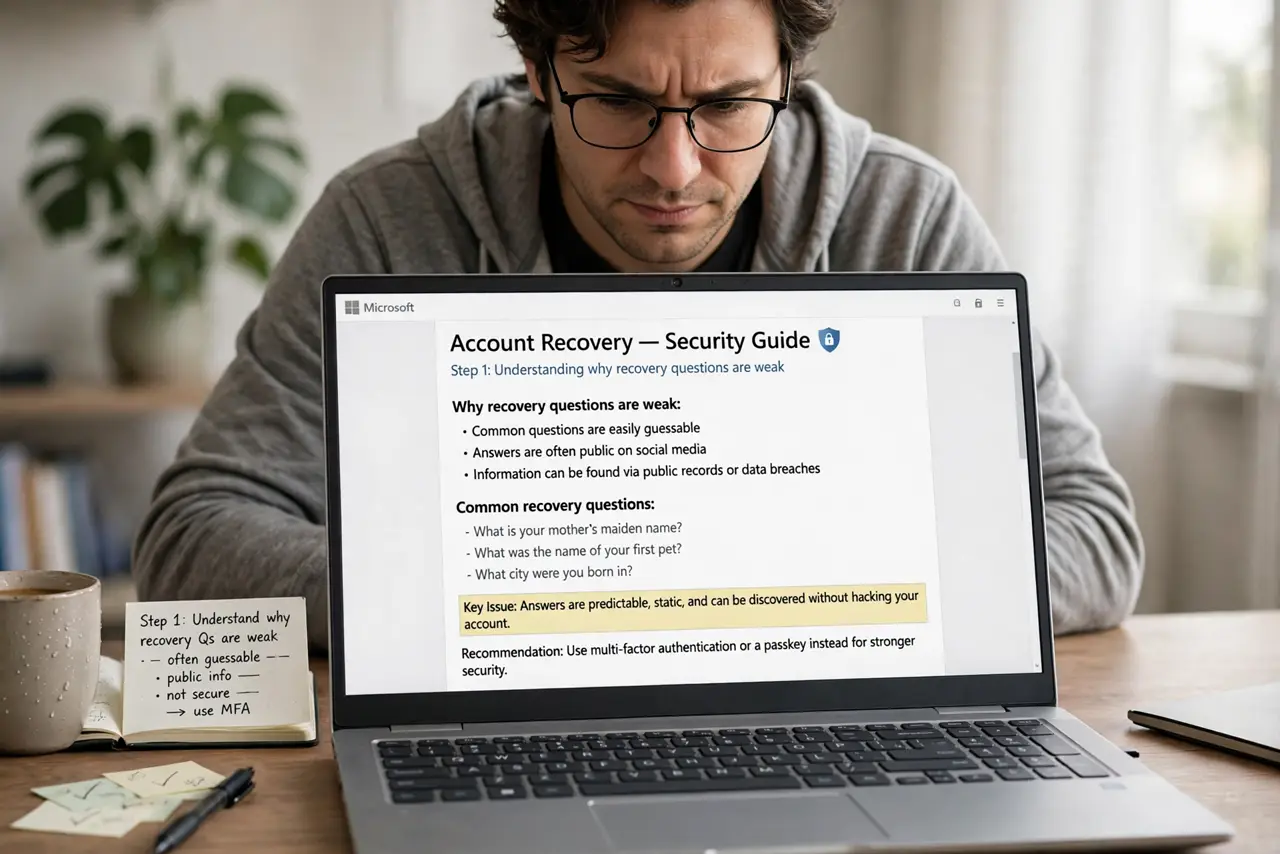
What NOT to do
- Do not use real answers. Every truthful answer is a fact an attacker can research — the whole point is that only you should know it, and real facts fail that test.
- Do not use the same fake answer everywhere. One breach exposing 'blue-tiger-7' as your answer compromises every account sharing it — unique nonsense per site.
- Do not skip them thinking 2FA covers everything. Account recovery often bypasses 2FA via questions — weak questions can undo strong two-factor.
- Do not write answers on sticky notes. The password manager is the storage — paper notes of fake answers are just as losable as real ones.
Frequently asked questions
Are security questions going away?
Slowly — passkeys and 2FA are replacing them, but countless sites still use them. Until they're gone, fake answers are the defense.
What if I already answered truthfully?
Change them now to random answers stored in your manager. It takes a few minutes per important account and closes a real hole.
Can I just leave them blank?
Most sites require an answer. A random string works — blank usually isn't accepted, but nonsense is.
What to read next
- Guessable Security Answers?
- A Password Manager? Basics