'Remember Me'? The Risk
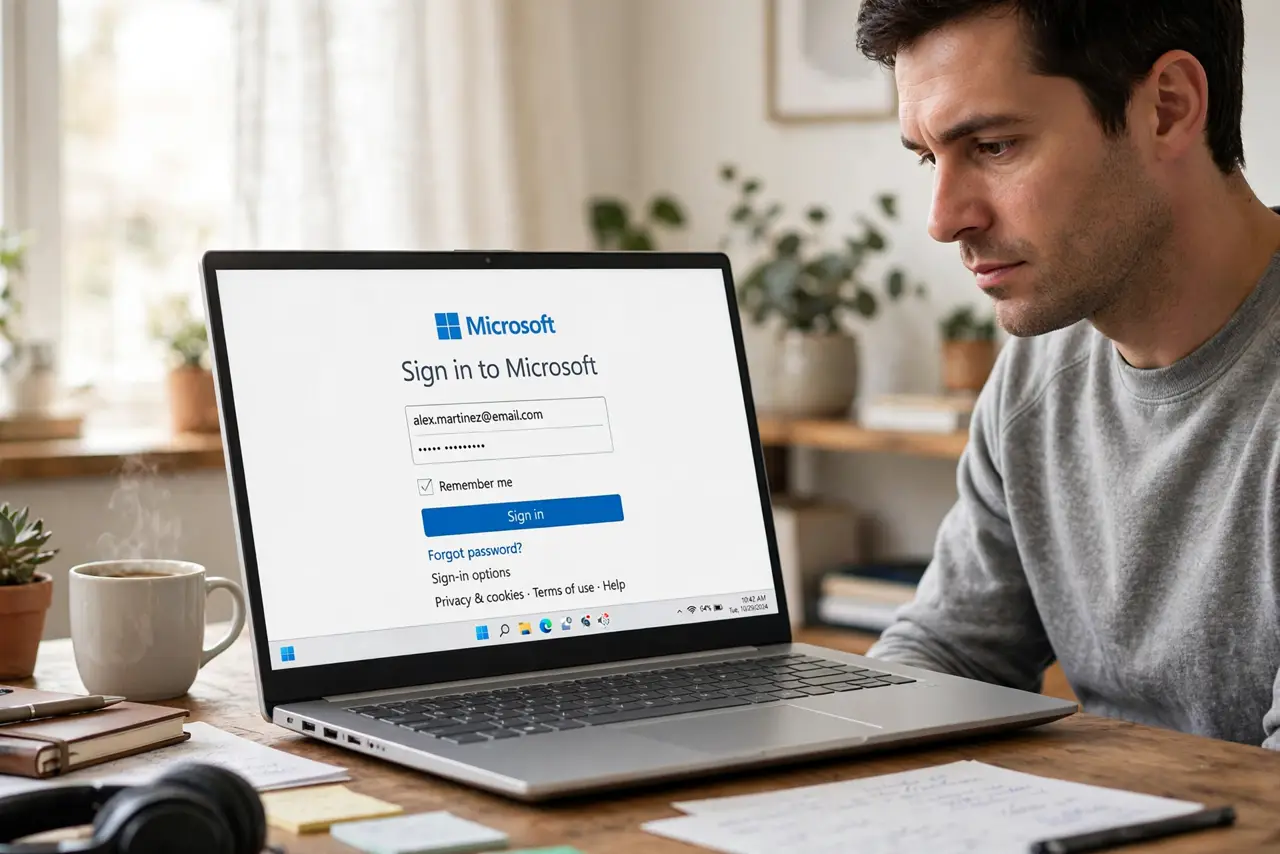
That little checkbox keeps you signed in for weeks — convenient on your laptop, dangerous everywhere else. 'Remember me' stores a long-lived login token on the device, and anyone with the device inherits your session. Here is when to use it and when to run from it.
TL;DR / Quick Fix
Quick fix: use 'remember me' only on devices you personally own and lock — never on shared or public machines. If you checked it somewhere unsafe, sign out all sessions remotely and change the password. Review which devices hold active sessions a few times a year and prune them.
Follow these steps
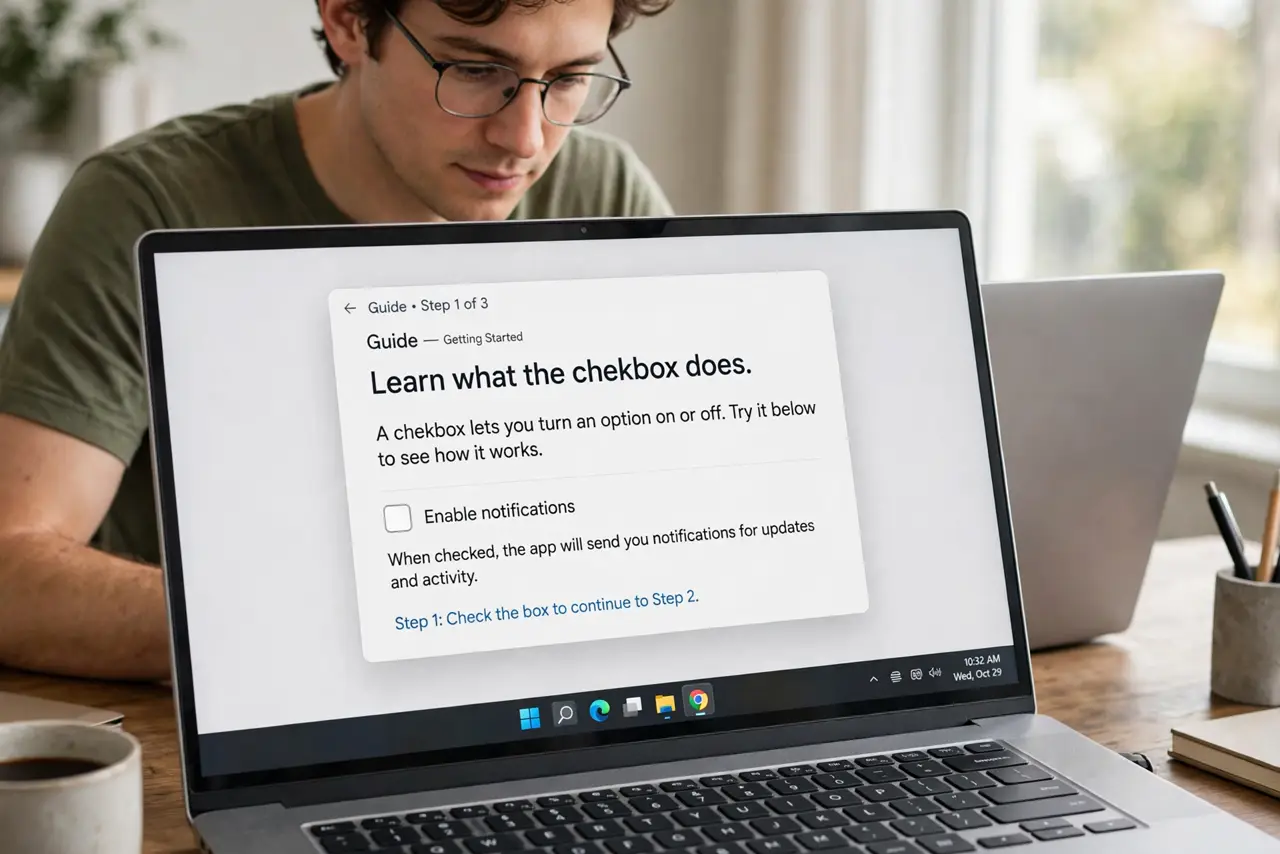
- Learn what the checkbox does. It stores a persistent login token — often valid for weeks or months — so the site skips the password. Convenience now, an open session later.
- Use it only on owned, locked devices. Your personal laptop with a lock screen: fine. Anything shared, borrowed, or public: never. See public-computer safety for the worst case.
- Undo it when you slip. Checked it on a friend's laptop? Open the account's security settings from your own device and sign out all sessions — then change the password for good measure.
- Audit active sessions regularly. Most accounts show where you are signed in. A few times a year, prune the list — see signing out old devices.
- Pair it with two-factor. A remembered session bypasses the password but usually not a fresh two-factor challenge on sensitive actions. Defense in depth still applies — see app vs SMS.
- Prefer the password manager instead. Autofill gives you the same one-click login without a standing token. Faster than typing, safer than remembering.
What NOT to do
- Do not check it on a public or shared computer. This is the single most common way strangers inherit accounts.
- Do not assume closing the browser ends it. The token persists — only an explicit sign-out kills it.
- Do not confuse it with saving the password. Browser-saved passwords still want the device unlock; 'remember me' often does not — and note cookies can block it in odd cases.
- Do not leave it on a device you are selling. Sign out everywhere before the handoff — the buyer should not inherit your inbox.
Frequently asked questions
Is 'remember me' safe on my own computer?
Reasonably, if the device has a lock screen and full-disk encryption. The risk is theft — a stolen unlocked laptop hands over every remembered session.
How do I sign out of 'remember me' sessions remotely?
In the account's security settings, use 'sign out of all devices/sessions.' The tokens die immediately, everywhere.
Does 'remember me' work if I clear cookies?
Usually it breaks — the token lives in a cookie. Clearing cookies signs you out, which is also a quick way to purge old sessions.