Rental Car Privacy? Basics
You paired your phone with the rental car's Bluetooth, used its navigation, and drove off — leaving your contacts, call history, and home address sitting in the dashboard. Modern cars quietly download your phonebook and log your destinations, and the next renter can browse them. Rental companies rarely wipe this data between customers. Here is how to protect yourself before you hand back the keys.
TL;DR / Quick Fix
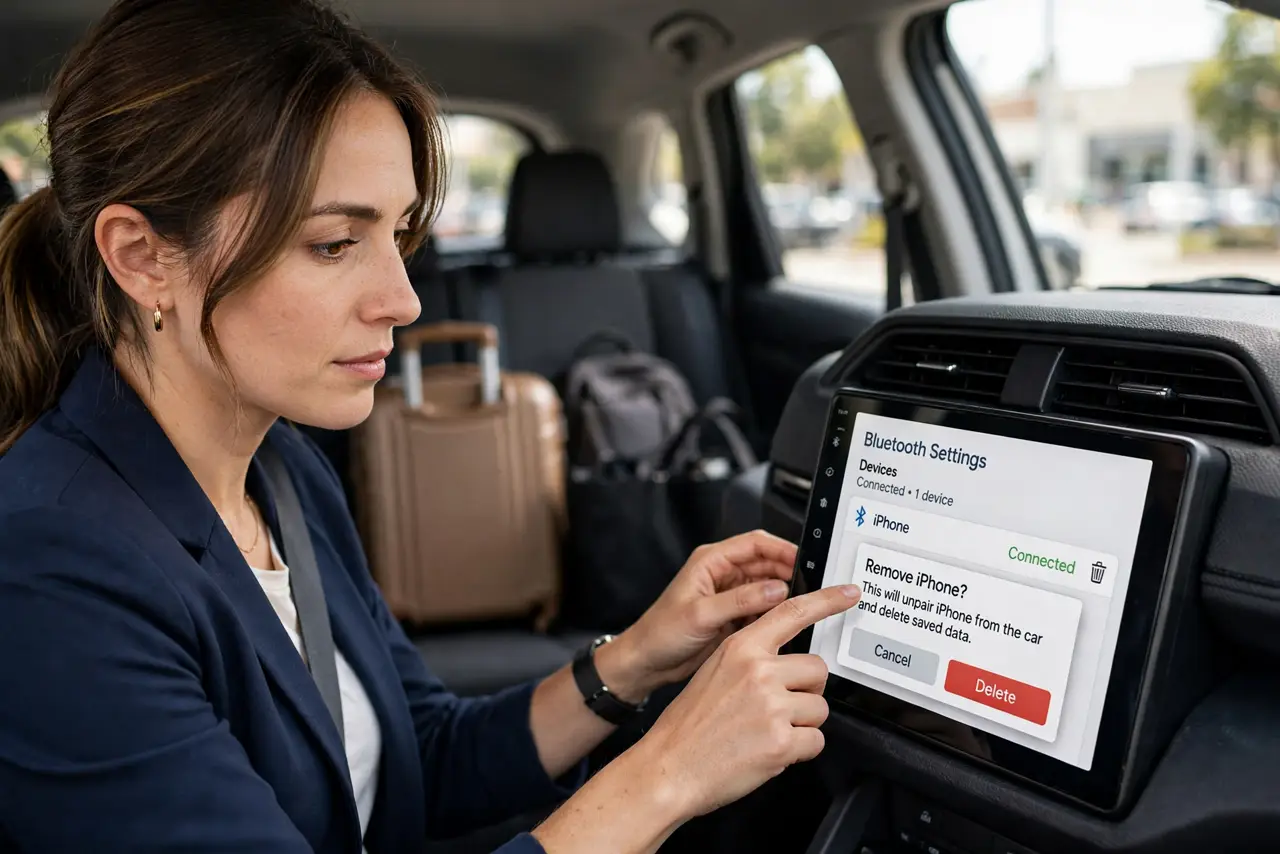
Quick fix: before returning a rental car, delete your phone from the car's Bluetooth paired-devices list and clear navigation history and saved places. Avoid syncing contacts if the car asks — decline the phonebook request. If you forgot, call the rental company and ask them to wipe the infotainment system.
Follow these steps
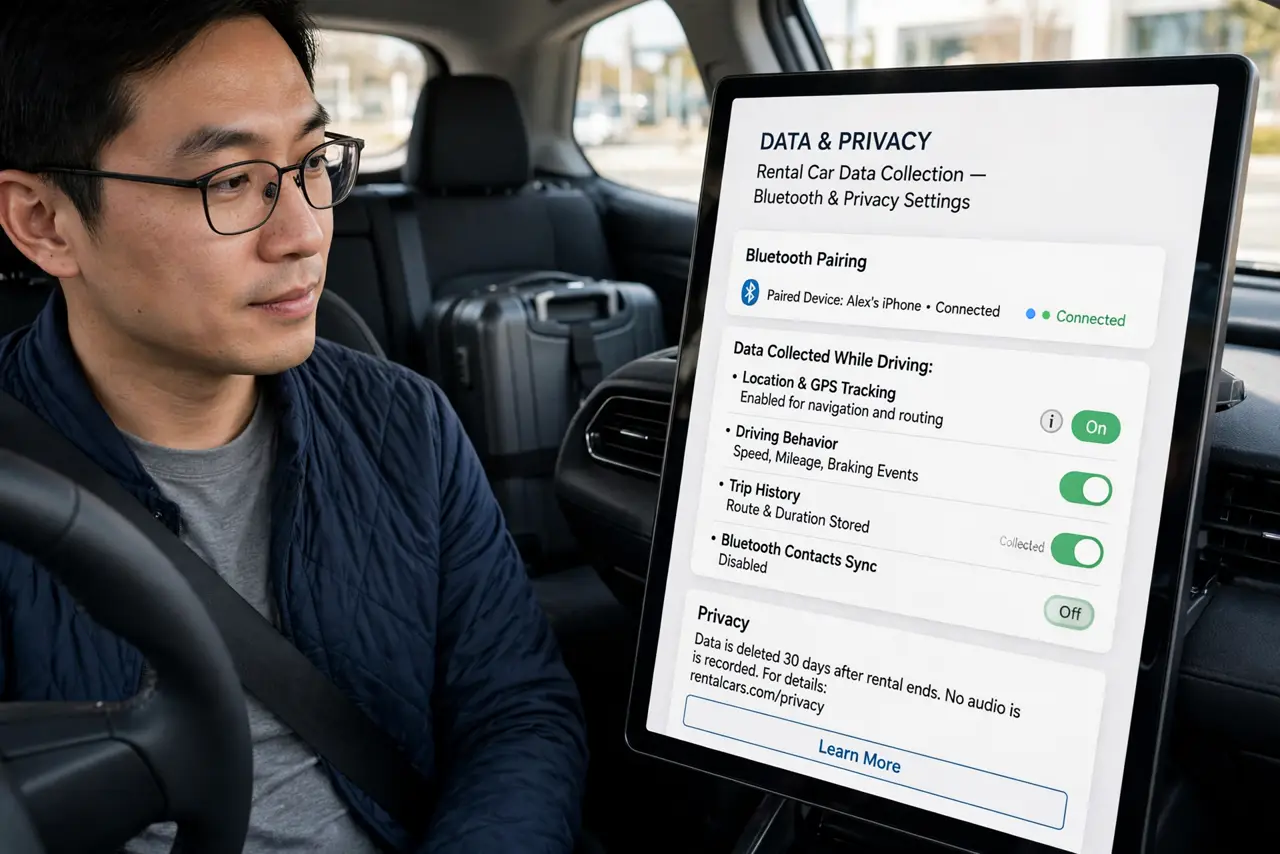
- Know what the car collects. Pairing via Bluetooth often copies your contacts and call logs; using built-in navigation saves your destinations and home address. Toll transponders and companion apps can add location history on top.
- Decline the phonebook sync when pairing. When the car asks to sync contacts, say no if you only need calls and music. Bluetooth audio works fine without handing over your entire address book.
- Use your phone's navigation instead. Running maps on your phone keeps your destinations off the car's system entirely. It is also usually more up to date than the rental's built-in maps.
- Delete your phone from the paired list. In the car's Bluetooth settings, find your phone and choose Forget or Delete. This removes the pairing so the next renter cannot reconnect to your device entry.
- Clear navigation history and saved places. Open the car's navigation settings and delete recent destinations, saved favorites, and especially your home address. This is the data most people forget.
- Do a final check before returning. Browse the phone list, call history, and nav favorites once more with fresh eyes. If you already returned the car, call the rental branch and ask them to factory-reset the infotainment system.
What NOT to do
- Do not assume the rental company wipes the car. Most do not touch the infotainment system between renters — your data sits there until someone deletes it.
- Do not log into personal accounts on the car's system. Built-in apps for music or charging networks can leave you signed in for the next driver.
- Do not leave a USB drive plugged in. The car may index its contents, and you will probably forget the drive itself.
- Do not pair over the car's Wi-Fi hotspot with sensitive browsing. Use your phone's data or a VPN for anything private.
Frequently asked questions
Can the next renter really see my contacts?
If the car synced your phonebook and nobody wiped it, yes — contacts, call history, and sometimes texts appear in the infotainment menus. Deleting the pairing usually removes the synced data with it.
Is this actually a privacy law issue?
It sits in a gray area that regulators are starting to examine, but you cannot rely on the law to clean up after you. Wiping it yourself is the only dependable fix.
What if I already returned the car?
Call the rental location promptly and ask them to reset the infotainment system and delete paired devices. The sooner you call, the less chance another renter has driven it.