VPN Logs? Basics
'No logs' is splashed across every VPN website — and it means wildly different things from one provider to the next. Logs are records of what you did: which servers you used, when you connected, sometimes which sites you visited. A VPN that logs heavily just moves your trust problem from your internet provider to the VPN company. Here is how to read the claims.
TL;DR / Quick Fix
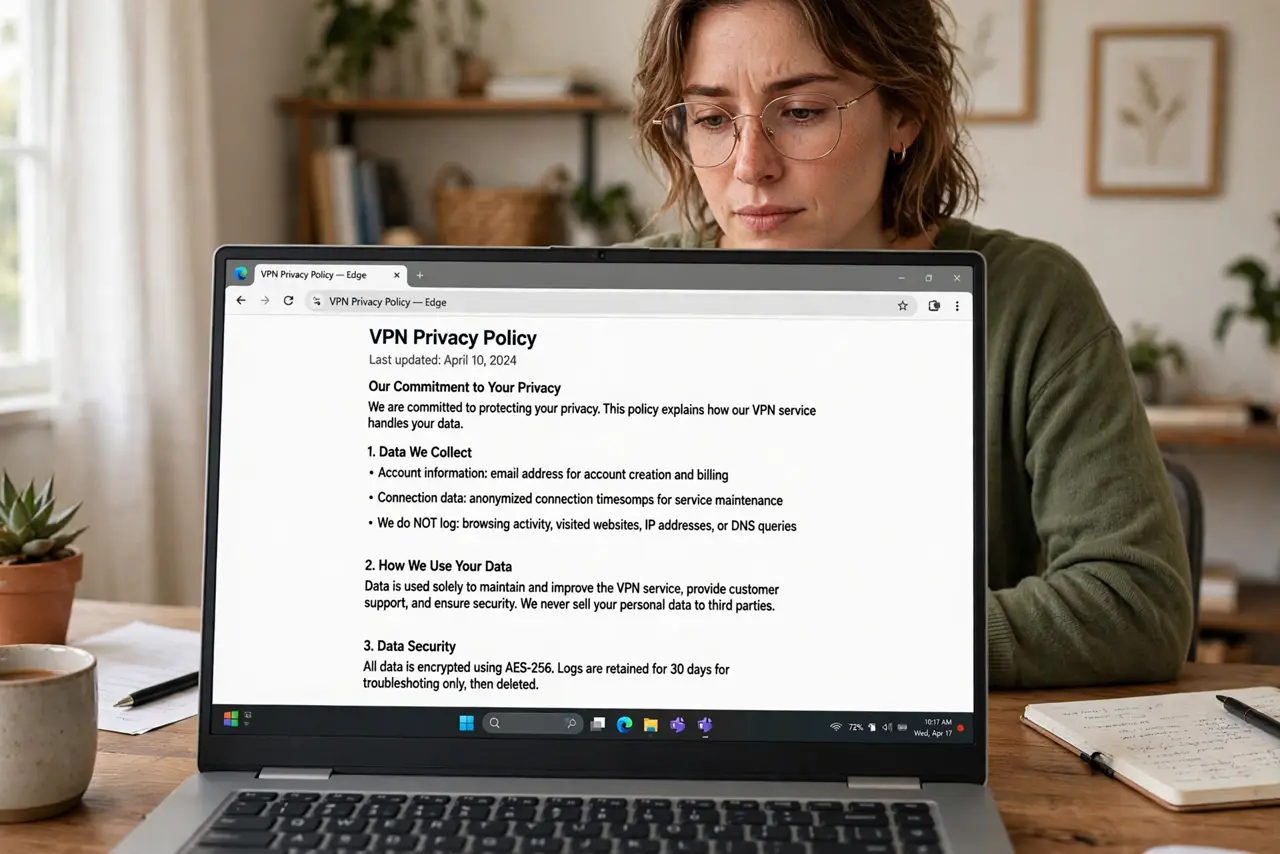
Quick fix: 'no logs' claims vary wildly — some VPNs log nothing, others log connection times and bandwidth. Read the actual privacy policy, prefer providers with independent audits, and remember a VPN shifts trust from your provider to the VPN company. Jurisdiction matters too.
Follow these steps
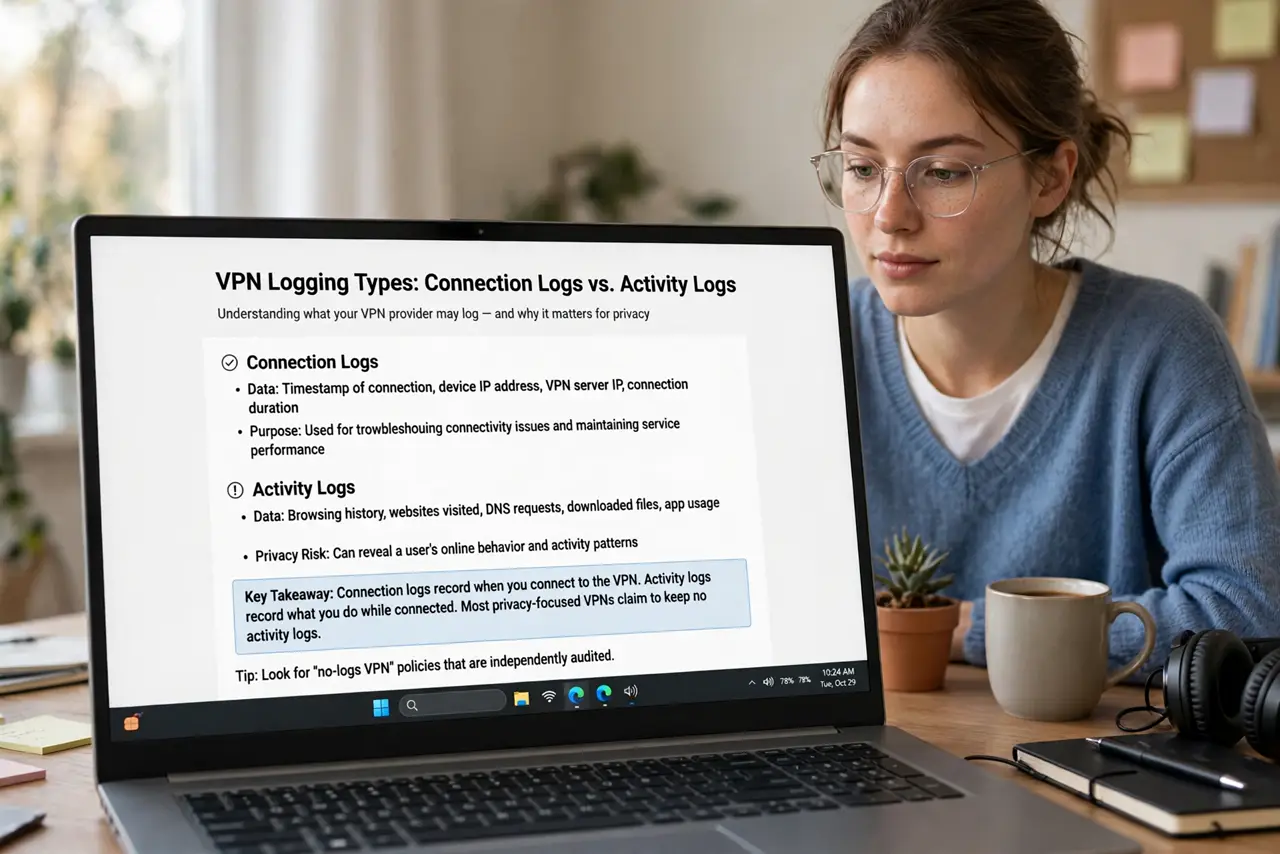
- Learn what can be logged. Connection logs (when you connected, how much data) are common and mostly harmless. Activity logs (which sites you visited) defeat the VPN's purpose. The policy should distinguish them clearly — vagueness is a red flag.
- Read the actual privacy policy. Marketing says 'no logs'; the policy says what is really kept. Spend five minutes on the policy page before subscribing — it is the only document that counts. If you cannot find a clear policy, walk away.
- Prefer independently audited providers. Reputable VPNs hire outside firms to audit their no-logs claims and publish the results. An audit is not proof of sainthood, but it beats a pinky promise on a landing page.
- Consider the jurisdiction. A VPN based in a country with mandatory data-retention laws faces legal pressure to log. Privacy-friendly jurisdictions are part of why some providers choose Panama or Switzerland — it is not just marketing.
- Know what even 'no logs' cannot hide. The VPN still sees your traffic in real time — no-logs means they do not store it. And sites you log into know who you are regardless. A VPN is a trust shift, not invisibility — see the VPN basics for the full picture.
- Pay anonymously if it matters. Providers accepting cash or cryptocurrency let you subscribe without linking your identity. For most people this is overkill; for those with real threat models, it closes a gap.
What NOT to do
- Do not believe 'no logs' on the landing page alone. The privacy policy is the real document — marketing copy is not a contract.
- Do not assume jurisdiction does not matter. Data-retention laws follow the company's home country, not yours.
- Do not use a VPN to do illegal things and expect loglessness to save you. Providers comply with lawful orders; no-logs is not a shield against the law.
- Do not confuse no-logs with anonymity. The VPN sees your live traffic; logged-in sites know your identity. Different threats, different tools.
Frequently asked questions
Can a no-logs VPN still see my traffic?
In real time, yes — it has to, to route it. No-logs means it does not store records of it. That distinction is the entire claim.
Have no-logs claims ever been tested?
Yes — a few providers have had servers seized or faced court orders and had nothing to hand over. Those real-world tests are the strongest evidence a claim can have.
Does HTTPS make VPN logs irrelevant?
Partly — HTTPS already hides page contents from everyone. The VPN additionally hides which sites you visit from your provider, which is what its logs (or lack of them) are about.