Auto-Delete Web Activity? Setup
Every search, every video, every site — your account quietly archives years of it. Web activity history personalizes results and recommendations, but it is also a detailed diary sitting on someone else's servers. Auto-delete keeps the personalization working on recent data while old entries expire on their own.
TL;DR / Quick Fix
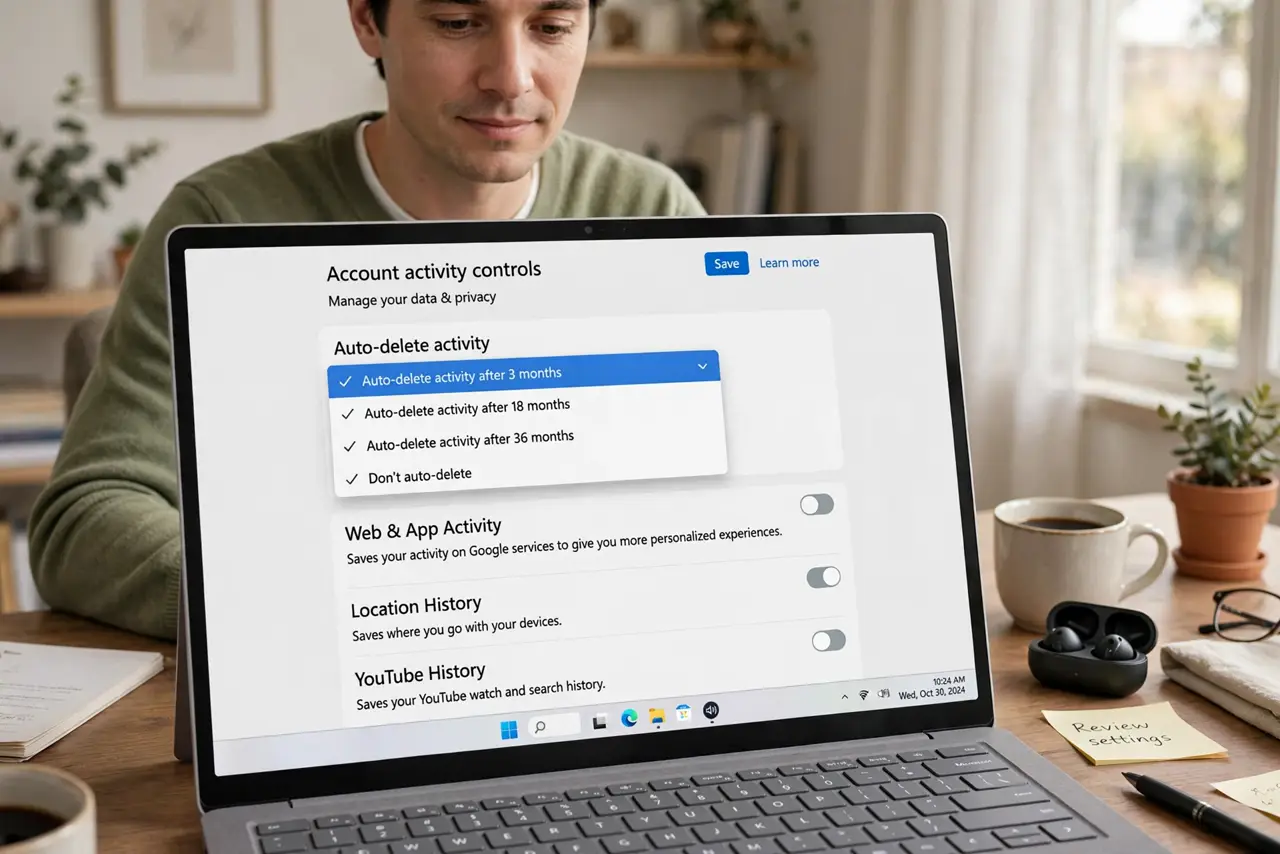
Quick fix: your account saves every search and site visit by default — turn on auto-delete so entries expire after a few months. Find it in your Google account under Data & Privacy > Web & App Activity. Recommendations keep working; the permanent diary disappears.
Follow these steps
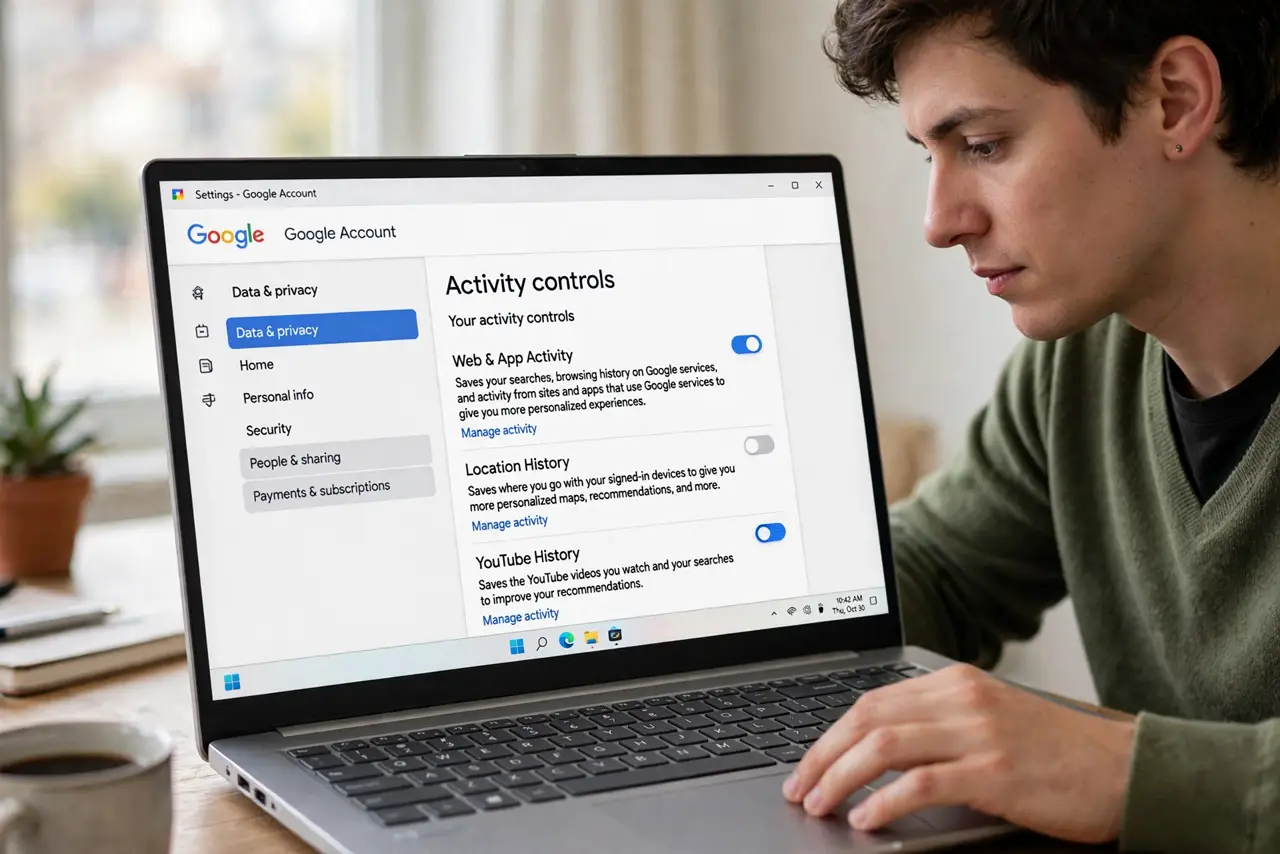
- Open your account's activity controls. In your Google account, go to Data & Privacy, then Web & App Activity. This one page governs searches, browsing, and app activity tied to your account.
- Choose auto-delete, shortest comfortable window. Pick the auto-delete option and the shortest retention you are comfortable with. Old entries then vanish on schedule — no maintenance, no remembering.
- Delete the backlog once. Auto-delete only handles the future. Use the delete-activity controls to clear the old archive — or keep the last few months if you like recent personalization.
- Do the same for YouTube history. YouTube keeps its own watch and search history with separate controls — pausing it stops the recommendation diary without killing the feature.
- Check what is included. Web & App Activity covers searches and Chrome history synced to your account; location and YouTube are separate toggles. Audit each — they are independent archives.
- Revisit yearly. Companies add new data categories over time. A once-a-year glance at the activity controls catches new toggles that defaulted to on without telling you.
What NOT to do
- Do not confuse auto-delete with pausing. Pausing stops collection but keeps the archive; auto-delete expires old entries. Use both if you want minimal data.
- Do not assume incognito mode handles this. Incognito only hides history from your device — your account still logs signed-in activity. See what incognito actually hides.
- Do not forget synced devices. Chrome history from every signed-in device lands in the same archive — auto-delete covers all of them at once.
- Do not expect recommendations to die. They run on recent data, which auto-delete keeps — you lose the ancient diary, not the useful personalization.
Frequently asked questions
Will auto-delete make search worse?
Barely. Search personalizes mostly from recent behavior, which short retention keeps. You might notice slightly less eerie mind-reading on old topics — most call that a feature.
Does deleting activity erase it from servers entirely?
It removes it from your account and stops it being used for personalization. Companies retain some anonymized or legal-hold data regardless — auto-delete is about your visible archive, not their backups.
Should I just pause everything instead?
Pausing plus auto-delete is the belt-and-suspenders option. Pausing alone leaves years of history sitting there; auto-delete alone keeps collecting. Together they minimize both past and future.