Cover Your Webcam? Options
A piece of tape over the webcam used to be a joke about paranoia — then webcam malware became a real criminal industry. Covering the camera is cheap, reversible, and eliminates an entire category of spying: no software, however malicious, can see through an opaque cover. The only question is which cover to use.
TL;DR / Quick Fix
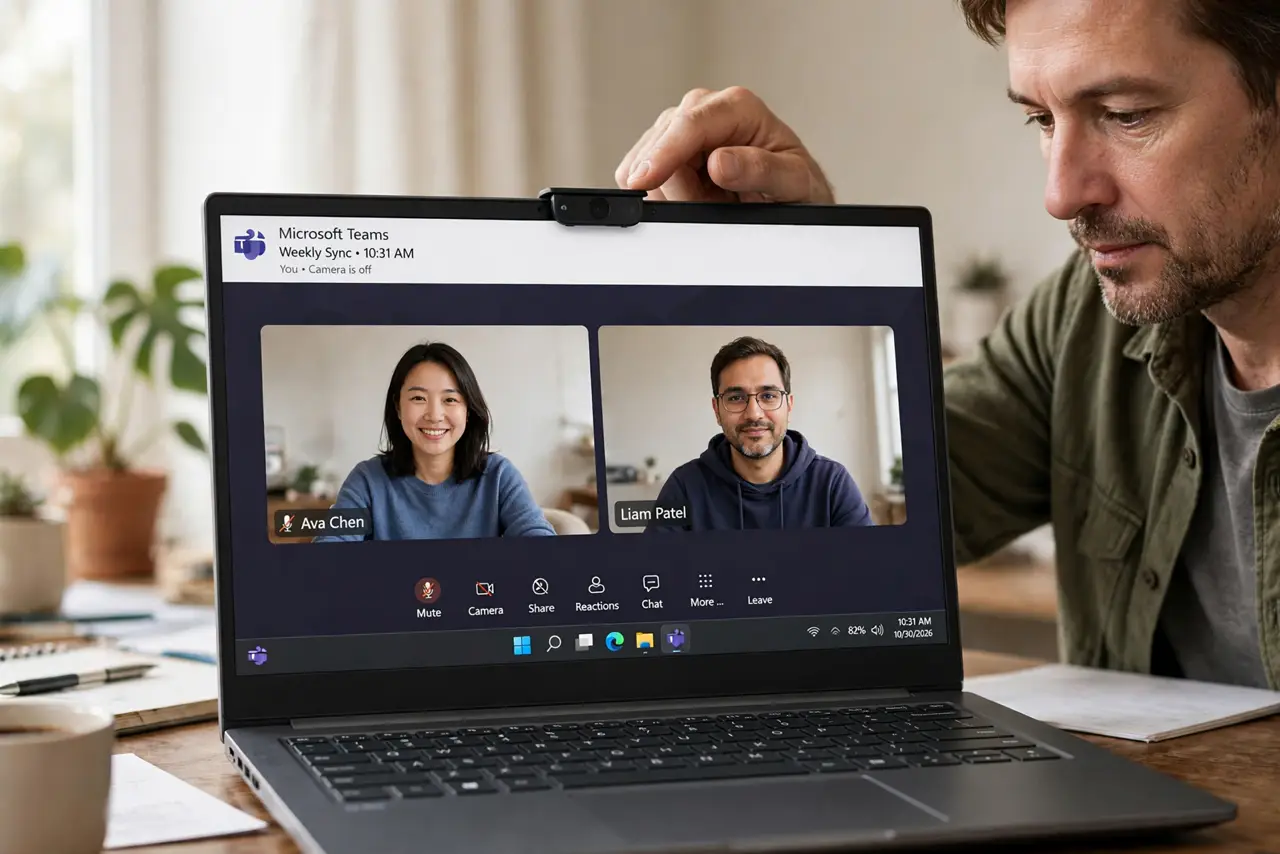
Quick fix: cover your laptop webcam with a sliding shutter cover — they cost a few dollars, stick around the camera, and slide open only when you need video. Tape works in a pinch but leaves residue. No malware can see through a physical cover, period.
Follow these steps
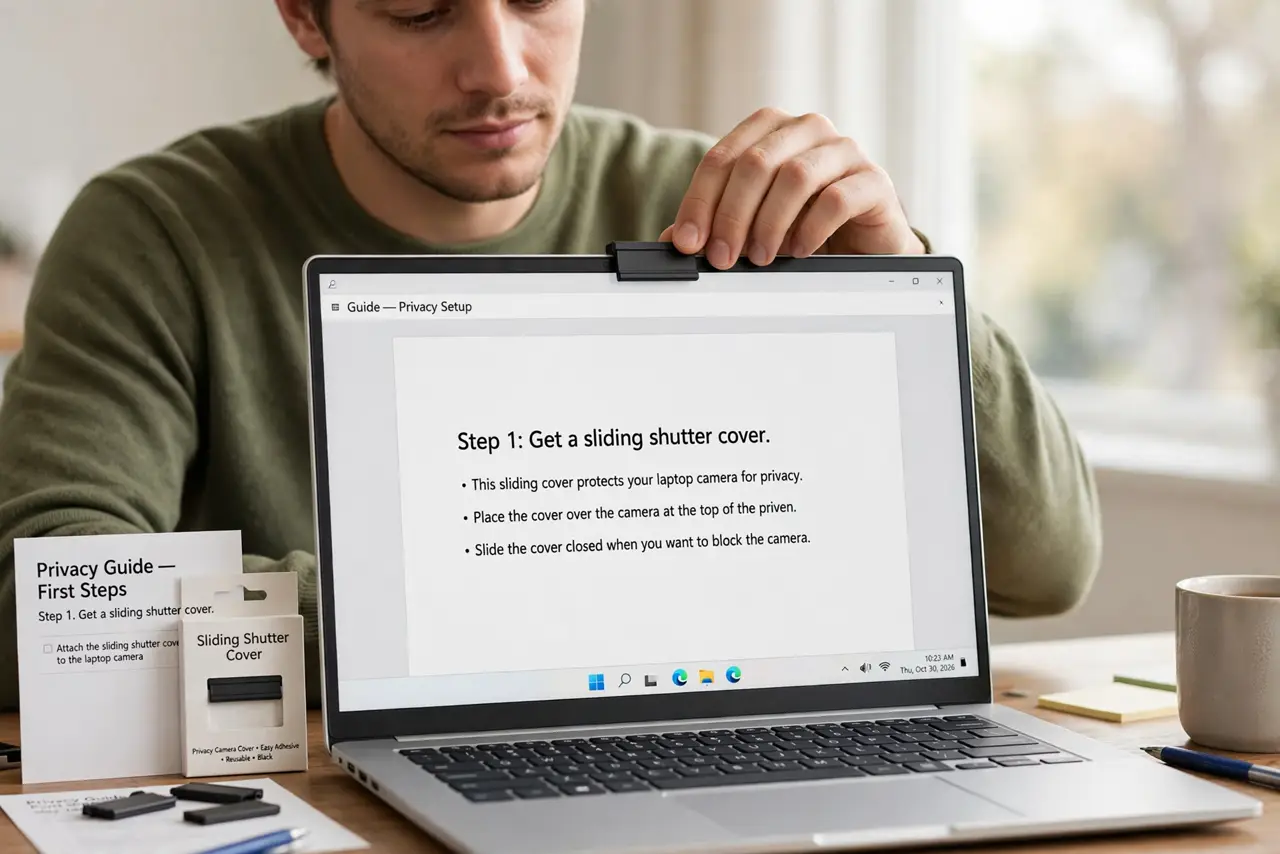
- Get a sliding shutter cover. Thin adhesive sliders made for laptops cost little and last years. They sit flush enough to close most laptop lids and slide open with a fingernail when a call starts.
- Tape works as a stopgap. Opaque electrical tape blocks the camera completely. It is ugly and leaves residue, but it proves the concept while you wait for a proper slider.
- Cover external webcams too. USB webcams on desktops and monitors need covers as well — many clip-on models include a built-in privacy shutter; if yours does not, a slider fits those too.
- Unplug when not in use. For desktop USB cameras, unplugging is the ultimate cover — no power, no spying, no doubt. Plug in only for calls.
- Pair with microphone awareness. A covered camera still has a live microphone. Watch your mic and camera indicators and mute when the call ends — covering is half the job.
- Make it a household habit. Cover every family laptop, especially kids' devices. One covered camera per device, checked monthly — sliders do fall off eventually.
What NOT to do
- Do not use transparent or translucent tape. Frosted tape blurs but does not block — an attacker still sees shapes and movement.
- Do not cover the microphone hole thinking it mutes. Tape over the mic muffles slightly at best; use the software mute or a real disconnect.
- Do not buy bulky covers for thin laptops. A thick slider can crack the screen when the lid closes — choose the ultra-thin models made for laptops.
- Do not assume the cover means you are done. Pair it with updated software and muted smart speakers — physical covers are one layer, not the whole plan.
Frequently asked questions
Can malware really turn on my webcam?
Yes — remote-access malware has included webcam capture for years, and victims never see the indicator light because the malware suppresses it. The cover defeats the entire attack.
Does the cover interfere with video calls?
Only if you forget to slide it open — the classic 'I can't see you' moment. Build the slide-open into your pre-call routine.
What about phone front cameras?
Phones are harder to attack this way thanks to stricter app permissions and hardware indicator lights. Laptop webcams remain the main risk.