Mic and Camera Indicators? Watch Them
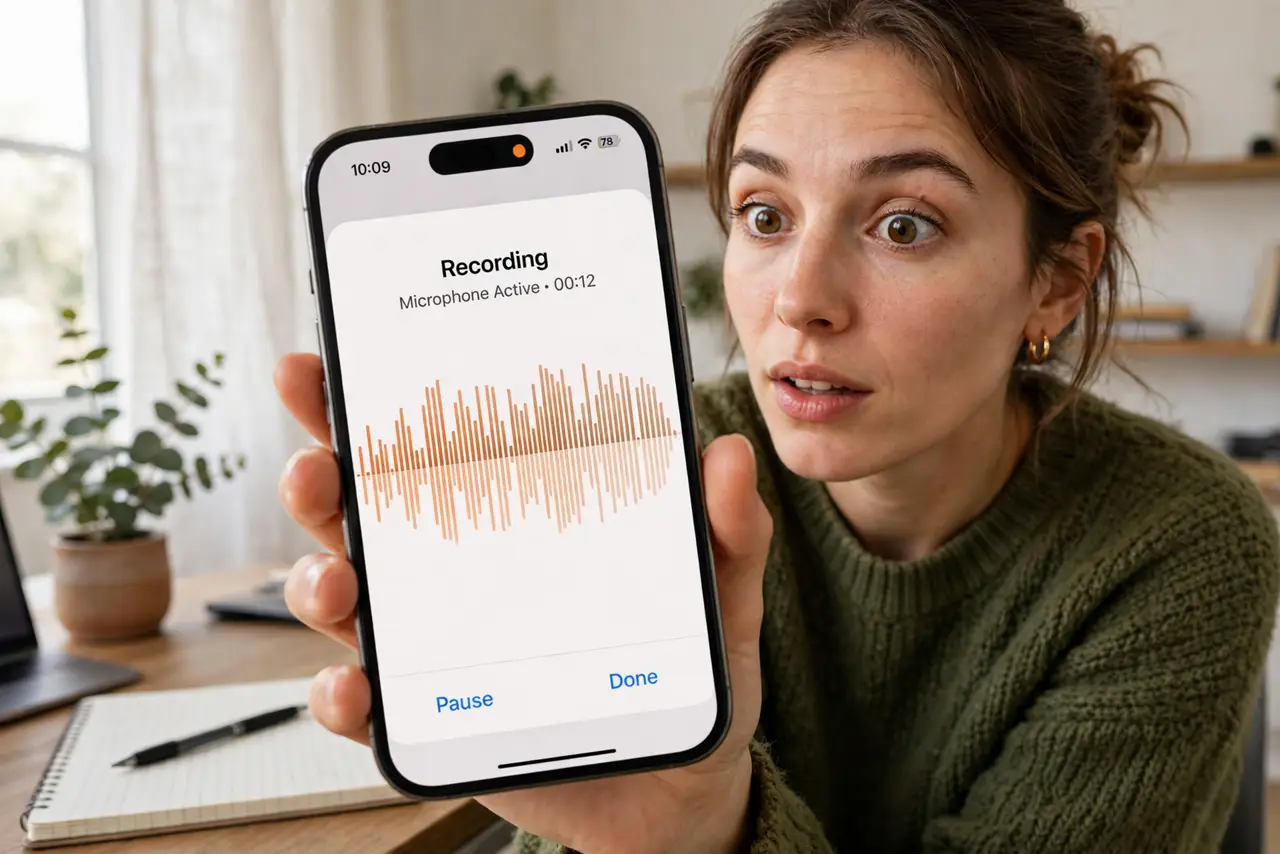
That tiny green or orange dot at the top of your screen is your phone telling you an app is using the camera or microphone right now. Both iPhone and Android added these indicators so no app can record you silently. Most people never look at them — which defeats the entire purpose. Here is how to read them and what to do when one appears unexpectedly.
TL;DR / Quick Fix
Quick fix: the colored dot at the top of your screen means an app is actively using your camera or microphone — orange for mic, green for camera on iPhone. If the dot appears unexpectedly, open Control Center to see which app triggered it, then revoke its permission.
Follow these steps
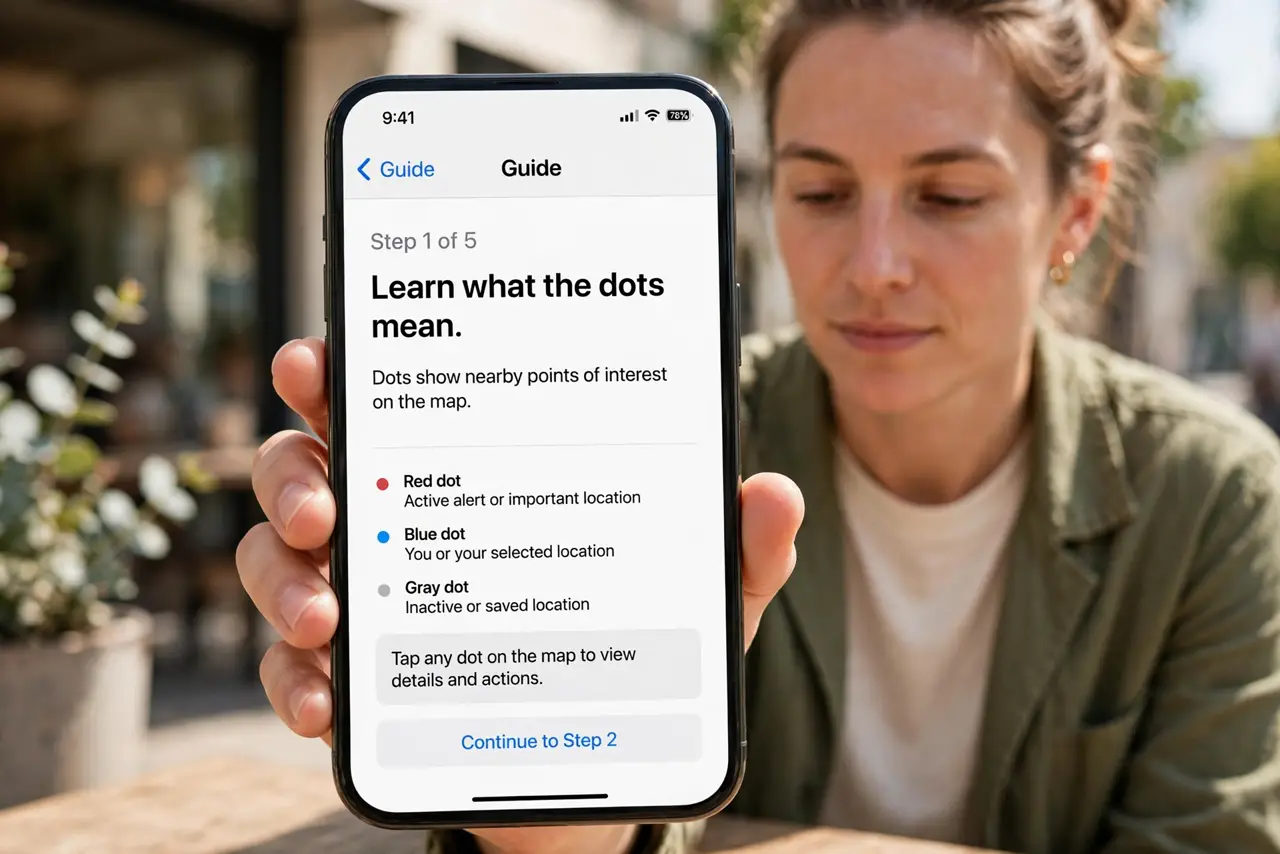
- Learn what the dots mean. On iPhone, orange means the microphone is active and green means the camera (or both). Android shows a green dot for either. The dot is system-level — apps cannot hide it.
- Check which app triggered it. Swipe into Control Center right after spotting the dot; the phone names the app that just used the mic or camera. This turns a mystery into a specific suspect.
- Question unexpected appearances. A dot during a video call is normal. A dot while scrolling a shopping app at midnight is not — that is exactly the moment the indicator earns its keep.
- Revoke the permission on the spot. Go to the app's permissions and switch camera or microphone to off or Ask Every Time. A legitimate app keeps working; a snooping one loses its feed.
- Know the Android equivalent. Android's privacy dashboard shows a full timeline of mic, camera, and location access per app. Check it weekly — it is the indicator dot's bigger sibling.
- Do not ignore a persistent dot. A dot that never goes away means an app is recording continuously — possibly a stuck permission. Kill the app, revoke permission, and reinstall it only if you trust it.
What NOT to do
- Do not assume the dot means you are being spied on. Most appearances are legitimate — voice notes, calls, camera apps. Investigate, do not panic.
- Do not disable the indicators. They are a system protection; some shady guides suggest turning them off for a cleaner screen — that is exactly backwards.
- Do not confuse the dot with the flash. The indicator is a small software dot at the screen edge, not the camera flash firing.
- Do not forget the microphone half. People watch for the camera dot and ignore the mic dot — audio surveillance is the quieter threat.
Frequently asked questions
Can apps record without triggering the dot?
On modern phones, no — the indicator is enforced by the operating system below the app level. Malware with deep system access could theoretically bypass it, which is why updated software matters.
Why did the dot appear when I opened the camera app?
Because the camera app uses the camera — the system cannot tell your intent, only the access. Expected access producing a dot is the system working correctly.
Does the dot drain battery?
Negligibly. The dot itself is just a pixel; the battery cost comes from whatever the app is doing with the mic or camera.