Share Wi-Fi Safely? Basics
Guests are coming over and everyone will ask for the Wi-Fi password — and yours is a 20-character monster nobody can type. Shouting it across the room, texting it, or writing it on a sticky note all work, but each leaks it a little further. There are cleaner ways to share access without sharing the secret. Here is how.
TL;DR / Quick Fix
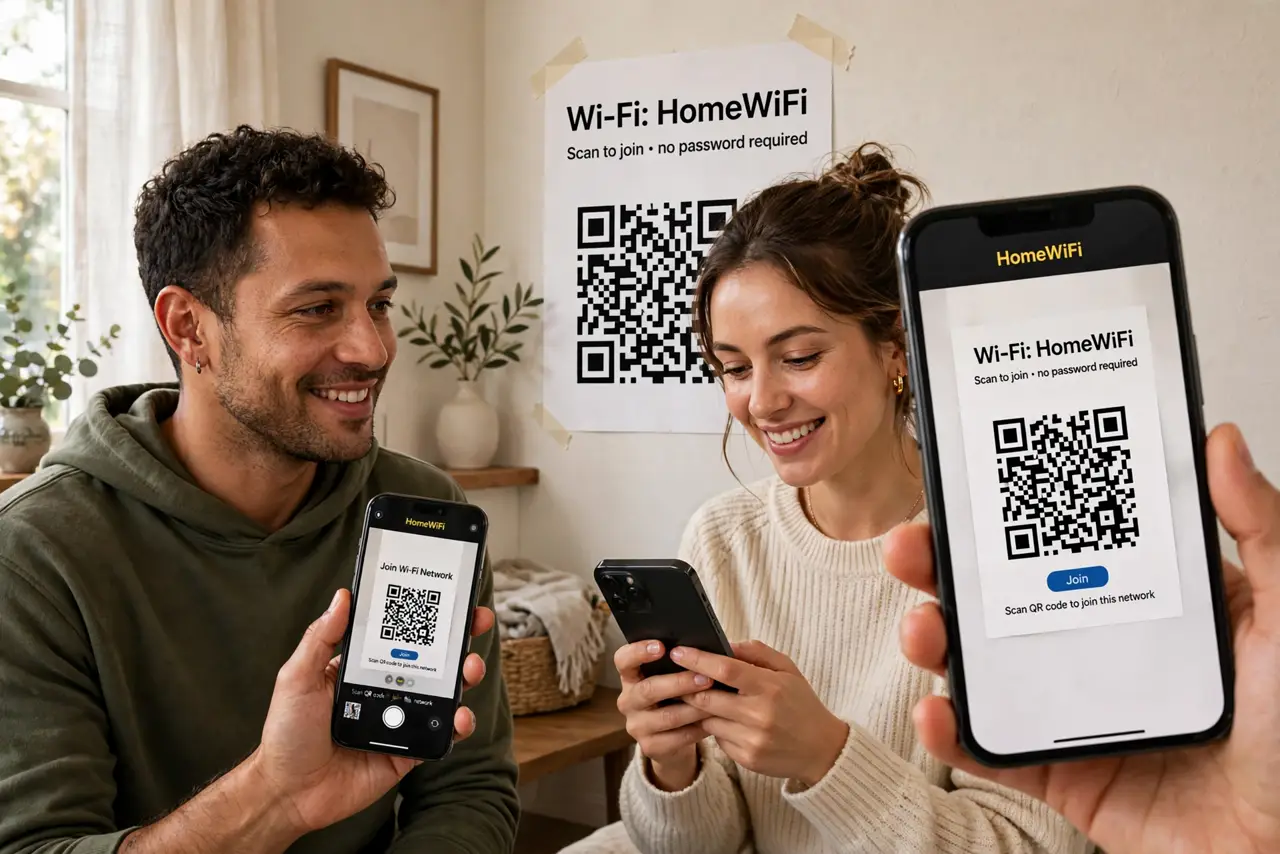
Quick fix: the cleanest share is a Wi-Fi QR code — guests scan it and join without ever seeing the password. iPhones can also share Wi-Fi automatically with nearby contacts. Never text the password or leave it on a sticky note; rotate it after guests leave if you are cautious.
Follow these steps
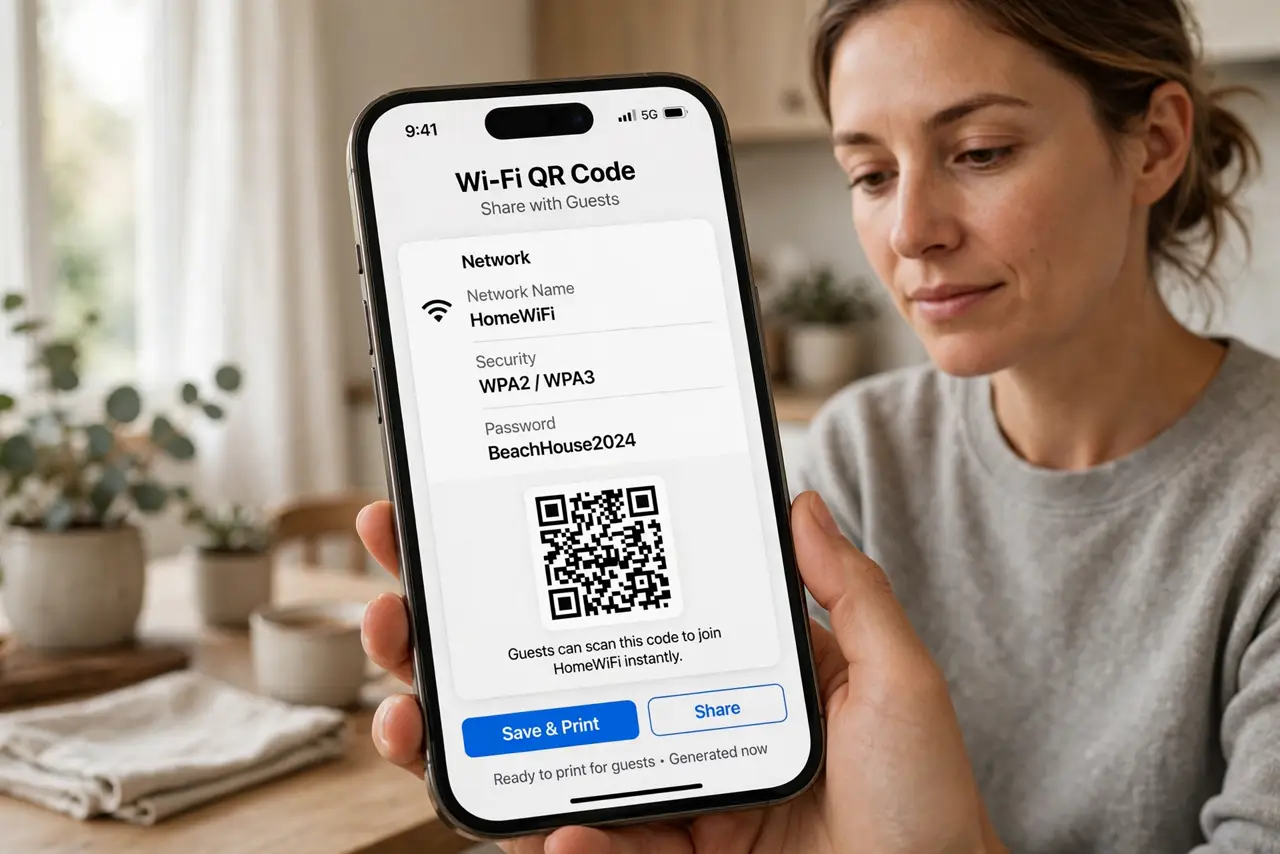
- Use a Wi-Fi QR code. Generate a QR code encoding your network name and password (your router app or a free generator), print it, and stick it where guests gather. Guests scan and join — the password stays secret. See our QR code safety guide before you post it publicly.
- Try automatic sharing on iPhone. If you are both on iPhones with each other in contacts, bring the phones close when the guest opens Wi-Fi settings — iOS offers to share the password with one tap. No typing, no revealing.
- Set up a guest network. Most routers offer a separate guest network with its own password. Guests get internet but cannot see your computers, printers, or smart-home devices — proper isolation, minimal effort.
- Use the router's WPS button sparingly. The WPS button connects devices without typing the password, but it has known security weaknesses. Fine for a quick guest connection; do not leave WPS enabled permanently.
- Share verbally only as a last resort. If you must dictate it, do it privately and consider changing the password afterward. A password spoken aloud in a room is a password everyone in the room now knows.
- Rotate the password after visitors. For parties or rentals, change the Wi-Fi password after guests leave. It takes a minute in the router admin and guarantees yesterday's visitors are not still on your network.
What NOT to do
- Do not text the Wi-Fi password. Texts get forwarded, screenshotted, and live in chat histories forever.
- Do not post the QR code publicly online. A QR code IS the password — anyone who scans the photo joins your network.
- Do not give guests your main network when a guest network exists. Isolation is the whole point of the guest feature — use it.
- Do not use an easy password just for sharing convenience. A short password for guests is a short password for attackers — use the QR code instead.
Frequently asked questions
Is sharing via QR code actually secure?
Reasonably — the guest joins without learning the password, but anyone who photographs the code can join too. Keep the printed code inside your home, not in a public window.
Can guests see my files on the network?
On your main network, potentially yes — shared folders and devices are visible. On a guest network, no — that isolation is why the guest network exists.
Why won't the QR code work for my guest?
Their camera app must support Wi-Fi QR codes (most modern phones do), and the code must encode the exact network name — capitals and spaces matter. The standard Wi-Fi QR format covers the details.