Wipe a Laptop Properly Before Selling? How To
Selling a laptop with a quick delete leaves your files recoverable by anyone with free software. A proper wipe means backing up, signing out, encrypting, and then erasing the whole drive — the same care you would give wiping a phone. This guide walks the full routine on Windows and Mac.
TL;DR / Quick Fix
Quick fix: back up your files with an automatic backup, sign out of all accounts, turn on full-disk encryption if it is off, then run the manufacturer's factory reset. Afterward, reinstall the OS to the welcome screen so the buyer gets a clean start and you leave nothing behind.
Follow these steps
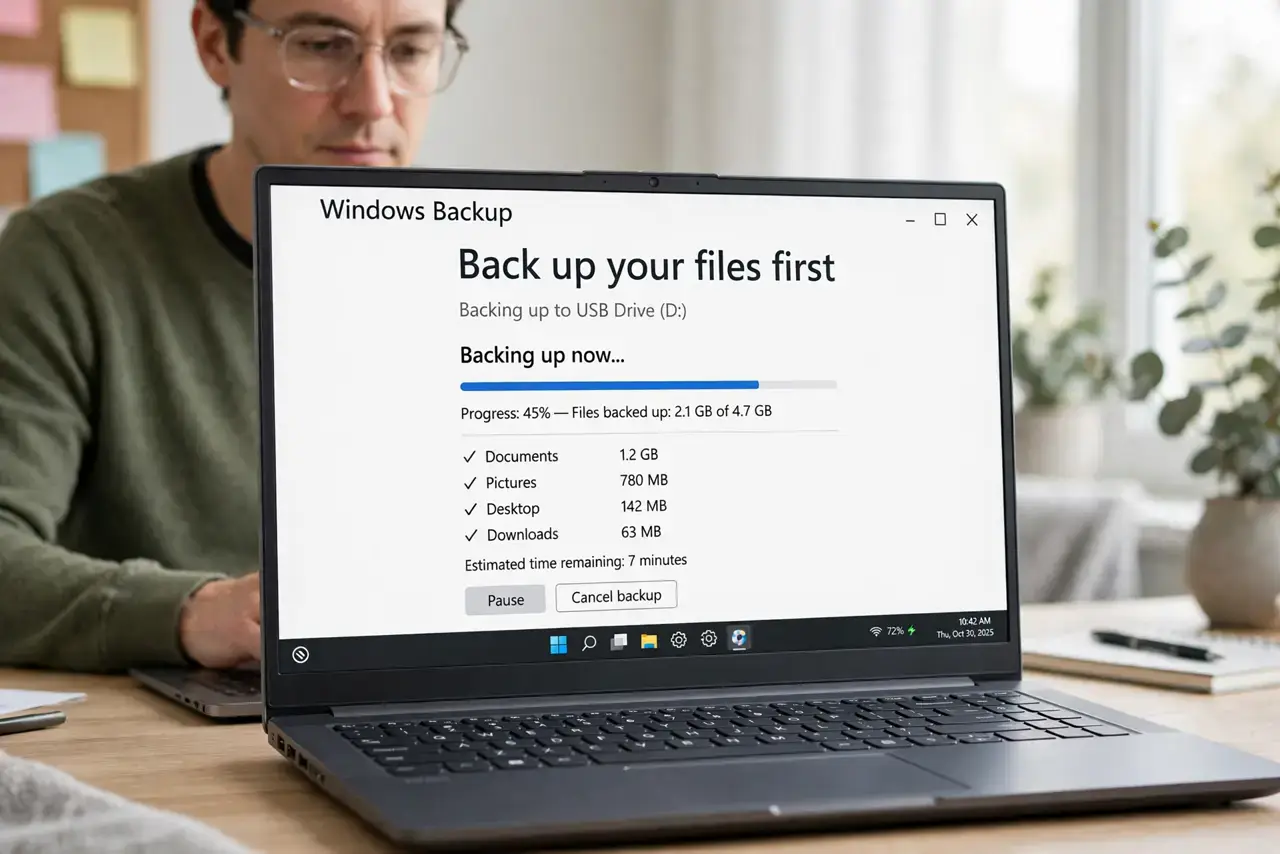
- Back up your files first. Copy documents, photos, and browser data to an external drive or cloud backup. A wipe is one-way, and buyers will not wait for you to rescue files.
- Sign out of everything. Sign out of Microsoft, Apple, Google, and any licensed software like Office or Adobe. Leftover licenses can lock the buyer out — or keep billing you.
- Turn on encryption before erasing. On Windows, enable BitLocker; on Mac, FileVault. Erasing an encrypted drive destroys the keys, which makes old data unreadable even with recovery tools.
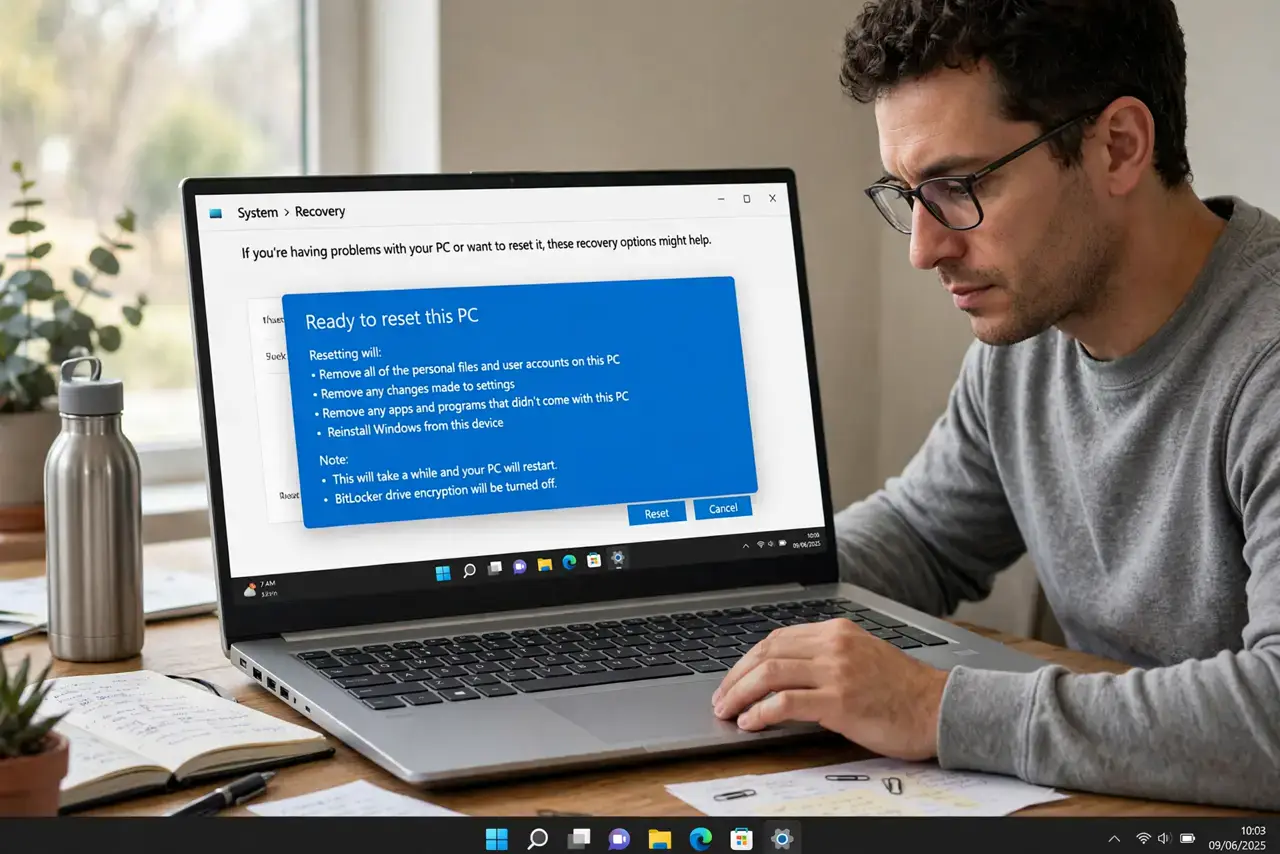
- Run the full factory reset. On Windows use Settings, then System, then Recovery, then Reset this PC with 'Remove everything.' On Mac use Erase All Content and Settings, or Recovery Mode on older models.
- Reinstall to the welcome screen. Let the OS reinstall until it shows the first-time setup screen, then stop. The buyer gets a clean start, and you have proof the wipe completed.
- Remove it from your accounts online. After the sale, check your Microsoft and Apple device lists and remove the laptop, so it is no longer a trusted device on your accounts.
What NOT to do
- Do not just delete your user profile. Deleting an account leaves the drive's data recoverable; only a full encrypted erase clears it.
- Do not sell with the drive unencrypted and merely formatted. A quick format is trivially reversible with free recovery software.
- Do not forget licensed software. An Office install tied to your account can get the buyer locked out and keep your subscription active.
- Do not hand over passwords or PINs 'to help.' The buyer needs a clean welcome screen, not your credentials — change any password you ever typed on that machine.
Frequently asked questions
How long does a proper wipe take?
Usually one to three hours including the OS reinstall. Start it in the evening and let it run — most of the time is unattended.
Can anyone recover data after a proper wipe?
Not practically. A full erase of an encrypted drive leaves nothing that consumer recovery tools can reconstruct.
Should I physically destroy the drive instead?
Only for highly sensitive data. For a normal sale, an encrypted factory reset is enough; destroying the drive lowers the resale value to zero.