Put Smart Gadgets on Their Own Network
That twenty-dollar smart camera and the bargain smart plug are the weakest security on your network — cheap gadgets with rushed software, sitting next to your laptop and your files. Putting smart home devices on their own network segment means a compromised camera can spy on your living room but cannot reach your computer. Most routers can do this today. If you have not set up a guest network yet, the same feature often does this job.
TL;DR / Quick Fix
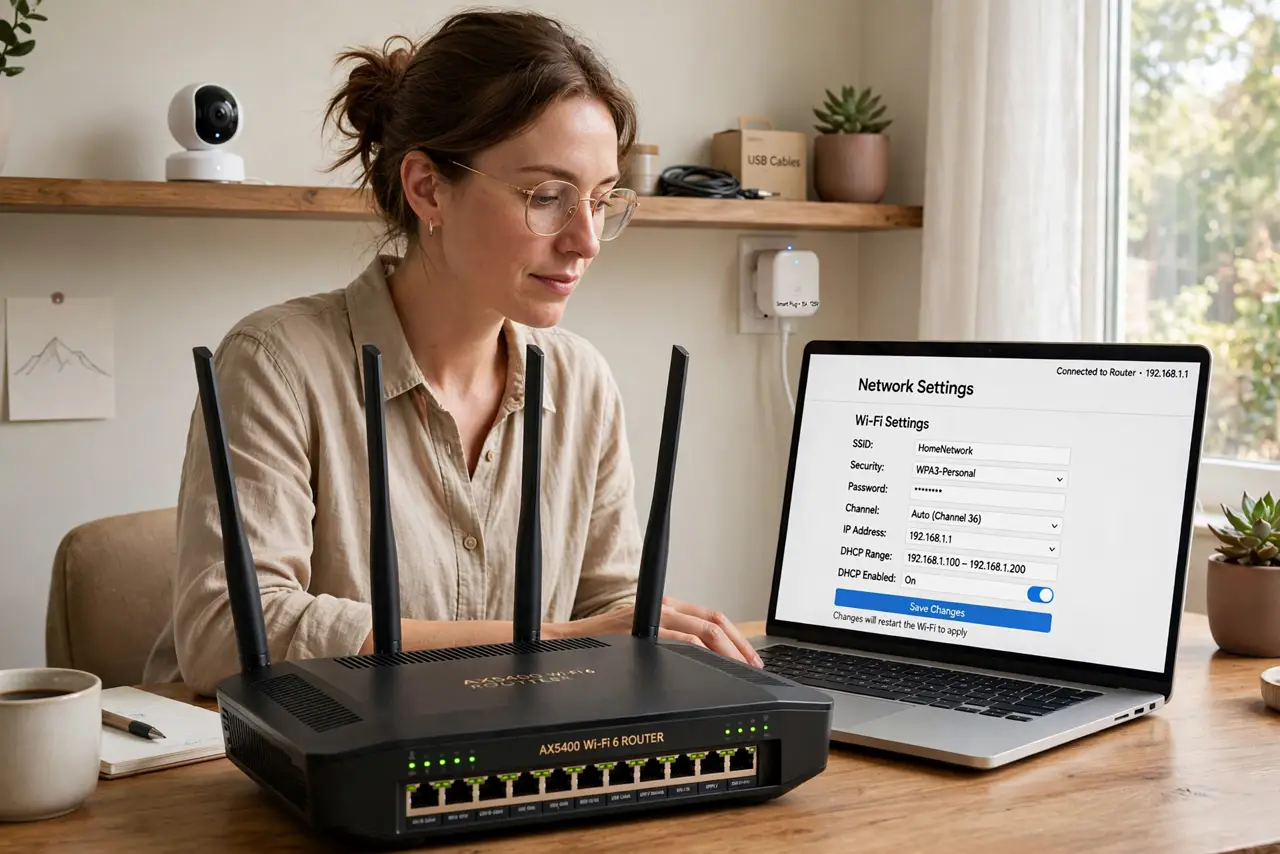
Quick fix: put smart cameras, plugs, and other cheap gadgets on a separate network — your router's guest or IoT network with client isolation works. They keep internet access but cannot see your laptop or files. Give the IoT network its own password and keep gadget firmware updated.
Follow these steps
- Understand the risk. Cheap smart devices get infrequent security updates and sometimes ship with weak defaults. If one is compromised, sharing a network with your laptop gives the attacker a path to your files — separation removes the path.
- Use your router's guest or IoT network. Most modern routers offer a guest network or a dedicated IoT SSID. Enable it and join every smart gadget to it instead of your main network — no new hardware needed.
- Turn on isolation. Enable client/AP isolation on that network so gadgets cannot talk to each other or to your devices — only to the internet. A camera that cannot see your laptop is a camera that cannot attack it.
- Give it its own password. Use a strong, unique password for the IoT network, different from your main Wi-Fi. You will type it once per gadget during setup and then forget it.
- Keep gadget firmware updated. Check each device's app for firmware updates a few times a year. Unpatched gadgets are the ones that end up in botnets — updates are the other half of this defense.
- Revisit when you add devices. Every new smart bulb or speaker defaults to your main network during setup. Make joining the IoT network part of your unboxing routine, every time.
What NOT to do
- Do not put cheap cameras on your main network out of laziness. Setup takes two extra minutes; the exposure lasts for years.
- Do not use the same password as your main Wi-Fi. One leak should not hand over both networks.
- Do not skip firmware updates on gadgets. Unpatched smart devices are the most commonly hijacked devices in homes.
- Do not assume expensive brands are exempt. Any internet-connected gadget benefits from separation — price is not a security guarantee.
Frequently asked questions
Will my phone still control the gadgets?
Usually yes — control goes through the manufacturer's cloud, not your local network. Some local-only features may need tweaks, but basic control keeps working.
Do I need a fancy router for this?
No. Any router with a guest network and client isolation — which is most routers sold in the last decade — can do it.
What about devices that need local network access?
A few, like some media servers, genuinely need to see your devices. Keep those rare exceptions on the main network and isolate everything else.