Share Live Meeting Notes
You spend an hour writing careful meeting minutes, send them out, and… silence. Nobody reads them, the same questions come back next week, and decisions quietly unhappen. The problem is not your writing — it is the format. Live shared notes, written during the meeting where everyone can see, get read because people watched them being born. Here is the switch.
TL;DR / Quick Fix
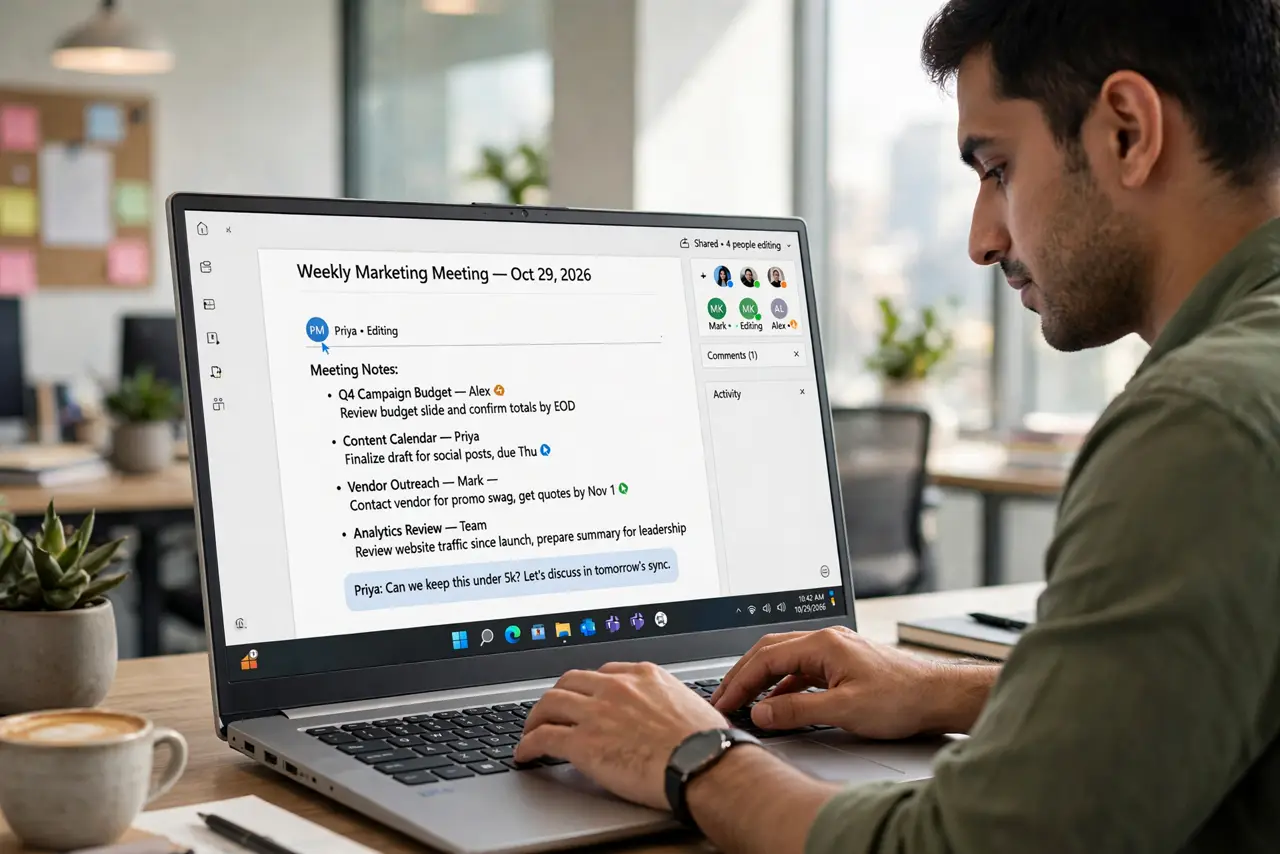
Quick fix: stop writing minutes after the meeting — take shared notes live in a document everyone can see and edit during the call. Assign every decision an owner and a date before the meeting ends. Short, visible, and owned beats polished, emailed, and ignored.
Follow these steps
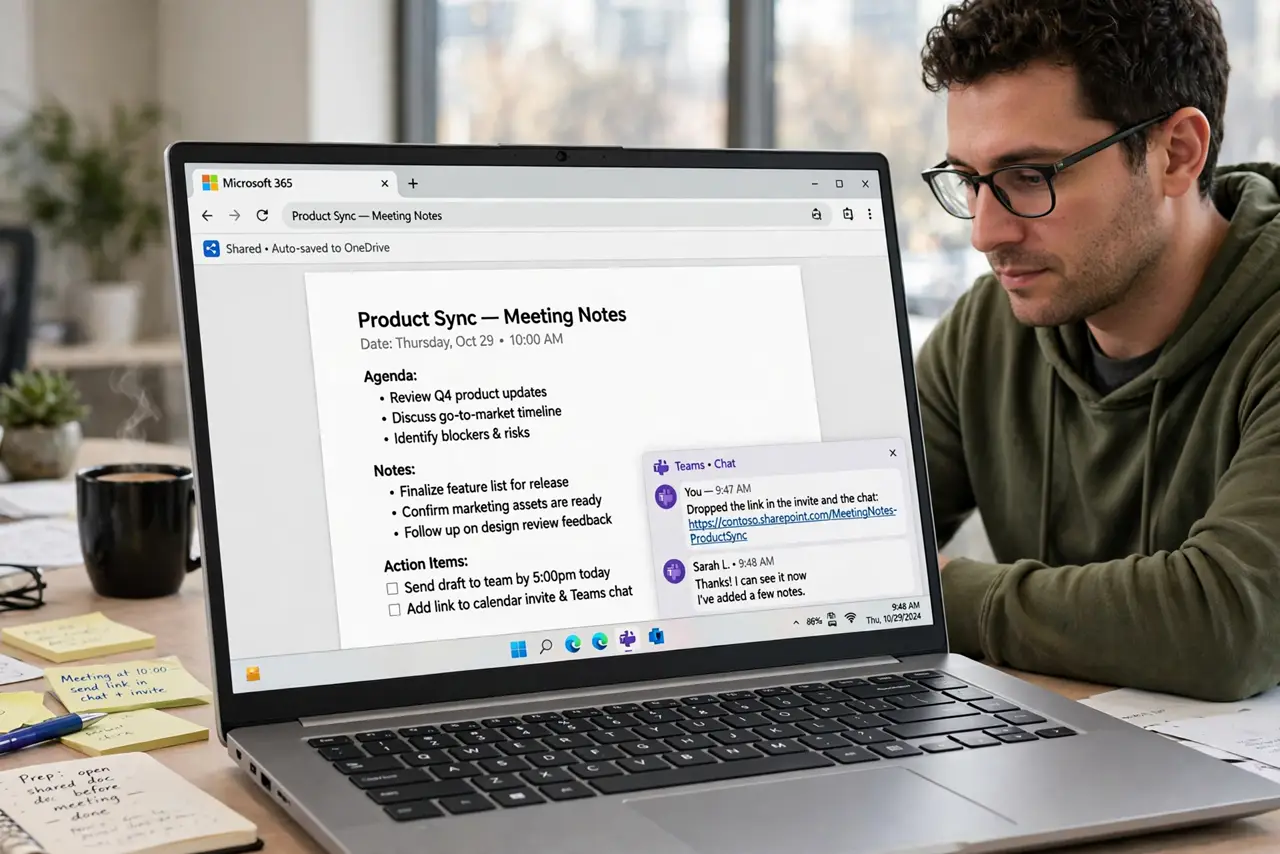
- Open one shared doc before the meeting. Create the doc from a simple notes template and drop the link in the invite and the chat. If people have to hunt for it, they will not open it.
- Take notes live, visibly. Type decisions and action items as they happen, with the doc shared on screen or in the call. Visible writing creates accountability — people correct mistakes in real time instead of disputing minutes later.
- Assign every item an owner and a date. An action item without a name and a deadline is a wish. Write 'Name — task — by Friday' for each one; the action-item pattern keeps it consistent.
- Keep it brutally short. Decisions, owners, dates. Skip the transcript of who said what — nobody reads it, and it buries the parts that matter. Ten lines beat ten paragraphs.
- Read the decisions back at the end. Spend the last two minutes reading the decision lines aloud. Misunderstandings surface while everyone is still present — that is the whole point of live notes.
- Send the link, not a new document. After the meeting, share the same live doc link. One living document beats a fresh email attachment that forks into five versions.
What NOT to do
- Do not write minutes alone after the meeting. Solo minutes get disputed, ignored, and rewritten — live shared notes skip all three fates.
- Do not record action items without owners. 'Someone should…' means no one will; names are the mechanism.
- Do not bury decisions in chat threads. Chat scrolls away; the doc persists and stays findable.
- Do not make the notes a transcript. Capturing every word guarantees nobody reads any of them.
Frequently asked questions
What if nobody contributes to the live doc?
One designated note-taker still beats post-meeting minutes — the visibility alone changes behavior. Rotate the role so it is not always you.
Should I still send a summary email?
A two-line email with the doc link is plenty. The doc is the record; the email is just the pointer.
How do I handle sensitive discussions in shared notes?
Note the decision, not the debate. 'Approved X, owner Y' captures what matters without transcribing who argued what.