Share Wi-Fi From iPhone to Android
iPhones share Wi-Fi passwords with other iPhones in one tap, but Android phones are left out of that magic. Sharing from an iPhone to an Android takes a small workaround — a QR code or a manual entry — and both are quick once you know them.
TL;DR / Quick Fix
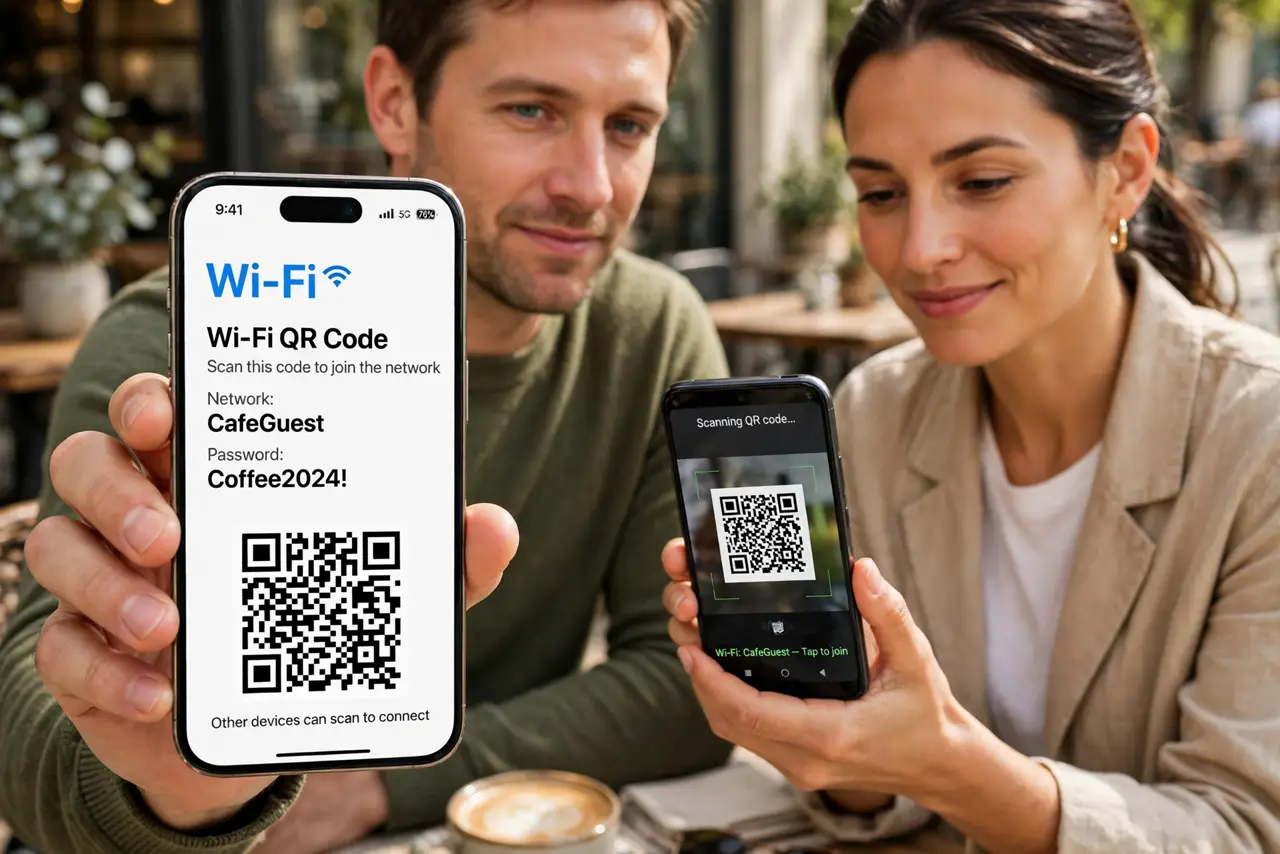
Quick fix: on the iPhone, show a [[QR code for the network|qr-code-share-wifi]] and have the Android phone scan it with its camera. If scanning fails, read the password from the iPhone's Wi-Fi settings and type it on the Android once.
Follow these steps
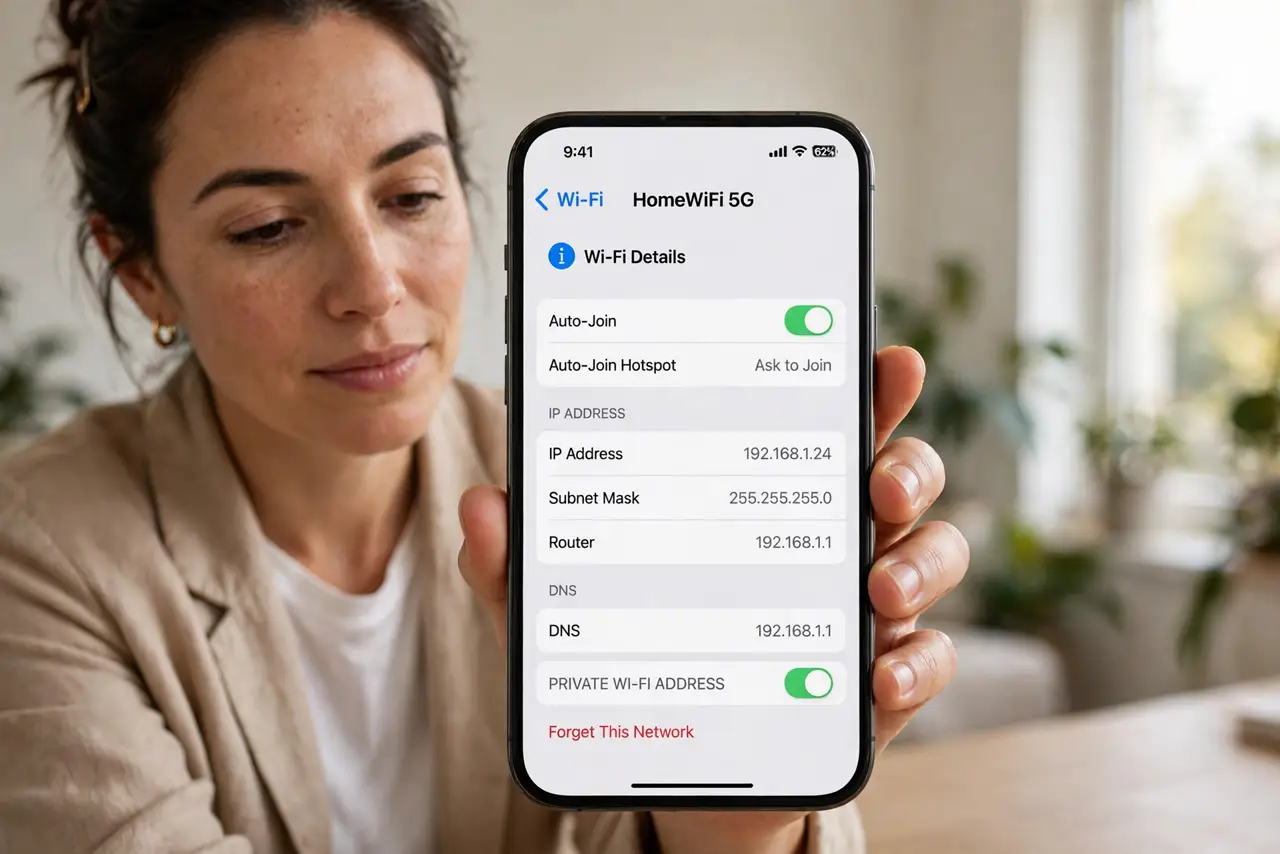
- Open the Wi-Fi details on the iPhone. On the iPhone go to Settings, Wi-Fi, and tap the info icon next to the connected network. The password is shown there after Face ID confirms it is you.
- Turn that password into a QR code. Use the iPhone's share sheet or a shortcut to make a Wi-Fi QR code, or use your router's own code. The Android camera app scans it and joins directly.
- Type it manually as the fallback. If the Android is old or the scan fails, read the password aloud carefully. Watch for lookalike characters like zero and the letter O.
- Use the guest network for visitors. Share the guest network's code, not your main one. Your own devices stay on the main network with its stronger separation.
- Check the Android actually joined. After scanning, confirm the Android shows the network name with a connection. Some phones scan the code but still ask you to tap Join.
- Save the QR code for next time. Keep a printed copy near the router. The next Android visitor scans it without you digging through settings again.
What NOT to do
- Do not try the iPhone-to-iPhone tap share with Android. That feature only works between Apple devices signed into iCloud.
- Do not dictate the password across a noisy room. One misheard character wastes ten minutes; the QR code avoids the whole problem.
- Do not hand your unlocked iPhone to strangers for this. Generate the QR code yourself and let them scan it from a distance.
- Do not share the main password with every visitor. Guests belong on the guest network — set it up once and share that code forever.
Frequently asked questions
Why won't my iPhone share Wi-Fi with an Android?
Apple's one-tap sharing only works between Apple devices. Android needs the QR code or the typed password instead.
Can Android share Wi-Fi back to iPhone?
Yes — newer Android phones can show a Wi-Fi QR code too, and the iPhone camera scans it the same way.
Does the QR code method work for hidden networks?
Usually yes if the generator supports hidden SSIDs, but typing it manually is more reliable for hidden networks.